
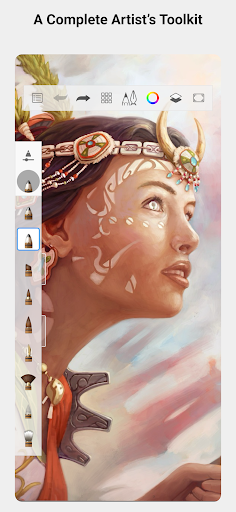
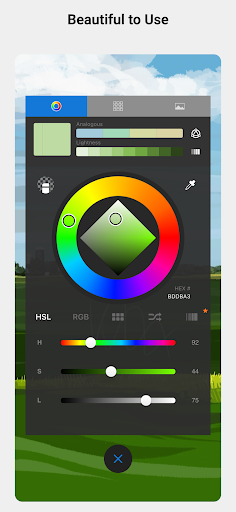
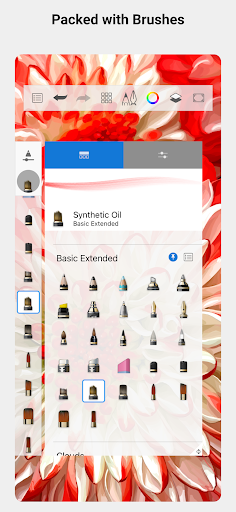

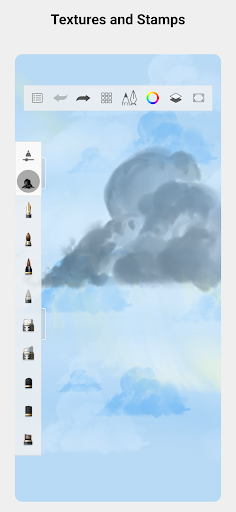
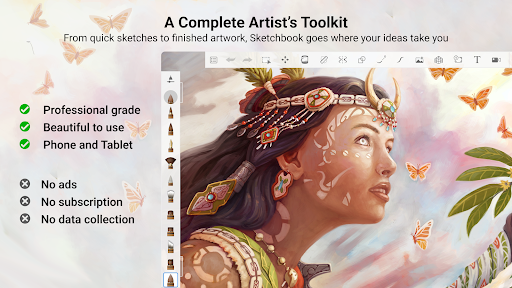
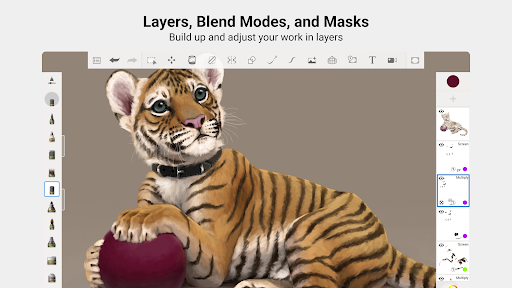
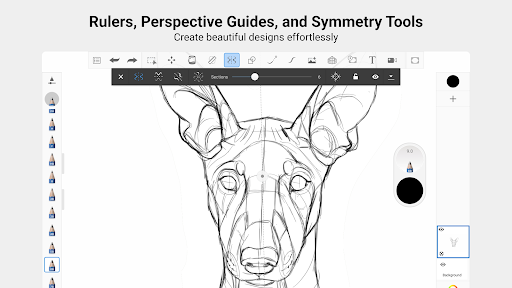
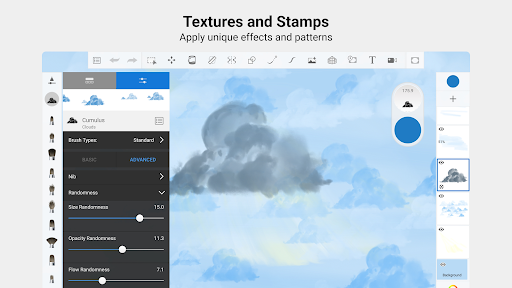
Sketchbook is a premier digital art studio designed for artists, illustrators, and creative enthusiasts who need a versatile platform for sketching, painting, and drawing. This app offers professional-grade tools that mimic real-world art supplies, providing users with an authentic drawing experience on their mobile devices. With its elegant, distraction-free interface, Sketchbook ensures that your focus remains solely on expressing your artistic ideas.
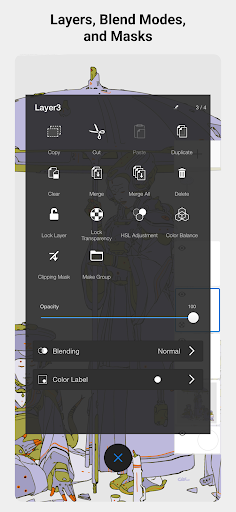
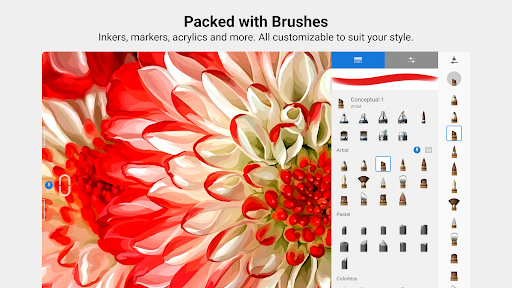
The app includes a comprehensive set of brush types such as pencils, markers, airbrushes, and smear tools, each customizable to fit your unique style. Additionally, precision tools like guides, rulers, and stroke controls allow for meticulous detailing. Whether you're creating quick sketches or fully finished artwork, Sketchbook supports every step of the creative process with features like layers and blend modes that add depth and flexibility to your projects.
Sketchbook stands out with its extensive array of features tailored for both amateur and professional artists. The app provides a full complement of brush types including pencils, markers, airbrushes, and smear tools, all designed to look and feel just like their physical counterparts. These brushes are highly customizable, allowing users to tweak settings to achieve the exact look they desire.
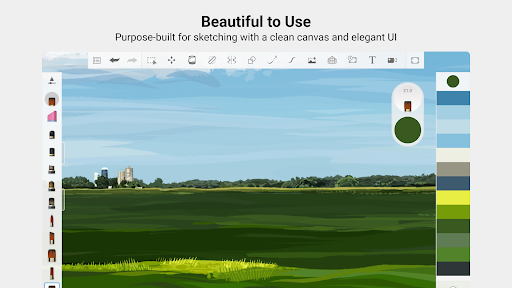
Precision is key in digital art, and Sketchbook delivers with tools like guides, rulers, and stroke controls that support detailed work. The app also offers layers with a complete set of blend modes, giving artists the flexibility to build up and explore different drawing techniques and color combinations. Furthermore, Sketchbook's user-friendly interface is purpose-built for sketching, ensuring a clean and unobtrusive environment that lets you concentrate on capturing and expressing your ideas without any distractions.
User-friendly interface
Highly customizable brushes
Professional-grade tools
Precision drawing instruments
Versatile layer functionality
Limited free features
Advanced tools require subscription
Steep learning curve
Occasional performance issues
Not ideal for beginners

Sketch, plan, take notes and illustrate on an infinite canvas.
 4.20
4.20
Easy 3D drawing design maker & creator. Model designing, Sculpting. Create&paint
4.00
The perfect place to start sketching! Use Sketchbook to draw and paint sketches.
4.50
Your homescreen as an elegant glass with customized blur, lighting, and visuals.
3.70
OneUI 8.5 icons ✨ Smooth, modern & based on the latest Play Store design ??
4.10
AI Tattoo Generator: Create Tattoo Designs & Get Ideas! Ink & Stencil Maker
4.50
Explore future self face age filter & remove background image for a unique look.
3.50
Unleash your inner artist! Sketchar: AR Drawing for Limitless Creativity
4.40
AI-powered photo & video creation—fast, fun, and effortless with Quick Actions
4.60
2D animation studio for Android tablets - unlimited layers, infinite timeline
4.70
The ultimate tool for creating animations
4.60
Castle is social media for creating and playing games!
4.60
Photo editor for art, avatars, filters & fun transformations.
4.60
Turn your drawings into flipbook-style animations with simple creative tools
4.60
Get an overview over all your embroidery threads, projects and more.
4.60
Create neon drawing with magic doodle and fun doodle art effects!
4.50
Trace, draw, and create art with AR - from memes to masterpieces!
4.30
Design your dream room with AI. Get decor ideas & plan home interiors
3.90
Create sweet, cool and unique couple avatars easily, in just a few steps!
3.40


User Reveiws