Nova Launcher Prime

4.30

Information

Category:

Personalisation

Price:

$ 4.99

Rank:

9

Rating:

4.30

Overview

Nova Launcher Prime is a premium upgrade that unlocks the full potential of Nova Launcher, one of the most customizable home screen replacements for Android devices. This powerful tool allows users to take complete control over their device's interface, offering advanced features such as custom gestures, app drawer organization, and icon management.

With Nova Launcher Prime, users can create a personalized and highly efficient mobile workspace. The app supports extensive customization options including swipe gestures on icons, unread count badges, and various scrolling effects. These features make it an ideal choice for power users who want to optimize both aesthetics and functionality of their Android experience.

Features

The standout feature of Nova Launcher Prime is its extensive gesture support. Users can set up custom actions like double-tap to sleep, pinch to show notifications, or swipe up/down on icons to launch specific functions. This level of customization helps streamline daily phone interactions.

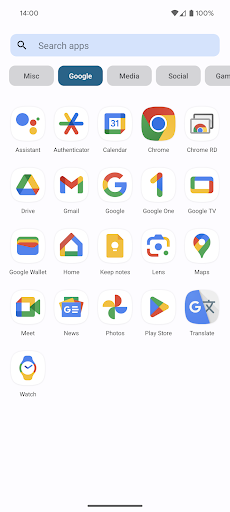
Another key aspect is the enhanced app drawer management. Users can organize apps into custom tabs and folders within the app drawer itself, creating a more structured and accessible application library. The ability to hide apps without uninstalling them adds an extra layer of privacy and decluttering options.

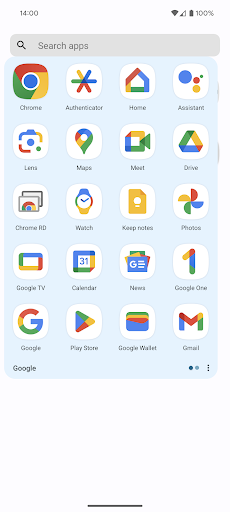
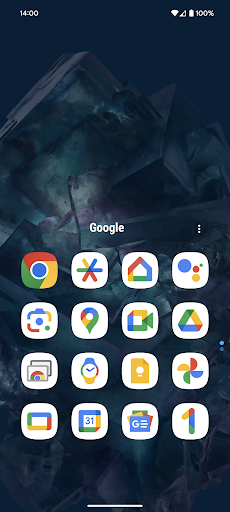
Additional premium features include scrollable widgets in folders, more icon normalization options, and backup/restore settings. These capabilities work together to provide a comprehensive toolkit for personalizing every aspect of the Android home screen experience while maintaining system stability.

Customization options variety

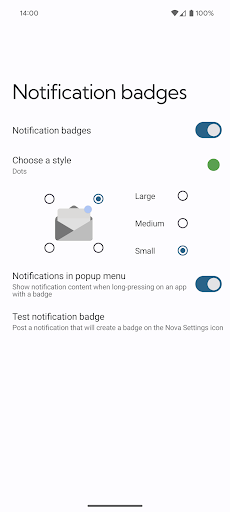
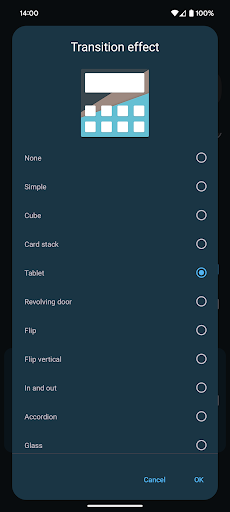
Customization options variety refers to the range and flexibility of personalization features available in an application allowing users to tailor their experience according to their preferences Nova Launcher Prime excels in this area by offering a multitude of customization possibilities that cater to both casual users and power users alike The app provides advanced gestures which enable users to execute custom commands through intuitive actions such as swipes pinches and double taps on the home screen This feature not only enhances accessibility but also allows for a more personalized interaction with the device Additionally Nova Launcher Prime offers app drawer groups empowering users to create custom tabs or folders within the app drawer This results in an ultra organized layout that can significantly improve the efficiency of app management Users can also hide apps from the app drawer without uninstalling them providing a clutter free interface that displays only the most relevant applications Another standout feature is the custom icon swipe gestures Users can swipe up or down on their home screen icons to access additional functionalities without occupying extra home screen space This innovative approach to productivity ensures that the home screen remains clean and uncluttered while still offering quick access to important functions Furthermore Nova Launcher Prime includes various scrolling effects and notification badges which add to the overall customization experience By unlocking these features in the free version of Nova Launcher users can enjoy a highly tailored smartphone experience that aligns perfectly with their individual needs and workflow The extensive customization options provided by Nova Launcher Prime ultimately empower users to create a mobile environment that is both functional and visually appealing enhancing their overall digital experience

Theme compatibility

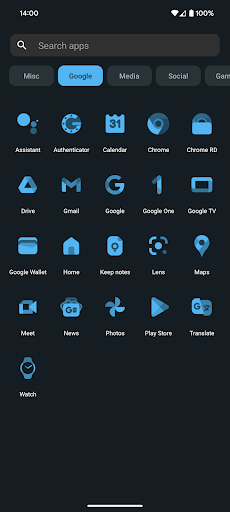
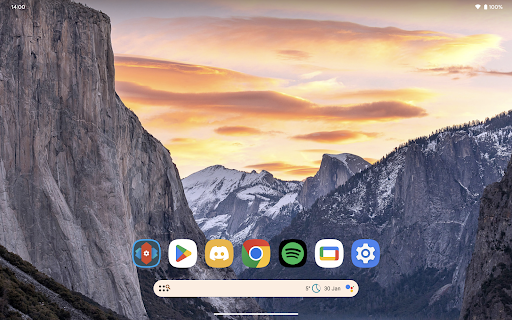
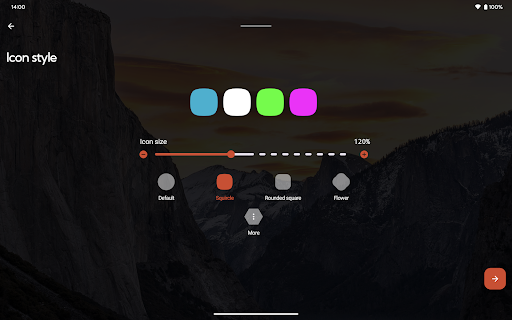
Theme compatibility pertains to an application s ability to seamlessly integrate with various visual themes ensuring a consistent and aesthetically pleasing user interface Nova Launcher Prime demonstrates exceptional theme compatibility by supporting a wide array of icon packs and themes allowing users to transform the appearance of their home screens with ease One notable example is the OneYou Icon Pack by PashaPuma Design which has been specifically mentioned in the app s description This icon pack along with others used with permission from respective creators showcases the high level of theme compatibility that Nova Launcher Prime offers Users can choose from numerous professionally designed icon packs to find the perfect match for their personal style or mood The app s robust theming capabilities extend beyond just icons as it supports comprehensive theme options that include wallpapers widgets and other UI elements This holistic approach to theming ensures that every aspect of the home screen can be customized to create a cohesive look and feel Moreover Nova Launcher Prime s theme compatibility is not limited to static designs it also accommodates dynamic themes that can change based on time weather or other factors This flexibility enables users to enjoy a constantly evolving visual experience that keeps their device feeling fresh and engaging The app s seamless integration with various themes and its ability to maintain visual consistency across different elements make it an ideal choice for users who value both aesthetics and functionality in their mobile experience By providing extensive theme compatibility Nova Launcher Prime empowers users to express their individuality while maintaining optimal usability resulting in a truly personalized and satisfying smartphone experience

Props

Highly customizable

Extensive gesture controls

Advanced app drawer options

Regular feature updates

Stable performance

Cons

Requires technical knowledge

No iOS version

Paid upgrade

Some features complex

Android only
Features and Functions

What is this app and what can I use it for?

A premium Android launcher with advanced customization tools

How do I download and install this app on my device?

Search Nova Launcher Prime on Google Play Store and install

How do I get started after opening the app for the first time?

Follow setup wizard to customize basic preferences

What are the main features and capabilities of this app?

Offers gestures, app drawer groups, icon management features

How can I customize my experience and adjust preferences?

Adjust settings through Nova Settings menu options

How do I save or bookmark my favorite content for later access?

Use widget bookmarks or folder organization features

How can I share content with friends or on social media?

Long press items to share via standard Android sharing

How do I access detailed information and explore more content?

Explore detailed settings through Nova Settings menu

What permissions does this app need and how do I manage them?

Requires basic permissions; manage in system settings

How do I check for updates and keep the app running smoothly?

Check Google Play Store regularly for updates and maintain storage space
Show more

User Reveiws

{{ comment.reviewer_name }}
{{ comment.review_date_formatted}}
{{ comment.review_content }}
{{ tab.name }}
{{ comment.reviewer_name }}
{{ comment.review_date_formatted}}
{{ comment.review_content }}
No reviews with this rating