



MapXplorer

3.60

Information

Category:

Maps & Navigation

Price:

Free

Rank:

18

Rating:

3.60

Overview

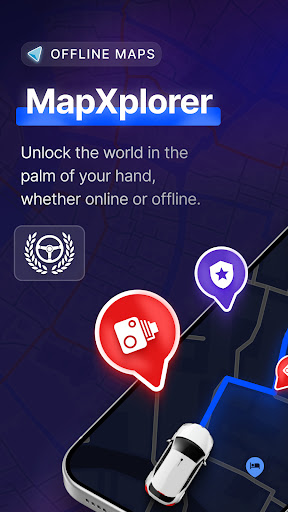
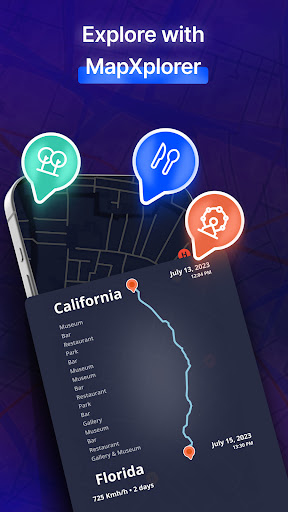
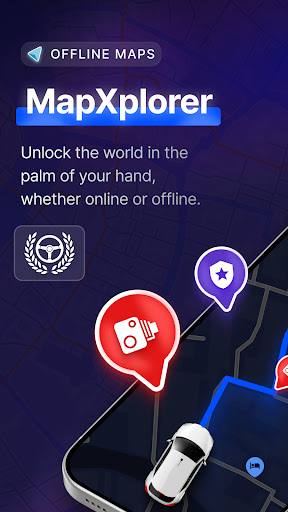
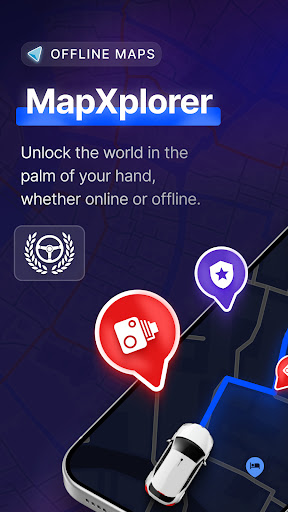
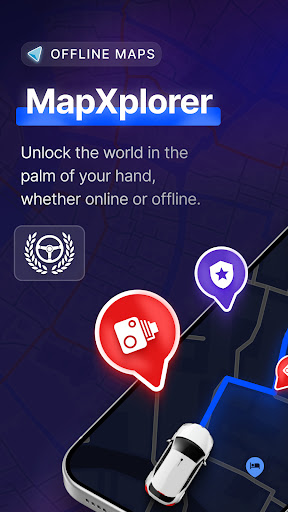
MapXplorer is a cutting-edge offline 3D map application designed to revolutionize your travel experience. This powerful navigation tool offers an extensive range of features including offline maps, radar functionality, and smart tools that ensure seamless journeys even without internet connectivity. The app's advanced capabilities make it perfect for both urban exploration and remote adventures.

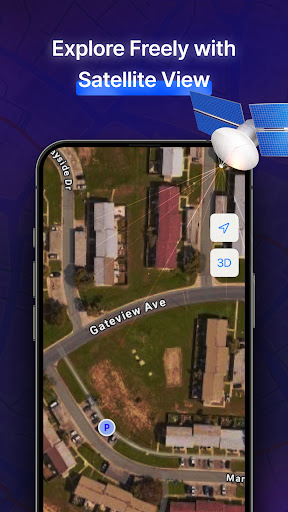
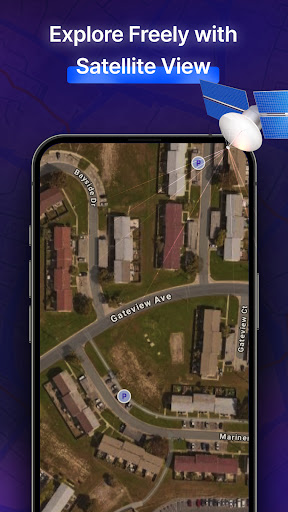
The application stands out with its AI Co-Pilot feature, providing real-time voice guidance and personalized driving tips. Users can explore realistic 3D maps with satellite views while enjoying comprehensive points of interest information. With reliable security measures and a user-friendly interface, MapXplorer guarantees both safety and convenience. Whether you're planning road trips or daily commutes, this app serves as your ultimate travel companion.

Features

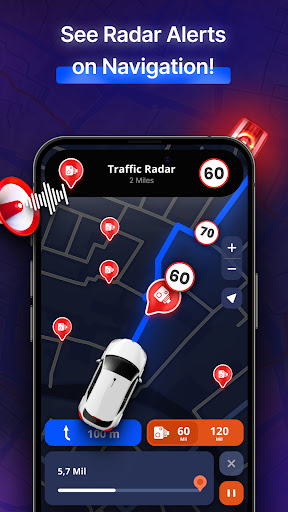
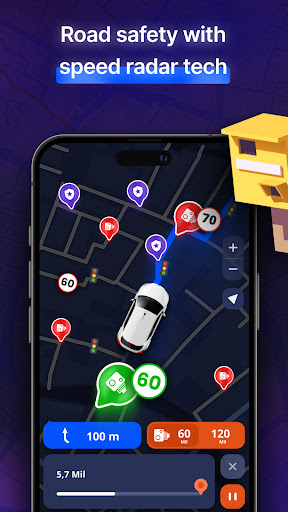
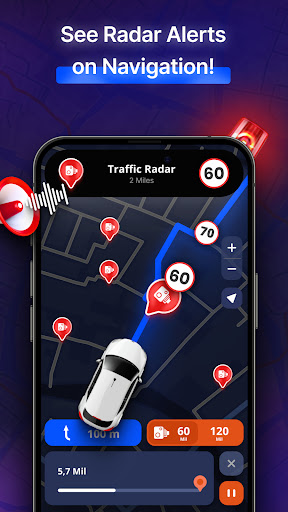
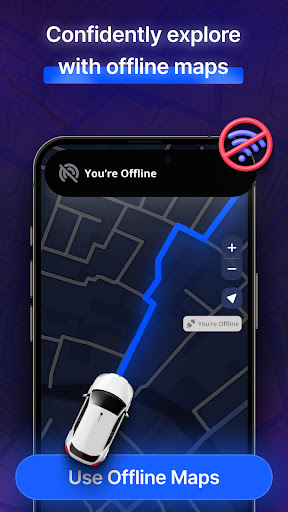
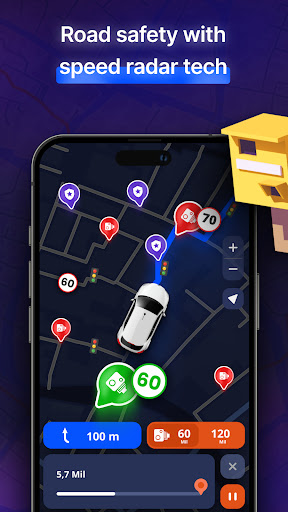
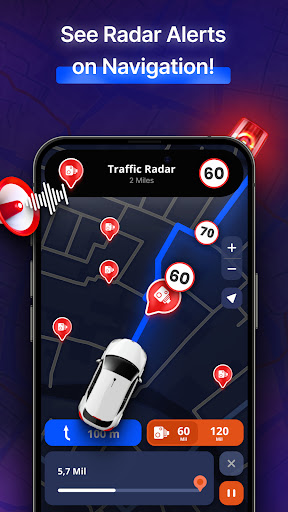
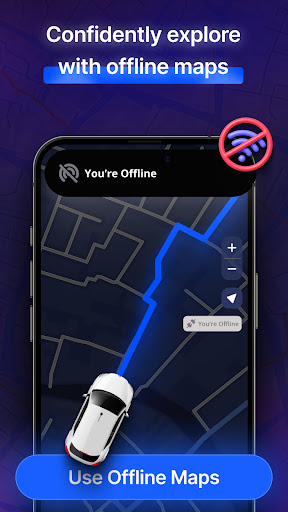
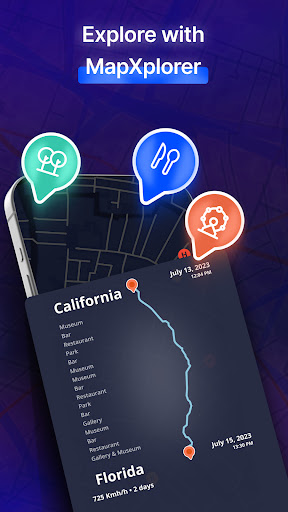
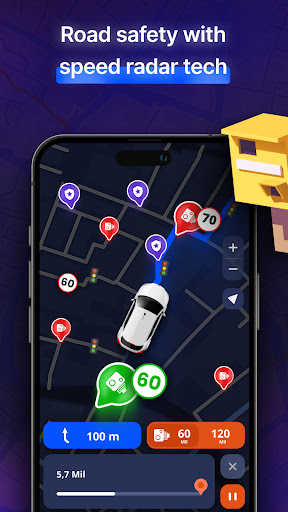
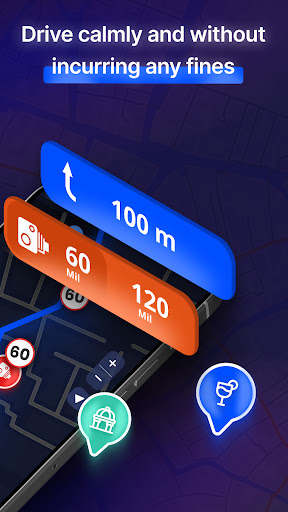
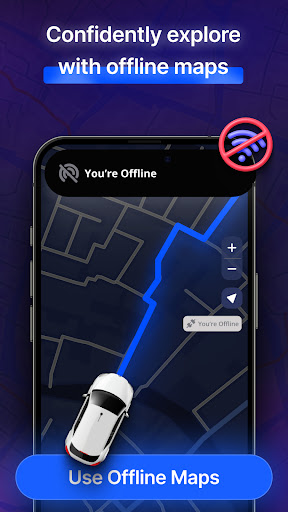
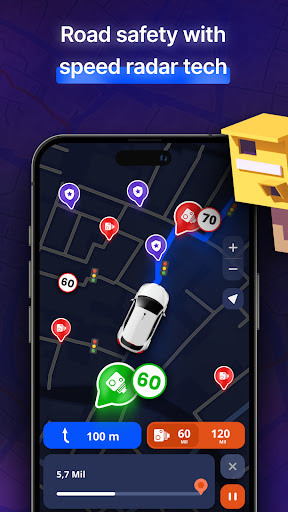
MapXplorer distinguishes itself through innovative features that cater to modern travelers' needs. The app's offline functionality allows users to download detailed maps for unlimited access without internet connection. Its sophisticated radar system helps drivers stay informed about nearby points of interest and potential road hazards, making each journey safer and more efficient.

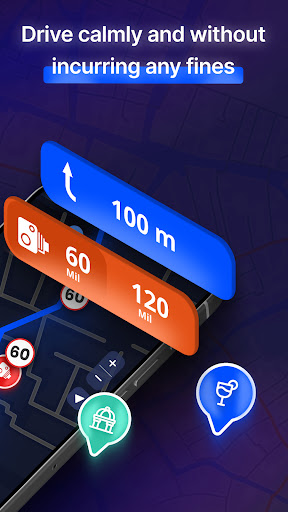
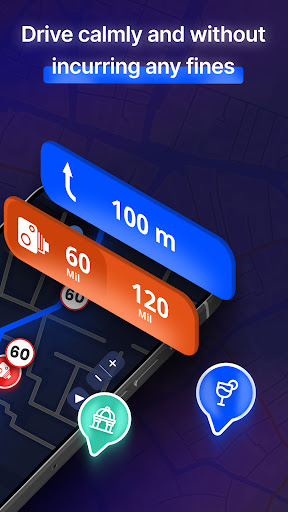
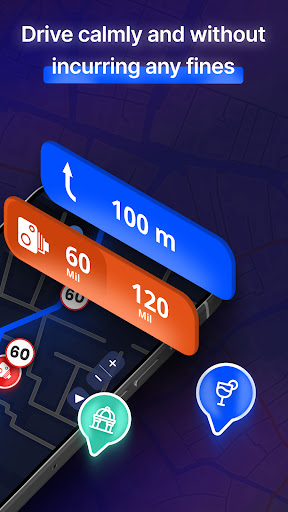
A standout feature is the AI Co-Pilot, which delivers intelligent route recommendations and adapts to individual driving styles. The app supports multiple vehicle types including cars, trucks, and motorcycles, offering customized navigation solutions. Real-time alerts for traffic conditions, speed checks, and emergency situations further enhance the driving experience. These comprehensive tools make MapXplorer an indispensable resource for both casual and professional drivers.

Map accuracy

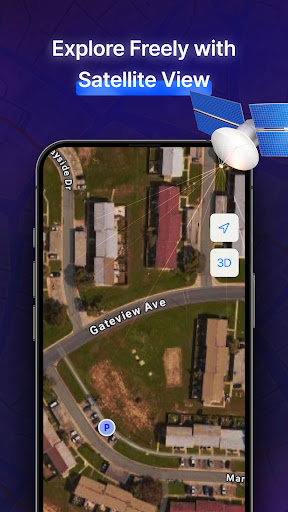
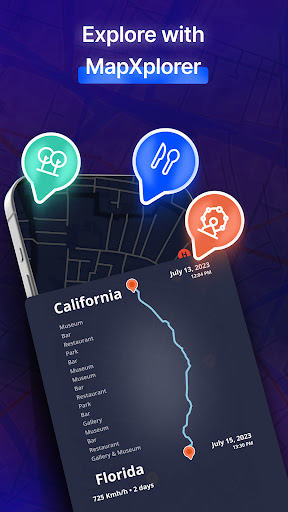
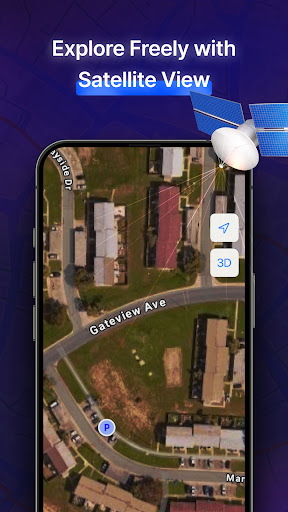
Map accuracy is a fundamental aspect of any navigation application as it ensures users reach their destinations efficiently and safely MapXplorer provides highly precise mapping data by utilizing advanced mapping technologies and regularly updated map databases The 3D and satellite view features offer realistic representations of cities and roads allowing users to explore areas in great detail This level of detail helps users understand the terrain they are navigating making it easier to plan routes and anticipate road conditions Furthermore the offline maps functionality guarantees that even without an internet connection users can access reliable map data ensuring uninterrupted navigation whether in urban centers or remote locations The accuracy of MapXplorer s maps is further enhanced by its Points of Interest POI database which includes essential amenities and exciting places nearby This comprehensive POI coverage allows users to discover useful locations such as gas stations restaurants and hotels with confidence knowing that the information provided is both accurate and up-to-date Additionally the real-time alerts for road issues like traffic jams accidents and speed checks contribute to overall map accuracy by keeping users informed about current road conditions This feature enables drivers to make timely decisions avoiding potential delays or hazards In summary MapXplorer s commitment to map accuracy through advanced technology regular updates and detailed POI information ensures that users experience safe efficient and stress-free journeys every time they use the app

Route planning

Route planning is a critical component of navigation applications as it directly impacts the efficiency and convenience of travel MapXplorer excels in this area by offering smart tools that enhance the route planning process One standout feature is the AI Co-Pilot which provides real-time voice guidance and personalized driving tips This intelligent assistant adapts to individual driving styles recommending optimal routes based on current traffic conditions and historical data Users can choose routes tailored to different types of vehicles including cars trucks and motorcycles ensuring that each journey is planned according to specific vehicle requirements The offline search capability further enriches the route planning experience by allowing users to find and save destinations without needing an internet connection This feature is particularly beneficial when traveling through areas with limited connectivity as it ensures continuous access to important location data Moreover MapXplorer s radar function plays a significant role in effective route planning By identifying nearby points of interest and alerting users to speed checks and other road conditions the radar helps drivers stay informed and prepared throughout their journeys The combination of these features results in a route planning system that not only gets users to their destinations quickly but also enhances safety and convenience For example real-time alerts about road hazards or traffic congestion enable drivers to adjust their routes promptly avoiding unnecessary delays Additionally the ability to download maps for offline use means that users can rely on accurate route information regardless of network availability Overall MapXplorer s sophisticated approach to route planning supported by AI-driven recommendations comprehensive offline capabilities and proactive real-time alerts makes it an invaluable tool for anyone looking to navigate efficiently and safely

Props

User-friendly interface

Offline functionality

AI-powered navigation

Real-time alerts

Multiple vehicle support

Cons

Premium subscription required

Occasional accuracy issues

Limited free features

High storage requirements

Complex settings

Features and Functions

What is this app and what can I use it for?

Comprehensive offline navigation app with 3D maps

How do I download and install this app on my device?

Search MapXplorer in Google Play Store and tap install

How do I get started after opening the app for the first time?

Download maps select destination and start navigation

What are the main features and capabilities of this app?

Offline maps AI Co-Pilot real-time alerts vehicle options

How can I customize my experience and adjust preferences?

Adjust settings customize map view set preferences

How do I save or bookmark my favorite content for later access?

Use favorites feature to save locations for later use

How can I share content with friends or on social media?

Share location details via social media or messaging apps

How do I access detailed information and explore more content?

Explore detailed POI information and suggested routes

What permissions does this app need and how do I manage them?

Requires location access manage in app settings

How do I check for updates and keep the app running smoothly?

Check Play Store regularly for app updates
Show more

User Reveiws

{{ comment.reviewer_name }}
{{ comment.review_date_formatted}}
{{ comment.review_content }}
{{ tab.name }}
{{ comment.reviewer_name }}
{{ comment.review_date_formatted}}
{{ comment.review_content }}
No reviews with this rating