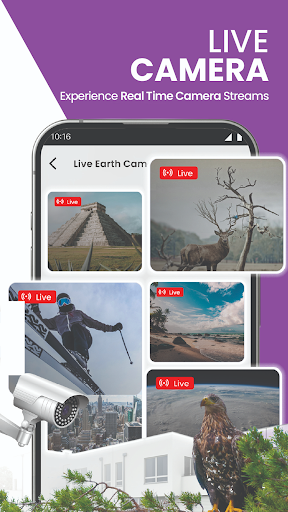
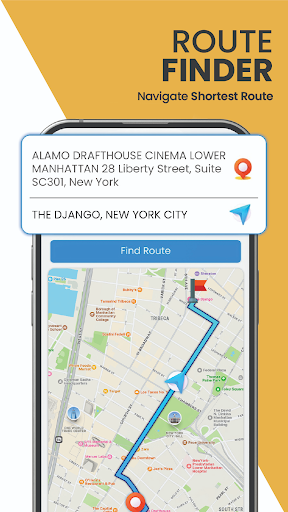



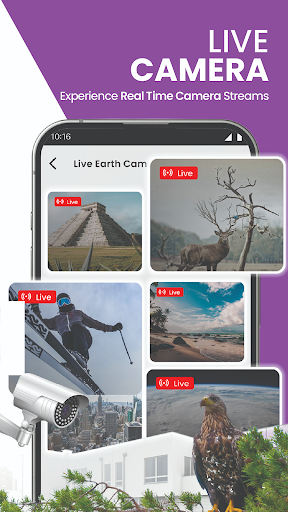
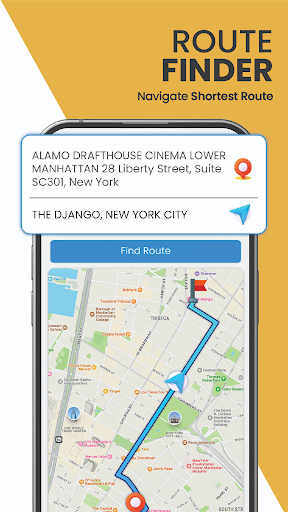
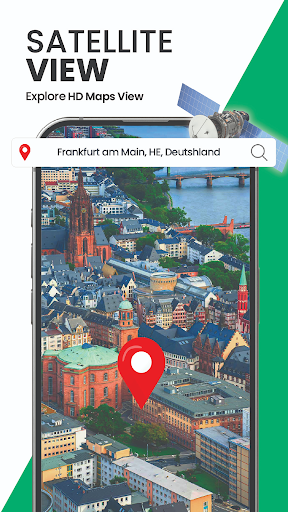
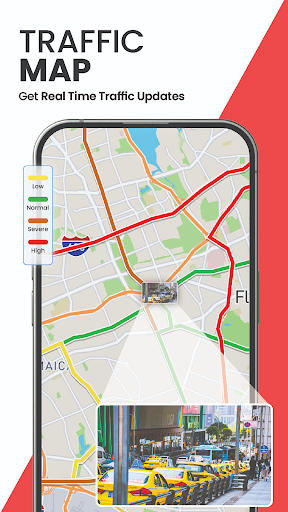
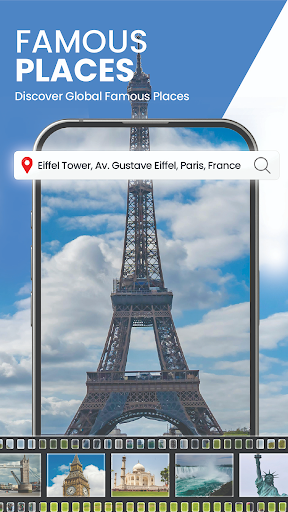
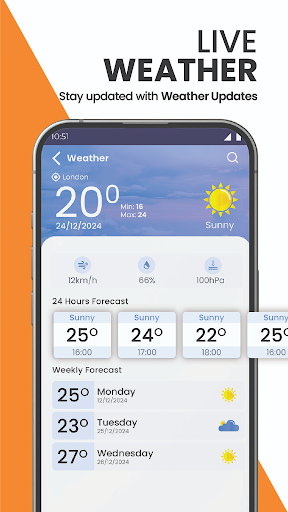
GPS Satellite Map, Live Earth is an advanced navigation app that offers real-time satellite views, live camera streaming, and 3D street views. The app allows users to explore global maps with publicly available real-time camera streaming features, offering a category-wise selection to view airports, traffic cameras, nature scenes, and space station live videos. One of its key features is Voice Navigation, which provides hands-free driving directions, enabling users to stay focused on the road without keeping an eye on their phone.
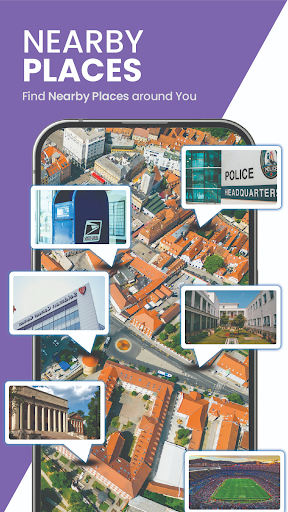
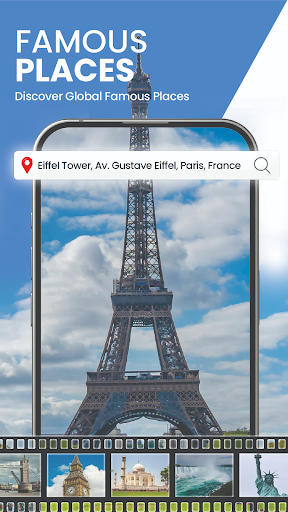
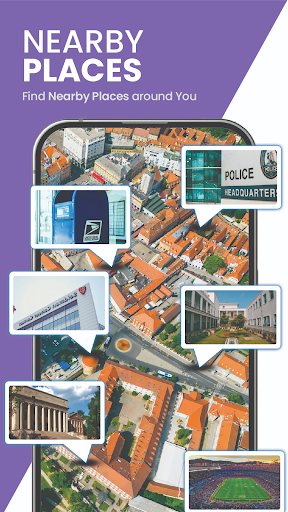
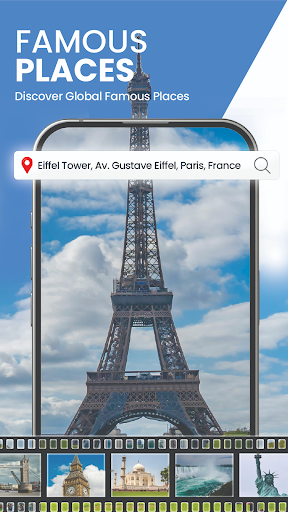
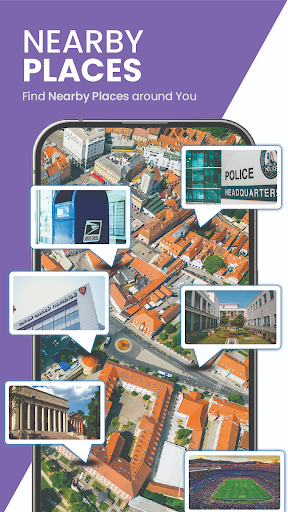
This app is perfect for travelers and those new to a city anywhere in the world. It helps users find new routes, navigate to nearby places around their location, and experience real-time public camera streaming of the world's famous places. With instant road traffic updates and alternative route suggestions, it ensures seamless route navigation. The area measurement calculator allows accurate land measurement with a simple selection tool, making it useful for both casual exploration and professional purposes.
The GPS Satellite Map app boasts a variety of impressive features designed to enhance your navigation experience. One standout feature is the Live Earth Camera Collection, which offers live streams from various locations worldwide. This allows users to immerse themselves in scenic spots, cityscapes, and tourist destinations through live earth camera streaming and 360° panoramic views.
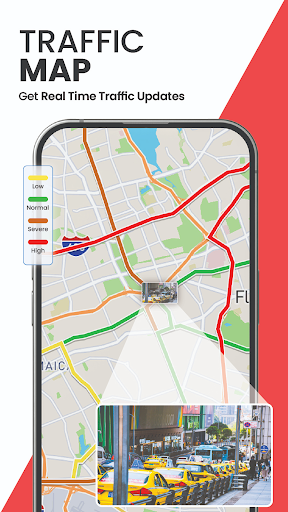
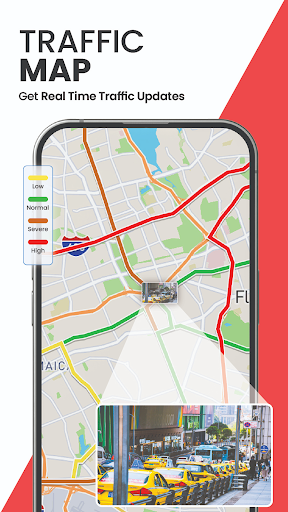
Another significant feature is the Route and Location Finder, which provides advanced navigation capabilities. Users can benefit from voice navigation, allowing them to navigate while receiving voice instructions, ensuring safety and convenience. Real-time Traffic Maps indicate the traffic flow, helping users avoid heavy traffic and plan their routes efficiently. Additionally, the app makes it easy to share your live location with others and find the shortest routes to navigate nearby places.
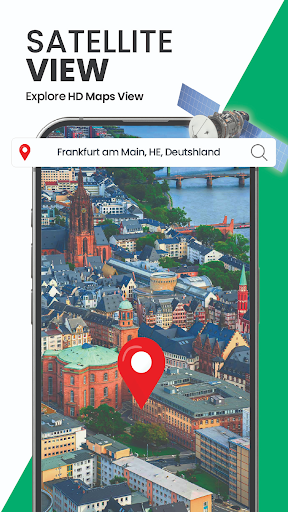
For those interested in detailed views, the 3D Satellite View offers a virtual map view of desired locations, while the Street View lets you explore the streets of your city in 3D. These features ensure that users can explore roads, cities, and famous places on 3D maps with ease.
Real-time satellite views
Live camera streaming
Voice navigation
Traffic updates
3D street views
Requires internet connection
Some features may need subscription
Occasional lag in live streams
Interface can be complex
High battery consumption
Compass is an accurate compass and a great tool for any outdoor activities
 4.3
4.3
Find AI powered cameras, ALPRs, and other surveillance infrastructure near you
4.70
Navigate with your watch and keep the phone in your pocket!
4.60
Plan routes, share locations, and set custom alert zones
4.40
Order a cab online. An affordable taxi ride and driver in no time. What a bolt!
4.80
Parcel map, property lines, owner, acres, land use, zoning and more from Regrid.
4.60
Your real-time window to the world. Explore anywhere, anytime.
3.30
Lets explore the world's famous places by using Live Cams, GPS & Satellite View.
4.20
Get there with the Waymo Driver — The World’s Most Experienced Driver™
4.90
America’s largest public fast charging network, with over 500 charging stations.
4.50
CamSam PLUS - The speed and red light camera warning system!
4.40
Route tracker, Speedometer, Odometer, Fuel, HUD mode, save route as .GPX
4.40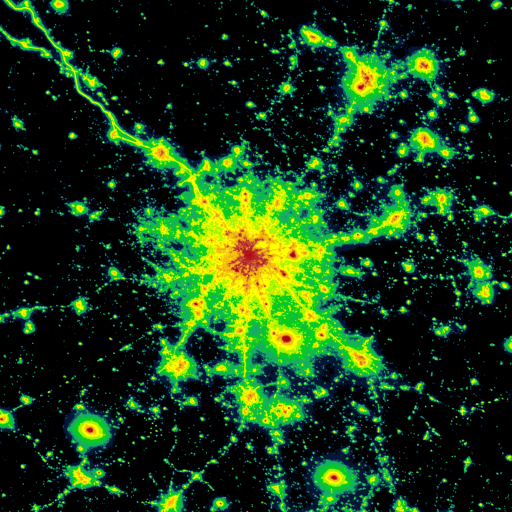
Explore a light pollution map to find suitable dark sky locations for observing.
4.30
GPS navigation offers route finder, compass, translator, currency converter, etc
4.30
Find radar, speed camera, flight tracker. Use hud, location tracker, speedometer
4.20
GPS phone tracker, family locator, secure location sharing app
4.20
Explore Live Earth Map with 3D World Map & locate cites, mountains real time.
3.80
Live Satellite view app for find GPS navigation Direction and live location map
3.70
Offline maps for phone and smart watch: topographic maps, satellite images...
3.30


User Reveiws