PlugShare

4.70

Information

Category:

Maps & Navigation

Price:

Free

Rank:

58

Rating:

4.70

Overview

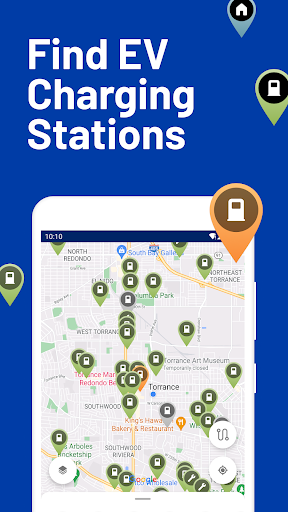
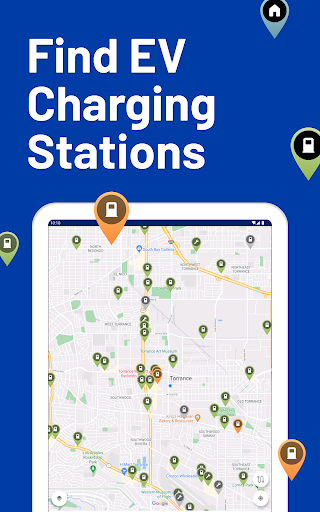
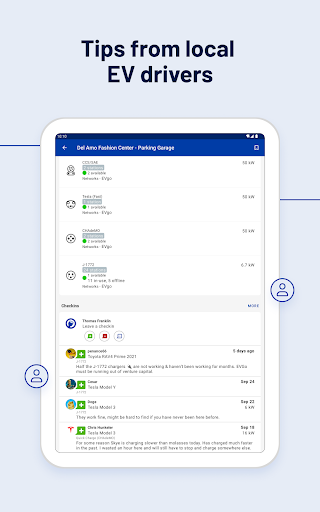
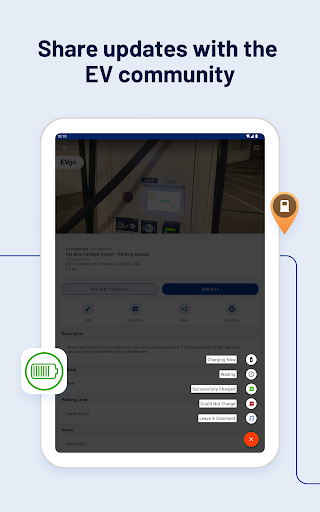
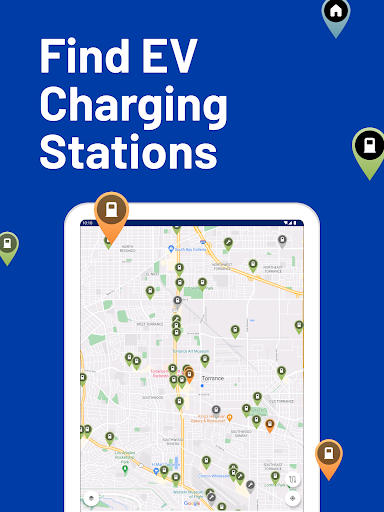
PlugShare is the world's largest EV driver community, offering the most accurate and comprehensive map of EV and Tesla charging stations globally. With detailed station information contributed by drivers, including reviews and photos, PlugShare helps users make informed charging decisions. The app supports all major EV charging networks across North America, Europe, and much of the world.

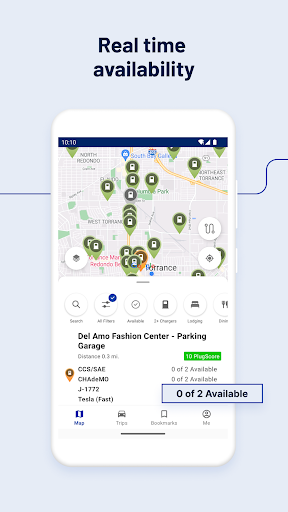
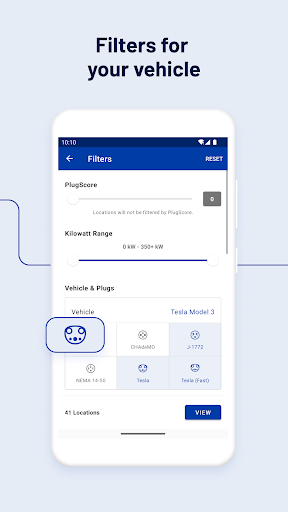
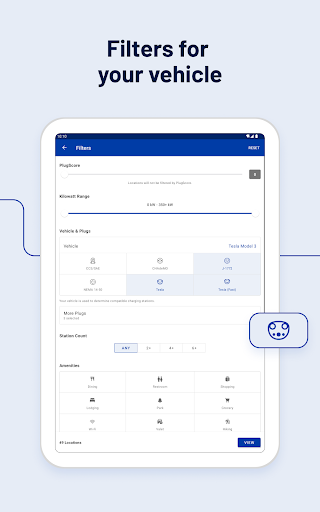
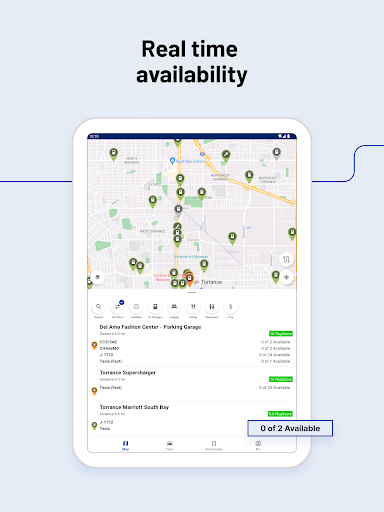
Users can filter the map by plug type (CHAdeMO, SAE/CCS), charging speed (Level 1, Level 2, DC Fast Chargers), and charging providers like Tesla Superchargers and ChargePoint. PlugShare also allows users to check station functionality, current availability, and nearby amenities. It is an essential tool for electric vehicle owners looking to efficiently manage their charging needs while on the go.

Features

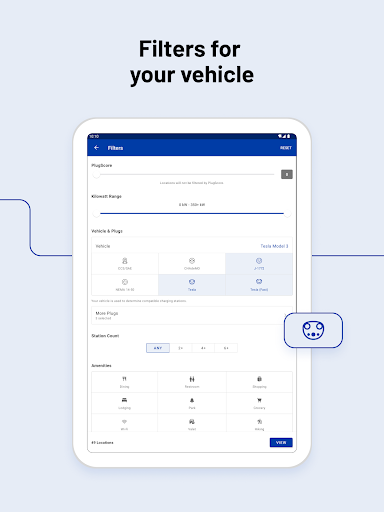
PlugShare stands out with its extensive filtering options, allowing users to find public charging stations compatible with their specific EV models. The app provides detailed filters for connector types, charging speeds, and even nearby amenities such as food or restrooms. This ensures users can locate the most suitable charging stations for their needs.

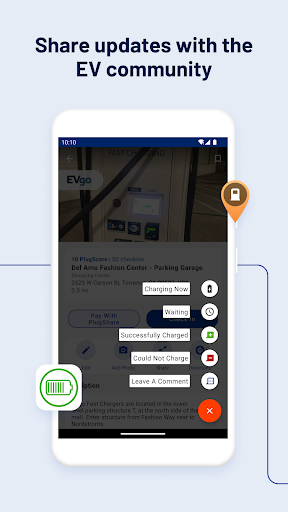
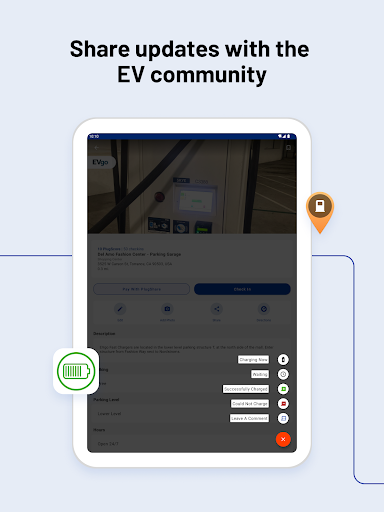
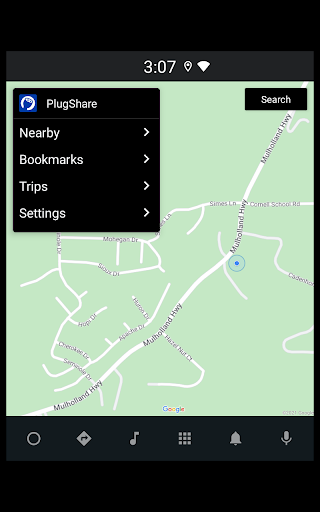
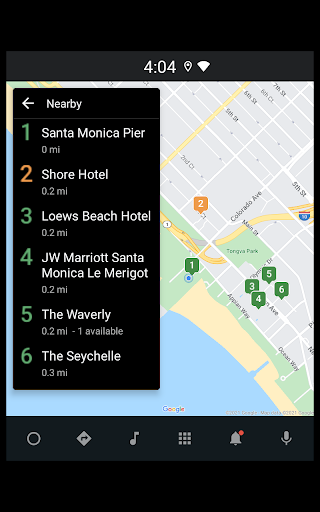
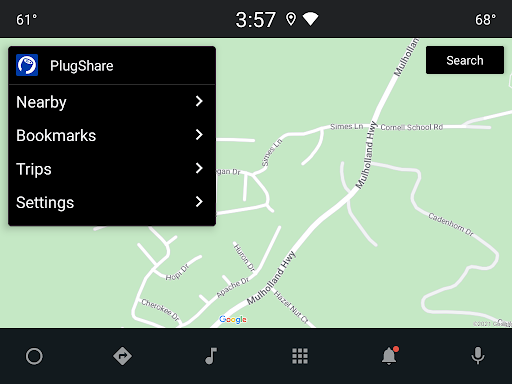
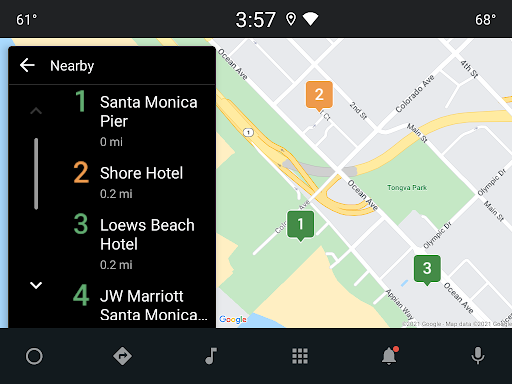
A key feature is the ability to pay for charging directly through the app at participating locations using 'Pay with PlugShare,' while also monitoring charging sessions in real-time. Additionally, PlugShare integrates with Android Auto, enabling users to browse nearby charging locations and planned trips directly from their vehicle's built-in display. These features collectively enhance the overall user experience for EV drivers.

Map accuracy

Map accuracy is a critical feature for any navigation application especially one like PlugShare which serves the electric vehicle EV community by providing detailed information about charging stations worldwide The precision of PlugShare's map data ensures that users can rely on the app to find public charging stations compatible with their EVs whether they are Tesla owners or drive models from Ford Chevrolet VW Nissan BMW Audi Hyundai Porsche Kia Volvo Polestar or other brands With comprehensive filters available including plug type CHAdeMO and SAECCS charging speed Level 1 Level 2 and DC Fast Chargers and charging providers such as ChargePoint Tesla Destination Electrify America Supercharger EVgo FLO SemaConnect Shell Recharge and many others drivers can tailor their search to meet specific needs This level of detail helps users make informed decisions about where to charge ensuring they select locations based on compatibility availability and additional amenities like food or restrooms Furthermore PlugShare continuously updates its database allowing users to add newly discovered charging stations receive notifications when new chargers are installed nearby and access real-time information about station functionality and current availability By maintaining high standards of map accuracy PlugShare not only aids in effective trip planning but also enhances user confidence in relying on the app for essential charging needs during travel

Route planning

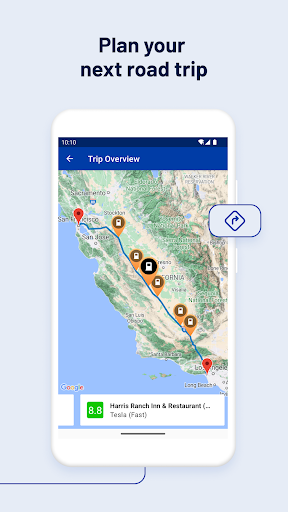
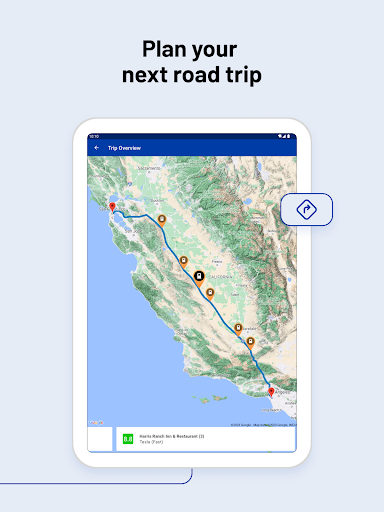
Route planning is an indispensable feature within PlugShare designed to assist electric vehicle EV drivers in navigating efficiently between destinations while accounting for necessary charging stops Given the growing network of EV charging stations across North America Europe and other regions having a reliable route planner becomes crucial for optimizing travel time and ensuring vehicle readiness For EV drivers using models such as Tesla Model X Y 3 Ford Mustang Mach-E Chevrolet Bolt VW ID4 Nissan LEAF BMW i3 Audi e-tron Hyundai Kona Ioniq 5 Porsche Taycan Kia e-Niro Volvo XC40 and Polestar among others knowing where and when to recharge is vital PlugShare addresses this need by offering advanced filtering options that allow users to choose preferred connector types charging speeds and even nearby amenities enhancing convenience during stops Moreover the integration with popular navigation apps enables seamless direction guidance directly from the PlugShare interface to the selected charger location This synergy simplifies the process of incorporating charging stops into journeys Additionally features like Pay with PlugShare at participating locations let users initiate and monitor charging sessions without hassle thus streamlining the entire experience From finding optimal routes considering multiple factors to integrating payment solutions PlugShare empowers EV drivers to plan their trips confidently reducing range anxiety and promoting sustainable transportation practices

Props

User-friendly interface

Comprehensive station data

Real-time availability updates

Wide network coverage

Active driver community

Cons

Occasional data inaccuracies

Limited payment options

Regional service gaps

Requires constant updates

Premium subscription costs

Features and Functions

What is this app and what can I use it for?

PlugShare is a comprehensive EV charging station map helping drivers locate and use charging points effectively.

How do I download and install this app on my device?

Visit Google Play Store, search for PlugShare, and tap Install to download and set up the app on your device.

How do I get started after opening the app for the first time?

Upon first opening PlugShare, grant necessary permissions, select your EV model, and explore available charging stations nearby.

What are the main features and capabilities of this app?

Key features include filtering by plug type, real-time station status, and integration with navigation apps for seamless directions.

How can I customize my experience and adjust preferences?

Customize your experience by setting preferred charging networks, notification preferences, and map view options in Settings.

How do I save or bookmark my favorite content for later access?

Save favorite charging stations by tapping the bookmark icon next to each location for quick future access.

How can I share content with friends or on social media?

Share station details via social media or messaging apps directly from the PlugShare interface with a single tap.

How do I access detailed information and explore more content?

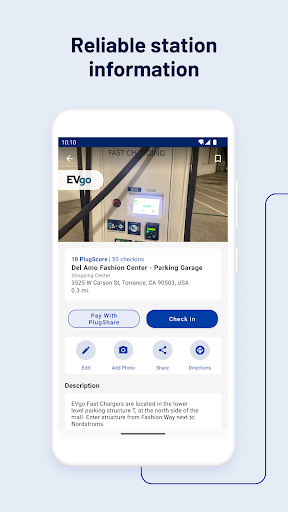
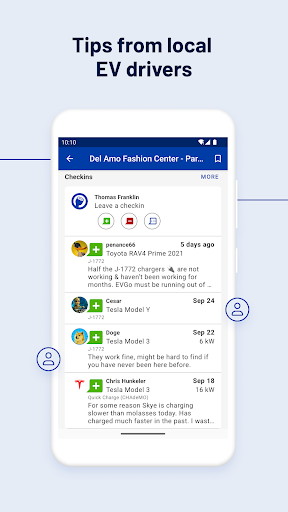
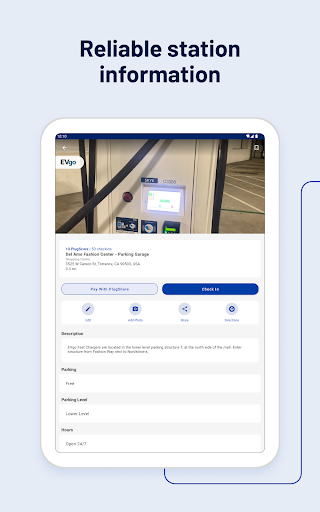
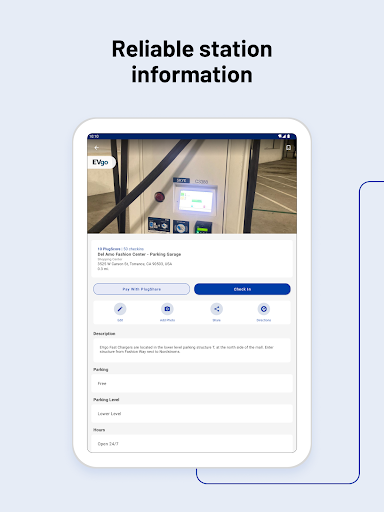
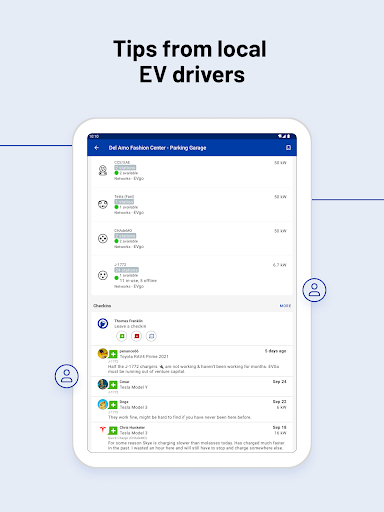
Access detailed station info by tapping on any charging point to view reviews, photos, and real-time availability updates.

What permissions does this app need and how do I manage them?

PlugShare requires location access to function properly; manage these permissions through your deviceu2019s settings menu.

How do I check for updates and keep the app running smoothly?

To keep PlugShare updated, enable automatic updates in Google Play Store settings or manually check for updates regularly.
Show more

User Reveiws

{{ comment.reviewer_name }}
{{ comment.review_date_formatted}}
{{ comment.review_content }}
{{ tab.name }}
{{ comment.reviewer_name }}
{{ comment.review_date_formatted}}
{{ comment.review_content }}
No reviews with this rating