
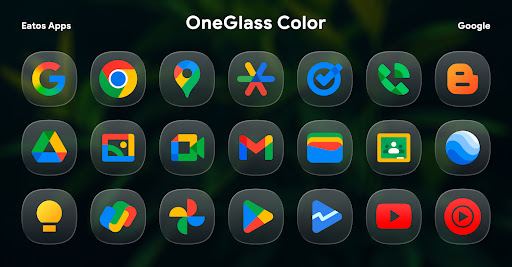
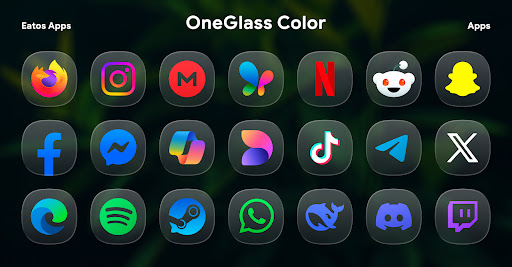
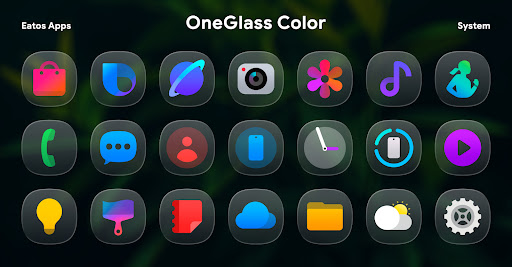
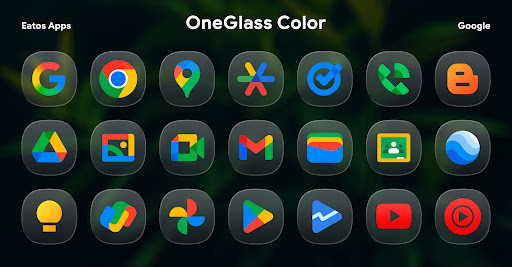
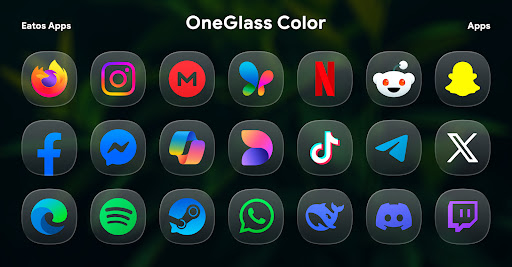
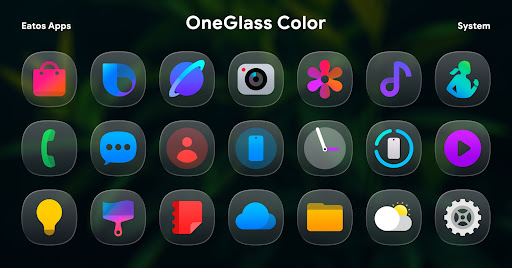
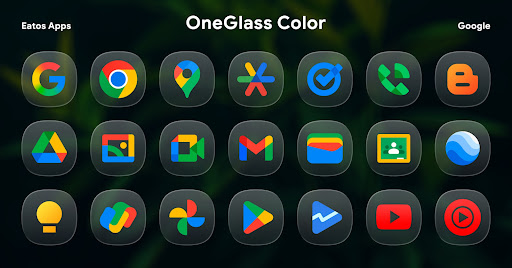
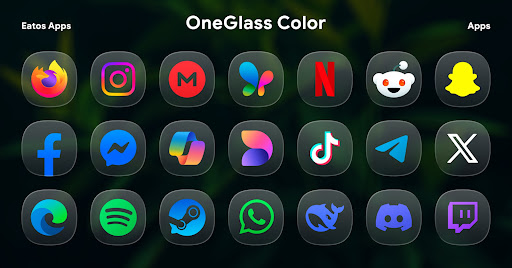
OneGlass 8 (Color) is a premium icon pack featuring over 4,600 beautifully crafted glass-style icons inspired by One 8 design language. This comprehensive customization solution also includes more than 430 high-quality wallpapers, providing users with a complete aesthetic experience for their devices.
Specifically optimized for dark mode usage, these icons truly shine when paired with darker wallpapers, creating a stunning visual effect that enhances the overall look of your home screen. The pack supports various popular launchers including Nova Launcher, Smart Launcher, and Hyperion Launcher, ensuring broad compatibility across different Android devices.
For Samsung One UI users, the icon pack can be integrated through Good Lock and Theme Park applications, offering seamless theming capabilities within the native launcher environment. This makes it an ideal choice for users seeking both functionality and visual appeal in their mobile experience.
The icon pack stands out with its extensive collection of over 4,600 unique icons, each meticulously designed with a glass-inspired aesthetic that brings depth and elegance to any interface. The icons maintain consistent quality across all resolutions, ensuring crisp visuals on both standard and high-density displays.
Beyond its core icon offerings, OneGlass 8 (Color) provides users with more than 430 carefully curated wallpapers. These backgrounds are specifically chosen to complement the icon designs and enhance the overall visual harmony of the device's interface. The pack's optimization for dark mode creates a sophisticated look that reduces eye strain while maintaining excellent visibility.
Technical excellence is demonstrated through its wide compatibility with major launchers such as Nova, Smart, and Hyperion. For Samsung users, the integration with Good Lock and Theme Park enables native launcher support, allowing for seamless application of themes without requiring third-party launchers. This dual compatibility approach ensures maximum flexibility for users across different device ecosystems.
Extensive icon collection
Dark mode optimized
Premium visual design
Wide launcher support
Regular updates
Requires compatible launcher
No iOS support
Separate Good Lock needed
Theme Park dependency
Learning curve for setup
Color phone with cool effects for call screen, flash alert & ringtones music
 4.50
4.50
Organize and manage your photos and videos effortlessly with Photo Gallery
4.20
HappyLighting is a Bluetooth lamp control software.
3.40
300+ widgets inspired by Material You and Material 3 expressive design.
4.60
Your home screen, just the way you like it.
3.80
Experience the magic touch of AI art, live wallpapers and backgrounds
4.40
iControl, a feature collection of stylish control panel, widget theme, and fonts
4.60
Download the Yoga Flex Home App and become the ultimate yoga champion!
4.70
Smile Live Wallpaper: Customize phone screen unique with funny faces wallpaper
4.60
350+ widgets with a premium glass-style finish, perfect for home & lock screens.
4.70
Fast SMS & group chat - use GIFs and emojis from your home screen launcher.
4.50
Download Pillow Chase: Home App now and turn every run into an adventure!
4.50
Yandex Browser — stylish and secure, with voice search and data compression
4.40
Just clap your hands to find your phone.
4.40
Launcher OS™ help make your phone simple and pretty.
4.40
Personalize your control panel: customized quick settings with one-tap magic!
4.20
ai emoji, Genmoji,cat mystery games:win gif,font,themes,keyboard,ai emoji
4.20
Swipe, Snack, and Style Your Way to Fun.
4.00
Modern Glass Icon Pack with glossy icons, clean minimal theme & aesthetic style
4.4


User Reveiws