
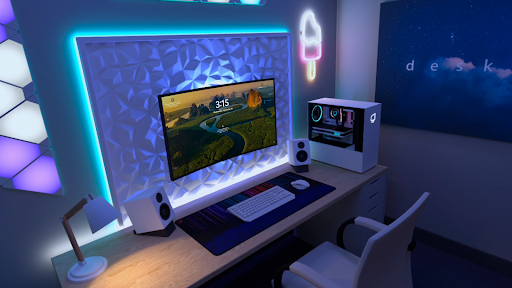
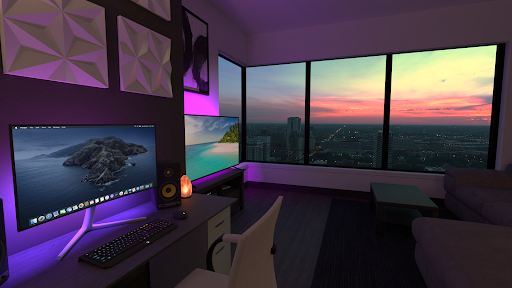
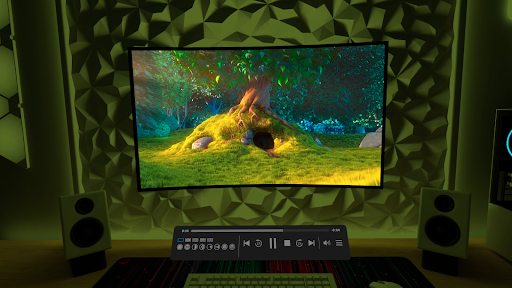
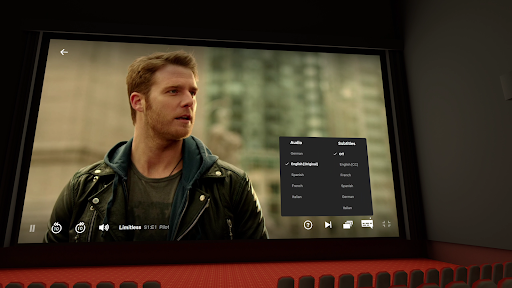
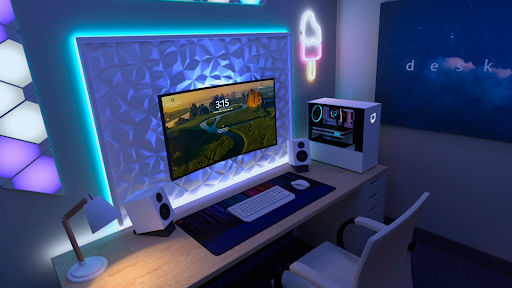
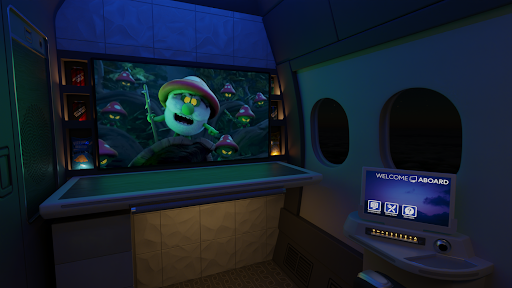
Virtual Desktop is a powerful tool that allows users to connect wirelessly to their computers for an immersive experience. With the ability to watch movies, browse the web, and play games on a giant virtual screen, it offers a versatile platform for multimedia consumption. The app is optimized for low latency and high-quality streaming, making it ideal for both entertainment and productivity purposes.
The application supports most PCs and laptops running Windows 10 or 11, as well as macOS Catalina or later. For gaming enthusiasts, Virtual Desktop enables PCVR game streaming with a VR Ready PC. Its compatibility with Bluetooth devices and support for multi-monitors further enhance user convenience. Whether you're looking to stream content, work remotely, or enjoy an expansive virtual display, Virtual Desktop provides a comprehensive solution tailored to various needs.
Virtual Desktop boasts several standout features that set it apart in the realm of remote computing tools. One of its key capabilities is the support for high-quality video streaming directly from your computer, including regular, 180, and 360 videos. This feature caters to diverse viewing preferences and ensures an engaging experience regardless of content type.
In addition to video streaming, Virtual Desktop supports Bluetooth mice, keyboards, and gamepads, allowing for seamless interaction with your virtual environment. It also includes options like 3D Side-by-Side/Over-Under content display and multi-monitor setups, which are particularly beneficial for professionals requiring extensive screen real estate. Furthermore, the Microphone passthrough option facilitates clear communication during remote sessions, enhancing overall usability.
High-quality streaming
Wide device compatibility
Supports multiple monitors
Optimized for low latency
Comprehensive feature set
Requires wired Ethernet connection
Limited to specific OS versions
PCVR gaming needs VR Ready PC
Remote connections need UPnP enabled
Internet streaming may vary by location

Use your phone as a webcam on your computer over WiFi or USB.
 4.40
4.40
Unlock your Essential Key. Create custom shortcuts to your favorite apps!
4.2
Family Locator, Share location, StayConnect with your family in real time
3.90
Quickly & easily calculate the spacing of handrail balusters
4.20
Small and simple app to Verify Root Access and BusyBox Install!
4.70
WiFi Signal Strength Meter help you detect WiFi Signal Strength in real time.
4.80
The Ultimate Bluetooth Keyboard & Mouse. Securely control your PC, Mac, and more
4.50
The Ultimate Flex Drivers Utility App - Convenient Tapping & Block Filters
4.70
Pro Emulator is an easy to use game console emulator for a range of consoles.
4.40
Change your GPS location instantly. Simulate routes anywhere in the world.
4.90
Enjoy smooth gameplay with Game Booster
4.90
Powerful collection of electronics tools and reference.A must for any enthusiast
4.90
Monitor car performance in real time and troubleshoot malfunctions.
4.80
With videos, electrical calculators, and built-in ebook, Ugly’s has your answer.
4.50
Forza Tuning Calculator App for Forza Horizon 5, Motorsport and Earlier Titles
4.40
An easy-to-use calculator designed to save time calculating and bending conduit
4.30
Signal Strength, Mobile, Wifi, Speed Test, Bad Signals, Cellular, 5G, LTE, 4G
4.20
Amateur Radio app for APRS: Track friends, exchange messages, get tactical info.
3.90
Save any video in HD - paste the link, download fast and watch offline.
4.3


User Reveiws