
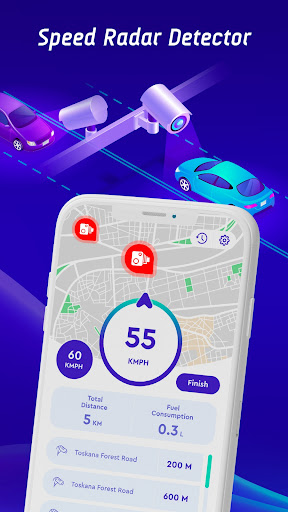
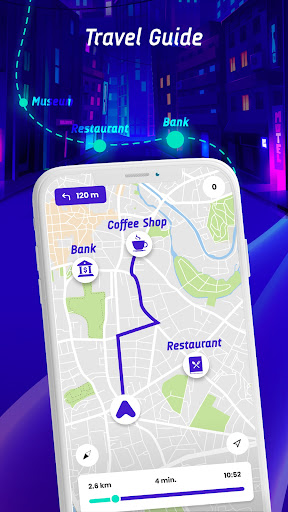
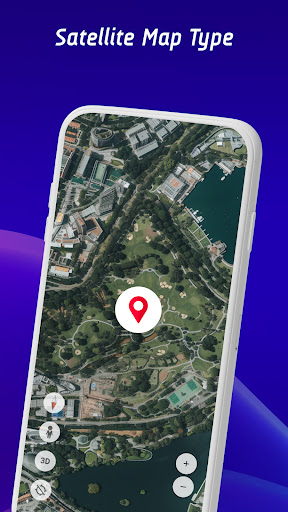
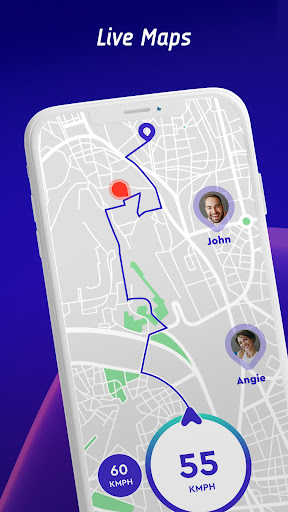
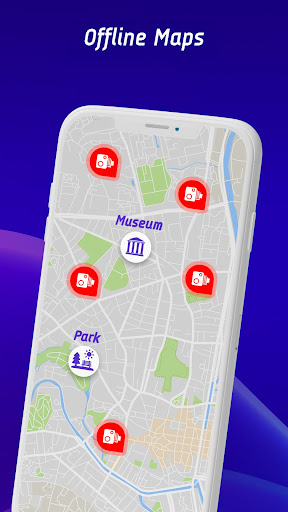
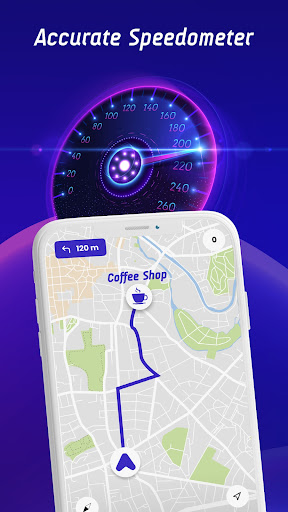


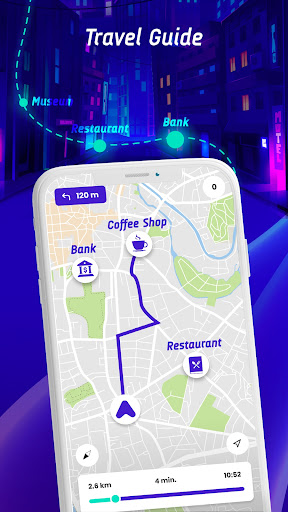
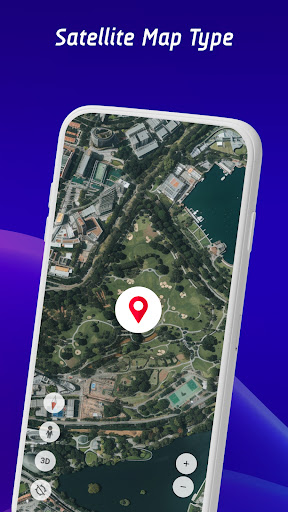
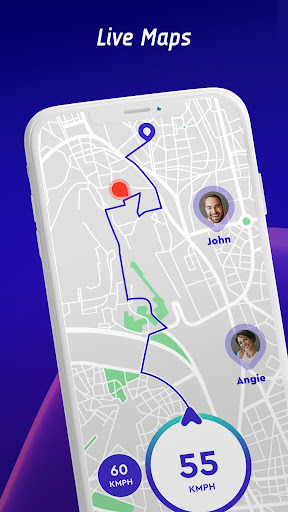
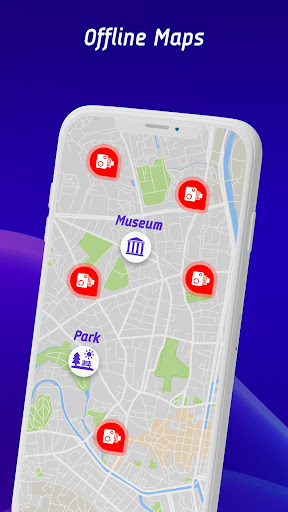
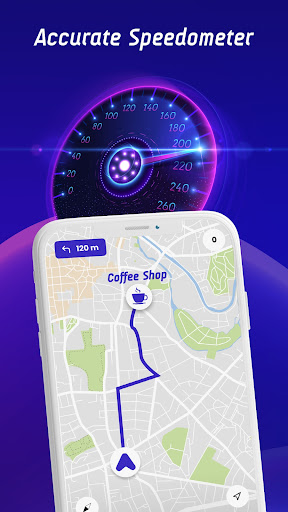

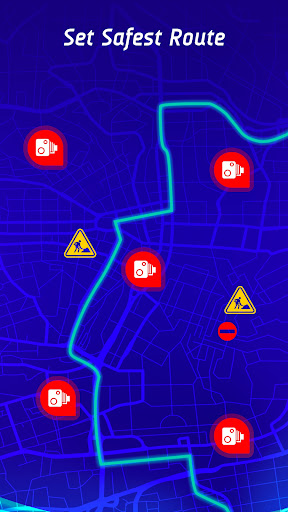
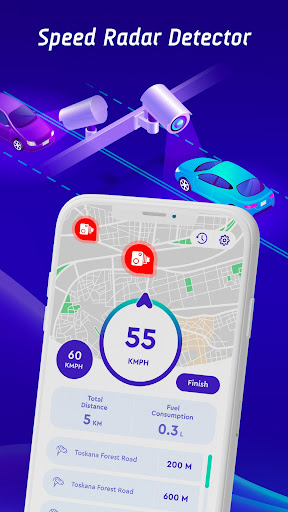
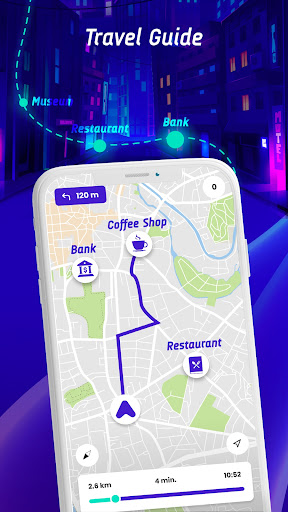
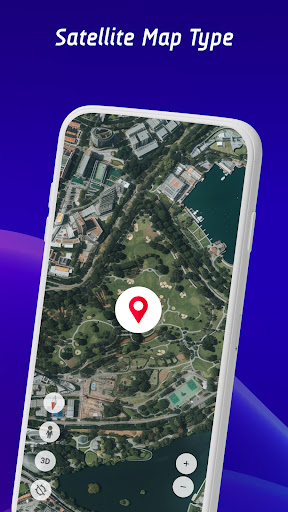
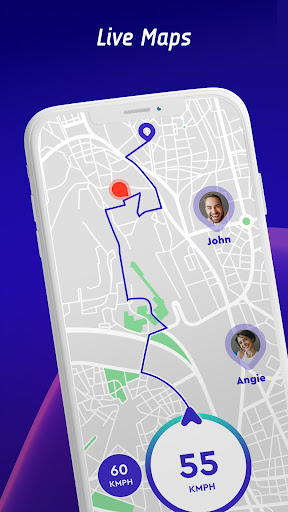
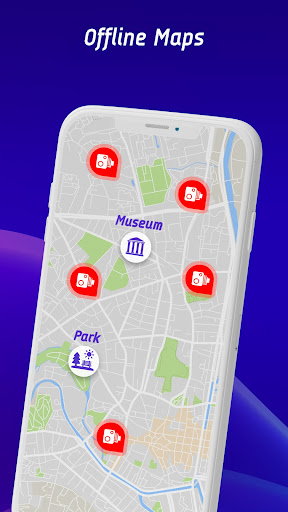
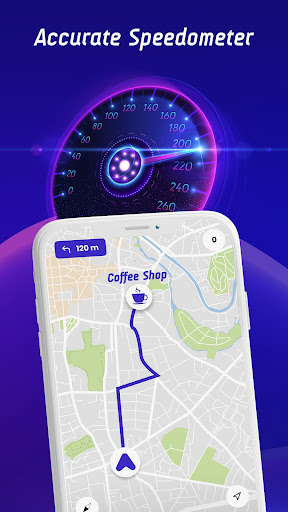

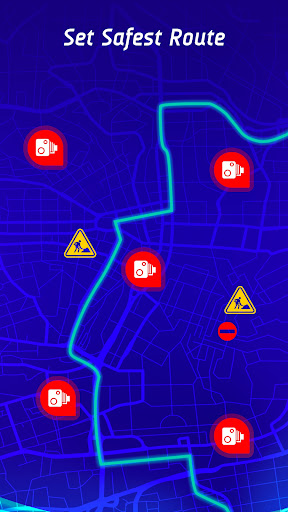

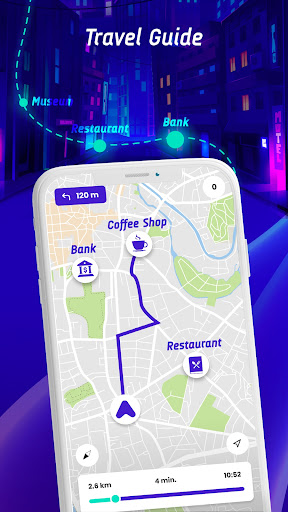

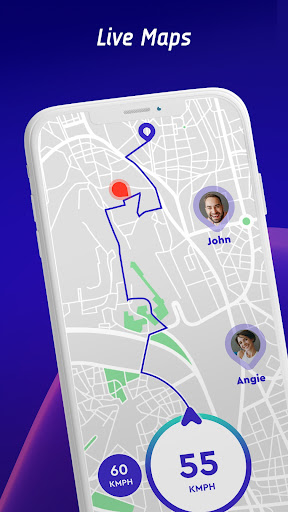
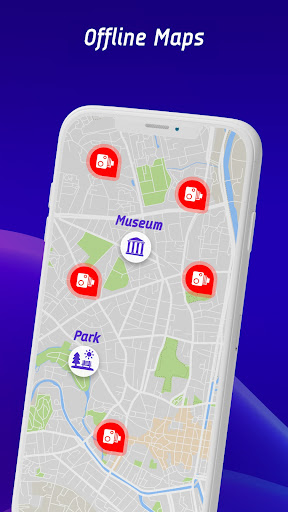
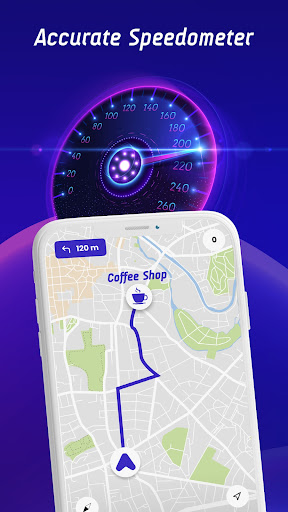


Offline Maps, GPS, Speedometer is a comprehensive driving companion app that integrates multiple essential features for safe and informed navigation. The app provides real-time alerts for speed cameras, traffic lights, and other potential hazards through its advanced speed camera detector and GPS functionalities.
One of the standout features is the head-up display (HUD) which projects crucial information like speed limits, radar alerts, and traffic notifications directly onto the windshield. This ensures drivers can maintain focus on the road while staying informed about their surroundings. Additionally, the app supports offline map navigation, making it reliable even without an internet connection.
The application is particularly useful for drivers who frequently travel or operate different types of vehicles such as cars, bikes, or trucks. By offering vehicle-specific speed limit alerts and integrating with GPS navigation, it enhances both safety and convenience during journeys.
Offline Maps, GPS, Speedometer boasts a rich set of features designed to improve driving safety and efficiency. The app includes a speedometer, speed trap alerts, and integration with GPS navigation systems to provide seamless route guidance.
A unique aspect is the live world cameras feature, allowing users to view real-time video streams from iconic global locations. This adds an element of exploration and situational awareness beyond just local driving conditions. Furthermore, the crowdsourced speed camera reporting function empowers users to contribute to a community-driven database of safe driving information.
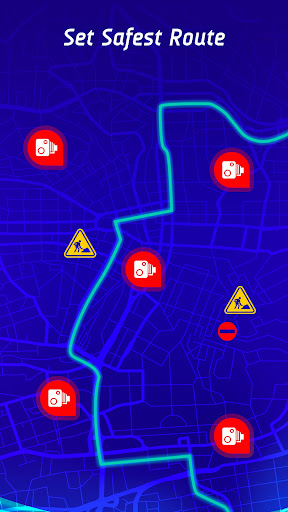
The inclusion of a travel history feature enables drivers to review past trips, analyze speed statistics, and identify areas for improvement in their driving habits. Coupled with the safest route recommendation system that considers real-time traffic data, this app ensures optimal journey planning and execution.
User-friendly interface
Comprehensive hazard alerts
Offline map support
Real-time updates
Community-driven data
Occasional inaccuracies
High battery usage
Limited free features
Subscription costs
Complex setup

TACNAV-X: Precision MGRS navigation, built specifically for the military.
 4.00
4.00
Instant diesel discounts - save big with each fill up!
4.40
America’s largest public fast charging network, with over 500 charging stations.
4.50
Voice GPS with driving directions, offline maps navigation GPS for safe travel
4.50
Use GPS maps or search by property owner, address or parcel to view parcel data
4.30
Get route map navigation with 3D satellite view, and live earth camera streaming
3.70
Explore with GPS Navigation with GPS offline, voice GPS, speed camera radar
4.60
Truck Safe GPS Navigation & Maps: Parking, Fuel, Diesel, Weight Station
4.80
Rideshare, taxi cabs, and more for your airport travels and everyday trips.
4.50
Affordable rides and food delivery with incredible discounts in just one app.
4.50
Plan routes, share locations, and set custom alert zones
4.40
"Balad" is a map and navigator with a Persian voice assistant and a complete city guide
4.40
Get matched with a nearby driver — you’ll be on your way in minutes.
4.30
Route schedules, maps, and real-time tracking of MTA buses in New York City.
4.20
Number locator, real connection map
4.10
Get directions, Maps, GPS navigation & GPS Maps using GPS App
4.10
Discover over 800 points of interest along the canal.
3.70
NJ TRANSIT information and ticketing at your fingertips
3.70
Explore the world with Live Satellite View, 3D Maps, GPS Navigation & Earth Map.
2.90


User Reveiws