
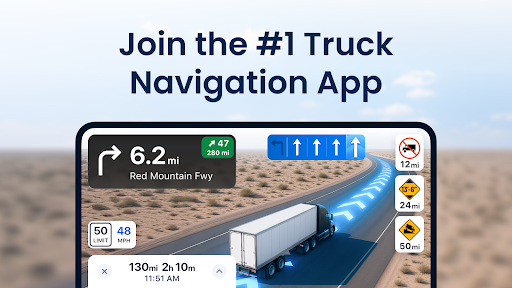
Trucker Path is a leading truck navigation application designed specifically for professional truck drivers. The app serves as an all-in-one solution, providing detailed maps and essential tools tailored to the needs of commercial trucking. With millions of users, it has become the go-to GPS tool for CDL truck drivers across America.
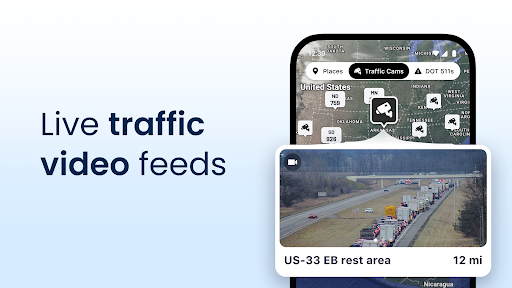
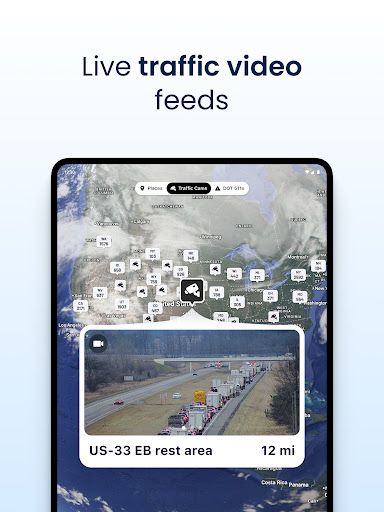
The app's core functionality revolves around its specialized mapping system that includes over 40,000 truck-specific locations. These maps feature crucial points of interest for truckers such as Pilot Flying J, Love's Travel Centers, Petro TA stations, weigh stations, CAT scales, and numerous truck parking spots. The application also incorporates real-time weather updates and live traffic conditions, making it an indispensable tool for long-haul planning.
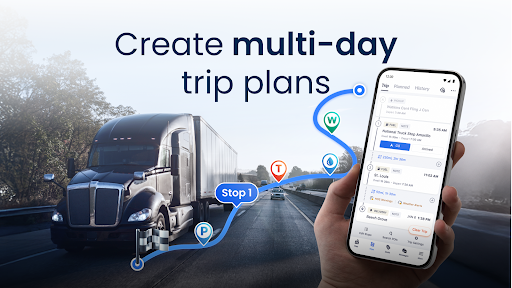
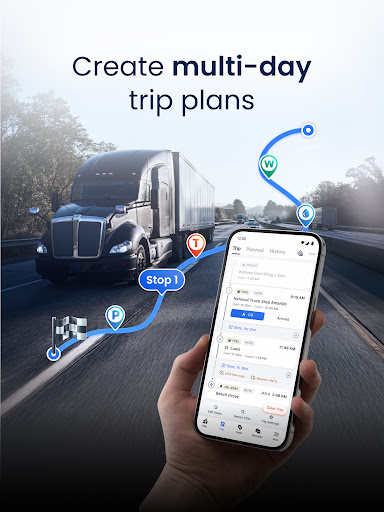
One notable use case involves multi-day trip planning, where drivers can utilize the app's advanced routing capabilities to navigate efficiently while avoiding low bridges and weight-restricted roads. This comprehensive approach to truck navigation provides significant value to professional drivers by saving them time and helping them make informed decisions on the road.
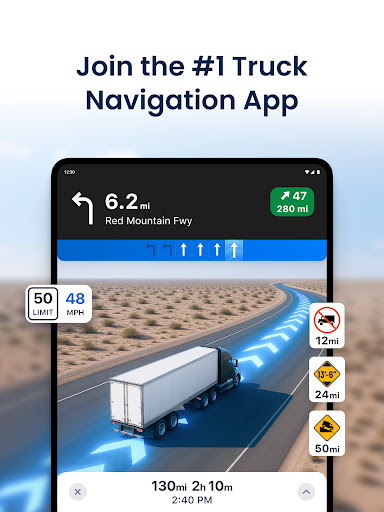
Trucker Path distinguishes itself through several key features that enhance the driving experience. The application offers sophisticated GPS navigation specifically designed for large vehicles, outperforming traditional GPS systems like Garmin and Rand McNally. Its routing algorithm considers truck-specific restrictions and provides optimized directions for both trucks and RVs.
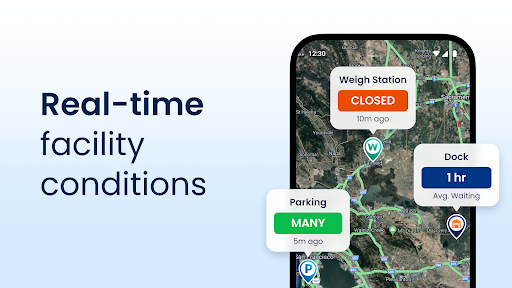
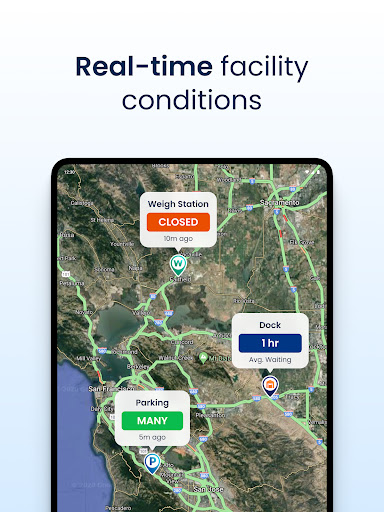
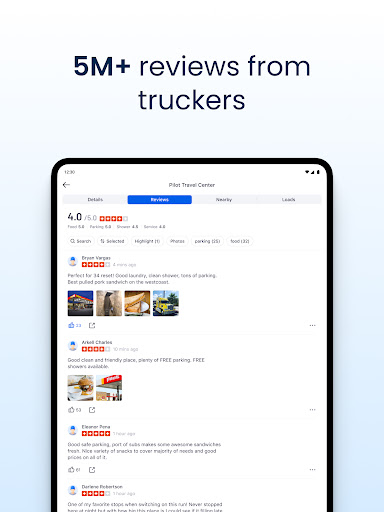
A standout feature is the app's live information system, which operates similarly to a modernized CB radio. This system provides real-time updates on crucial aspects such as weigh station status, parking availability at different locations, and current road conditions. Thousands of users contribute to this live feed hourly, ensuring the information remains current and reliable.
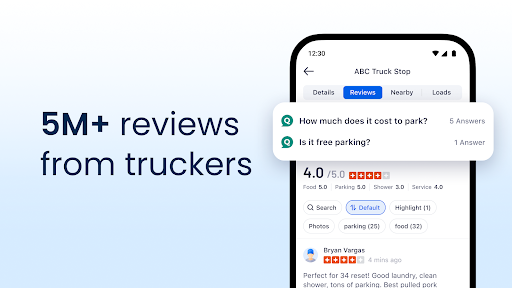
The app's comprehensive database includes detailed information about fuel prices, rest areas, and parking availability at major truck stops nationwide. This wealth of information helps drivers make cost-effective decisions while on the road. Additionally, the app's user community actively contributes to maintaining accurate and up-to-date information, creating a valuable network effect that benefits all users.
User-friendly interface
Real-time updates
Comprehensive truck stops
Free to download
Active user community
Occasional inaccuracies
Limited offline support
Ads in free version
Some features require pro
Interface can be cluttered

The fastest and most convenient way to pay for parking on our lots.
 4.40
4.40
Navigate with your watch and keep the phone in your pocket!
4.60
Find shortest way and save energy . Distance and area calculator.
4.70
Voice GPS with driving directions, offline maps navigation GPS for safe travel
4.50
Drive safe with real-time speed camera radar, police, and traffic alerts
3.80
Explore offline maps with radar, satellite view, and real-time alerts.
3.60
Get route, find shortest path, near by places and weather update
3.90
Navigate seamlessly with Real-Time Traffic, Offline Maps, and Voice Navigation.
4.10
Park in Chicago, NYC, Boston, SF, Houston & more!
4.70
Explore with GPS Navigation with GPS offline, voice GPS, speed camera radar
4.60
GPX Viewer PRO shows tracks, routes and waypoints from gpx and kml files.
4.60
Affordable rides and food delivery with incredible discounts in just one app.
4.50
Plan routes, share locations, and set custom alert zones
4.40
Use GPS maps or search by property owner, address or parcel to view parcel data
4.30
Maps, Driving Directions & GPS navigation using directions app & GPS App
4.30
Route Planner is travel map to get turn by turn navigation & driving directions
3.90
NJ TRANSIT information and ticketing at your fingertips
3.70
Explore the world with Live Satellite View, 3D Maps, GPS Navigation & Earth Map.
2.90
Compass is an accurate compass and a great tool for any outdoor activities
4.1


User Reveiws