PDF Reader: Easy Fast Viewer

4.20

Information

Category:

Tools

Price:

Free

Rank:

6

Rating:

4.20

Overview

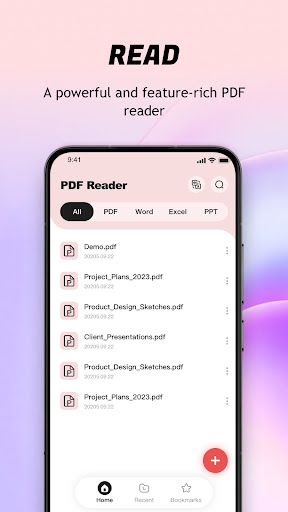
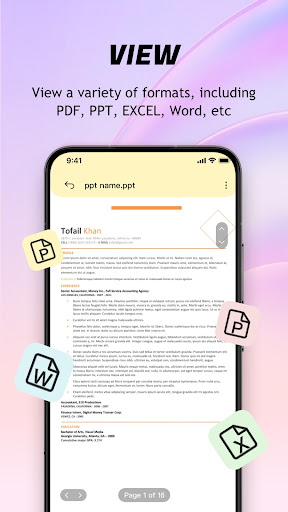
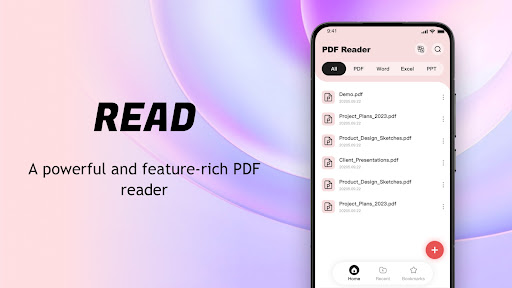
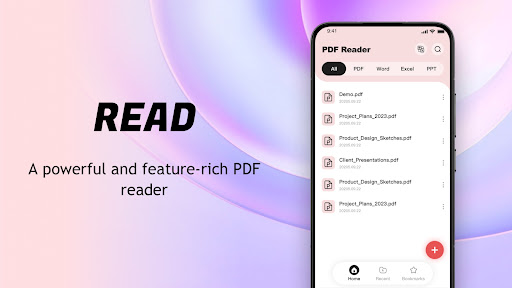
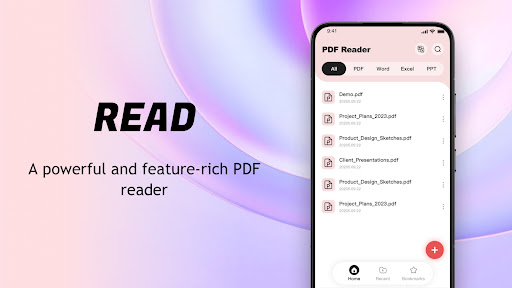
PDF Reader: Easy Fast Viewer is a versatile tool designed for efficient document management and reading. This application automatically scans and displays PDF files on your mobile device, providing a seamless reading experience. With its intuitive interface and powerful features, users can easily manage, view, and share PDF documents.

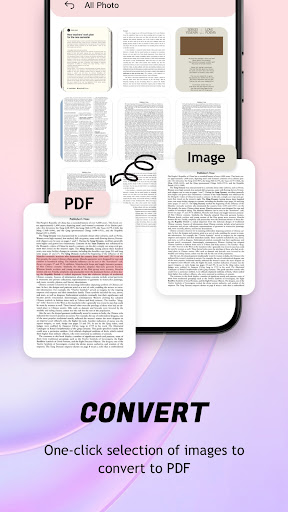
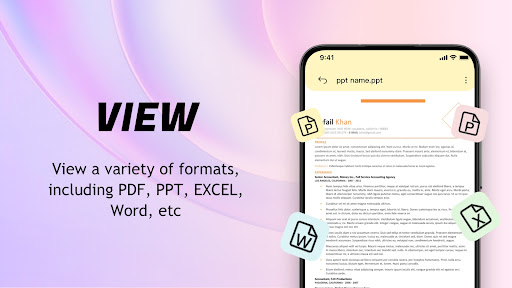
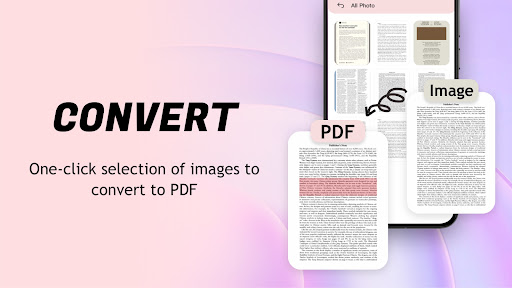
The app supports multiple scrolling modes, smooth page transitions, and clear rendering of text and images. It also offers advanced functionalities like image-to-PDF conversion and file classification management. Whether you need to quickly access recent files or print documents directly from your phone, this PDF manager ensures convenience and efficiency in handling your digital documents.

Features

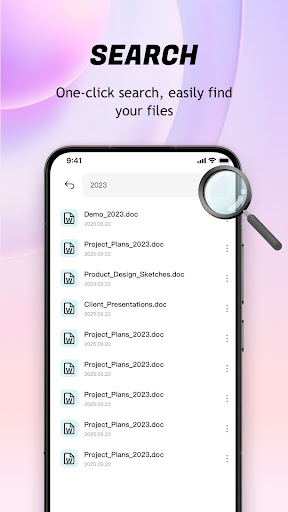
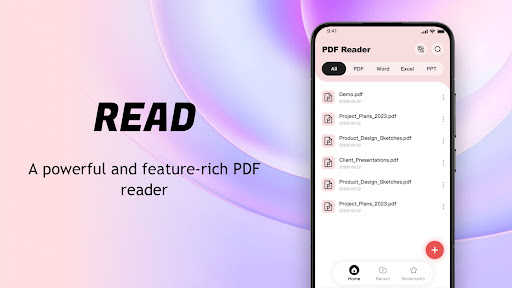
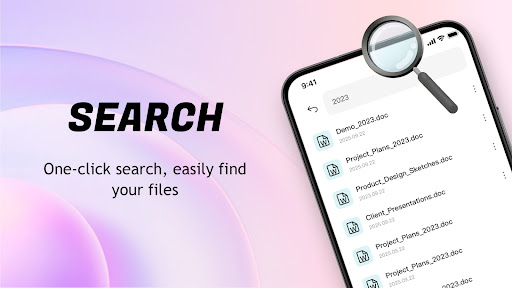
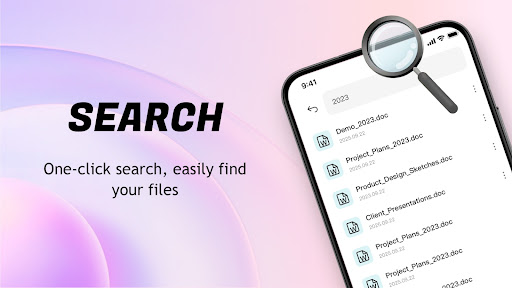
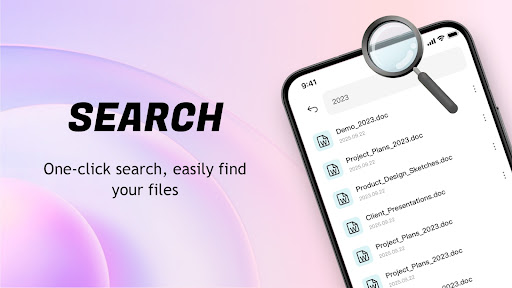
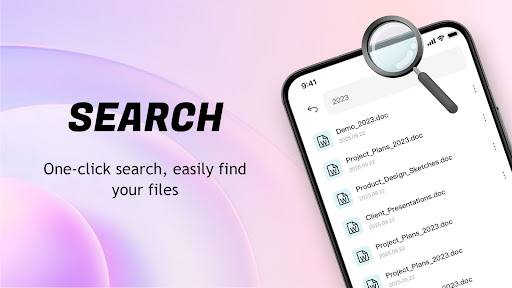
PDF Reader: Easy Fast Viewer stands out with its comprehensive feature set tailored for document management. The app automatically identifies and organizes all PDF documents on your device, presenting them in a user-friendly interface. Its intelligent search function allows quick location of specific files, while the smooth scrolling modes ensure comfortable reading sessions.

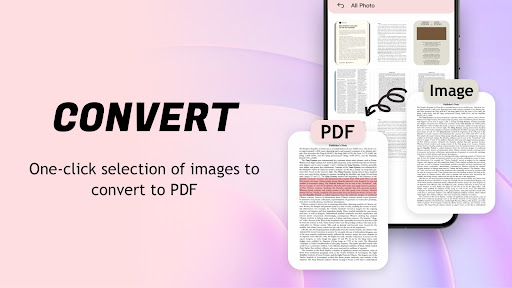
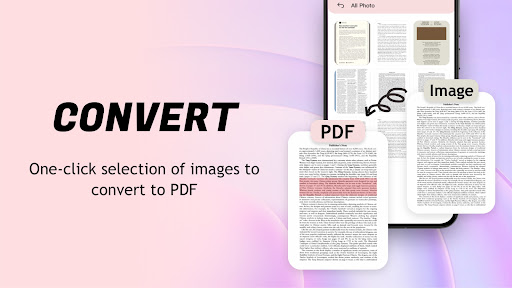
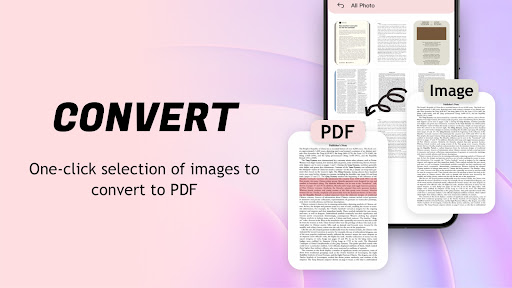
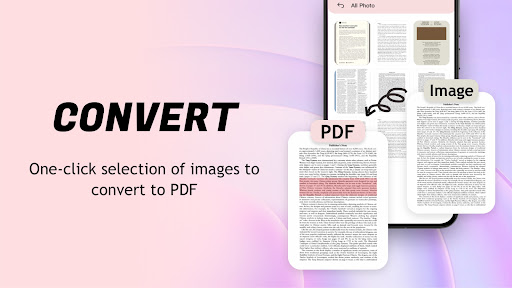
One of the key highlights is the image-to-PDF conversion tool, which optimizes layouts and generates PDFs with a single click. The app also maintains a chronological record of recently opened files for easy access. Users can delete unnecessary files, mark important ones as favorites, and even share documents with others effortlessly. Additionally, the built-in printing functionality enables direct printing from mobile devices.

Core function accuracy & effectiveness

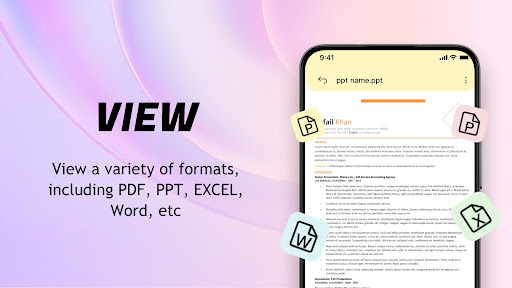
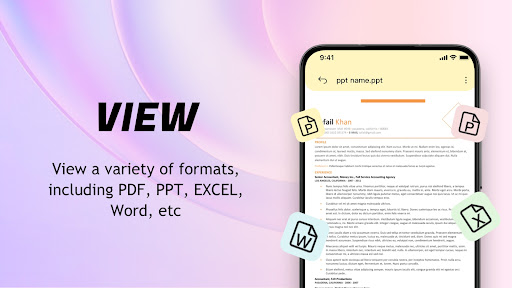
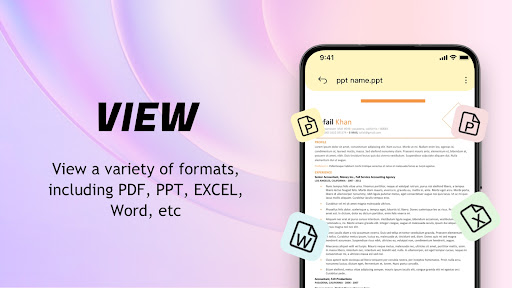
The core functionality of the PDF Reader Easy Fast Viewer centers around its ability to accurately and effectively manage and display PDF documents on mobile devices. This application is designed to automatically search for and display PDF files stored on the phone, providing users with a seamless experience in document management and reading. The importance of this feature lies in its ability to unify various file formats into a single, easy-to-navigate interface, thus simplifying the user's interaction with their digital library. The app achieves this by implementing an intelligent scanning system that recognizes PDF documents across the device, presenting them in a coherent list format that facilitates quick access. Furthermore, the app supports multiple scrolling modes, allowing users to choose their preferred method of navigation through documents. This ensures smooth page transitions and clear visibility of text and images, which are crucial for maintaining an engaging and comfortable reading experience. Users benefit from having all their important documents readily accessible and organized in one place, eliminating the hassle of manually searching for files. Additionally, the app's capability to convert images to PDF format with automatic layout optimization adds another layer of utility, making it not just a viewer but also a versatile tool for file management and sharing. The overall value proposition of the PDF Reader Easy Fast Viewer lies in its comprehensive approach to handling PDFs, ensuring that users can efficiently manage, view, and share their documents without any compromise on quality or performance.

Interface simplicity & intuitiveness

Interface simplicity and intuitiveness are critical components of the PDF Reader Easy Fast Viewer, ensuring that users can effortlessly navigate and utilize its features without a steep learning curve. The significance of an intuitive interface cannot be overstated, as it directly impacts user adoption and satisfaction. The PDF Reader Easy Fast Viewer excels in this area by offering a clean and straightforward design that prioritizes ease of use. Upon launching the app, users are greeted with a streamlined layout that highlights the most recently accessed files, enabling quick resumption of reading activities. This thoughtful arrangement extends to the file management capabilities, where actions such as deleting, collecting, and sharing files are executed with minimal steps, enhancing productivity. The app further simplifies complex tasks like converting images to PDFs through a one-click generation process, demonstrating its commitment to reducing user effort. Another aspect that underscores the app's intuitive nature is its support for different scrolling modes, catering to individual preferences and ensuring that users can customize their reading experience according to their comfort. By focusing on these elements, the PDF Reader Easy Fast Viewer not only meets the basic requirements of a PDF reader but elevates the standard through its user-centric design. This attention to detail results in an application that feels natural to interact with, ultimately leading to higher engagement and retention rates among users who appreciate the blend of functionality and simplicity.

Props

User-friendly interface

Fast file search

Smooth page transitions

Image-to-PDF conversion

Efficient file management

Cons

Limited format support

No cloud integration

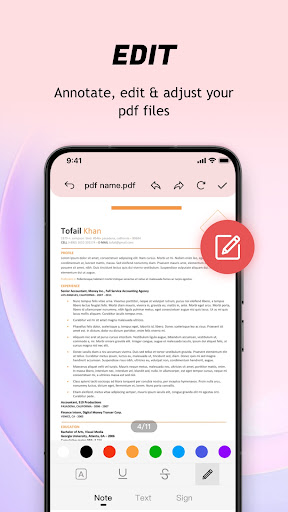
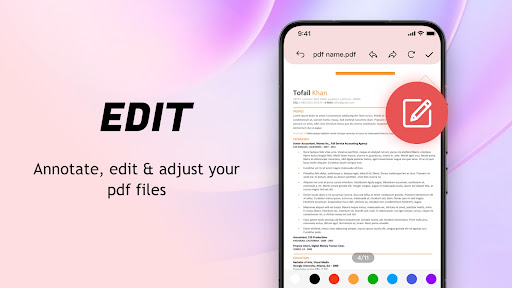
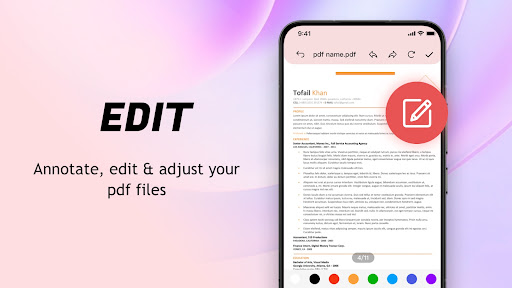
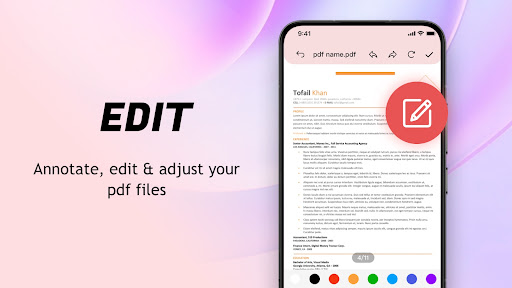
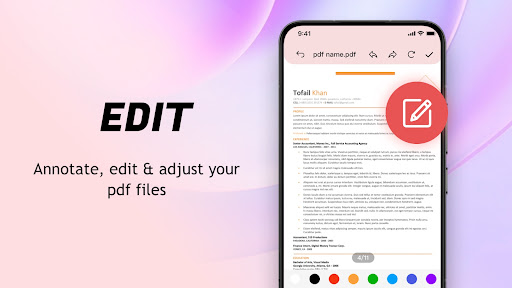
Basic editing tools

Occasional lag

Ads in free version

Features and Functions

What is this app and what can I use it for?

A PDF viewer and manager for easy document handling

How do I download and install this app on my device?

Visit Google Play Store, search for the app, and tap install

How do I get started after opening the app for the first time?

Grant necessary permissions and follow the setup wizard

What are the main features and capabilities of this app?

File search, preview, conversion, and sharing capabilities

How can I customize my experience and adjust preferences?

Adjust scrolling modes and manage favorite files

How do I save or bookmark my favorite content for later access?

Mark files as collected for quick future reference

How can I share content with friends or on social media?

Use the built-in share function to send files via apps

How do I access detailed information and explore more content?

Browse recent files or search for specific documents

What permissions does this app need and how do I manage them?

Needs storage permission for file management features

How do I check for updates and keep the app running smoothly?

Enable auto-update in Google Play Store settings
Show more

User Reveiws

{{ comment.reviewer_name }}
{{ comment.review_date_formatted}}
{{ comment.review_content }}
{{ tab.name }}
{{ comment.reviewer_name }}
{{ comment.review_date_formatted}}
{{ comment.review_content }}
No reviews with this rating