

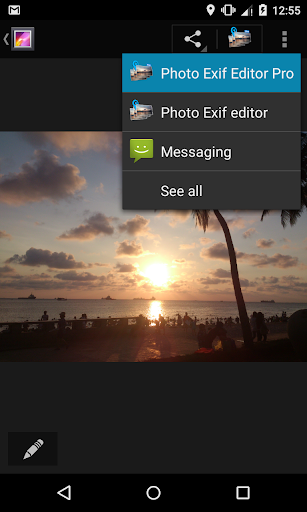

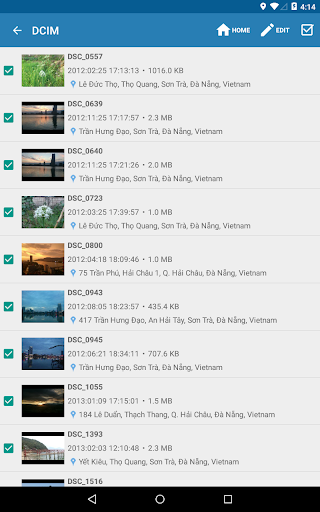
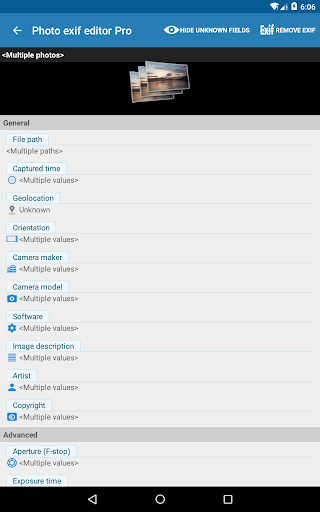
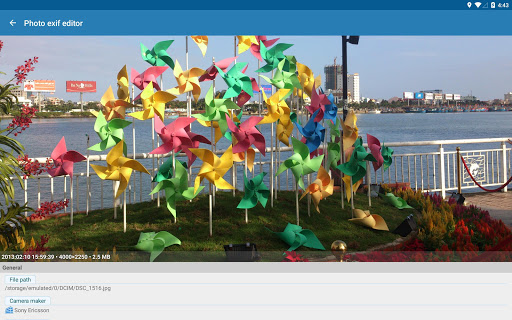


Photo Exif Editor Pro is a comprehensive tool designed for photographers and enthusiasts who need to manage the metadata of their images. This application allows users to view, edit, and modify Exif data, which includes essential camera settings and location information.
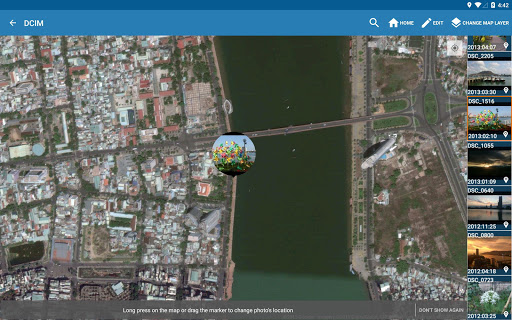
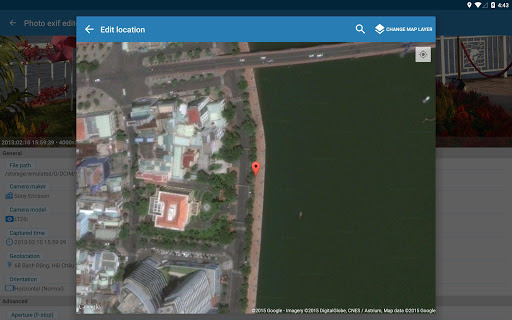
The app features an intuitive interface that makes it easy to correct missing details in your photos. With capabilities such as batch editing and full raw data display, Photo Exif Editor Pro offers advanced functionality for optimizing photo management. Whether you're adjusting aperture settings or geotagging locations via Google Maps, this app provides the tools necessary for detailed image customization.
Available on Android, this app is particularly useful for professionals needing to organize large volumes of photographs with precision and ease. By ensuring accurate metadata, users can enhance their workflow and maintain high standards in their photography projects.
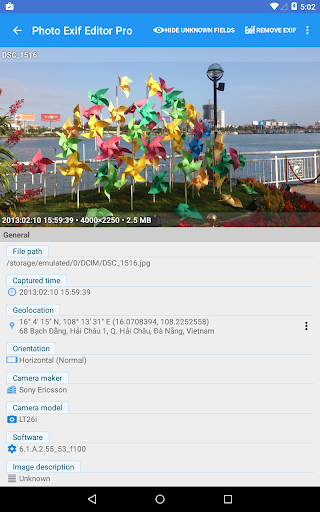
Photo Exif Editor Pro stands out due to its robust feature set tailored for meticulous photo management. One of its primary advantages is the ability to show full raw data of pictures, providing users with complete transparency over their image files.
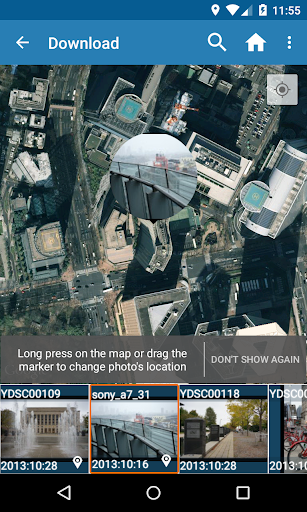
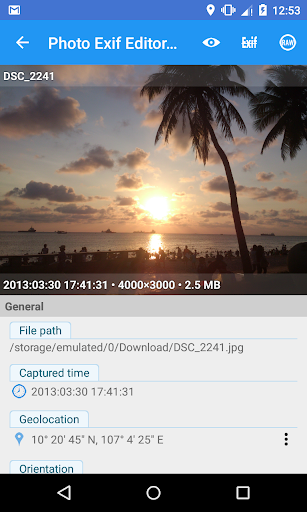
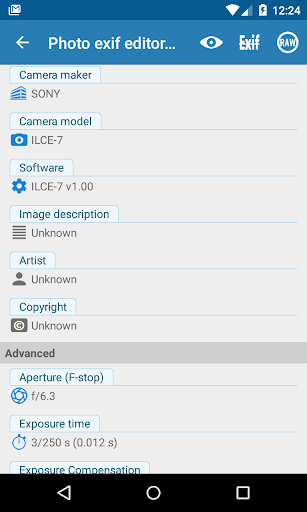
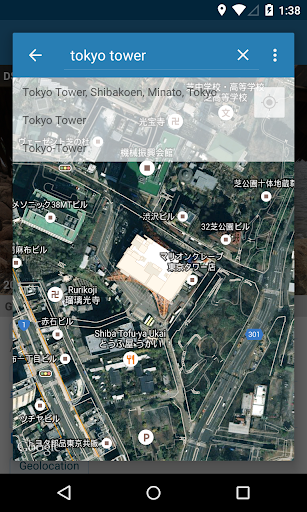
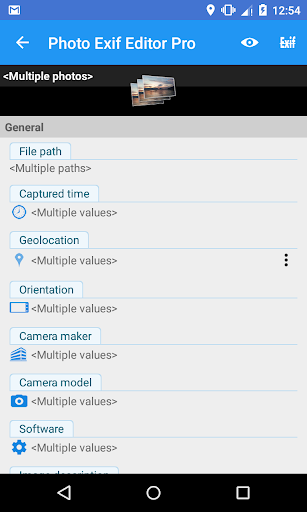
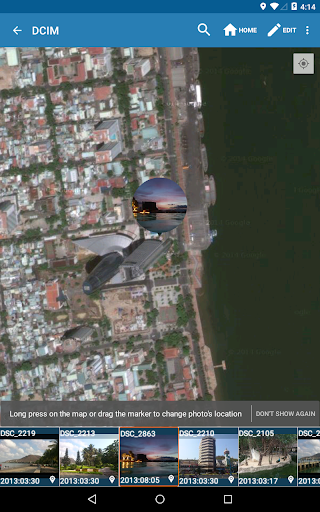
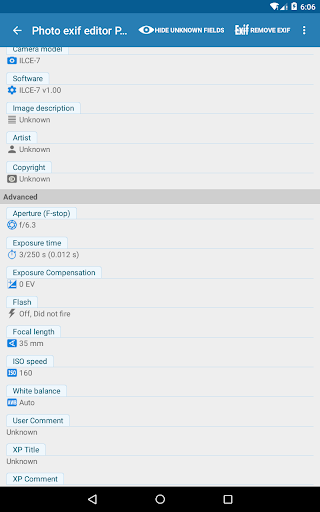
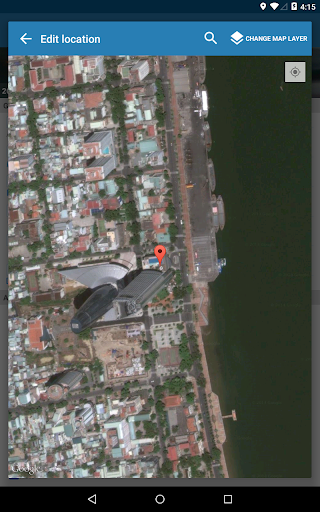
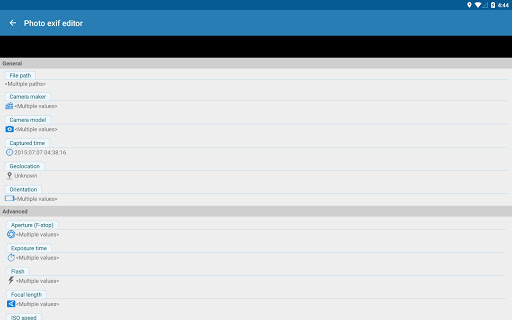
This app supports batch editing, allowing users to modify multiple photos simultaneously. It also integrates Google Maps for precise geotagging, enabling users to add or correct location data effortlessly. Additionally, the app offers extensive tag editing options including camera model, captured time, orientation, aperture, shutter speed, focal length, ISO speed, and white balance.
These features collectively ensure that photographers can maintain accurate and comprehensive metadata across their photo libraries, enhancing both organization and retrieval processes.
User-friendly interface
Batch editing support
Full raw data display
Google Maps integration
Extensive tag editing
No iOS version available
Advanced features may overwhelm beginners
Limited video editing capabilities
Occasional bugs reported
Premium pricing

Application for remote controlling DSLR
 3.00
3.00
Perfect body tune & face app - photo retouch, makeup, slim body & beautify face.
4.80
HD Camera Pro with HD Video shooting, Panorama, Photo editor , Beauty Camera.
4.50
A must-have app for landscape photographers
4.60
Create amazing frames with up to five photos. Rounded corners, effects and more!
3.60
Create AI photos & videos with Enhancer; restore, fix, beautify, enhance photos
4.50
Enhance, retouch & create your story - Share the moment with Photoshop Express.
4.60
Discover & download millions of art for The Frame TV or Hisense CanvasTV
4.60
Unlock the full potential of your DJI drone with Litchi
4.50
Find time and duration of different sunlight phases at any location
4.90
Amazing Photo Effects - The most fun you can have with your photos!
4.70
Use AI Video Generator to turn your words to ai generated videos.
4.50
Search, tag and rate your way to an organized image gallery
4.40
[3DSteroid Pro] is a stereoscopic application for Android.
4.30
Shooting photos and records video easily and efficient with professional Camera
4.30
AI-powered video creator by MiniMax - Where ideas meet cinema
4.20
Astrophotography with your smartphone, photo live stacking and much more!
3.90
GCamera allows all GCam features on all phone models! Better photos with GCamera
3.30
Over 800 film simulation recipes for Fujifilm. Black Friday Offer!
4.1


User Reveiws