
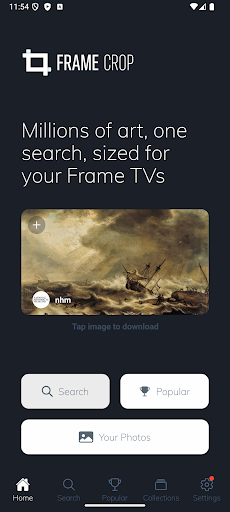
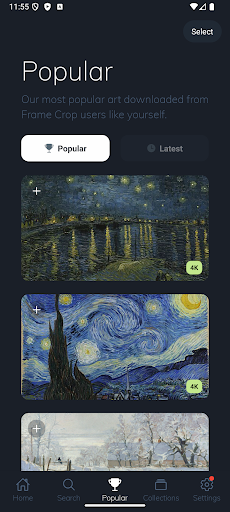
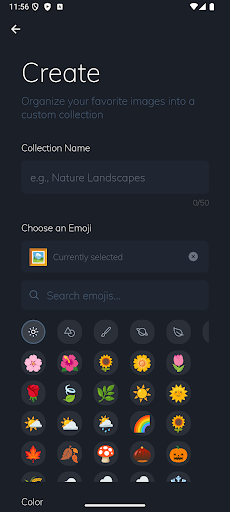
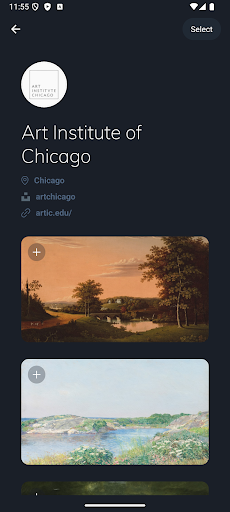
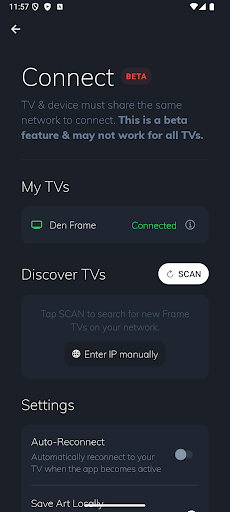
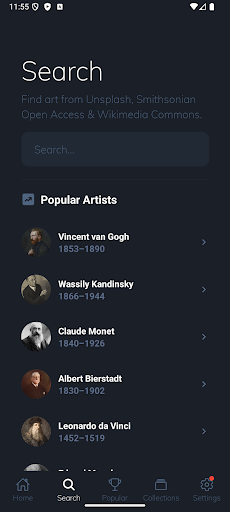
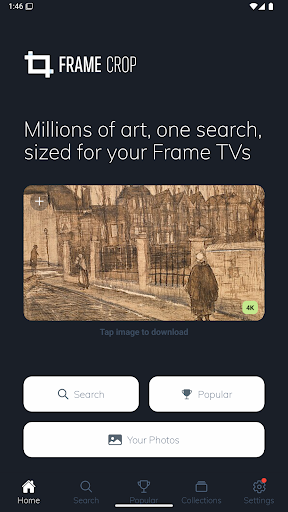
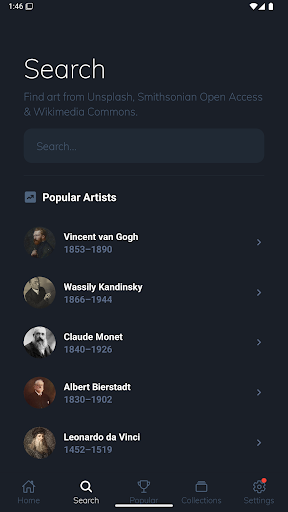

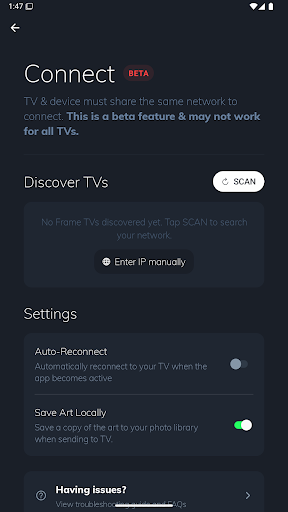
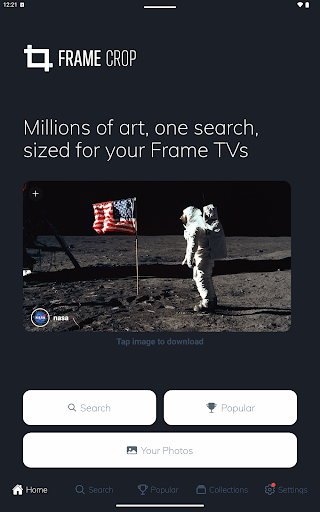
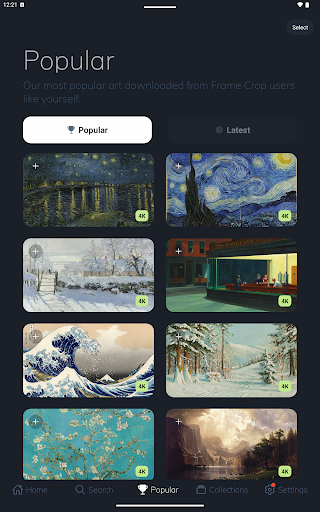
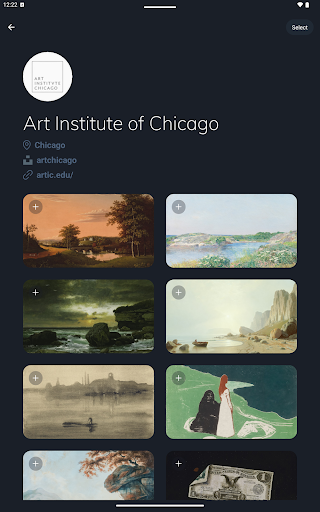

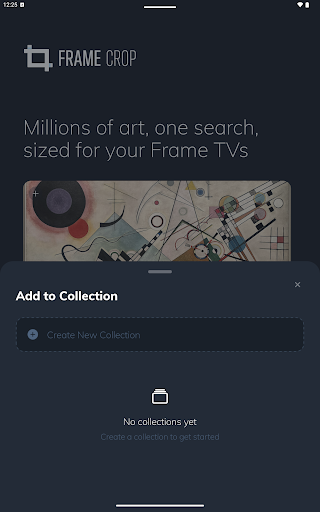
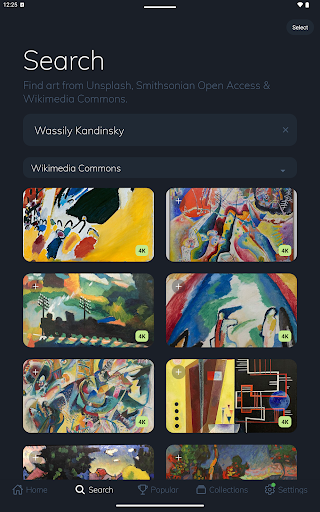
Frame Crop is a specialized application designed for Samsung Frame TV and Hisense CanvasTV owners who wish to enhance their viewing experience with personalized artwork. The app allows users to browse, crop, and download high-quality images from renowned libraries such as Smithsonian and Unsplash. With its intuitive cropping tools, users can effortlessly adjust photos to fit the unique borderless display of their TVs.
The application's core function is to transform your television into a dynamic art gallery, showcasing everything from personal memories to professional artworks. Whether you want to exhibit your travel photographs or works from famous artists, Frame Crop provides the tools necessary to match your mood or complement your home decor. This seamless integration of technology and art offers an unparalleled way to enjoy visual content.
Frame Crop stands out with its rich set of features tailored specifically for art enthusiasts and photography lovers. One of the key highlights is the intuitive photo cropping tool that ensures every image perfectly fits the display dimensions of Samsung Frame TVs and Hisense CanvasTVs. This feature supports both landscape and portrait orientations, catering to various mounting preferences.
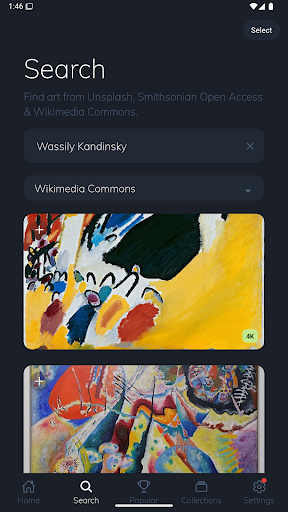
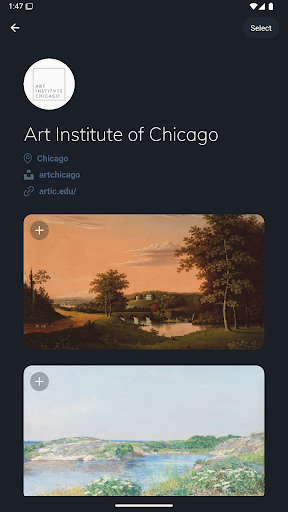
In addition to its powerful cropping capabilities, Frame Crop grants access to an extensive library of art collections, including stunning landscapes, animals, and more from sources like Smithsonian Open Access, Unsplash, and Wikimedia Commons. Users can search through thousands of high-resolution images and switch their displayed art using the SmartThings app. This flexibility not only enhances aesthetic appeal but also allows for a fully customized viewing experience that reflects personal tastes and interior design choices.
User-friendly interface
Extensive art library
Customizable display options
Support for multiple TV models
Regular content updates
Limited to specific TV brands
Premium content requires payment
Occasional app stability issues
Internet connection required
Advanced features need learning

Easily stitch panoramas from multiple photos or video.
 4.40
4.40
Photobooth mini FULL app will allow you to add more fun to your parties
4.00
Viewfinder, Light meter, Reciprocity failure time, DOF & Bellows Extension
4.60
Cut and paste photo editor & eraser to customize photos easy and swap faces fun
4.50
Photo editor: AI filters, photo enhancer, pic collage maker, AI art generator.
4.80
The #1 app for B&W film developing featuring an advanced darkroom timer.
4.10
Create AI photos & videos with Enhancer; restore, fix, beautify, enhance photos
4.50
Pro version: AR sun/moon tracker for any date. Tool for photographers & planners
4.90
PhotoSync Bundle Add-On License. Enables all features and services in PhotoSync.
4.60
Easily view, share, delete photos with Gallery.
4.70
A must-have app for landscape photographers
4.60
Enhance, retouch & create your story - Share the moment with Photoshop Express.
4.60
Create Business Headshots, Polaroid Filter, Retake Photos,Profile Pics,AI Photos
4.50
Transform photos into videos! Create realistic or anime-style images easily!
4.50
Natural Beauty, Selfie Retouch
4.30
Photo editor: face & body editor, beauty cam, filters and quality enhancer.
4.00
live datamoshing
4.00
Professional video recording application with manual controls for filmmakers!
2.80
Raw Image Viewer. Gallery with support of raw images (.cr3, .cr2, .nef, .raf).
2.00


User Reveiws