
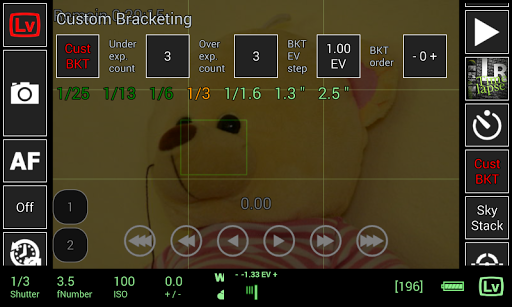
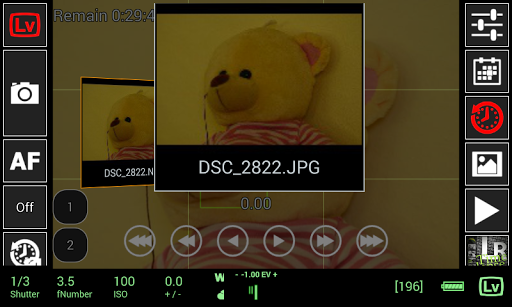
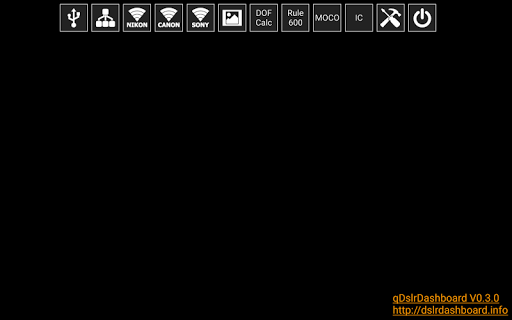
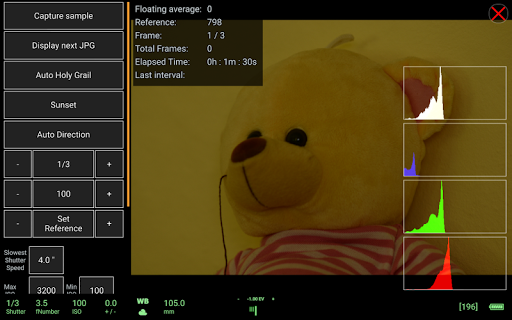
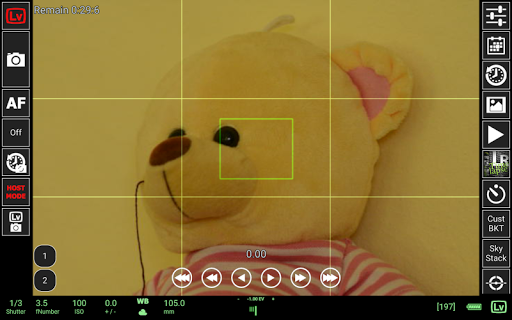

qDslrDashboard is a powerful photography application designed for DSLR camera enthusiasts who want to control their Nikon, Canon, or Sony mirrorless cameras directly from an Android device. The app offers comprehensive remote control capabilities, including multiple camera support, synchronized capture, and live view functionality.
One of the standout features is its ability to connect to DSLR cameras using a portable wireless router (ddserver) or USB OTG adapter, allowing users to adjust camera settings, browse images, and transfer files seamlessly. Whether you're capturing time-lapse sequences, focusing manually during live view, or initiating movie recording, qDslrDashboard provides professional-grade tools tailored for advanced photography workflows.
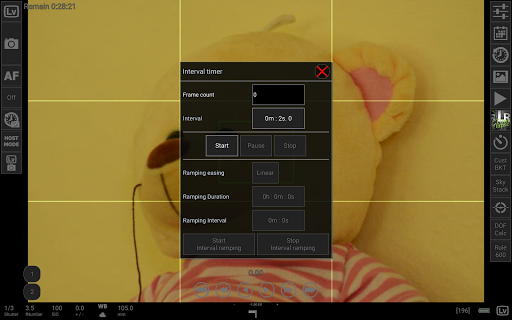
qDslrDashboard boasts an impressive array of features that cater to both amateur and professional photographers. It supports remote capture, synchronized shooting across multiple cameras, and live view with histogram analysis. Users can also employ custom bracketing, focus stacking, and time-lapse modes with advanced controls.
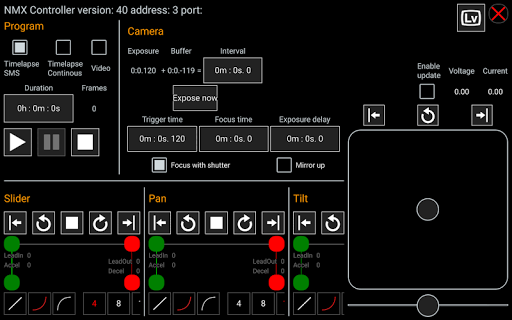
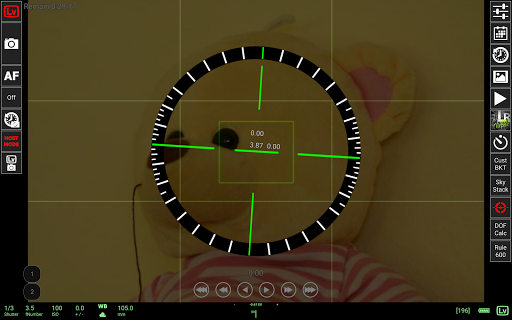
In addition to these core functionalities, the app includes specialized tools such as a DoF calculator, Rule600 calculator, and Sky stacking helper. For wireless operations, it integrates with WU-1a/1b adapters and supports Bluetooth LE for motion controllers like Dynamic Perception NMX. These robust features make qDslrDashboard an indispensable tool for photographers seeking precision and flexibility in their projects.
Comprehensive camera control
Multiple camera support
Advanced time-lapse options
Live view with histogram
Wireless connectivity
Requires USB OTG adapter
Complex for beginners
Limited camera models
No iOS version
High learning curve

How would you look like with a differently shaped nose, chin or lips?
 3.90
3.90
Edit like a pro with Hypic. Apply filters, AI effects, & magic touch.
4.40
Cartoon and artistic effects for your photos and videos
4.70
Gallery Slideshow is slideshow maker app for slideshow from your gallery photos.
3.90
Create AI photos & videos with Enhancer; restore, fix, beautify, enhance photos
4.50
Easily create custom gifts, cards, photo books & more on the Shutterfly app!
4.60
Your personal guide to the sun and moon. Plan ahead, visualize and predict!
4.70
Remote control the phone camera shutter from your smartwatch and take a picture
1.60
Solocator stamps photos you take with GPS location, Compass Direction, Date/Time
3.80
Gallery show photo, video, slideshow, is perfect 3D effect private photo albums.
4.80
Viewfinder, Light meter, Reciprocity failure time, DOF & Bellows Extension
4.60
Automatically backup your photos and videos to computer, NAS and Cloud services
4.60
Enhance, retouch & create your story - Share the moment with Photoshop Express.
4.60
Create Business Headshots, Polaroid Filter, Retake Photos,Profile Pics,AI Photos
4.50
Smart, light, and fast photo and video gallery
4.30
Professional photography on your mobile phone
4.20
Create & Edit with AI: AI Remove, Enhance, Retouch, Filter
4.10
Catch sunlight, sunrise sunset times and sun phases with the AR sun tracker.
4.10
Professional video recording application with manual controls for filmmakers!
2.80


User Reveiws