
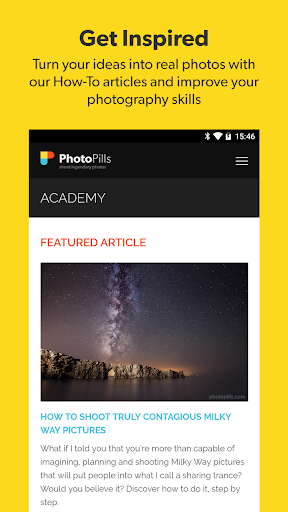
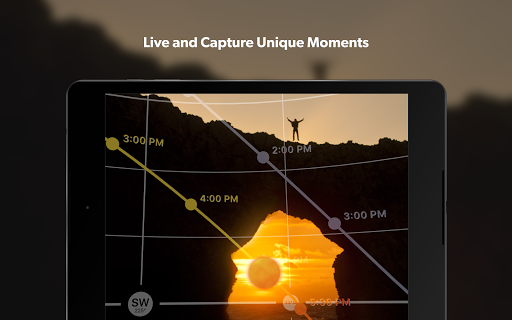

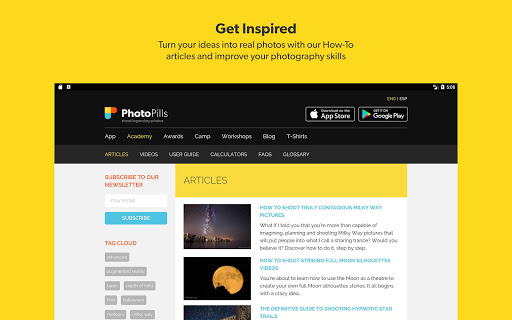
PhotoPills is a comprehensive photography planning tool that unlocks creative potential by helping photographers turn imagined scenes into reality. The app specializes in celestial photography, offering precise planning for Sun, Moon, and Milky Way shots.
Core features include a 2D map-centric planner, augmented reality tools, and various calculators. These tools enable users to plan their shoots down to the exact date and time, ensuring they capture unique moments. Whether capturing landscapes or night skies, PhotoPills enhances artistic possibilities.
The app's value lies in its ability to streamline the planning process, making it easier for photographers to focus on creativity. With endorsements from renowned photographers and a suite of practical tools, PhotoPills is an essential companion for both amateur and professional photographers aiming to create legendary photos.
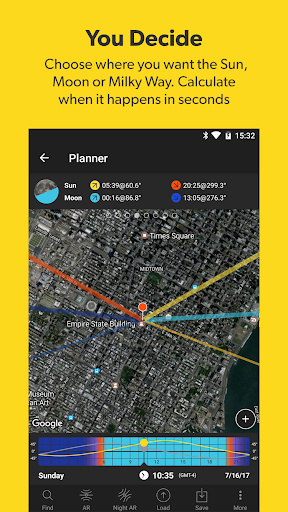
PhotoPills stands out with its extensive set of features tailored for photographers. One key feature is the 2D Map-Centric Planner, which allows users to visualize Sun, Moon, and Milky Way positions over any landscape.
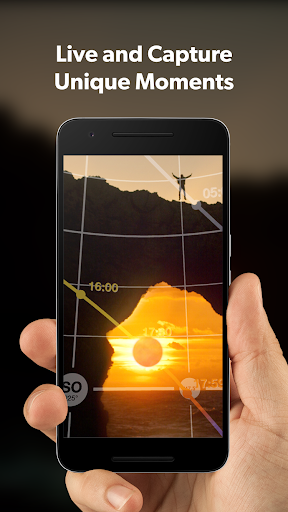
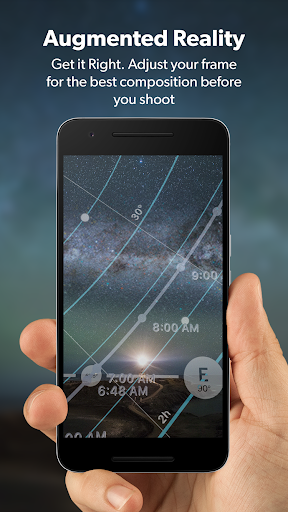
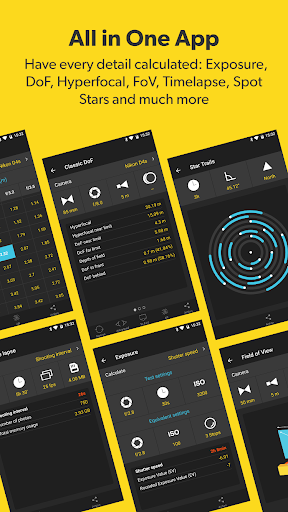
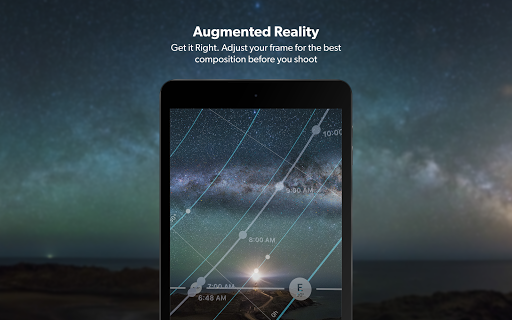
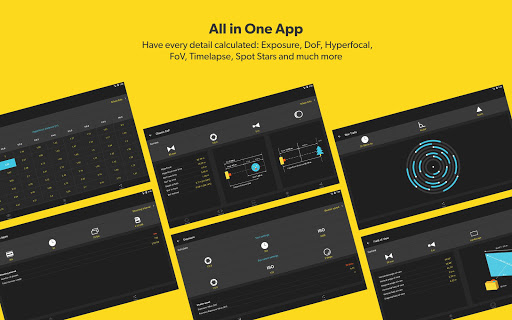
Another highlight is the 3D Augmented Reality view, providing real-time positioning of celestial bodies. This feature helps photographers adjust their frames for optimal composition before shooting. Additionally, the app includes various calculators such as Long Exposure, Timelapse, and Hyperfocal Table, aiding in technical precision.
These features collectively ensure that photographers can plan their shots meticulously, enhancing both the creative and technical aspects of photography. The app's innovative tools and detailed planning capabilities make it indispensable for those seeking to elevate their photographic skills.
User-friendly interface
Comprehensive planning tools
Augmented reality views
Endorsed by photography masters
Extensive calculator suite
High learning curve
Premium pricing
Device compatibility issues
Complex for beginners
Limited offline functionality

Long exposure camera with computational photography
 2.60
2.60
Cut and paste photo editor & eraser to customize photos easy and swap faces fun
4.50
What celebrity do you look like? Celebs will find your celebrity match!
4.10
Create Business Headshots, Polaroid Filter, Retake Photos,Profile Pics,AI Photos
4.50
Create AI photos & videos with Enhancer; restore, fix, beautify, enhance photos
4.50
Professional camera app that brings DSLR manual photography controls to Android.
4.20
Catch sunlight, sunrise sunset times and sun phases with the AR sun tracker.
4.10
Discover & download millions of art for The Frame TV or Hisense CanvasTV
4.60
Edit photos with the picture generator: PS2 & AI Clay filters, cartoon effects.
4.50
Perfect body tune & face app - photo retouch, makeup, slim body & beautify face.
4.80
Easily view, share, delete photos with Gallery.
4.70
Photo editor & gallery. Crop pictures & edit photos offline, no wifi!
4.50
AI photo enhancer with Sora 2! Enhance, descratch, and colorize your old photos.
4.50
Trendy TikTok time warp scan funny filter app brings you unique photos & videos.
4.40
Professional photography on your mobile phone
4.20
AI-powered video creator by MiniMax - Where ideas meet cinema
4.20
Remote control of the phone camera from your Wear OS smartwatch
3.70
Perfect photos with body shaping, BG changer and object remover.
3.70
Add a dreamy vibe to your selfies and videos with soft style filters
4.1


User Reveiws