

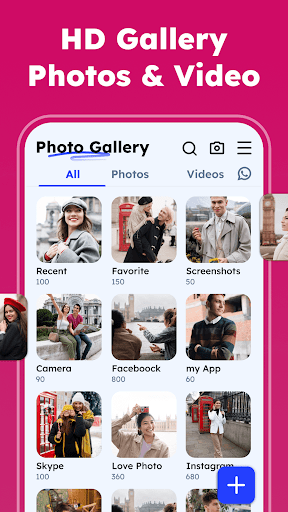

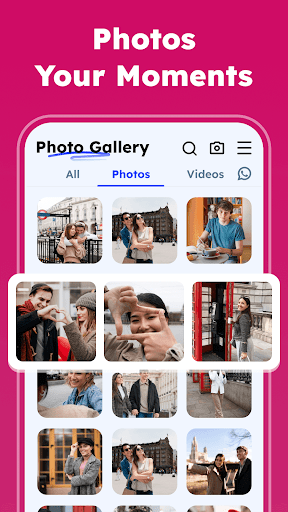
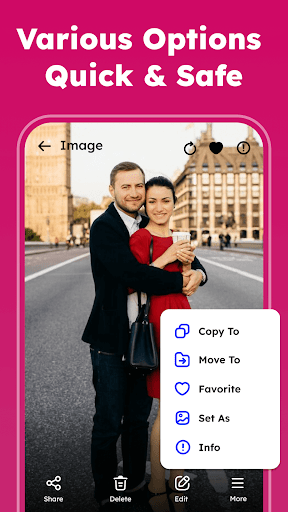
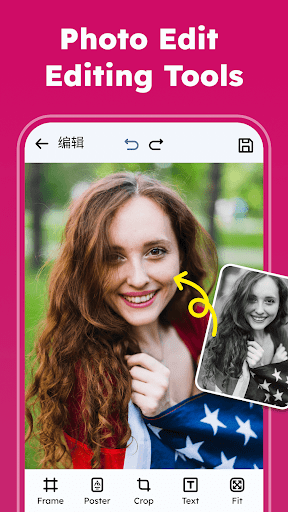

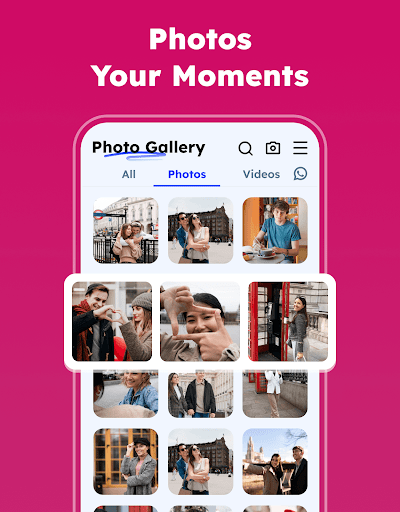
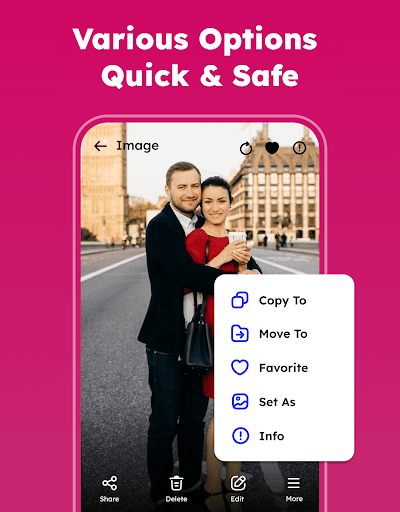
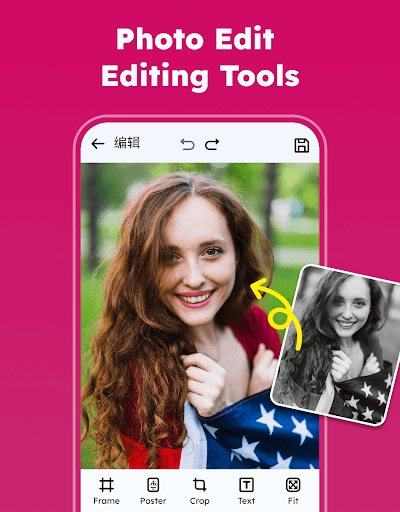
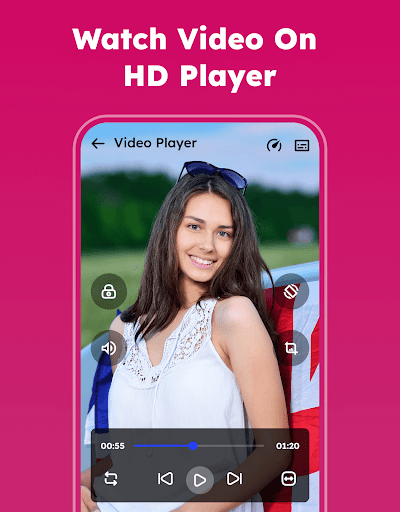

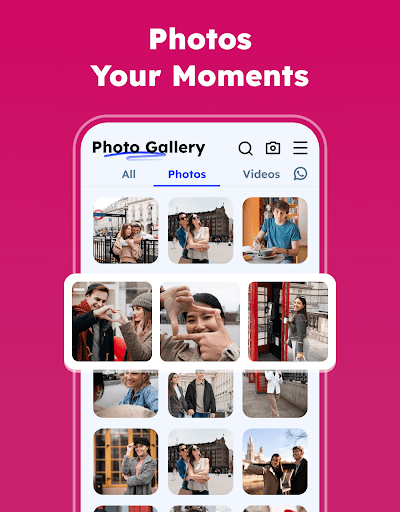
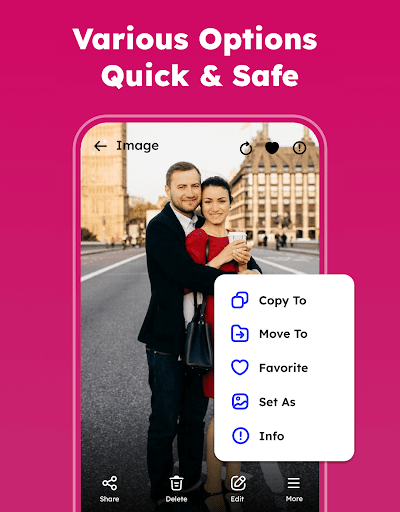

Gallery - Photos & Videos is a comprehensive photography management app designed to help users efficiently organize, edit, and protect their digital media assets. The app offers a complete suite of features including photo viewing, editing, organizing by categories, and secure locking of sensitive content.
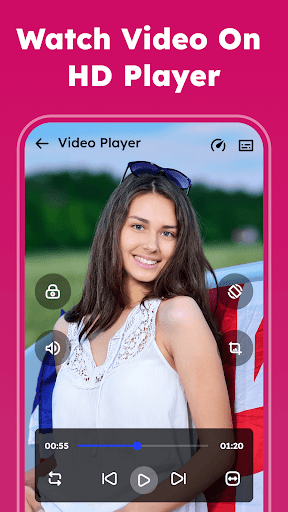
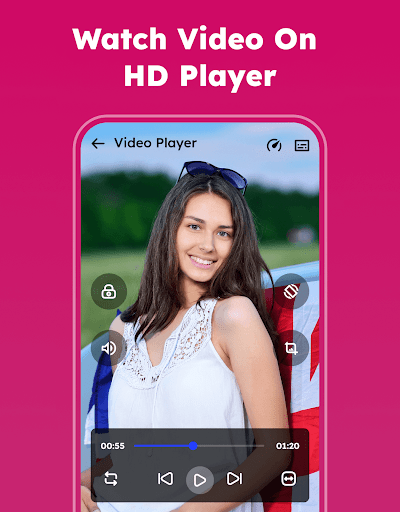
This gallery solution stands out through its intuitive interface and powerful functionality. Users can enjoy smooth video playback, remove duplicate files, and automatically categorize media in the Explore section. The app's offline capabilities ensure uninterrupted access to precious memories without requiring an internet connection.
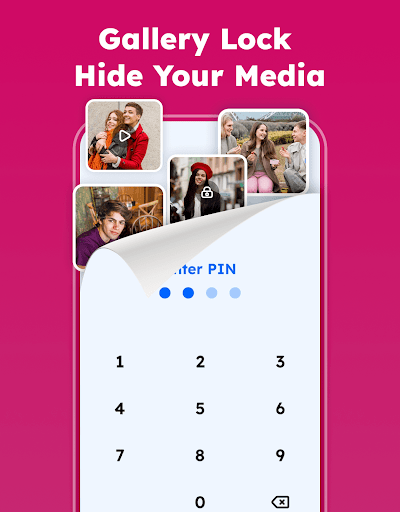
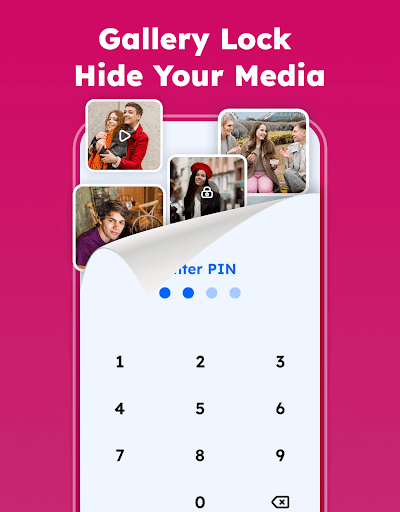
The application proves particularly valuable for individuals seeking to maintain privacy while managing their growing collection of photos and videos. Its Gallery Lock feature provides an extra layer of security, making it suitable for both personal and professional use cases where media protection is crucial.
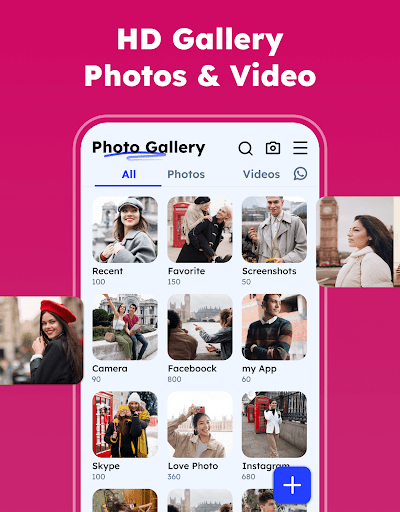
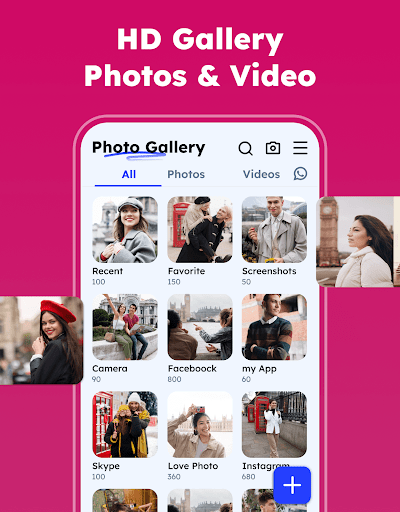
The Gallery app distinguishes itself through several innovative features that enhance user experience. Its Photo Organizer functionality allows users to systematically categorize media by name, date, size, or category, streamlining the management process significantly.
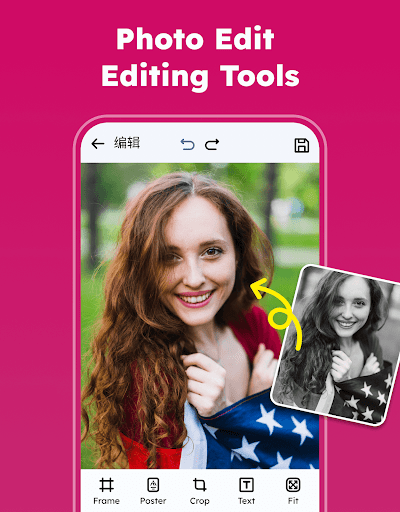
A notable advantage lies in its advanced editing capabilities. The built-in Photo Editor offers professional-grade tools including various filters and creative elements, enabling users to enhance their images with minimal effort. The app's ability to handle all image and video formats ensures compatibility across different media types.
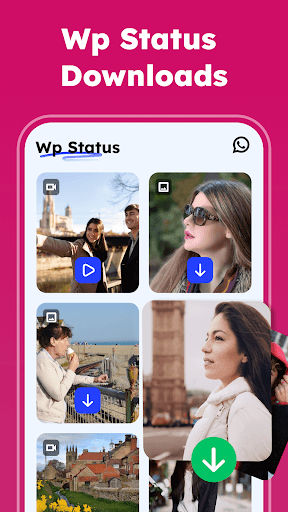
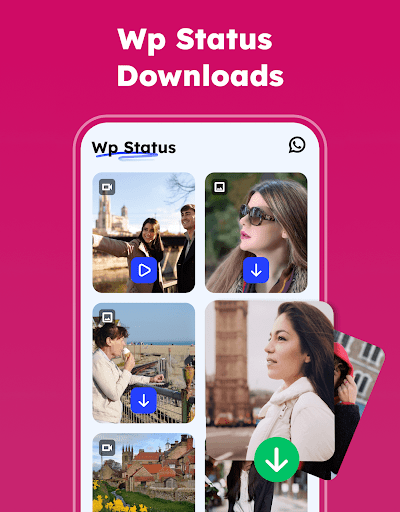
Additional distinguishing features include the WA Status Saver, automatic media categorization in Explore, and the capability to restore deleted files from Trash. These functions work together to create a robust ecosystem for managing digital media assets effectively while maintaining security and accessibility.
User-friendly interface
Comprehensive editing tools
Strong security features
Offline functionality
Automatic organization
Requires storage permissions
Premium features may cost
May use significant memory
Interface could feel complex
Some features need upgrade

Professional video recording application with manual controls for filmmakers!
 2.80
2.80
Cut and paste photo editor & eraser to customize photos easy and swap faces fun
4.50
All-in-One Editor & AI Photo Enhancer, Collage, Cartoonify, Funny Stickers & BGS
4.10
AI photo editor with hair editor, retouch tools, hair color changer & filters!
4.50
USB Storage Access for Photos, Videos, Music and Documents
3.80
Smart, light, and fast photo and video gallery
4.30
Snap photos remotely using your Garmin watch as the camera trigger
4.0
The original Rarevision VHS look seen everywhere!
4.70
Photo & Video Gallery app to manage albums and save WA Status easily.
4.70
Android Native system HD camera app. Never been so simple and faster.
4.70
Amazing Photo Effects - The most fun you can have with your photos!
4.70
Viewfinder, Light meter, Reciprocity failure time, DOF & Bellows Extension
4.60
Automatically backup your photos and videos to computer, NAS and Cloud services
4.60
Trendy TikTok time warp scan funny filter app brings you unique photos & videos.
4.40
[3DSteroid Pro] is a stereoscopic application for Android.
4.30
Shooting photos and records video easily and efficient with professional Camera
4.30
Professional photography on your mobile phone
4.20
What celebrity do you look like? Celebs will find your celebrity match!
4.10
Raw Image Viewer. Gallery with support of raw images (.cr3, .cr2, .nef, .raf).
2.00


User Reveiws