
Camera Control for Wear OS

3.70

Information

Category:

Photography

Price:

$ 5.99

Rank:

36

Rating:

3.70

Overview

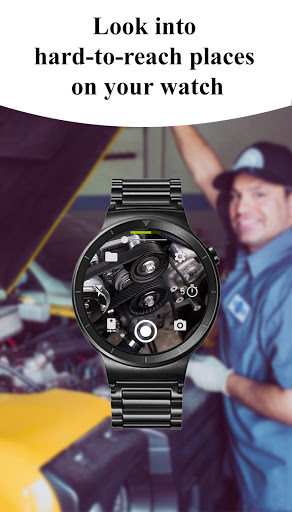
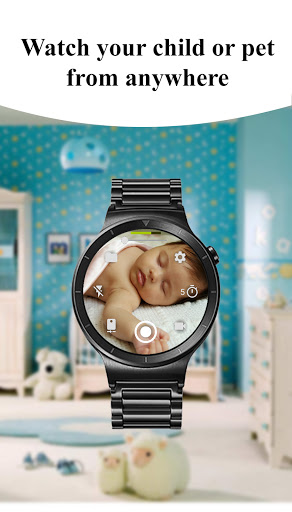
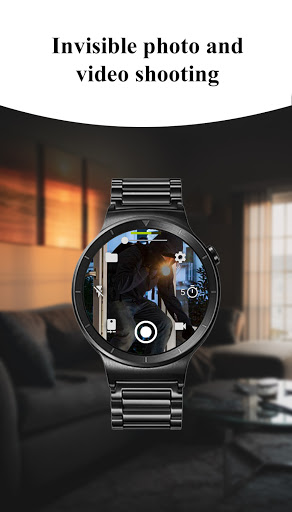
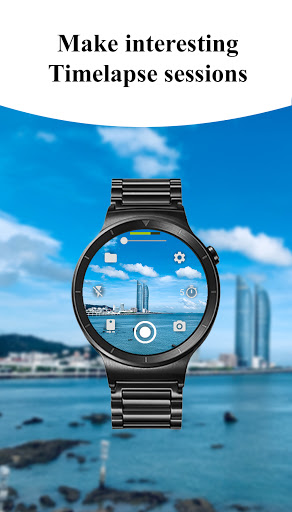
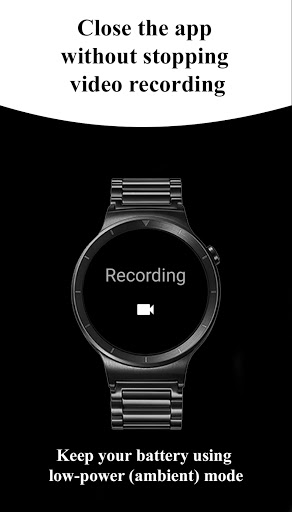
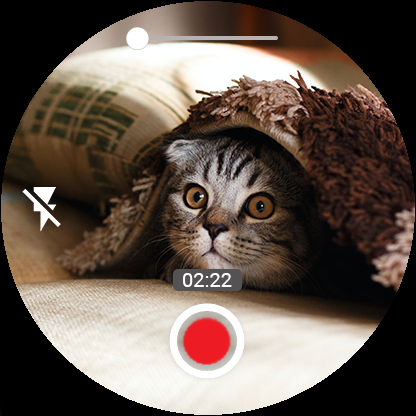
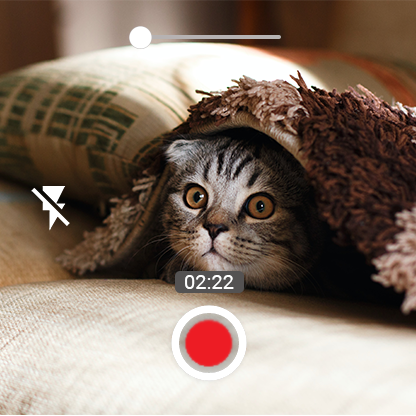
Camera Control for Wear OS is a powerful photography app that allows users to control their phone's camera directly from a Wear OS smartwatch. The app offers three shooting modes, including photo capture, video recording, and timelapse creation, enabling users to explore diverse photography possibilities conveniently from their wrist.

In addition to basic shooting modes, the app provides advanced features such as Bokeh, HDR, Night, and Auto modes, which enhance image quality based on device compatibility. Users can also adjust settings like flash, zoom, and camera orientation directly from the watch, making it an ideal tool for capturing high-quality photos and videos in various scenarios.

Features

The app boasts an impressive range of features designed to elevate the photography experience. With three distinct shooting modes - photo, video, and timelapse - users can effortlessly capture different types of content. Advanced camera modes like Bokeh, HDR, and Night mode allow users to optimize image quality depending on lighting conditions and creative preferences.

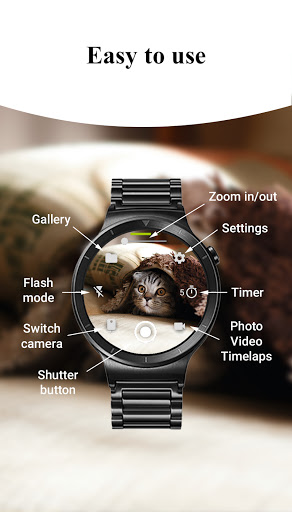
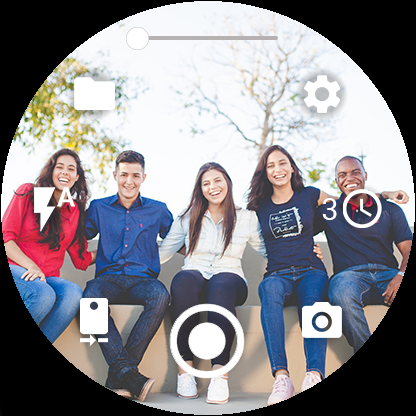
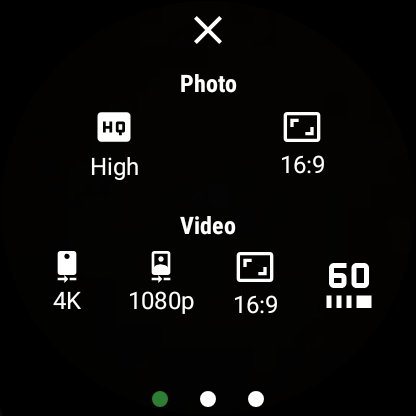
Additional functionalities include timer setup, flashlight control, and quick camera switching between front and rear lenses. The app also supports wide-angle photography, 4K video recording, and high-framerate options up to 60fps. These features ensure users can customize their photography experience while maintaining professional-grade results directly from their smartwatch.

Real-Time Capture & Preview

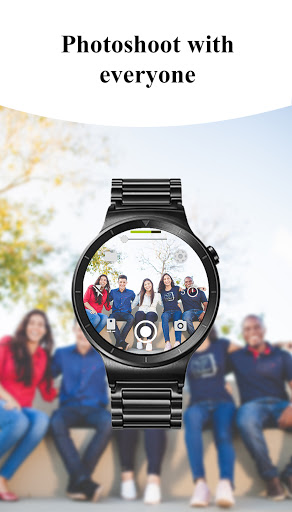
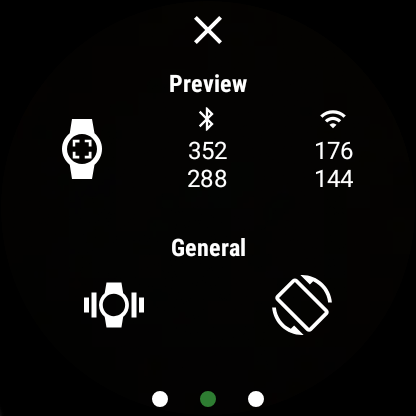
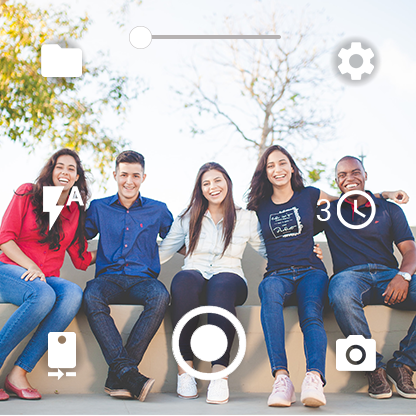
Real-time capture and preview functionality in photography applications refers to the ability to instantly view what the camera is capturing on a secondary device such as a smartwatch. This feature is crucial for ensuring that users can frame their shots accurately without needing to interact directly with the phone. Camera Control for Wear OS excels in this area by providing users with a live preview of their phone's camera feed directly on their Wear OS smartwatch. The app achieves this through seamless integration between the phone and watch using Bluetooth and Wi-Fi connections which ensures minimal latency and high-quality image transmission. Users benefit from having full control over their phoneu2019s camera including switching between front and rear cameras adjusting zoom levels and setting photo or video quality all from the convenience of their wrist. This not only enhances the ease of taking photos but also allows for more creative freedom as users can experiment with angles and settings without holding their phones. Additionally the app supports advanced features like Bokeh HDR Night and Auto modes which further enhance the real-time preview experience by allowing users to see the effects applied before capturing the shot. Overall this functionality transforms how users interact with their smartphone cameras making photography more accessible and enjoyable.

AI Beauty & Enhancement Naturalness

AI beauty and enhancement naturalness pertains to the application of artificial intelligence to improve or modify images while maintaining a realistic appearance. In Camera Control for Wear OS this feature manifests through various intelligent adjustments that optimize photo quality without introducing artificial elements that detract from authenticity. The app leverages AI technology to offer enhancements such as automatic image rotation geotagging and advanced camera modes like Bokeh HDR and Night mode. These features work together to ensure that every photo taken is not only visually appealing but also true to life. For instance when using the Bokeh effect the AI intelligently blurs the background while keeping the subject in sharp focus creating a professional-looking portrait without excessive digital manipulation. Similarly the HDR mode captures multiple exposures and combines them to produce an image with balanced lighting and vivid colors. The Night mode utilizes AI algorithms to brighten dark scenes while preserving detail and minimizing noise. Furthermore the app includes options for adjusting photo and video quality settings directly from the smartwatch allowing users to fine-tune their captures according to their preferences. By prioritizing natural enhancement over exaggerated effects Camera Control for Wear OS delivers superior image quality that respects the original scene. This approach ensures that users can rely on the app to consistently produce high-quality photos that look genuine and unaltered enhancing both personal memories and professional projects.

Props

Intuitive interface

Wide feature set

Convenient remote control

Advanced camera modes

Device compatibility

Cons

Limited watch models

Dependent on phone

Feature variability

Battery consumption

Learning curve

Features and Functions

What is this app and what can I use it for?

A photography app for Wear OS smartwatches allowing remote camera control.

How do I download and install this app on my device?

Search for Camera Control for Wear OS on Google Play Store and tap Install.

How do I get started after opening the app for the first time?

Open the app and follow on-screen instructions to connect your smartwatch to your phone.

What are the main features and capabilities of this app?

Offers photo, video, timelapse modes, advanced settings like HDR, zoom, and flash control.

How can I customize my experience and adjust preferences?

Adjust settings like camera mode, flash, and orientation via the app interface.

How do I save or bookmark my favorite content for later access?

Save favorite shots directly to your phone or SD card through the app settings.

How can I share content with friends or on social media?

Use the share option in the app to post content to social media platforms or send to friends.

How do I access detailed information and explore more content?

Access detailed camera controls and explore additional features in the main menu.

What permissions does this app need and how do I manage them?

Requires camera and storage permissions managed through phone settings.

How do I check for updates and keep the app running smoothly?

Enable automatic updates in Google Play Store settings to keep the app updated.
Show more

User Reveiws

{{ comment.reviewer_name }}
{{ comment.review_date_formatted}}
{{ comment.review_content }}
{{ tab.name }}
{{ comment.reviewer_name }}
{{ comment.review_date_formatted}}
{{ comment.review_content }}
No reviews with this rating