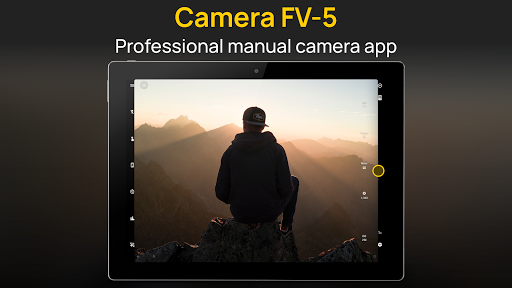
Camera FV-5

4.20

Information

Category:

Photography

Price:

$ 4.99

Rank:

25

Rating:

4.20

Overview

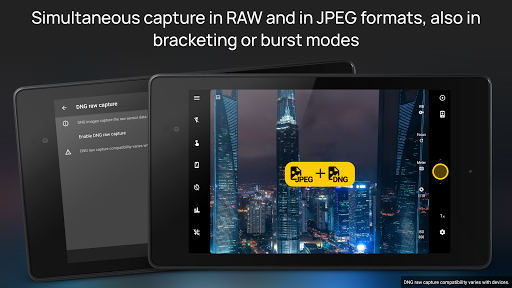
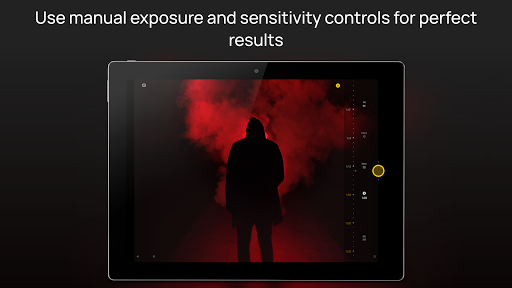
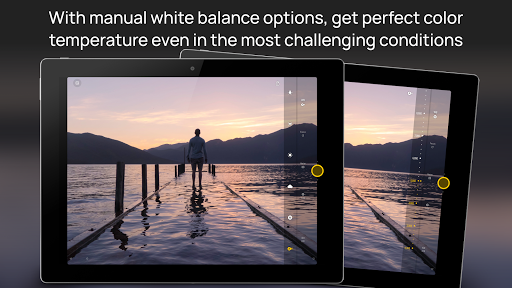
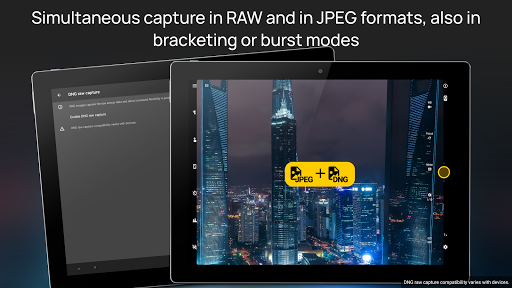
Camera FV-5 is a professional-grade camera application designed for mobile devices, offering DSLR-like manual controls. This app is tailored for photography enthusiasts and professionals who seek to capture high-quality raw images for post-processing. With Camera FV-5, users can adjust all photographic parameters such as exposure compensation, ISO, light metering modes, focus modes, white balance, and more directly from their fingertips. The app supports various photo formats including JPEG, true 16-bit RAW in DNG format, and lossless PNG, making it versatile for different types of photography needs.

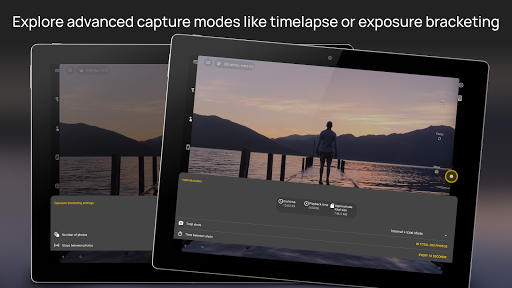
The application provides advanced features like exposure bracketing, built-in intervalometer for timelapses, program and speed-priority modes, and long exposure support. These capabilities ensure that photographers can explore creative possibilities without limitations. Additionally, the interface is available in over 30 languages, enhancing accessibility worldwide. Whether capturing night scenes or creating HDR timelapses, Camera FV-5 empowers users to achieve stunning results with precision and ease.

Features

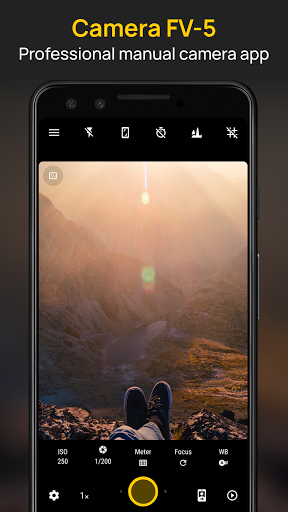
Camera FV-5 stands out with its comprehensive set of features tailored for professional photographers. One of the key highlights is the ability to manually control all photographic parameters, providing users with DSLR-like functionality. The app includes an advanced viewfinder display showing real-time exposure details, aperture settings, and EV information. This allows photographers to make precise adjustments on the fly, ensuring optimal image quality every time they shoot.

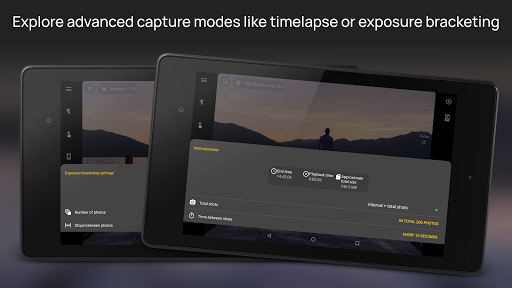
Another standout feature is the full-fledged exposure bracketing capability, which supports 3 to 7 frames with customizable EV shifting. The built-in intervalometer enables the creation of stunning timelapses, including bracketed and HDR sequences. Furthermore, the app offers powerful organization options, allowing users to customize file names and choose different storage locations. With support for multitouch digital zoom, live RGB histogram, and multiple composition aids, Camera FV-5 ensures that photographers have all the tools needed to capture and organize their best shots efficiently.

Real-Time Capture & Preview

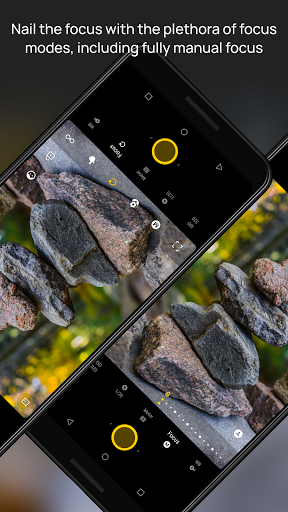
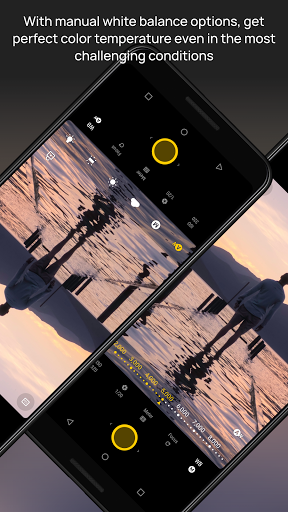
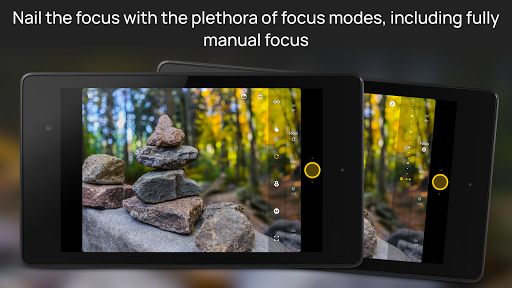
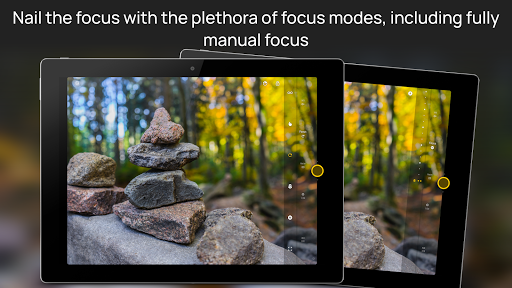
Real-time capture and preview functionality in photography applications refers to the ability to see exactly what the camera sensor is capturing with minimal delay allowing photographers to make instant adjustments to achieve desired results Camera FV-5 offers a DSLR-like viewfinder display that shows critical exposure information such as exposure time aperture and stops with EV and bracketing settings in real-time This feature is crucial for professional photographers who need precise control over their shots By providing live feedback on exposure settings users can adjust parameters like ISO shutter speed and white balance on-the-fly ensuring optimal image quality The application supports manual control over all photographic parameters including exposure compensation ISO light metering mode focus mode and white balance This level of control empowers photographers to experiment with different settings and immediately see the impact on the final image Additionally Camera FV-5 includes an advanced electronic viewfinder with live RGB histogram 10 composition grid overlays and 9 crop guides These tools assist photographers in composing their shots accurately and achieving correct exposure levels The real-time preview ensures that users can capture the exact moment they envision without any lag or uncertainty Furthermore the app's support for true manual focus and infinity focus modes along with autofocus lock allows for precise focusing which is essential for capturing sharp images Overall the real-time capture and preview capabilities of Camera FV-5 provide photographers with the tools needed to take full creative control over their photography resulting in higher quality images and more satisfying shooting experiences

AI Beauty & Enhancement Naturalness

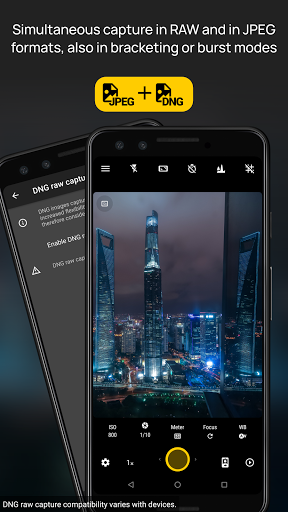
AI beauty and enhancement features in photography applications aim to improve the aesthetic quality of photos while maintaining a natural look Camera FV-5 focuses on delivering high-quality post-processing options through its support of JPEG true 16-bit RAW in DNG format and lossless PNG photo capturing formats These formats preserve the maximum amount of detail and dynamic range allowing for extensive editing without degrading image quality Although Camera FV-5 does not rely heavily on AI-driven beautification it provides powerful manual controls that enable users to achieve natural enhancements during post-processing The application's comprehensive set of photographic controls including manual shutter speed from 1/80000 to 2 seconds or the range available on the device ensures that users can capture images with the desired exposure and clarity This flexibility is particularly beneficial when shooting in challenging lighting conditions where automatic settings might otherwise produce suboptimal results Additionally Camera FV-5 offers built-in intervalometer functionality for creating stunning timelapses and time-controlled picture series While these features are not directly related to AI beauty enhancements they contribute to the overall versatility of the app allowing users to explore creative possibilities beyond traditional still photography For those seeking natural-looking enhancements Camera FV-5's emphasis on manual controls and raw image formats provides a solid foundation for achieving professional-grade results without relying on automated AI processes In summary Camera FV-5 prioritizes giving photographers the tools to create naturally enhanced images through precise manual controls and robust post-processing capabilities rather than depending solely on AI-driven enhancements

Props

DSLR-like controls

RAW photo support

Advanced bracketing

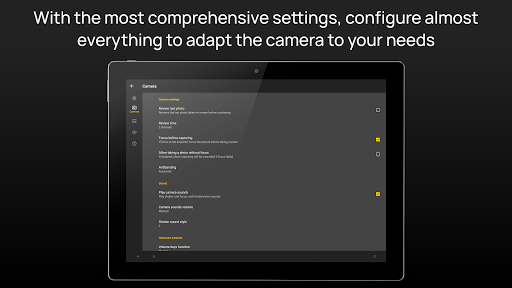
Customizable settings

Multilingual UI

Cons

Complex for beginners

Limited device support

No automatic modes

Requires Android 5.0+

Geotagging not default

Features and Functions

What is this app and what can I use it for?

A professional camera app with DSLR-like manual controls for capturing high-quality photos.

How do I download and install this app on my device?

Visit Google Play Store, search for Camera FV-5, tap Install, and open after download.

How do I get started after opening the app for the first time?

Launch the app, grant necessary permissions, and explore the viewfinder to start capturing photos.

What are the main features and capabilities of this app?

Manual controls, exposure bracketing, intervalometer, RAW support, and advanced viewfinder tools.

How can I customize my experience and adjust preferences?

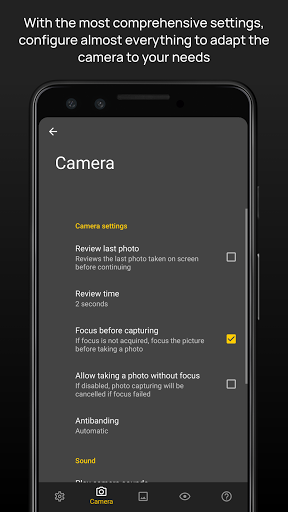
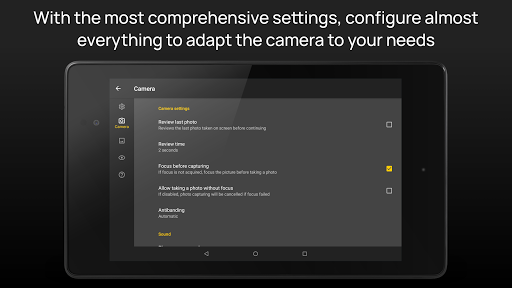
Adjust settings via the main menu, assign functions to volume keys, and customize preferences.

How do I save or bookmark my favorite content for later access?

Use the app's organization options to save files in specific locations with custom naming conventions.

How can I share content with friends or on social media?

Utilize the share button within the app to send photos via social media or messaging apps.

How do I access detailed information and explore more content?

Access detailed info through the viewfinder display and explore additional settings in the main menu.

What permissions does this app need and how do I manage them?

The app requires location and storage permissions; manage these in your device settings.

How do I check for updates and keep the app running smoothly?

Check for updates in the Google Play Store and enable auto-update for seamless performance.
Show more

User Reveiws

{{ comment.reviewer_name }}
{{ comment.review_date_formatted}}
{{ comment.review_content }}
{{ tab.name }}
{{ comment.reviewer_name }}
{{ comment.review_date_formatted}}
{{ comment.review_content }}
No reviews with this rating