
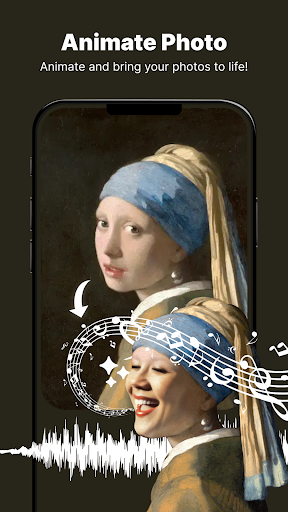
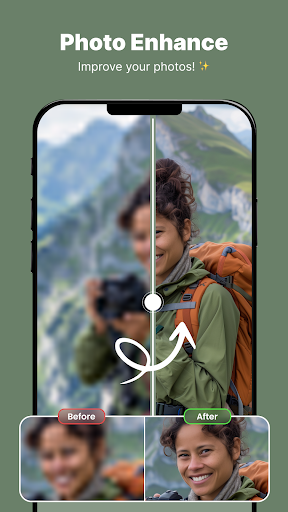
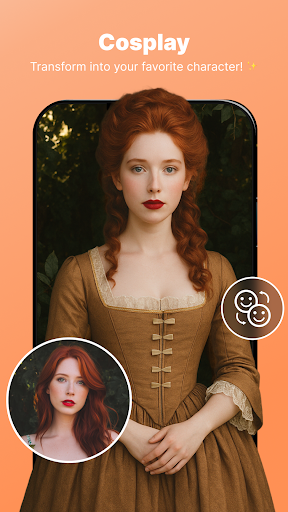
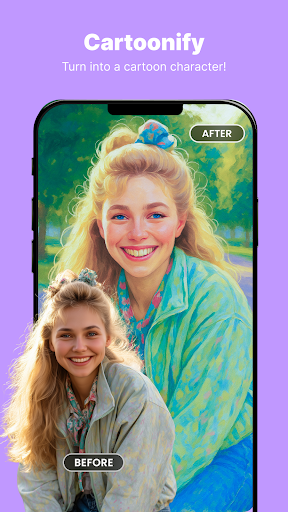
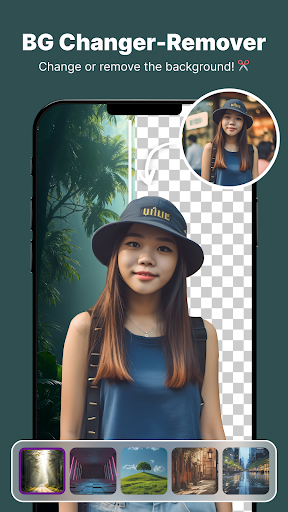
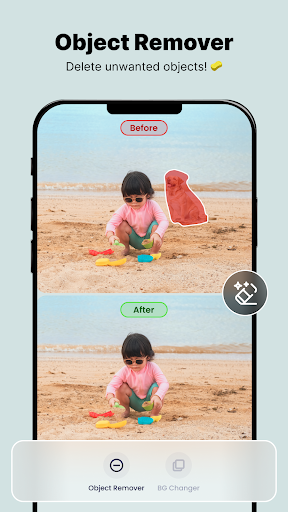
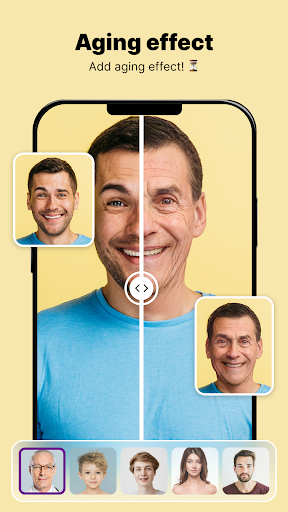
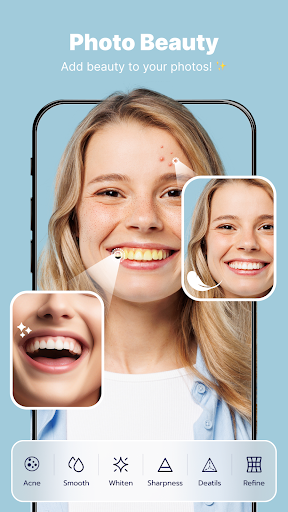
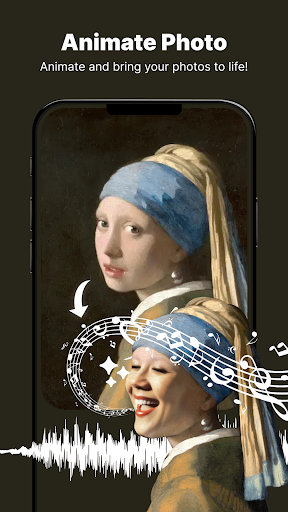
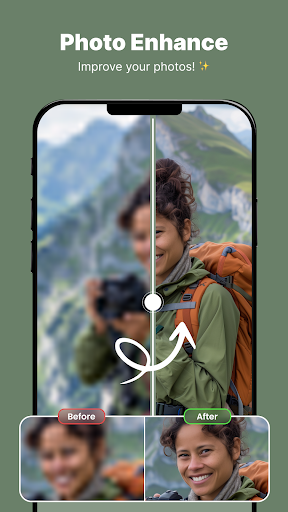
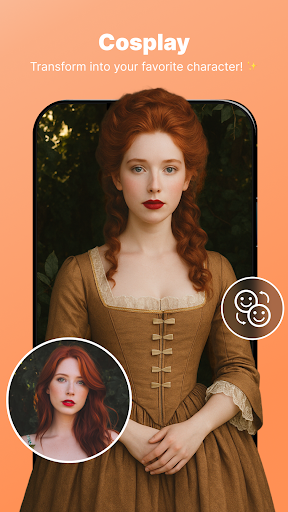
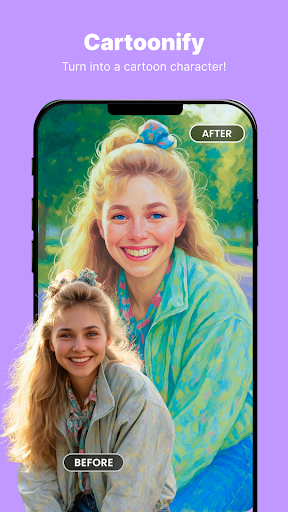
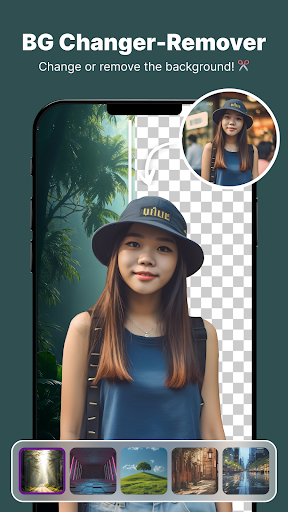
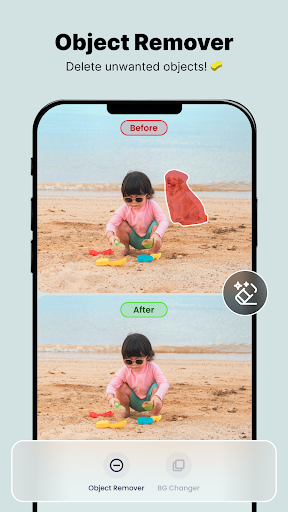
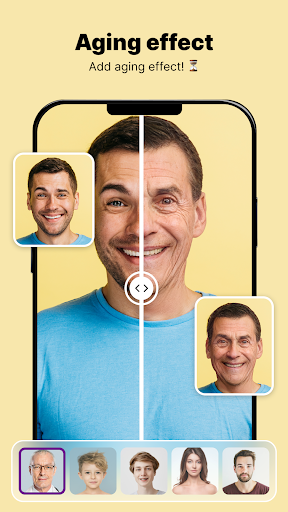
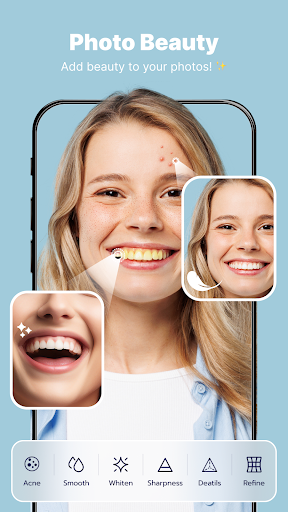
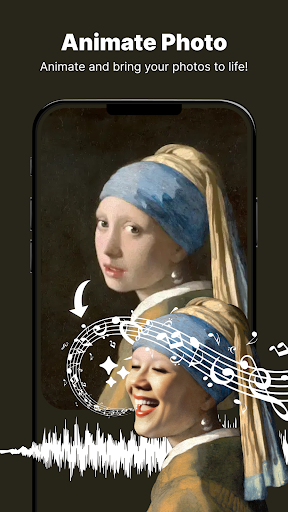
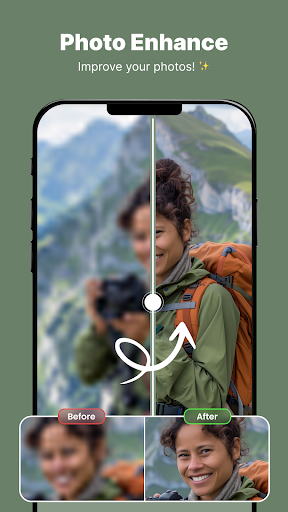
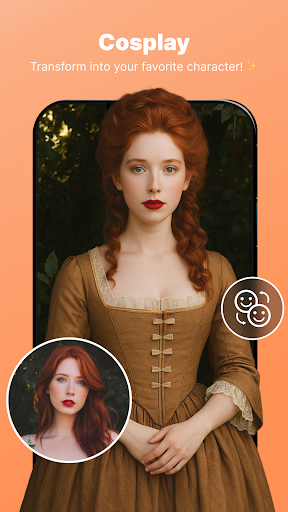
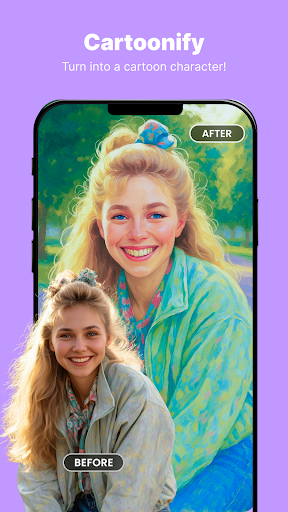
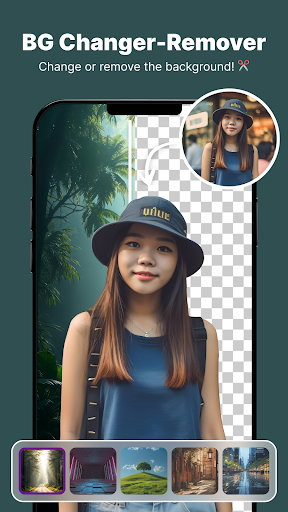
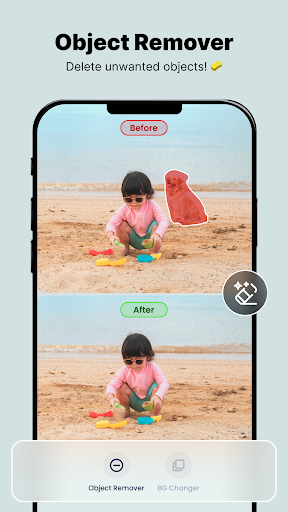
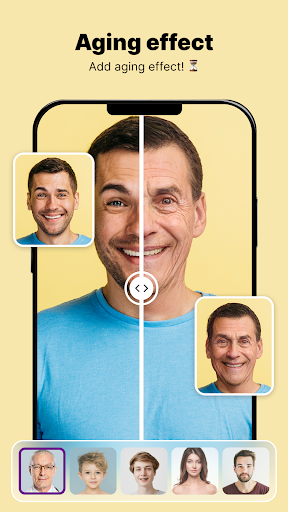
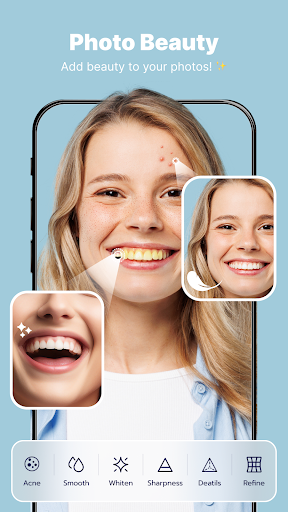
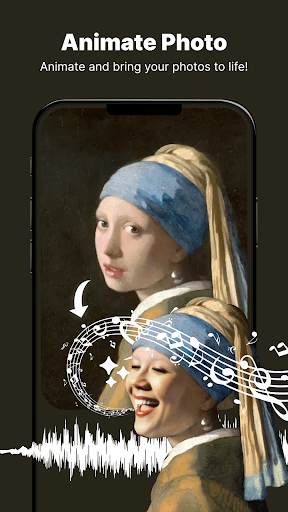
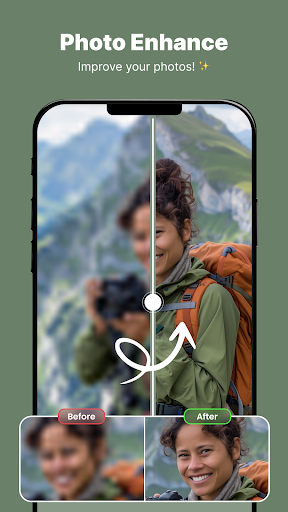
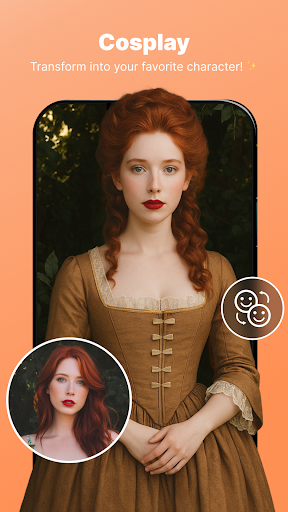
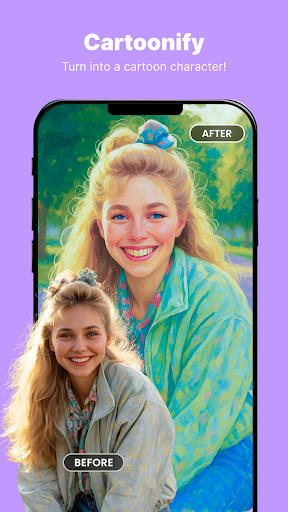
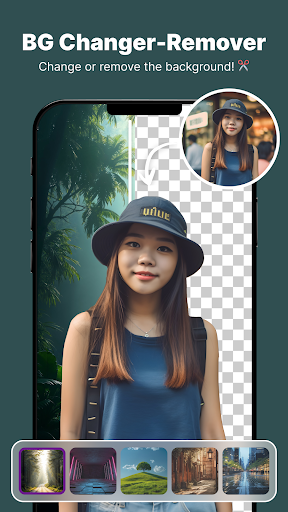

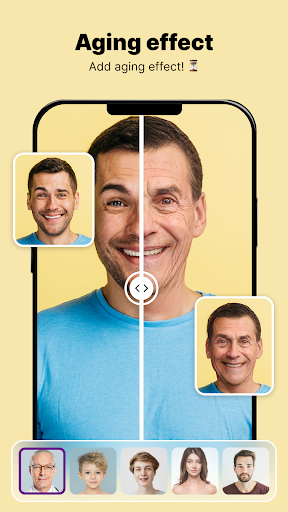
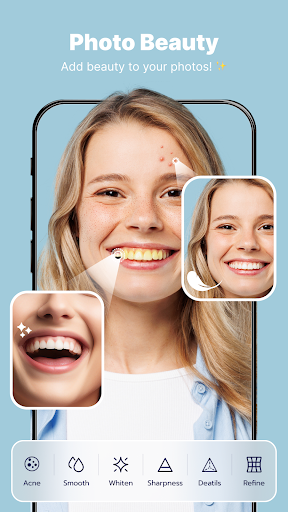
ShotCam is a comprehensive photo editing app designed for photography enthusiasts and casual users alike. This all-in-one solution allows you to enhance your photos with professional-grade tools while maintaining an intuitive user interface. The app's standout features include Body Shape editing, Collage Maker, Background Changer, Object Remover, Aging Effects, and Background Blur.
Whether you're looking to create stunning collages, remove unwanted objects, or add artistic aging effects, ShotCam has you covered. Its powerful editing capabilities make it perfect for crafting flawless photos for social media, professional portfolios, or personal memories. The app runs seamlessly on both Android devices, providing a consistent experience across platforms.
The true value of ShotCam lies in its ability to transform ordinary photos into extraordinary works of art. With precise body sculpting tools, dynamic animation effects, and professional background blur options, users can elevate their photography game without needing expensive desktop software. This makes ShotCam an essential tool for anyone who wants to achieve professional-quality edits directly from their mobile device.
ShotCam distinguishes itself through its diverse range of advanced editing features. The Animate Photo function revolutionizes traditional photo editing by allowing users to add motion to static images, creating captivating animated effects with just a few taps. This feature opens up new creative possibilities for storytelling through photographs.
The app's Body Shaper tool offers precise control over figure adjustments, enabling users to fine-tune their appearance with natural-looking results. Meanwhile, the Collage Maker provides multiple layout options and customization features, making it easy to create visually appealing compositions. The Background Changer and Object Remover work in tandem to help users craft perfect scenes by removing unwanted elements and replacing backgrounds seamlessly.
Additional innovative features include Aging Effects for exploring future appearances and Background Blur for creating professional-grade portrait photography. Each tool is designed with user-friendly interfaces that maintain professional standards, ensuring both beginners and experienced editors can achieve their desired results efficiently. These comprehensive features position ShotCam as a leader in mobile photography editing solutions.
User-friendly interface
Wide range of editing tools
High-quality results
Regular updates
Cross-platform support
Some features require premium subscription
Advanced tools may overwhelm beginners
Occasional performance issues
Limited free content
Large file size

Add Watermark - Sign your pictures with a text or logo. Effective, quick, easy!
 4.50
4.50
Find time and duration of different sunlight phases at any location
4.90
Application for remote controlling DSLR
3.00
Over 800 film simulation recipes for Fujifilm. Black Friday Offer!
4.4
Gallery Slideshow is slideshow maker app for slideshow from your gallery photos.
3.90
Amazing Photo Effects - The most fun you can have with your photos!
4.70
Professional quality photo edits with the new Snapseed.
4.00
Hair color changer, AI haircut app, fun hair editor and buzz cut filter for all!
3.80
RAW video capture with advanced controls
4.40
Photo editor: AI filters, photo enhancer, pic collage maker, AI art generator.
4.80
Automatically backup your photos and videos to computer, NAS and Cloud services
4.60
Unblur, enhance & restore photos with powerful AI photo enhancer tools.
4.60
Trendy TikTok time warp scan funny filter app brings you unique photos & videos.
4.40
AI portrait generator and polaroid AI selfie, fun AI generated AI photo creator!
4.30
Professional photography on your mobile phone
4.20
AI-powered video creator by MiniMax - Where ideas meet cinema
4.20
How would you look like with a differently shaped nose, chin or lips?
3.90
USB Storage Access for Photos, Videos, Music and Documents
3.80
Photo Album Watch Face shows your favorite pictures as a Watchface.
1.90


User Reveiws