
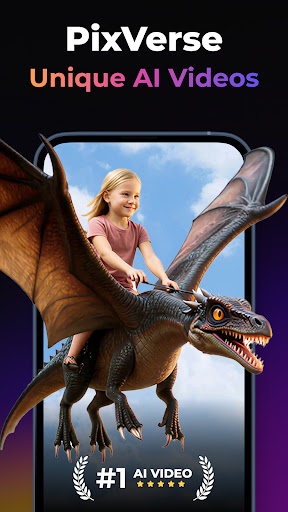
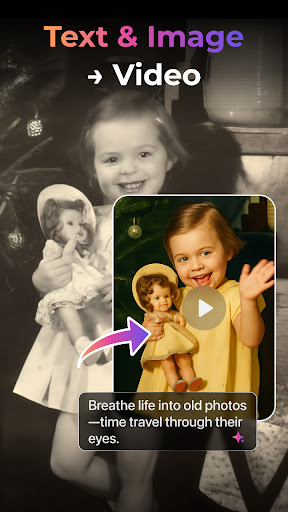
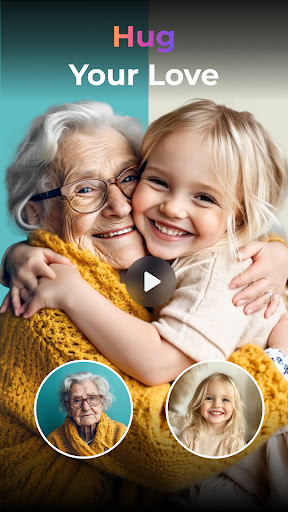
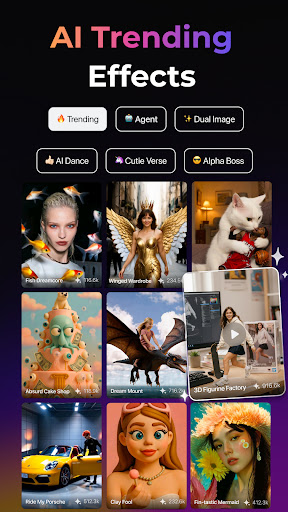
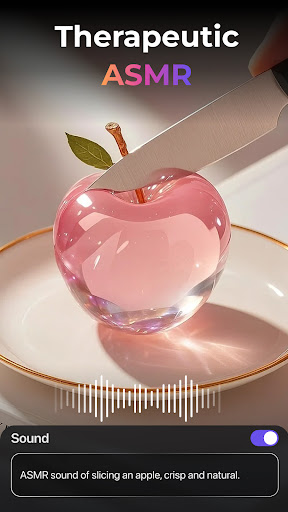

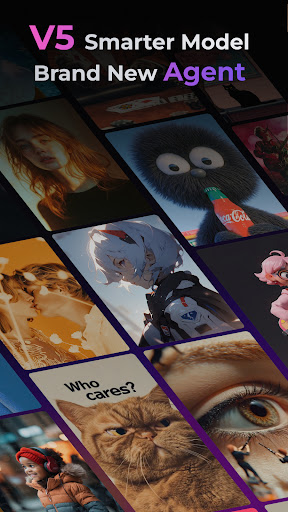
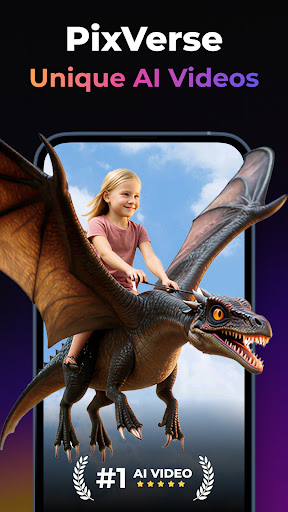
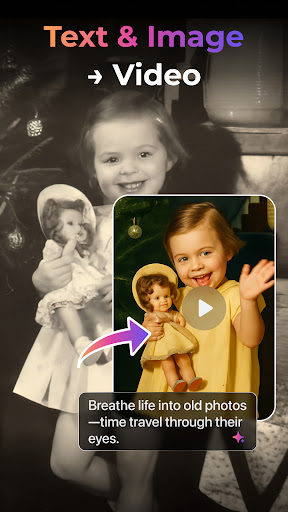
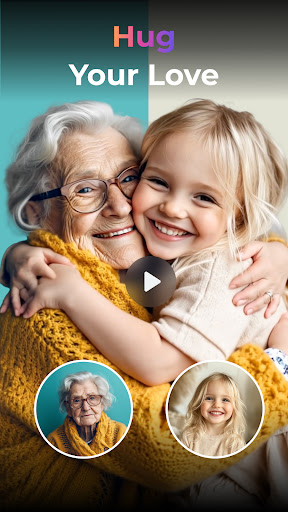

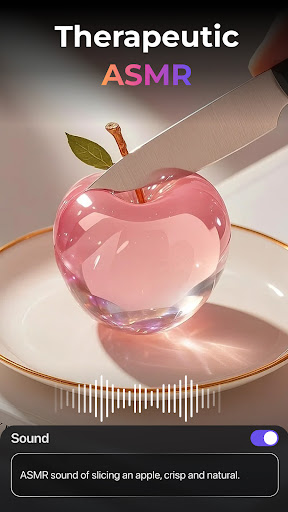
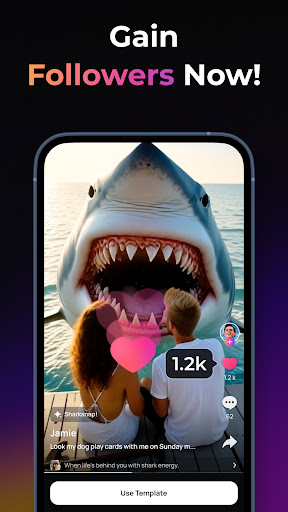
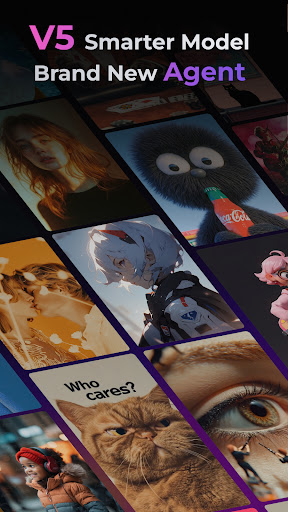
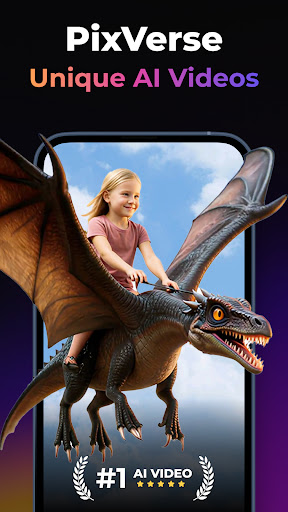
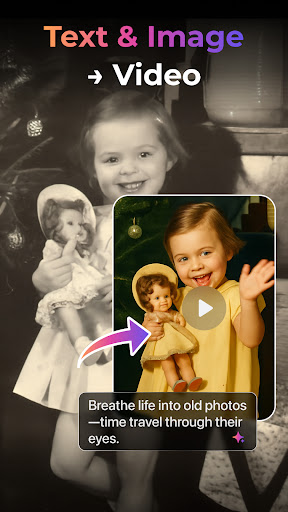
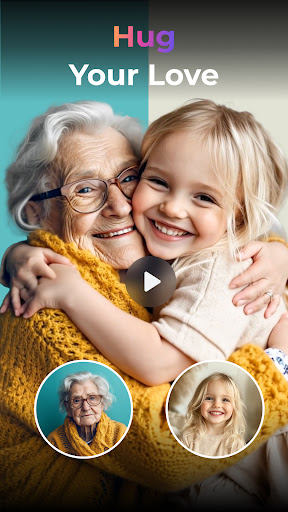

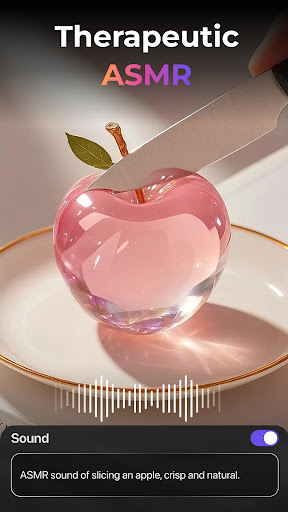
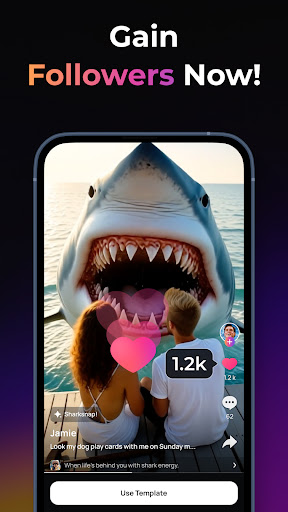
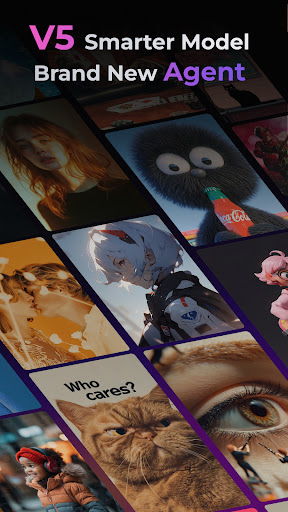
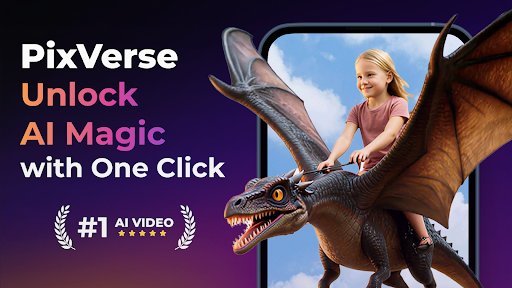
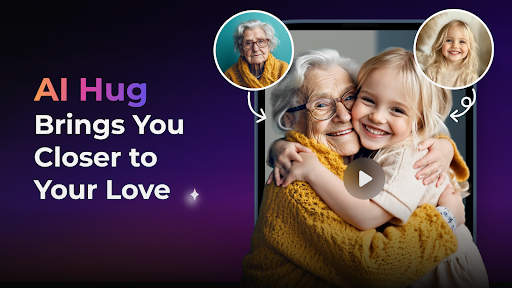
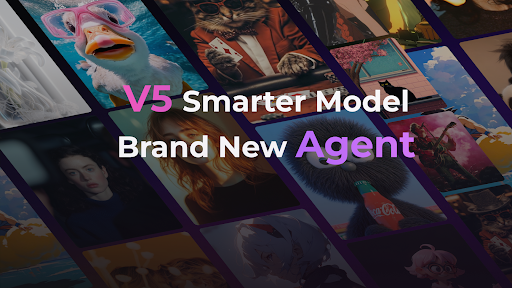
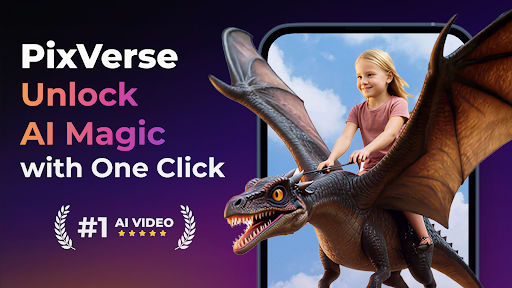
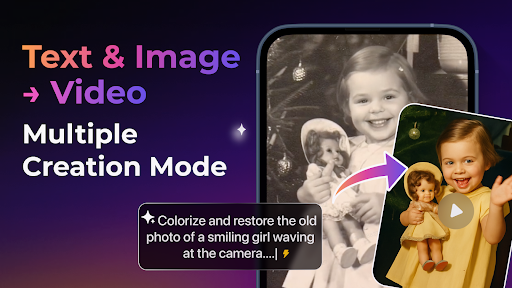
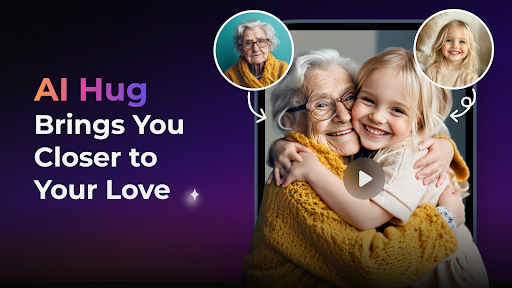
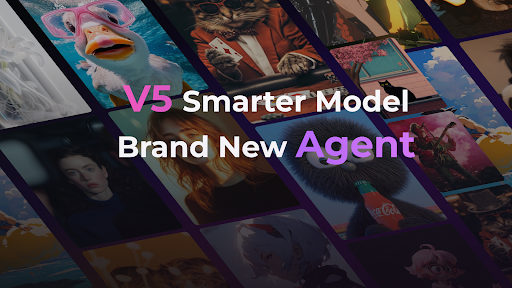
PixVerse is an advanced AI-powered video creation suite designed to transform photos, text, and videos into stunning content within seconds. This innovative tool empowers users to unleash their creativity by offering features like the Smarter V5 Model for lifelike details and natural movements, and a Brand New Agent that acts as your creative co-pilot.
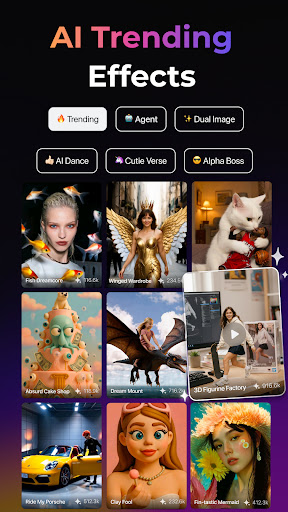
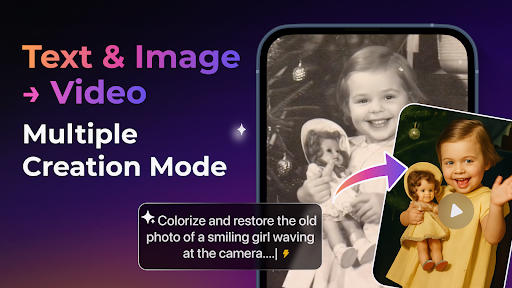
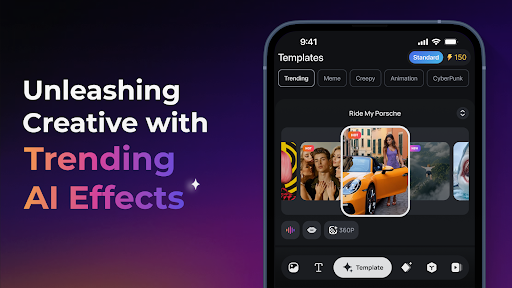
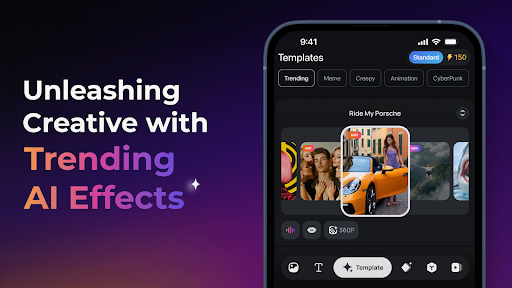
With PixVerse, you can explore multiple creation modes including Image to Video, Text to Video, and Video Extension, alongside trending AI effects such as Old Photo Revival and AI Dance Revolution. The platform also provides Key Frame Control and Fusion capabilities, ensuring seamless video generation and enhanced creative stability. Suitable for creators of all levels, PixVerse redefines storytelling with its cinematic quality and hyper-real AI technology.
PixVerse stands out with its cutting-edge features tailored for creative professionals and hobbyists alike. The Smarter V5 Model offers perfect prompt alignment and smooth, natural animations, while the Brand New Agent assists in bringing ideas to life with stunning precision. These tools significantly reduce the time and effort required for high-quality video production.
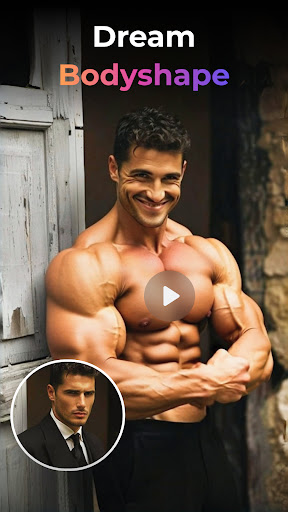
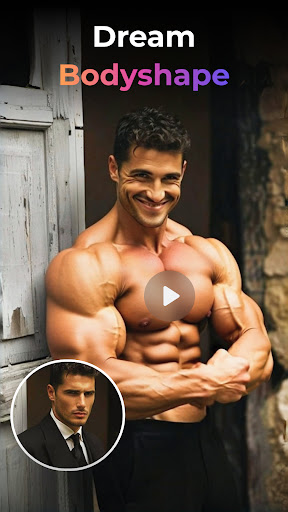
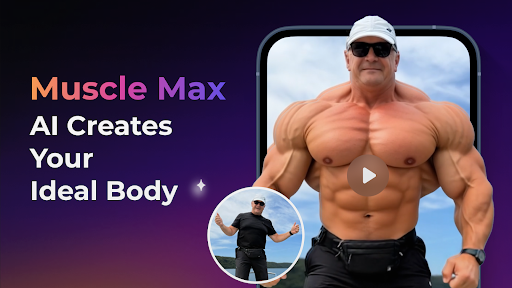
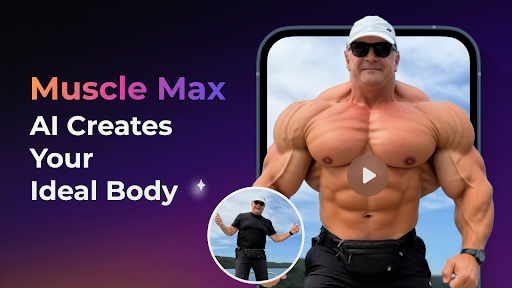
The app includes Multi-Creation Modes such as Image to Video, Text to Video, and Video Extension, enabling users to create dynamic content effortlessly. Additionally, PixVerse's Trending AI Effects like Earth Zoom Challenge and Muscle Max provide unique ways to engage audiences. With constant updates and cross-platform support, PixVerse ensures users stay ahead with the latest creative tools and technologies.
User-friendly interface
High-quality output
Multiple creation modes
Innovative AI effects
Cross-platform support
Subscription fees apply
Internet connection required
Limited free features
Steep learning curve
Resource-intensive

1M influencer's special filter
 4.60
4.60
HD Photo gallery and photo manager to edit, hide private photos, videos & albums
4.2
Edit like a pro with Hypic. Apply filters, AI effects, & magic touch.
4.40
Perfect body tune & face app - photo retouch, makeup, slim body & beautify face.
4.80
Transform photos into videos! Create realistic or anime-style images easily!
4.50
Superimpose one photo on top of another using the original Superimpose app!
3.20
Smart, light, and fast photo and video gallery
4.30
Astrophotography with your smartphone, photo live stacking and much more!
3.90
Effortlessly make high-quality GIFs from images & videos without any watermarks.
4.70
A must-have app for landscape photographers
4.60
Create AI photos & videos with Enhancer; restore, fix, beautify, enhance photos
4.50
Easily stitch panoramas from multiple photos or video.
4.40
Future baby face generator: AI kids generator, kid face! What my baby look like?
4.40
Virtual makeup, hair filters & body tuner—edit from face to full body!
4.20
Catch sunlight, sunrise sunset times and sun phases with the AR sun tracker.
4.10
Photo editor: face & body editor, beauty cam, filters and quality enhancer.
4.00
Gallery Slideshow is slideshow maker app for slideshow from your gallery photos.
3.90
Pet Camera
3.70
Remote control the phone camera shutter from your smartwatch and take a picture
1.60


User Reveiws