
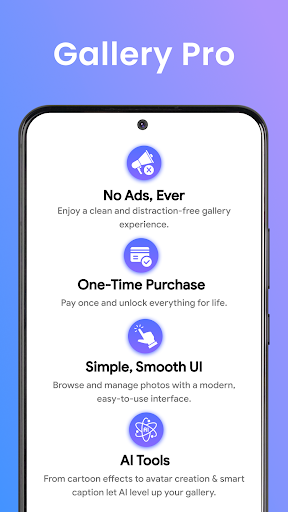
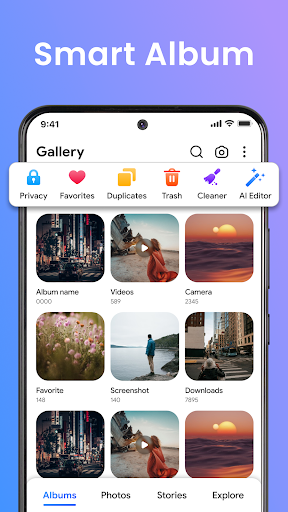
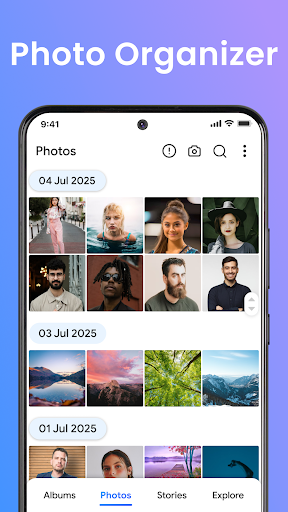
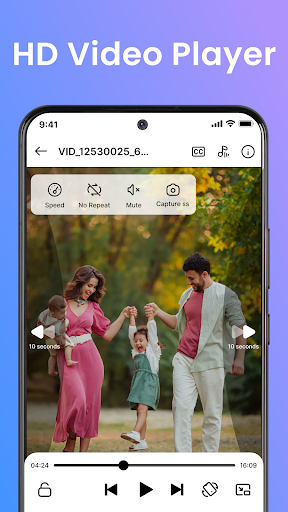
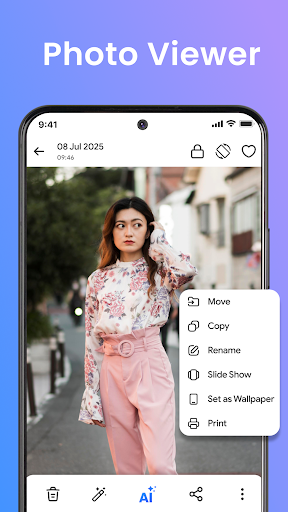
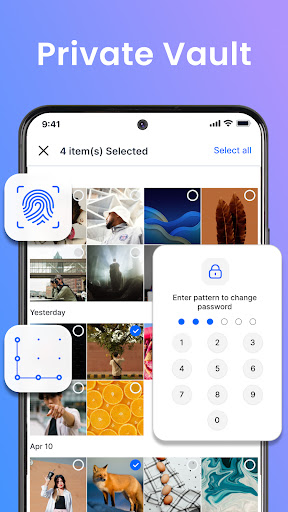
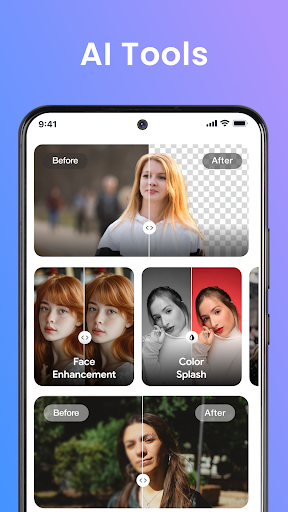

Gallery Pro is a comprehensive HD photo gallery app designed to help users organize, manage, and secure their photos and videos. With its clean and intuitive interface, the app allows effortless sorting and viewing of media files while offering advanced features like a built-in photo editor and an encrypted vault for private content.
The app's standout feature is its secure vault functionality, which ensures sensitive media remains protected through encryption. Additionally, Gallery Pro offers smart organization tools such as tagging, advanced search, and story memories that let users relive past moments. The app also includes an HD slideshow creator and AI-powered editing tools, making it a versatile solution for both casual users and photography enthusiasts.
Whether you're looking to enhance your images, create stylish slideshows, or keep private moments secure, Gallery Pro delivers a complete package that combines performance with privacy protection. Its compatibility with Android devices makes it a reliable choice for managing all your media needs.
Gallery Pro stands out with its robust set of features tailored for photo management and security. One of its key highlights is the Smart Photo Organizer, which lets users create albums, add tags, and use advanced search capabilities to quickly locate specific memories. This feature ensures that even large collections of photos and videos can be easily navigated and managed.
The app also includes a powerful built-in photo editor equipped with essential tools like crop, rotate, and AI-driven enhancements such as object removal and background blur. These tools allow users to improve their images effortlessly without needing additional software. Furthermore, the Vault feature provides an encrypted space to store sensitive media, ensuring privacy through secure access controls.
Other notable features include the Story Memories function, which helps users revisit past events, and the HD Slideshow Creator, which transforms favorite moments into shareable presentations. With these capabilities, Gallery Pro not only enhances how users interact with their media but also protects their most valued memories.
User-friendly interface
Advanced security features
Versatile editing tools
Efficient organization options
HD quality display
Storage permission required
Premium features may cost extra
Limited cross-platform support
Occasional performance lags
Complex setup for beginners

Professional video recording application with manual controls for filmmakers!
 2.80
2.80
Edit like a pro with Hypic. Apply filters, AI effects, & magic touch.
4.40
Pet Camera
3.70
Take videos and pictures with the popular TikTok TIME WARP SCAN filter.
4.60
Photo Exif Editor allows to view, add and modify EXIF data of multiple photos
4.50
Pro version: AR sun/moon tracker for any date. Tool for photographers & planners
4.90
Professional camera app that brings DSLR manual photography controls to Android.
4.20
Discover & download millions of art for The Frame TV or Hisense CanvasTV
4.60
Effortlessly make high-quality GIFs from images & videos without any watermarks.
4.70
Enhance, retouch & create your story - Share the moment with Photoshop Express.
4.60
PhotoSync Bundle Add-On License. Enables all features and services in PhotoSync.
4.60
Create Business Headshots, Polaroid Filter, Retake Photos,Profile Pics,AI Photos
4.50
AI-powered video creator by MiniMax - Where ideas meet cinema
4.20
All-in-One Editor & AI Photo Enhancer, Collage, Cartoonify, Funny Stickers & BGS
4.10
Astrophotography with your smartphone, photo live stacking and much more!
3.90
USB Storage Access for Photos, Videos, Music and Documents
3.80
Create amazing frames with up to five photos. Rounded corners, effects and more!
3.60
GCamera allows all GCam features on all phone models! Better photos with GCamera
3.30
Photo Album Watch Face shows your favorite pictures as a Watchface.
1.90


User Reveiws