
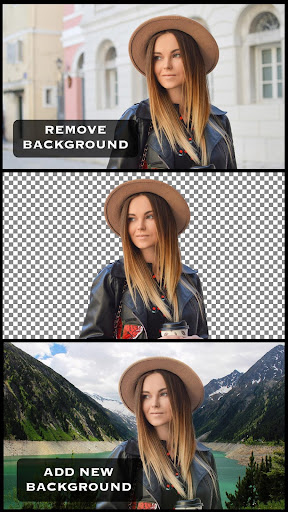

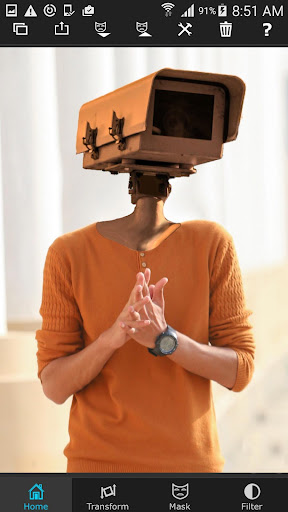
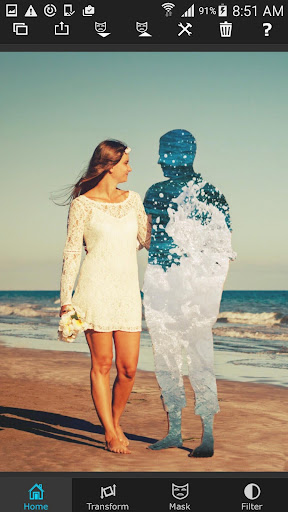
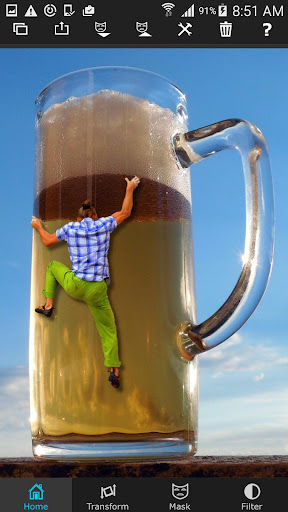
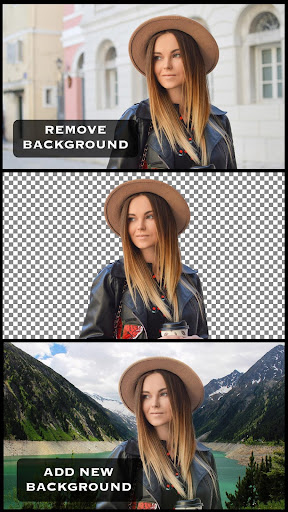
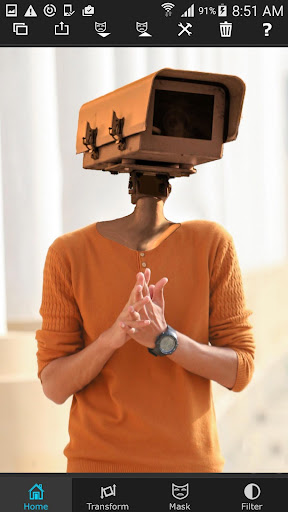
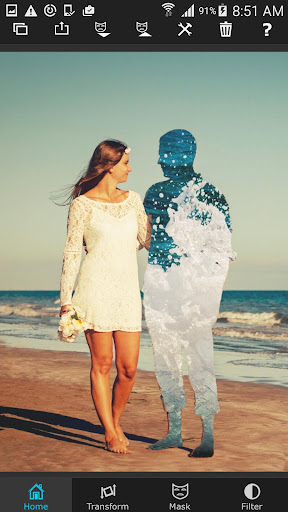
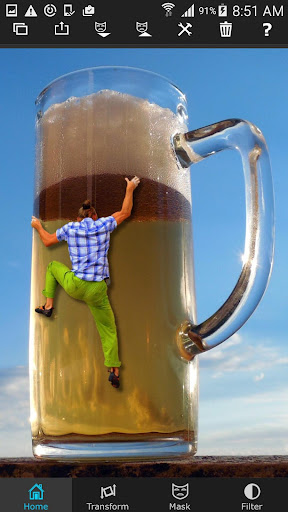
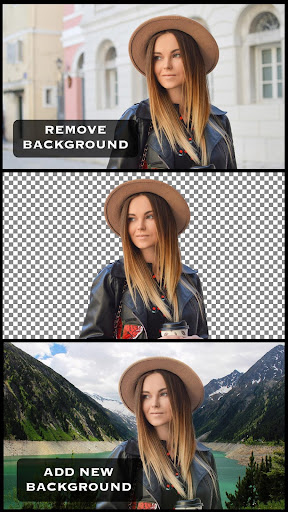
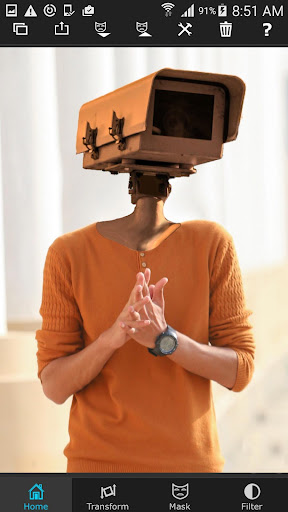
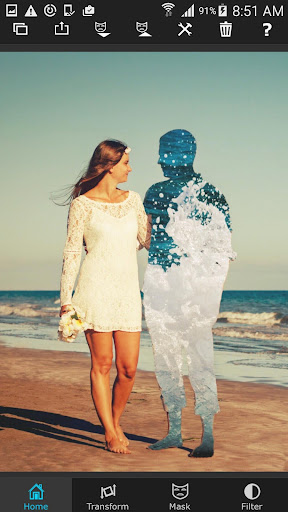
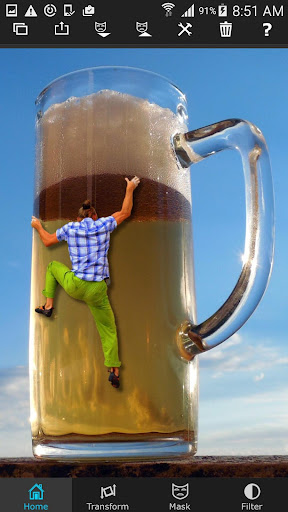
Superimpose is a powerful photo editing app that allows users to create professional-grade superimposed or juxtaposed images directly on their iPhone. With just a few taps, you can cut, copy, and paste one photo onto another without the need for a computer or expensive software.
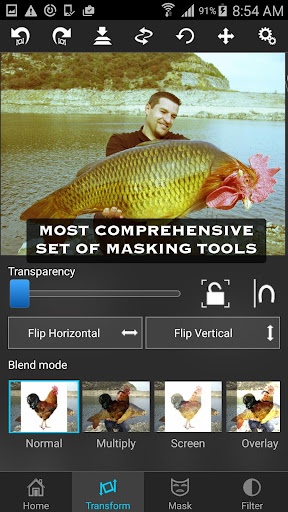
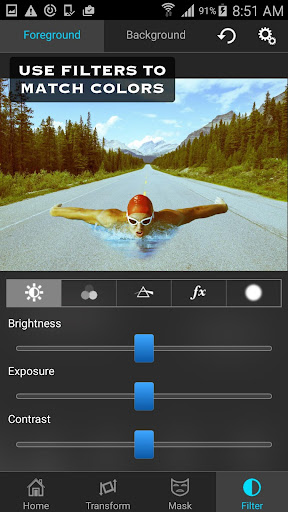
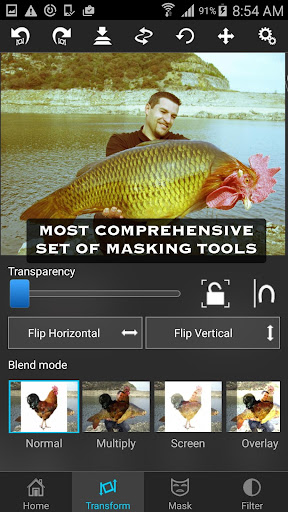
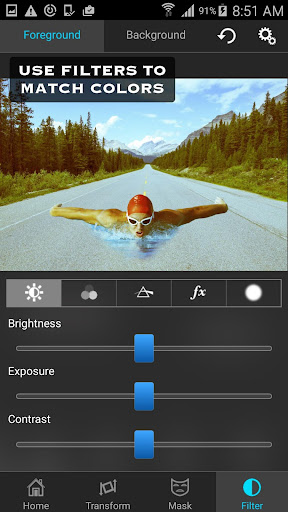
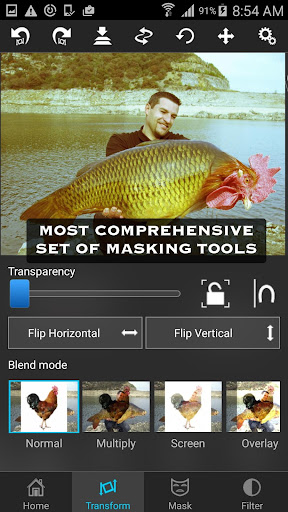
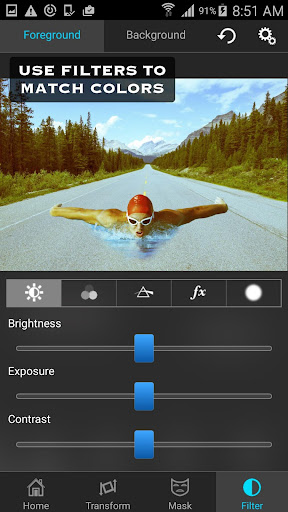
The app offers a wide range of masking tools to remove unwanted portions of the foreground image, as well as smoothening tools to refine edges. You can move, scale, resize, rotate, and flip the foreground image to position it perfectly on the background. Additionally, Superimpose provides advanced color adjustment options to match the colors of both images seamlessly.
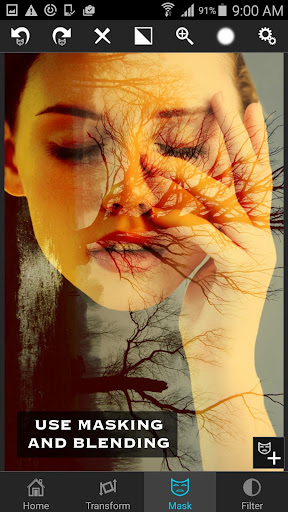
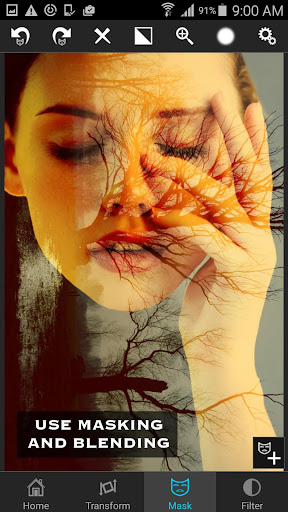
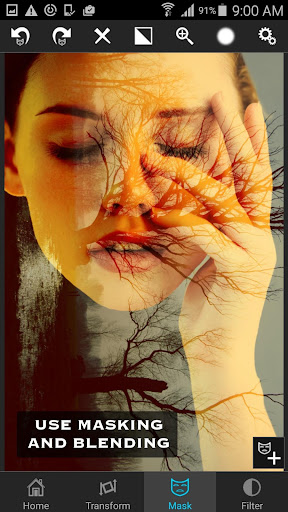
Whether you're looking to blend textures, overlay borders, or experiment with double exposure effects using adjustable transparency and 18 blending modes, Superimpose has got you covered. Its intuitive interface and robust features make it an ideal choice for both casual users and serious photographers seeking creative freedom in mobile photography.
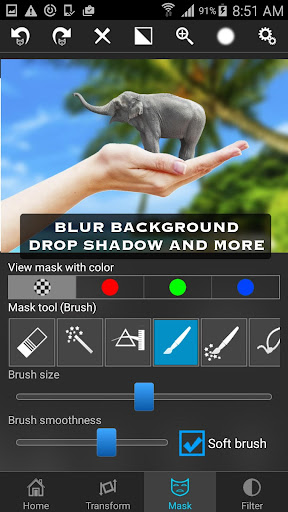
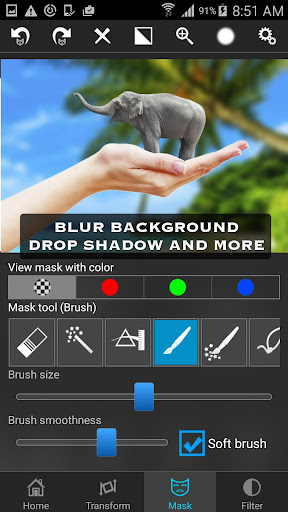
Superimpose stands out with its comprehensive suite of photo editing tools designed for precision and creativity. The app's most notable feature is its powerful masking capabilities, which include brush, lasso, global color similarity, rectangle, ellipse, linear, bi-linear, and radial gradient masking tools. These allow users to mask out specific areas of the foreground image with ease and accuracy.
In addition to masking, Superimpose offers advanced manipulation options such as moving, scaling, resizing, rotating, and flipping the foreground image. This flexibility ensures that your composite images look natural and well-integrated. The app also includes detailed color adjustment settings for exposure, contrast, hue, saturation, and more, enabling users to fine-tune every aspect of their creations.
For those interested in more complex edits, Superimpose supports blending textures, overlaying borders, and experimenting with double exposure techniques. With 18 blending modes and adjustable transparency levels, the possibilities are virtually endless. Whether you're enhancing personal photos or working on professional projects, Superimpose delivers the tools needed to achieve stunning results.
User-friendly interface
Wide range of masking tools
Advanced color adjustments
Supports double exposure effects
High-quality output
Limited to iOS devices
No Android version available
Some features may require practice
Occasional performance issues
Premium price point

Remote control of the phone camera from your Wear OS smartwatch
 3.70
3.70
Gallery show photo, video, slideshow, is perfect 3D effect private photo albums.
4.80
All-in-One Editor & AI Photo Enhancer, Beautify & Retouch, Collage, Cartoonify
4.20
Shooting photos and records video easily and efficient with professional Camera
4.30
Perfect photos with body shaping, BG changer and object remover.
3.70
Create AI Photos, Improve and restore quality of blurry, old or damaged pics.
4.20
Create Business Headshots, Polaroid Filter, Retake Photos,Profile Pics,AI Photos
4.50
Cartoon and artistic effects for your photos and videos
4.70
USB Storage Access for Photos, Videos, Music and Documents
3.80
Amazing Photo Effects - The most fun you can have with your photos!
4.70
Take videos and pictures with the popular TikTok TIME WARP SCAN filter.
4.60
AI photo editor with hair editor, retouch tools, hair color changer & filters!
4.50
Use AI Video Generator to turn your words to ai generated videos.
4.50
AI portrait generator and polaroid AI selfie, fun AI generated AI photo creator!
4.30
What celebrity do you look like? Celebs will find your celebrity match!
4.10
The #1 app for B&W film developing featuring an advanced darkroom timer.
4.10
How would you look like with a differently shaped nose, chin or lips?
3.90
GCamera allows all GCam features on all phone models! Better photos with GCamera
3.30
Application for remote controlling DSLR
3.00


User Reveiws