
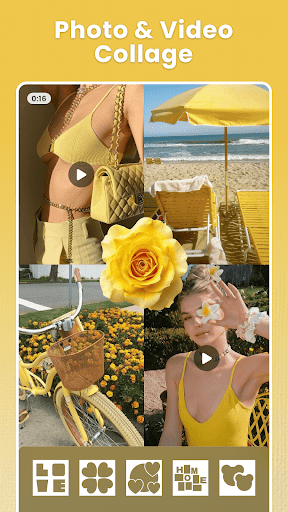

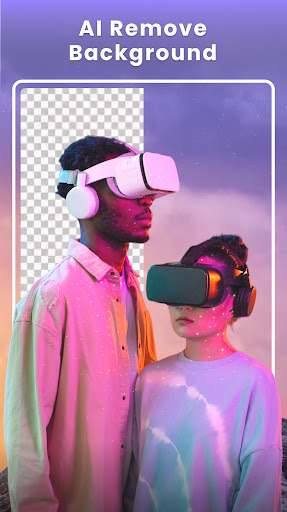
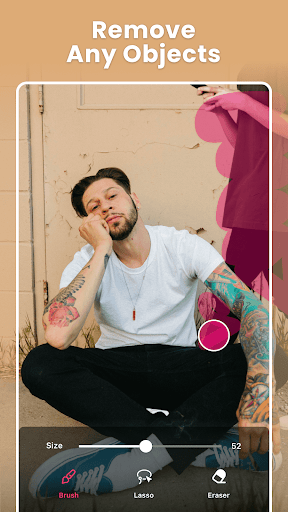
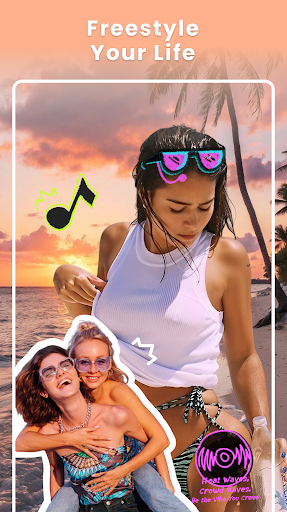
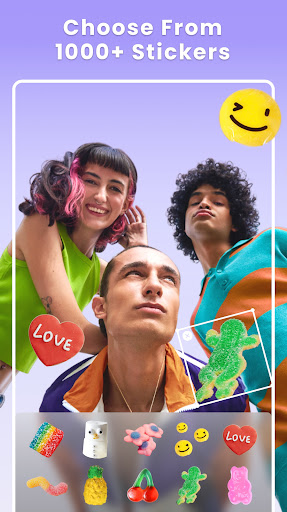
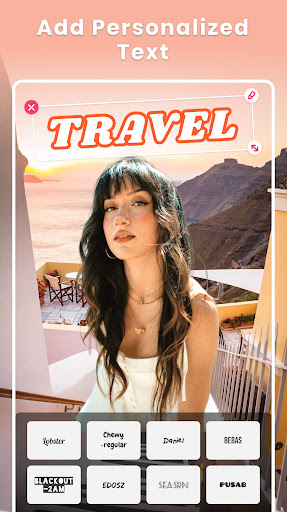
Photo Collage Maker - FunPic is a versatile photography app designed to help users create stunning photo collages and video stories. With over 300 layouts, the app allows you to combine photos into eye-catching arrangements while offering creative tools like filters, text, stickers, and templates. The built-in AI editor provides advanced features such as background removal and object erasing, ensuring professional-quality edits.
Beyond static collages, FunPic also supports video collages, letting you merge videos and photos with music and decorative elements. Whether you're crafting Instagram posts, photo slideshows, or personalized picture stories, this app caters to every style and occasion. Its intuitive interface and rich material library make it perfect for both casual users and creative enthusiasts.
FunPic stands out by offering an all-in-one solution for photo and video editing, making it easy to express your unique style and share your memories in visually appealing ways. From themed templates to doodle tools, the app ensures that every creation is meaningful and polished.
One of the standout features of Photo Collage Maker - FunPic is its extensive library of creative tools. With over 1000 stickers, backgrounds, and templates updated weekly, users can customize their collages to fit any theme or mood. The app offers advanced AI-powered tools, including automatic background removal and object erasure, which simplify complex editing tasks and ensure professional results without requiring technical expertise.
Another key feature is its ability to create both photo and video collages. Users can seamlessly blend videos and images, add music tracks from their devices, and apply artistic filters and transitions. This versatility makes it ideal for storytelling through multimedia content. Additionally, the freestyle collage mode allows complete creative freedom, enabling users to resize, rotate, and layer photos with precision.
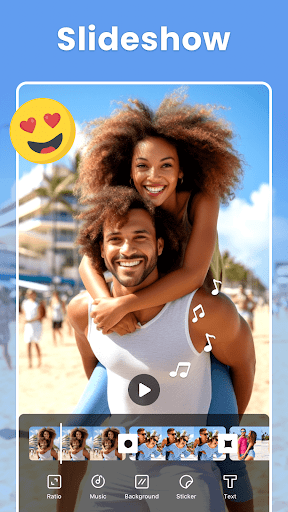
The app also includes practical tools like aspect ratio adjustments for social media platforms, doodle options for personal touches, and a photo slideshow maker with trendy music and animations. These features collectively empower users to produce high-quality, personalized content effortlessly.
User-friendly interface
Extensive template library
Advanced AI editing tools
Versatile collage options
Regular content updates
Premium features locked
Ads may disrupt workflow
Occasional lag on older devices
Limited free music tracks
Learning curve for beginners

All-in-One Editor & AI Photo Enhancer, Beautify & Retouch, Collage, Cartoonify
 4.20
4.20
Safe & smart flight with Go Fly drone controller for 40+ drone camera, zone map
4.50
Create funny photos and videos with the popular Time Warp Scan filter.
4.90
All-in-One Editor & AI Photo Enhancer, Collage, Cartoonify, Funny Stickers & BGS
4.10
Create & Edit with AI: AI Remove, Enhance, Retouch, Filter
4.10
Pet Camera
3.70
Amazing Photo Effects - The most fun you can have with your photos!
4.70
Luminar: Photo Editor - easy picture editing with AI
4.20
Solocator stamps photos you take with GPS location, Compass Direction, Date/Time
3.80
Your personal guide to the sun and moon. Plan ahead, visualize and predict!
4.70
Android Native system HD camera app. Never been so simple and faster.
4.70
Transform photos into videos! Create realistic or anime-style images easily!
4.50
Easily stitch panoramas from multiple photos or video.
4.40
RAW video capture with advanced controls
4.40
[3DSteroid Pro] is a stereoscopic application for Android.
4.30
Catch sunlight, sunrise sunset times and sun phases with the AR sun tracker.
4.10
How would you look like with a differently shaped nose, chin or lips?
3.90
Raw Image Viewer. Gallery with support of raw images (.cr3, .cr2, .nef, .raf).
2.00
HD Photo gallery and photo manager to edit, hide private photos, videos & albums
4.5


User Reveiws