
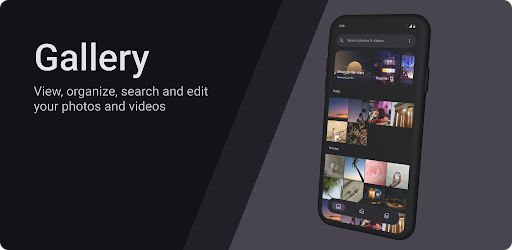
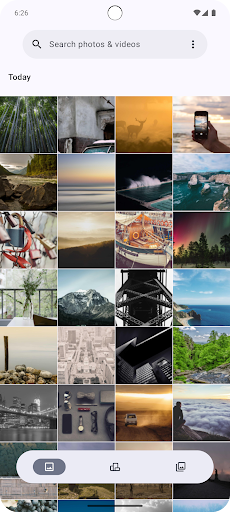
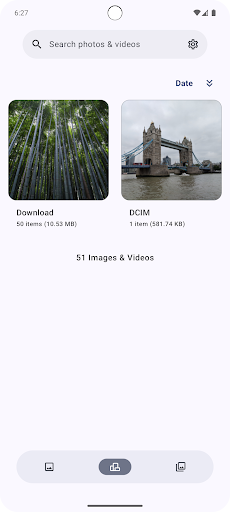
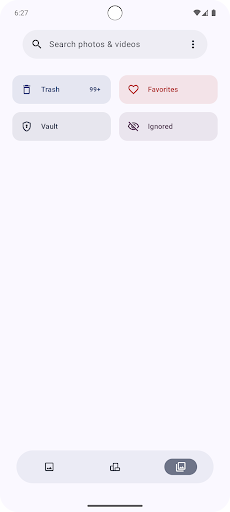
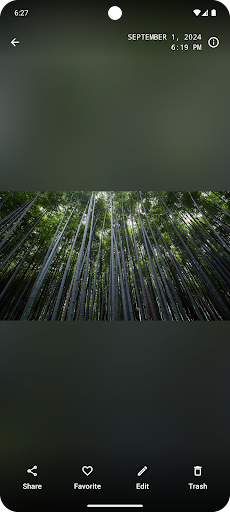
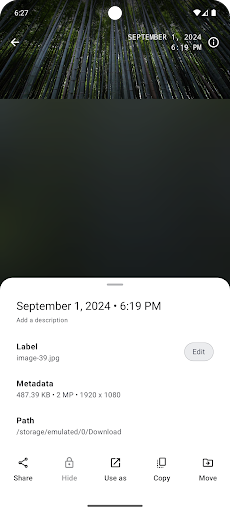
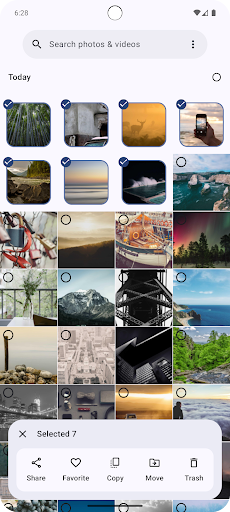

Gallery is a modern photography app designed for Android users who want an intuitive and efficient way to manage their photo collections. Built with Jetpack Compose, this app offers a sleek interface that makes organizing and viewing images a seamless experience. Users can easily navigate through their photo library, sort images by date or category, and perform quick edits without leaving the app.
The app's standout feature is its smart organization system, which uses advanced algorithms to automatically categorize photos based on content and location. Whether you're a casual photographer looking to declutter your gallery or a professional needing a reliable tool for managing large volumes of images, Gallery provides the functionality needed to keep your digital memories organized and accessible.
Gallery stands out with its innovative features tailored for both amateur and professional photographers. The app includes a powerful search function that allows users to find specific photos using keywords, tags, or even image recognition technology. This ensures that no matter how extensive your collection is, finding a particular image takes just seconds.
Another notable feature is the built-in editing suite, which offers a range of tools from basic adjustments like cropping and filtering to more advanced options such as color correction and exposure balancing. All these features are wrapped in a user-friendly interface powered by Jetpack Compose, ensuring smooth performance and an enjoyable user experience across different devices.
User-friendly interface
Advanced photo organization
Powerful search capabilities
Built-in editing tools
Cross-device compatibility
Limited third-party integrations
No cloud backup option
Basic video support only
Occasional performance lags
Few customization options
A collection of tools and reference tables for DPs, ACs, DITs and Operators.
 4.70
4.70
Find time and duration of different sunlight phases at any location
4.90
1M influencer's special filter
4.60
How old age camera Gender Swap App Face Shape Hairstyle App Hair Styler App fun!
4.00
A reflected light meter with spot metering and incident light metering.
4.40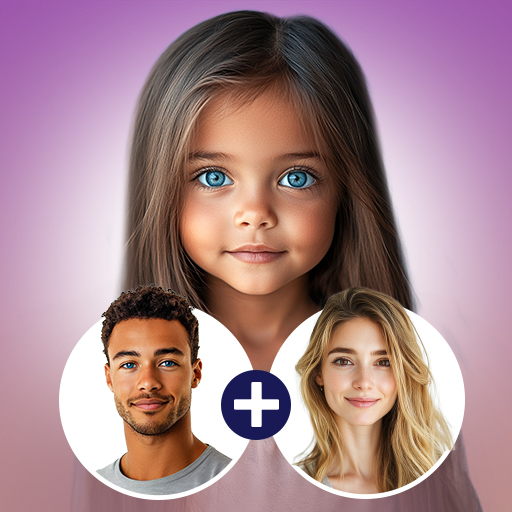
Future baby face generator: AI kids generator, kid face! What my baby look like?
4.40
See your baby AI baby face generator AI baby maker Face generator babymaker fun!
4.70
Unblur, enhance & restore photos with powerful AI photo enhancer tools.
4.60
Welcome to ProShot, the most powerful camera app on Android.
4.20
Create funny photos and videos with the popular Time Warp Scan filter.
4.90
Photo editor: AI filters, photo enhancer, pic collage maker, AI art generator.
4.80
Android Native system HD camera app. Never been so simple and faster.
4.70
PhotoSync Bundle Add-On License. Enables all features and services in PhotoSync.
4.60
Movie camera, supports pro recording settings for filming. Try it and be amazed!
4.50
Easily stitch panoramas from multiple photos or video.
4.40
Luminar: Photo Editor - easy picture editing with AI
4.20
Remote control of the phone camera from your Wear OS smartwatch
3.70
An interval timer to automate photo taking process for timelapse
2.90
Photo Album Watch Face shows your favorite pictures as a Watchface.
1.90


User Reveiws