
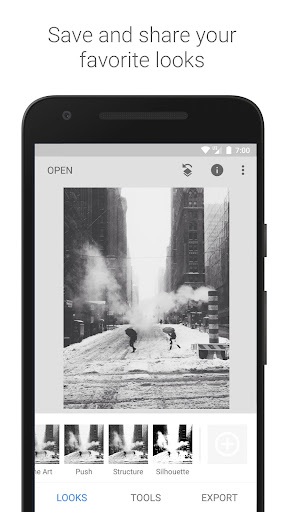
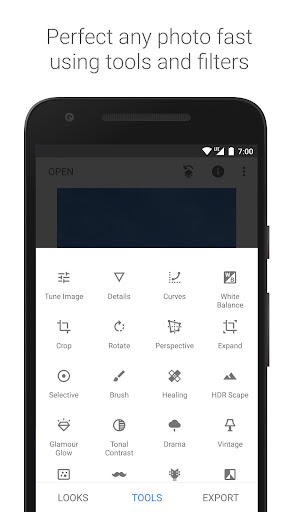
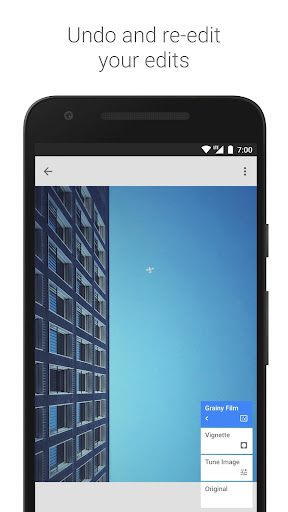
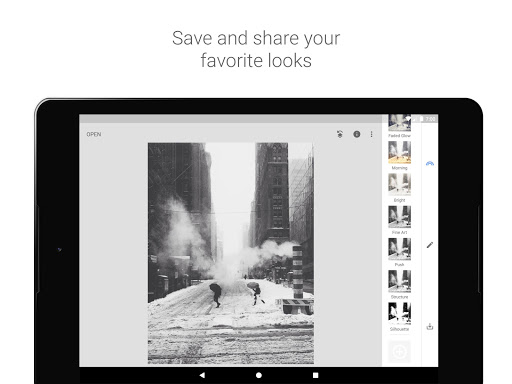


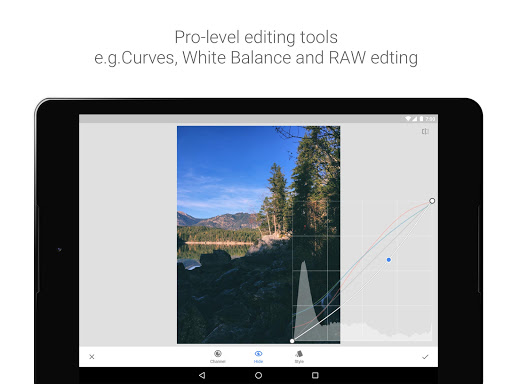

Snapseed is a comprehensive photo editing application developed by Google, offering professional-grade tools for both amateur and expert photographers. The app provides 29 powerful tools and filters, including Healing, Brush, Structure, HDR, and Perspective correction, enabling users to enhance their images with precision.
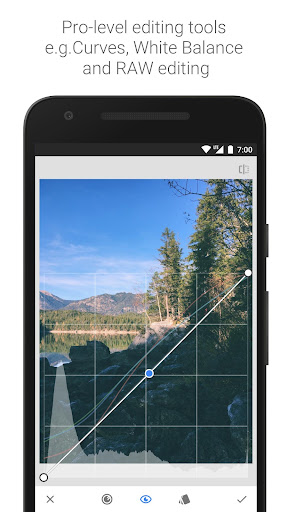
One of Snapseed's standout features is its ability to open and edit RAW files, allowing photographers to work with uncompressed images for higher quality edits. Users can save personalized editing styles and apply them to future projects, streamlining the editing process. Whether you're adjusting exposure, cropping, or adding creative effects, Snapseed delivers complete control over every aspect of photo editing.
The app is particularly useful for mobile photographers who need a portable yet robust editing solution. With its intuitive interface and advanced editing capabilities, Snapseed empowers users to transform ordinary photos into professional-quality images directly from their mobile devices.
Snapseed stands out with its extensive range of 29 tools and filters, each designed to offer precise control over photo editing. From basic adjustments like cropping and rotating to advanced techniques such as selective filter brushes and HDR Scape, the app caters to a wide array of editing needs. Its 'RAW Develop' feature allows users to tweak RAW DNG files non-destructively, preserving original image data while making detailed enhancements.
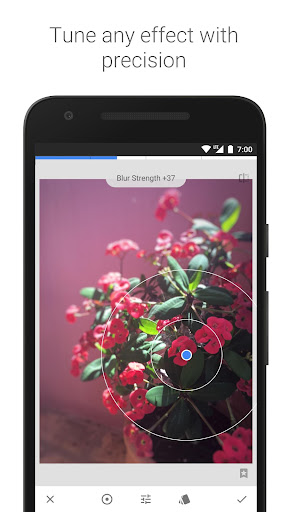
A key innovation in Snapseed is the Selective tool, which uses Control Point technology to let users place up to 8 points on an image and assign specific enhancements. This feature automates complex adjustments, delivering professional results with minimal effort. Additionally, the app offers creative filters like Lens Blur, Glamour Glow, and Grunge, enabling users to add artistic effects that mimic classic film styles or modern digital processing.
All tools in Snapseed are designed with user customization in mind. Whether adjusting white balance, applying vignettes, or using the Face Enhance feature to refine portraits, users can fine-tune every parameter to achieve their desired look. This combination of powerful tools and customizable options makes Snapseed a versatile choice for anyone seeking professional-quality photo editing on mobile devices.
Professional-grade tools
Intuitive user interface
Extensive filter options
RAW file support
Customizable editing styles
Steep learning curve
Occasional performance lag
Limited social sharing options
No automatic backup
Advanced features may overwhelm beginners

Long exposure camera with computational photography
 2.60
2.60
Transform photos into videos! Create realistic or anime-style images easily!
4.50
Photo Exif Editor allows to view, add and modify EXIF data of multiple photos
4.50
Movie camera, supports pro recording settings for filming. Try it and be amazed!
4.50
Pro version: AR sun/moon tracker for any date. Tool for photographers & planners
4.90
Remote control the phone camera shutter from your smartwatch and take a picture
1.60
Unlock the full potential of your DJI drone with Litchi
4.50
Discover How to Plan any Sun, Moon and Milky Way Photo You Imagine in Seconds
4.70
Photo & Video Gallery app to manage albums and save WA Status easily.
4.70
Find time and duration of different sunlight phases at any location
4.90
Photo prints, cards, & gifts at Walgreens. Easy ordering & fast local pickup !
4.80
A collection of tools and reference tables for DPs, ACs, DITs and Operators.
4.70
1M influencer's special filter
4.60
Take videos and pictures with the popular TikTok TIME WARP SCAN filter.
4.60
AI photo editor with hair editor, retouch tools, hair color changer & filters!
4.50
Search, tag and rate your way to an organized image gallery
4.40
Future baby face generator: AI kids generator, kid face! What my baby look like?
4.40
Turn your phone into a professional camera - full DSLR manual photography
4.30
All-in-One Editor & AI Photo Enhancer, Collage, Cartoonify, Funny Stickers & BGS
4.10


User Reveiws