Photo Gallery - Album, Vault

4.80

Information

Category:

Photography

Price:

Free

Rank:

35

Rating:

4.80

Overview

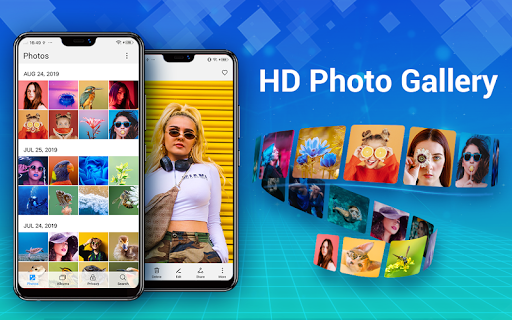
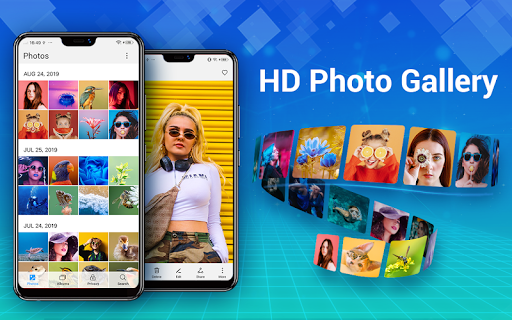
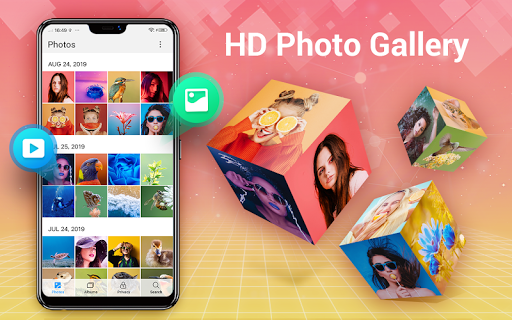
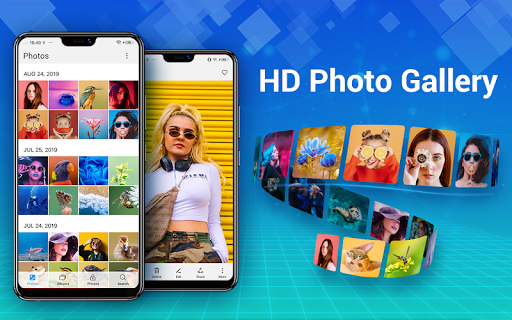
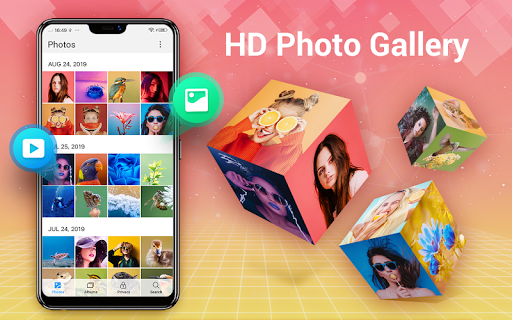
Photo Gallery is a comprehensive photography app designed for Android users, offering an all-in-one solution for managing, editing, and securing your photos and videos. The app automatically organizes media files into albums, supports HD viewing, and provides slideshow functionality for an enhanced user experience. It also features a secure vault to hide and encrypt private photos and videos, ensuring complete privacy.

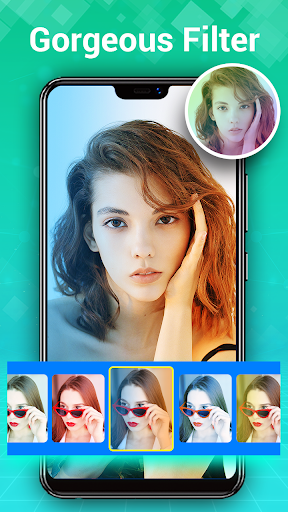
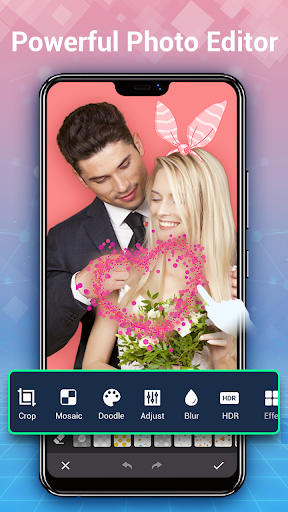
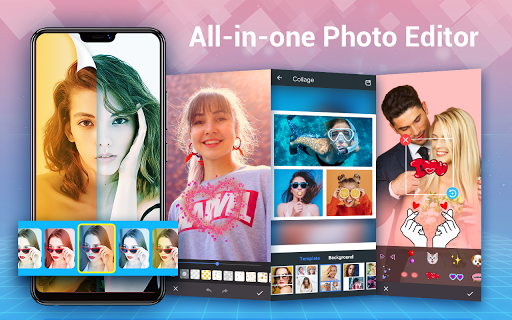
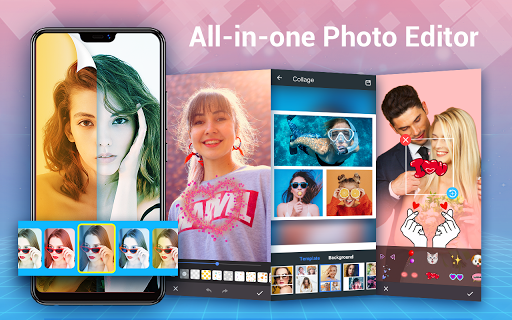
In addition to its organizational capabilities, Photo Gallery includes powerful photo editing tools. Users can apply filters, adjust lighting, add text or stickers, and create stunning photo collages with ease. The app supports various operations such as moving, copying, deleting, and renaming files, making it a versatile tool for both casual and professional photographers. Its intuitive interface and offline functionality further enhance its appeal, providing a seamless experience across different devices.

Features

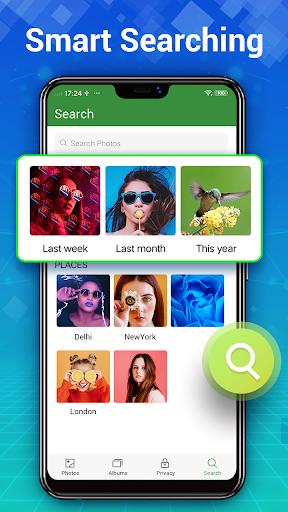
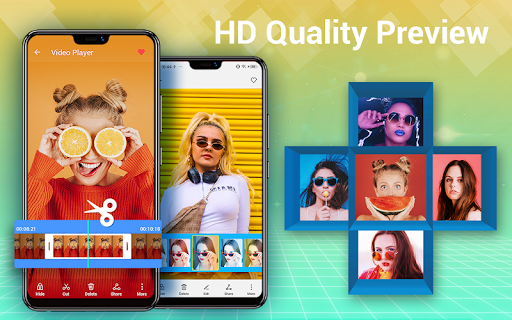
Photo Gallery stands out with its extensive feature set tailored for both photo management and creative editing. The automatic organization system categorizes photos and videos by date, albums, and favorites, while the quick search function helps users find specific files effortlessly. Advanced editing options include auto-enhance, stylish stickers, text overlays, doodles, mosaics, cropping, and more, allowing users to transform their images with professional-quality effects.

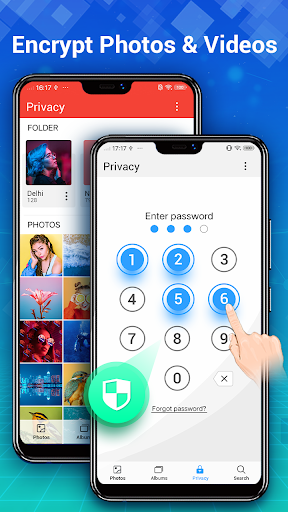
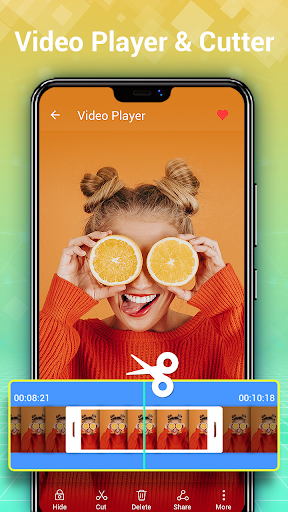
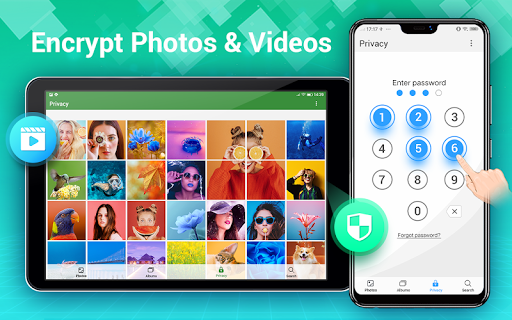
The app's Gallery Lock feature ensures privacy by hiding sensitive media in an encrypted vault, accessible only through a password. Users can also enjoy creating photo collages using free-style or grid templates, adding a creative touch to their collections. Additional functionalities like setting wallpapers, sorting files by various criteria, and managing storage through similar photo detection make Photo Gallery a robust tool for anyone looking to optimize their digital media library.

Real-Time Capture & Preview

Real-time capture and preview functionality is essential for photography applications as it allows users to see exactly what the camera is capturing before taking a photo or recording a video. This feature ensures that users can make necessary adjustments in terms of focus, exposure, and framing to achieve the desired outcome. Photo Gallery - Album Vault offers an intuitive real-time capture experience by providing users with a fast and lightweight interface that minimizes lag between the camera sensor's input and the app's display output. The application further enhances this experience by offering automatic organization of photos and videos which means that as soon as an image or video is captured it is instantly sorted into user-defined albums or categorized based on content recognition technology. Users benefit from this seamless integration of capture and organization features because it streamlines their workflow allowing them to concentrate on taking high-quality photos without worrying about post-capture management. Additionally the app's support for external SD cards enables extended storage capacity so users can continue capturing without concern for running out of space. Overall the real-time capture and preview capabilities combined with efficient organization tools provide a comprehensive solution for photographers who demand both performance and practicality in their mobile photography suite.

AI Beauty & Enhancement Naturalness

The AI beauty and enhancement naturalness aspect of a photography app pertains to its ability to apply intelligent filters and effects that improve the aesthetic quality of photos while maintaining a realistic appearance. Photo Gallery - Album Vault incorporates advanced photo editing tools that leverage artificial intelligence to automatically enhance images with one-tap solutions such as auto-enhance which optimizes lighting color balance and sharpness to make photos look their best. Beyond basic enhancements the app provides a suite of sophisticated editing options including stylish stickers text doodles mosaics cropping lightening blurring and more all designed to give users creative control over their edits while ensuring that modifications appear natural and not over-processed. This dedication to preserving authenticity while still delivering visually appealing results is particularly beneficial for users who wish to elevate their photography without sacrificing genuineness. Furthermore the inclusion of collage-making features empowers users to create visually striking compositions using multiple images with free-style or grid-style templates adding another layer of creativity to their projects. By combining powerful AI-driven enhancements with versatile manual editing capabilities Photo Gallery delivers a balanced approach to photo beautification that caters to both amateur photographers looking for quick fixes and professionals seeking finer control over their digital assets thus enhancing user engagement and satisfaction with the end product.

Props

User-friendly interface

Powerful editing tools

Secure vault for privacy

Automatic organization

Versatile file management

Cons

Requires storage permission

Limited cloud integration

Occasional ads in free version

Advanced features need learning

Performance on older devices
Features and Functions

What is this app and what can I use it for?

A photo management app for organizing, editing, and securing images and videos

How do I download and install this app on my device?

Visit Google Play Store, search for Photo Gallery, and tap Install to download and install the app

How do I get started after opening the app for the first time?

Launch the app, grant necessary permissions, and start importing or organizing your photos and videos

What are the main features and capabilities of this app?

Automatic organization, secure vault, advanced editing tools, collage creation, and versatile file management

How can I customize my experience and adjust preferences?

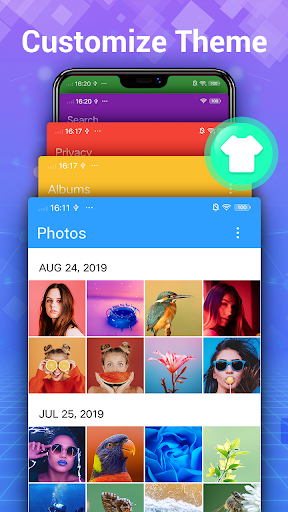
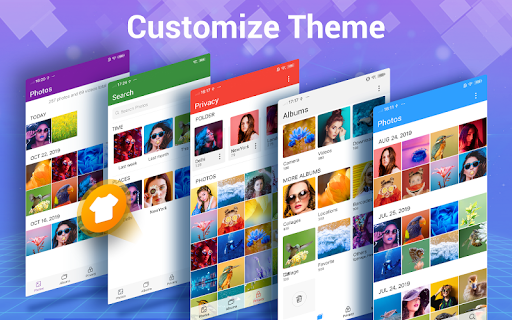
Adjust settings for privacy, notifications, and display preferences in the app's Settings menu

How do I save or bookmark my favorite content for later access?

Use the Favorite feature to bookmark important photos or create dedicated albums for easy access

How can I share content with friends or on social media?

Select the content, tap Share, and choose the desired platform or messaging app to send to friends

How do I access detailed information and explore more content?

Browse through categorized albums, use the search function, or explore recommended photos section

What permissions does this app need and how do I manage them?

The app needs storage permissions to manage files; adjust these in device settings under App Permissions

How do I check for updates and keep the app running smoothly?

Enable automatic updates in Google Play Store settings or manually check for updates within the app
Show more

User Reveiws

{{ comment.reviewer_name }}
{{ comment.review_date_formatted}}
{{ comment.review_content }}
{{ tab.name }}
{{ comment.reviewer_name }}
{{ comment.review_date_formatted}}
{{ comment.review_content }}
No reviews with this rating