
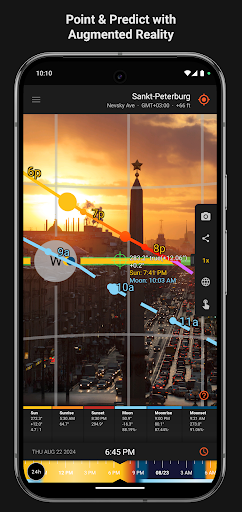
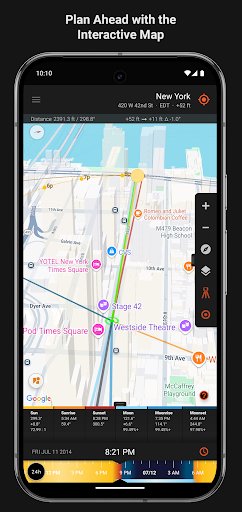
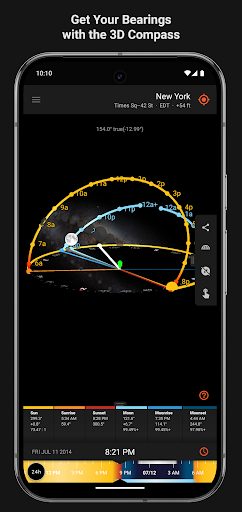

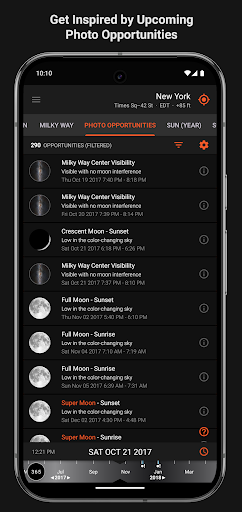
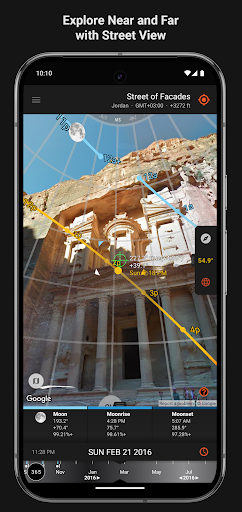
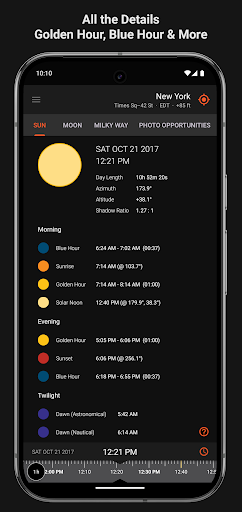
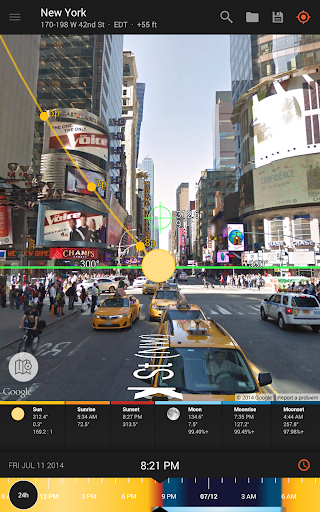
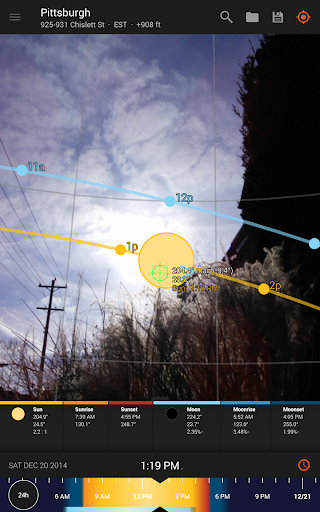
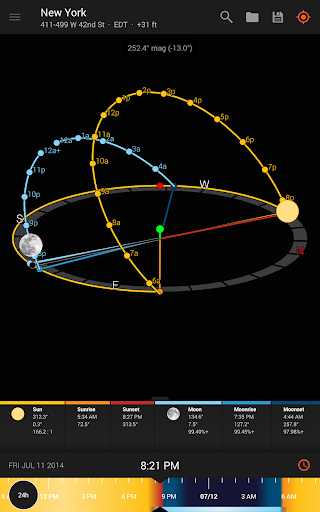
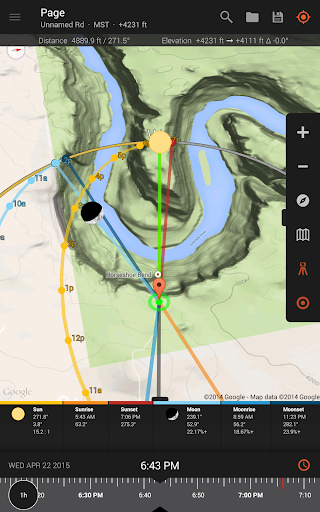
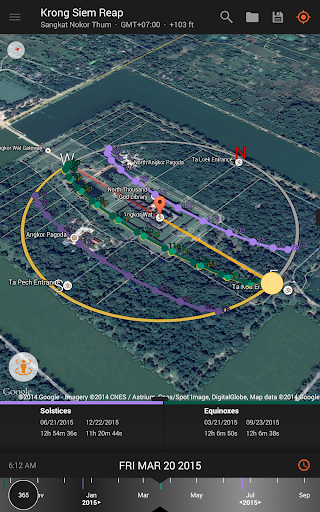
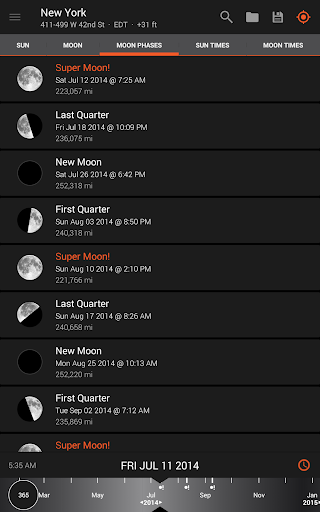
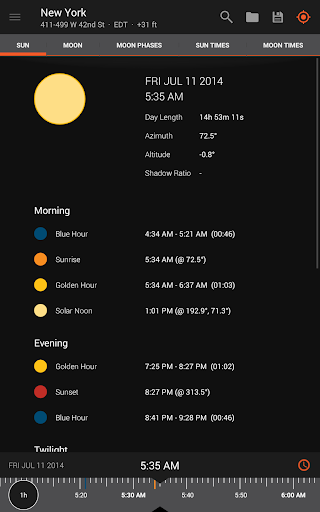
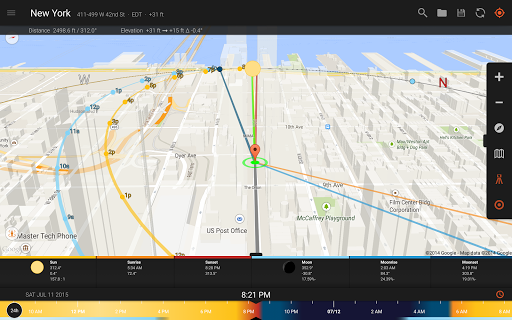
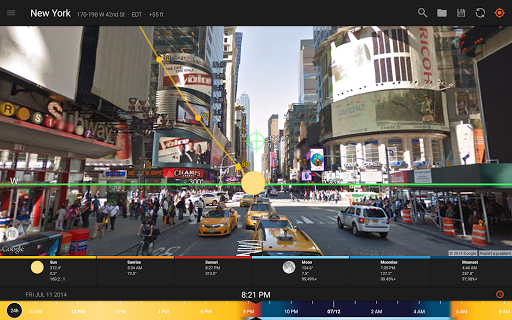
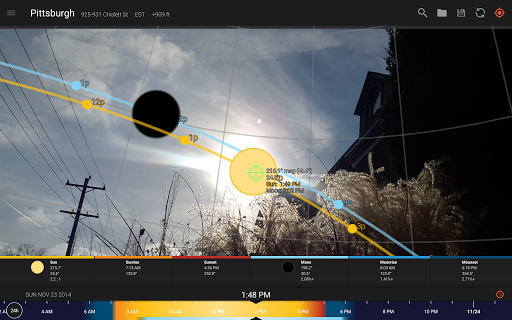
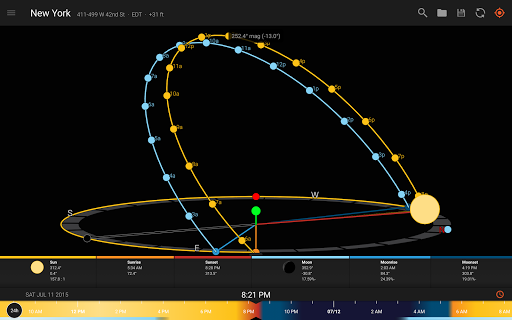
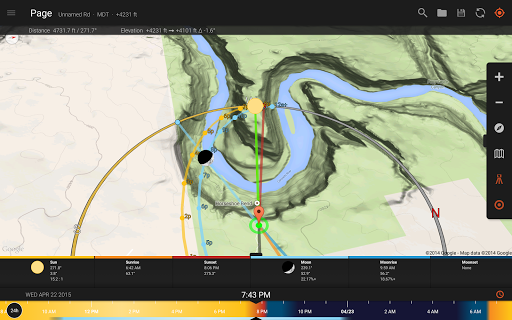
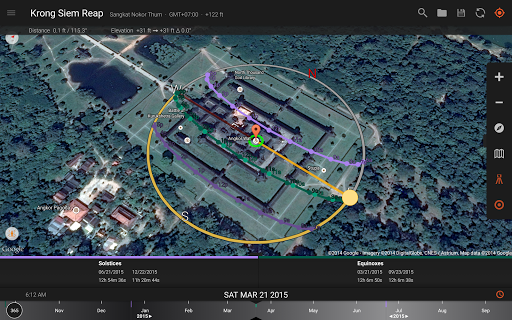

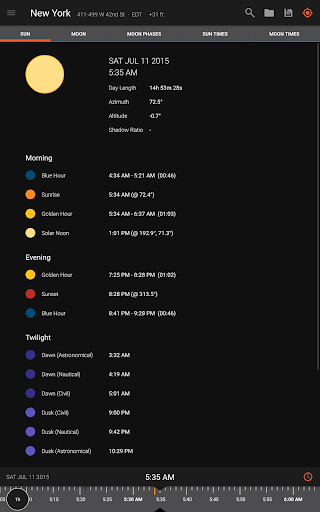
Sun Surveyor is an essential tool for photographers, filmmakers, and solar industry professionals who rely on precise natural lighting conditions. The app provides detailed predictions for sunrise, sunset, moon phases, and even the Milky Way's position, helping users plan their shoots or projects with accuracy.
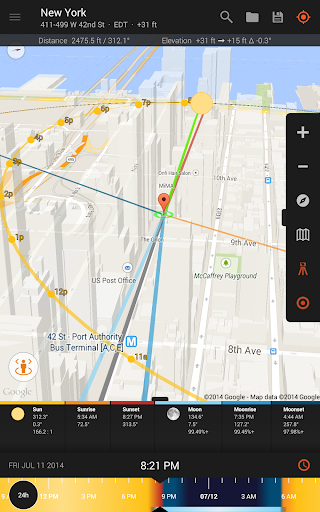
With features like the Live Camera View, 3D Compass, and Interactive Map, Sun Surveyor offers augmented reality projections of sun and moon paths, ensuring that users can anticipate the perfect lighting conditions. Whether you're scouting locations for a photo shoot or assessing seasonal sunlight for architectural planning, this app delivers critical information in an accessible format.
The app also caters to night photography enthusiasts by providing tools to predict golden hour, blue hour, and optimal star-gazing times. Its comprehensive set of features makes it invaluable for anyone whose work depends on understanding natural light patterns.
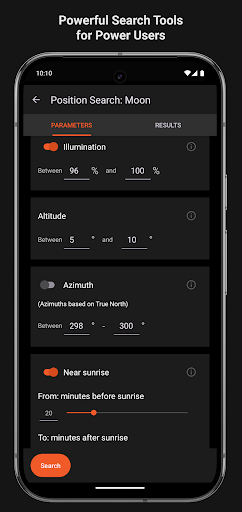
Sun Surveyor stands out with its advanced set of features tailored for both creative and technical professionals. The app includes an interactive Ephemeris, Photo Opportunities section, and Position Search functionality, which allows users to pinpoint exact sun and moon positions based on specific constraints.
For solar industry experts, the app offers practical tools such as sun shadow calculations, magnetic declination compensation, and detailed solstice and equinox path projections. These features help architects and real estate agents assess shade potential and sunlight availability at different times of the year.
Additional highlights include offline usage capabilities, widgets for quick access to sun and moon data, and compatibility with Google Earth for location imports. With these robust features, Sun Surveyor empowers users to execute their projects with precision and confidence.
Accurate light prediction
Augmented reality views
Comprehensive ephemeris data
Offline functionality
User-friendly interface
Compass dependency for some features
Premium price for full version
Complex for beginners
Limited free features
Occasional GPS inaccuracies

Professional video recording application with manual controls for filmmakers!
 2.80
2.80
Create Business Headshots, Polaroid Filter, Retake Photos,Profile Pics,AI Photos
4.50
Raw Image Viewer. Gallery with support of raw images (.cr3, .cr2, .nef, .raf).
2.00
Turn photos into cartoons & avatars! - Photo Editor, Cartoon Face!
3.90
RAW video capture with advanced controls
4.40
Effortlessly make high-quality GIFs from images & videos without any watermarks.
4.70
Unlock the full potential of your DJI drone with Litchi
4.50
Welcome to ProShot, the most powerful camera app on Android.
4.20
Edit photos with the picture generator: PS2 & AI Clay filters, cartoon effects.
4.50
Pro version: AR sun/moon tracker for any date. Tool for photographers & planners
4.90
AI Photo Editor with 100+ Filters, Effects! Remove BG, Retouch & Photo Enhancer.
4.80
Gallery show photo, video, slideshow, is perfect 3D effect private photo albums.
4.80
HD Camera Pro with HD Video shooting, Panorama, Photo editor , Beauty Camera.
4.50
AI photo enhancer with Sora 2! Enhance, descratch, and colorize your old photos.
4.50
Effortlessly organize, view and share your photos & videos with Gallery app!
4.40
Luminar: Photo Editor - easy picture editing with AI
4.20
Be your best in every shot! Fix, edit and retouch your face in selfies & photos.
3.70
Create amazing frames with up to five photos. Rounded corners, effects and more!
3.60
Remote control the phone camera shutter from your smartwatch and take a picture
1.60


User Reveiws