
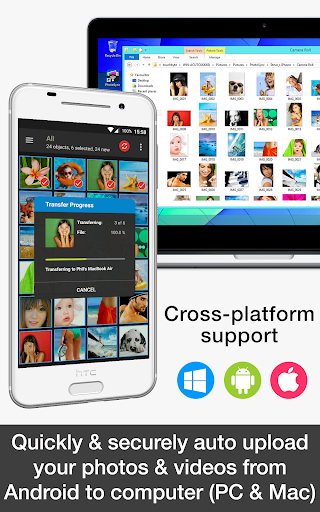
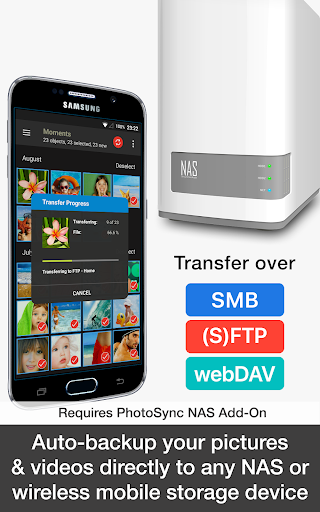
PhotoSync Autotransfer Add-On is an advanced photography tool designed to streamline photo and video management for Android users. This add-on enhances the free version of PhotoSync by enabling automatic wireless backups to various destinations including computers, private clouds, and NAS systems.
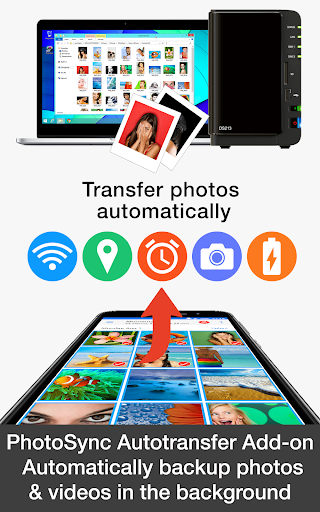
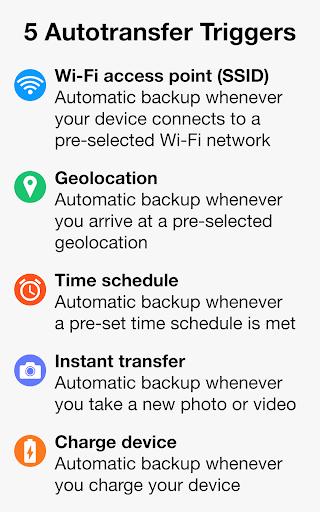
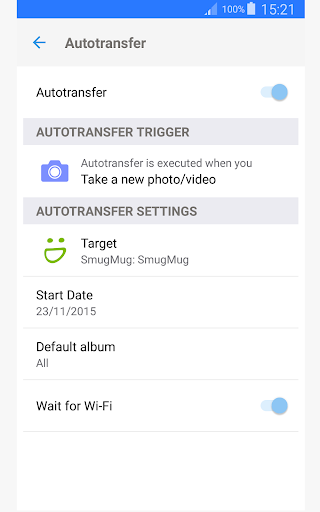
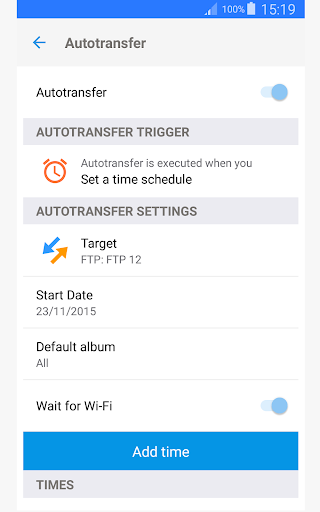
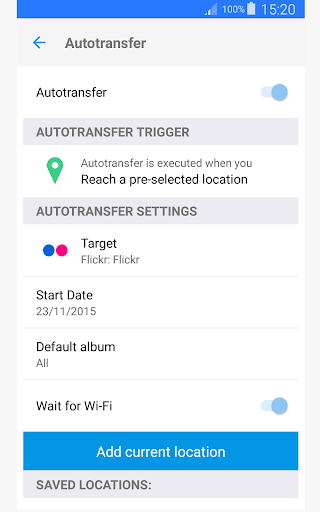
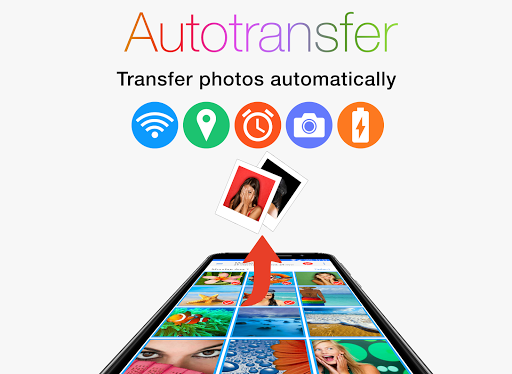
The application supports five configurable triggers for autotransfer: Wi-Fi access point, geolocation, time schedule, device charging, and capturing new media. These features ensure that your valuable memories are consistently backed up without manual intervention. With over 10,000 positive reviews and millions of successful transfers, PhotoSync has established itself as a reliable solution in the market.
Whether you're a professional photographer or simply someone who values their digital memories, PhotoSync Autotransfer provides peace of mind with its secure and customizable backup options. The ability to remove ads further enhances user experience, making it an essential tool for anyone serious about managing their media library efficiently.
PhotoSync Autotransfer Add-On offers a comprehensive suite of features tailored for seamless photo and video management. At its core, the app facilitates automatic wireless backups triggered by specific events such as connecting to a designated Wi-Fi network or arriving at a particular location.
Users can configure up to five autotransfer options: instant transfer upon capturing new media, Wi-Fi SSID-based transfers, location-based transfers, trigger-based transfers when charging the device, and scheduled time-based transfers. These options provide unparalleled flexibility in managing how and when your media is backed up.
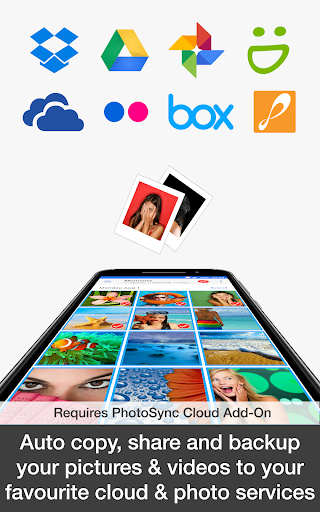
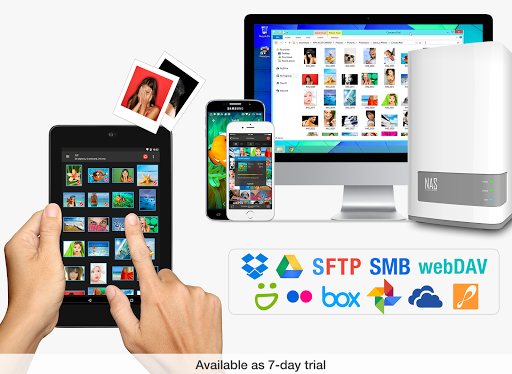
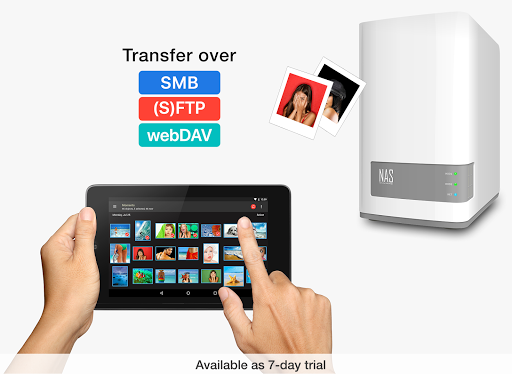
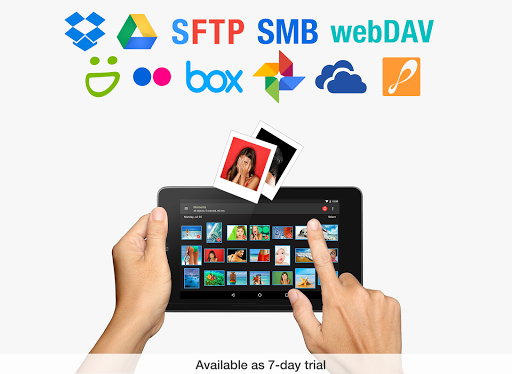
In addition to supporting direct transfers to computers (PC and Mac) over Wi-Fi, PhotoSync also integrates with major cloud services like Dropbox, Google Drive, and OneDrive through optional add-ons. This versatility ensures that all your devices remain synchronized effortlessly, offering a complete solution for both personal and professional use cases.
Automatic wireless backup
Customizable transfer triggers
Supports multiple storage options
Ad-free experience
Proven reliability
Requires base app
Premium cost
Complex setup
Limited free features
Cloud add-ons needed

How would you look like with a differently shaped nose, chin or lips?
 3.90
3.90
Viewfinder, Light meter, Reciprocity failure time, DOF & Bellows Extension
4.60
Photo prints, cards, & gifts at Walgreens. Easy ordering & fast local pickup !
4.80
Movie camera, supports pro recording settings for filming. Try it and be amazed!
4.50
USB Storage Access for Photos, Videos, Music and Documents
3.80
Create AI photos & videos with Enhancer; restore, fix, beautify, enhance photos
4.50
Easily view, share, delete photos with Gallery.
4.70
Solocator stamps photos you take with GPS location, Compass Direction, Date/Time
3.80
Discover How to Plan any Sun, Moon and Milky Way Photo You Imagine in Seconds
4.70
Pro version: AR sun/moon tracker for any date. Tool for photographers & planners
4.90
Gallery show photo, video, slideshow, is perfect 3D effect private photo albums.
4.80
1M influencer's special filter
4.60
Light-weight Media Gallery app for Android made with Jetpack Compose
4.60
Create collages easily! Nice pic collage maker & background eraser for Instagram
4.50
Trendy TikTok time warp scan funny filter app brings you unique photos & videos.
4.40
Natural Beauty, Selfie Retouch
4.30
Application for remote controlling DSLR
3.00
An interval timer to automate photo taking process for timelapse
2.90
Photo Album Watch Face shows your favorite pictures as a Watchface.
1.90


User Reveiws