
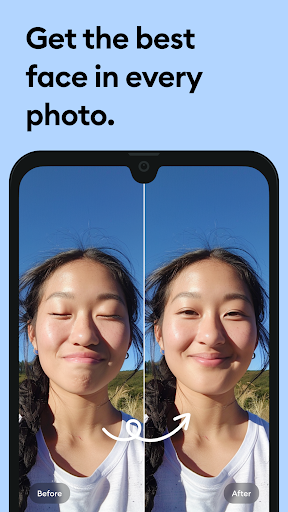
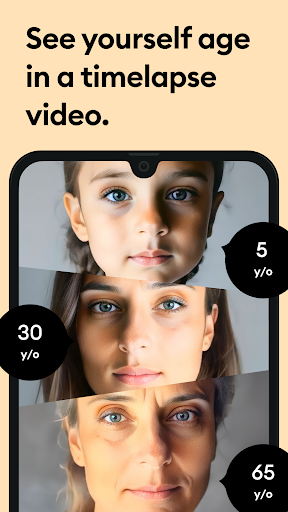
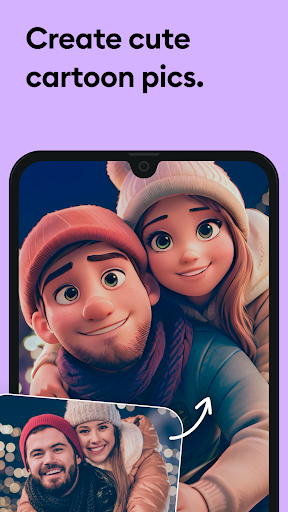


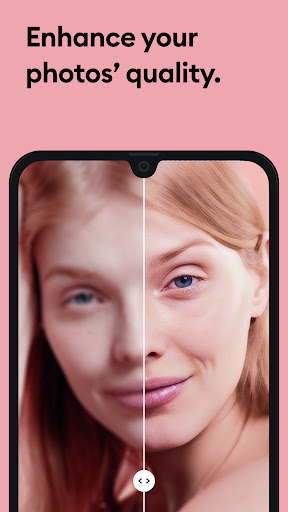
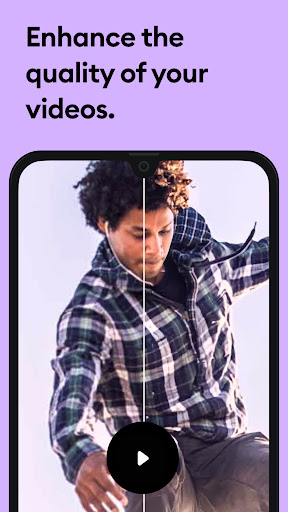

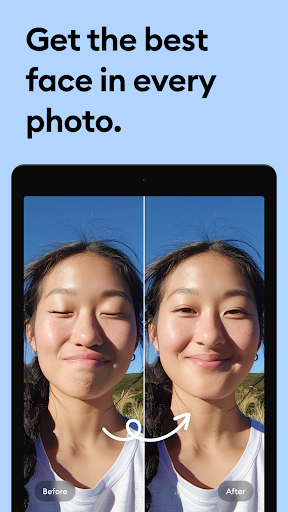
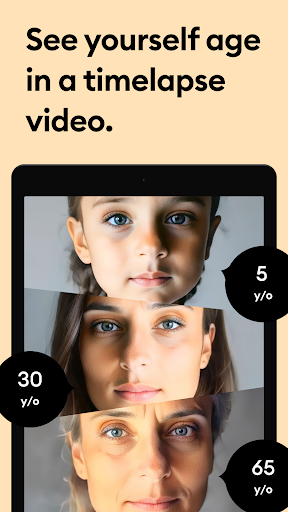
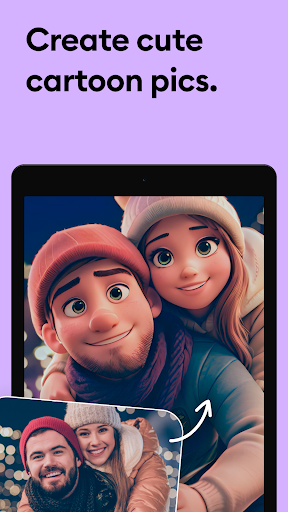




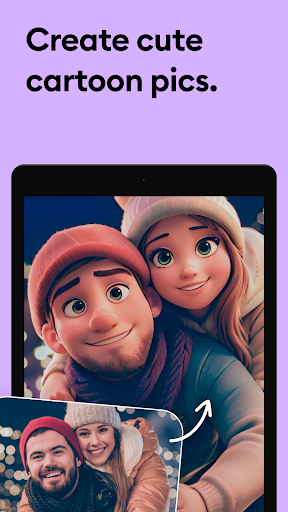


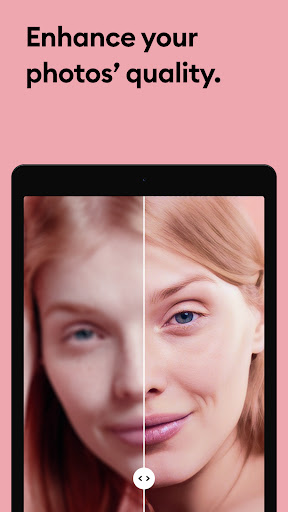

Remini is a powerful photography app that uses advanced Artificial Intelligence to enhance and restore images. The core functionality allows users to convert old, blurry, or damaged photos into high-definition images with just one tap. This AI-powered photo enhancer can also generate professional-looking portraits and selfies, making it an ideal tool for revitalizing cherished memories.
The app's standout feature is its ability to unblur and repair old photographs while adding stunning clarity and detail. Whether you're looking to restore vintage family pictures or enhance modern digital photos, Remini delivers crystal-clear results. It supports multiple languages and offers a user-friendly interface, making it accessible to a global audience. With over 100 million photos already enhanced, Remini has proven itself as a leading solution in the photo editing space.
Photography enthusiasts and casual users alike will find value in Remini's ability to breathe new life into old memories. From sharpening out-of-focus images to increasing pixel density in low-quality photos, this app provides tools that cater to both personal and professional needs. Its subscription model offers unlimited access to premium features, ensuring users can consistently achieve satisfying results.
Remini stands out through its innovative use of Artificial Intelligence in photo enhancement. The app employs state-of-the-art AI models that continuously improve through regular updates, ensuring optimal performance and introducing new capabilities. One key feature is the one-tap enhancement tool that automatically detects and repairs image imperfections such as blurriness, scratches, and pixelation.
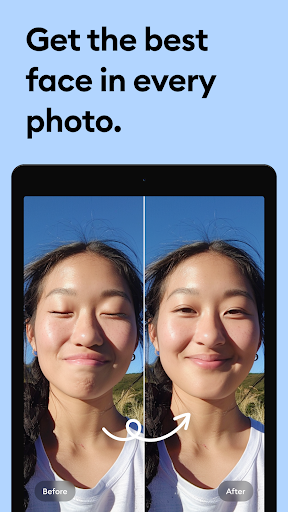
Users can benefit from specialized functions like portrait enhancement, which adds remarkable detail to facial features in selfies and group photos. The app also includes tools for sharpening out-of-focus pictures, clearing vintage photographs, and increasing resolution in low-quality images. These features work together to create professional-grade enhancements that maintain the original essence of the photograph.
What sets Remini apart is its commitment to accessibility and continuous improvement. The app supports multiple languages including English, Spanish, Chinese, and more, making it usable worldwide. Regular updates bring improvements to the AI model, while the subscription option provides unlimited access to all premium features. This combination of advanced technology, practical applications, and global accessibility makes Remini a valuable tool for anyone looking to preserve and enhance their photographic memories.
User-friendly interface
Advanced AI technology
Multi-language support
Regular feature updates
One-tap enhancement
Premium subscription required
Limited free features
Internet connection needed
Processing time for images
Old photo quality varies

Photo editor: face & body editor, beauty cam, filters and quality enhancer.
 4.00
4.00
Cut and paste photo editor & eraser to customize photos easy and swap faces fun
4.50
Cartoon and artistic effects for your photos and videos
4.70
Add a dreamy vibe to your selfies and videos with soft style filters
4.0
GCamera allows all GCam features on all phone models! Better photos with GCamera
3.30
Unblur, enhance & restore photos with powerful AI photo enhancer tools.
4.60
Pro version: AR sun/moon tracker for any date. Tool for photographers & planners
4.90
A light meter for true photographers.
4.20
Discover How to Plan any Sun, Moon and Milky Way Photo You Imagine in Seconds
4.70
The original Rarevision VHS look seen everywhere!
4.70
Easily create custom gifts, cards, photo books & more on the Shutterfly app!
4.60
HD Camera Pro with HD Video shooting, Panorama, Photo editor , Beauty Camera.
4.50
AI photo enhancer with Sora 2! Enhance, descratch, and colorize your old photos.
4.50
Fit multiple photos on one post. Create carousels & scroll layouts for Instagram
4.50
Use AI Video Generator to turn your words to ai generated videos.
4.50
Easily stitch panoramas from multiple photos or video.
4.40
Transform Photos: Edit, Beautify and Craft Memories & Make Collages!
4.10
Be your best in every shot! Fix, edit and retouch your face in selfies & photos.
3.70
Create amazing frames with up to five photos. Rounded corners, effects and more!
3.60


User Reveiws