
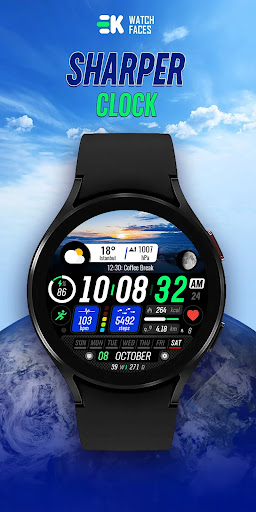
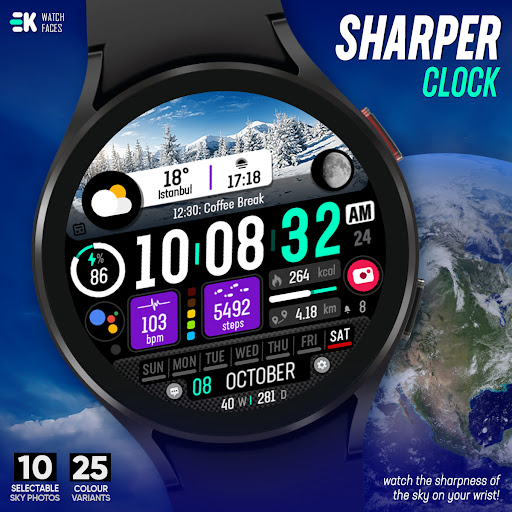
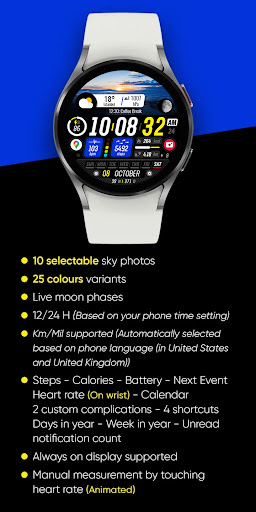
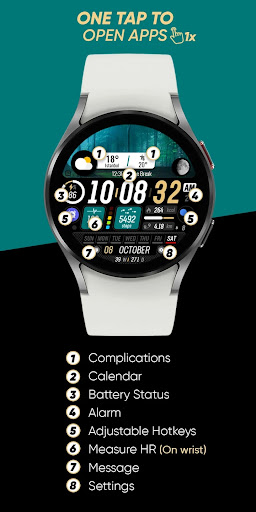
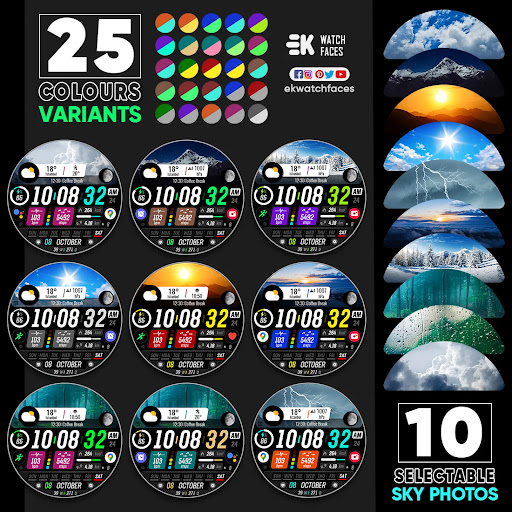
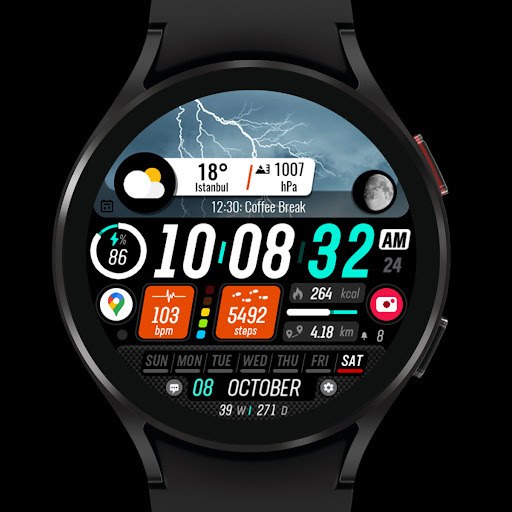
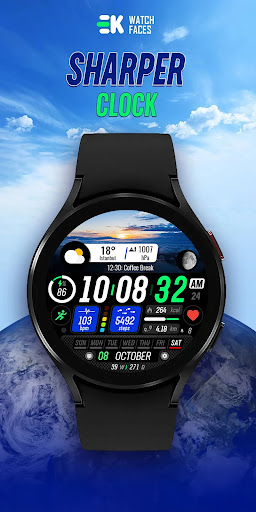
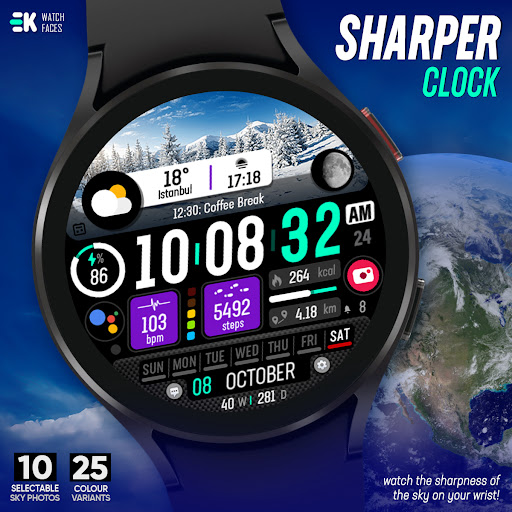
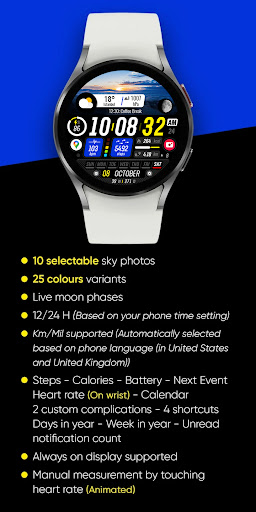

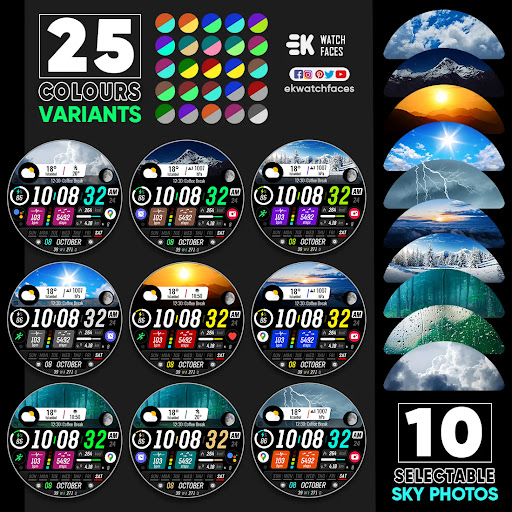
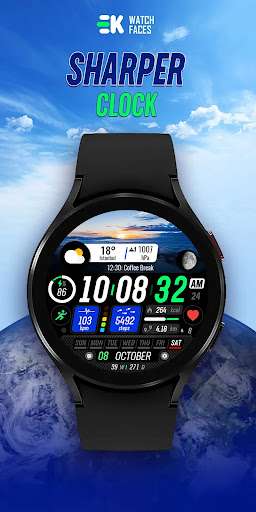
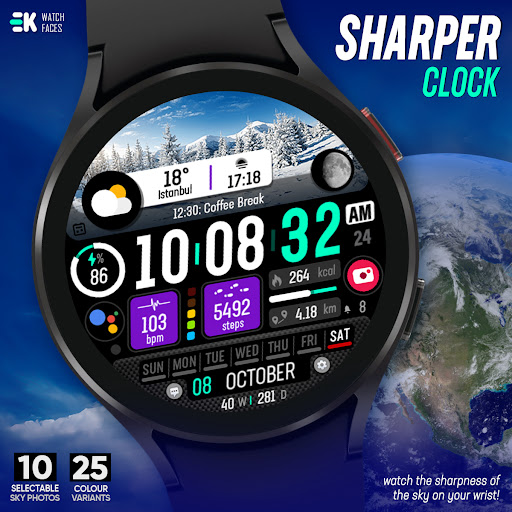
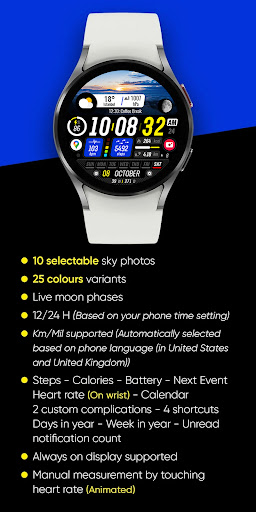
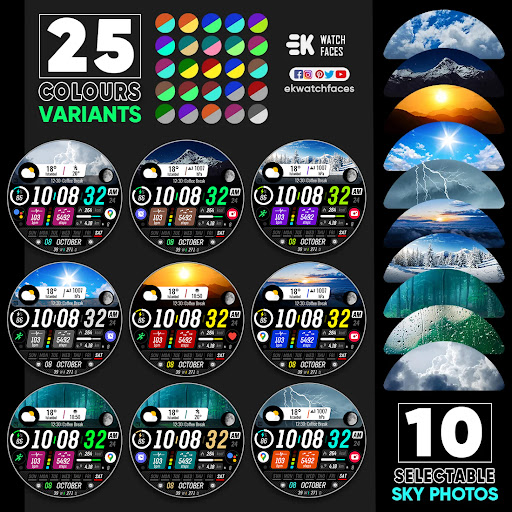


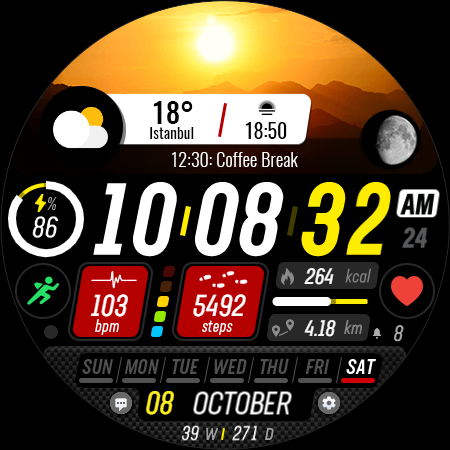
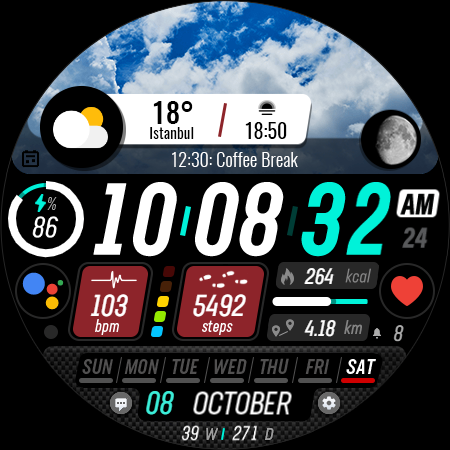
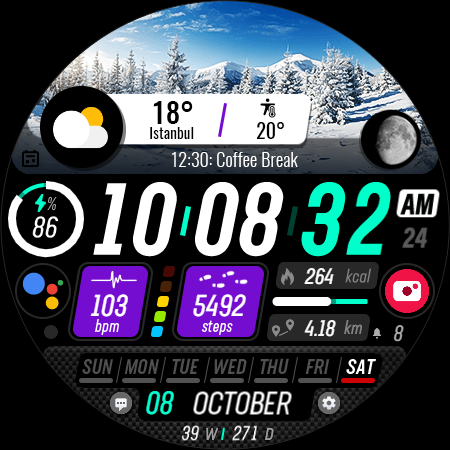
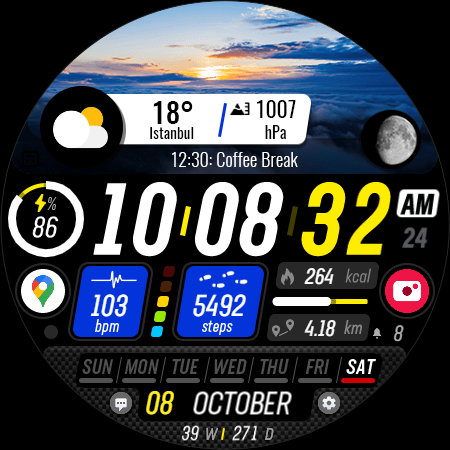
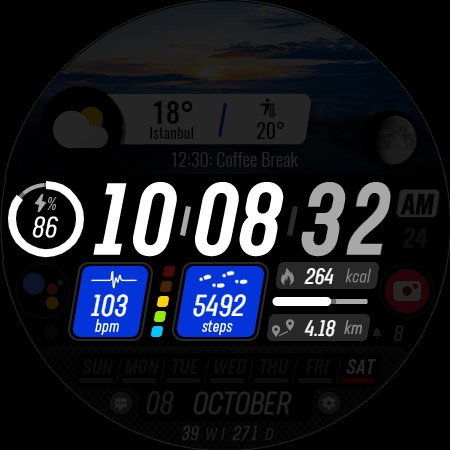
Sharper Clock is a premium watch face app designed exclusively for Wear OS devices, offering users a sophisticated and customizable timekeeping experience. The app features 10 selectable sky photos with 25 color variants, creating visually stunning watch faces that adapt to your personal style.
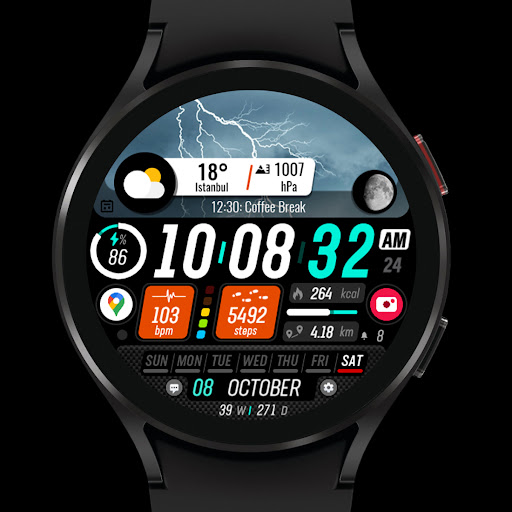
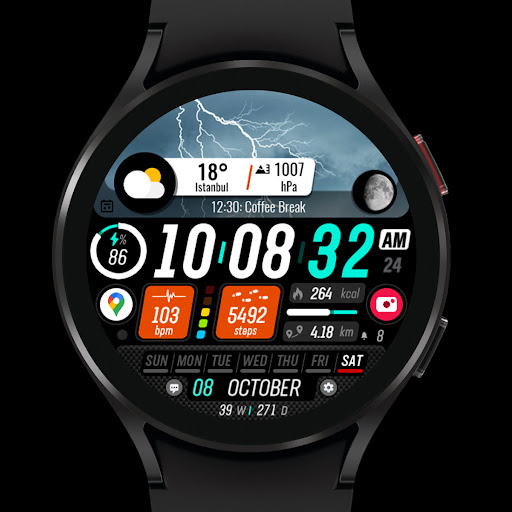
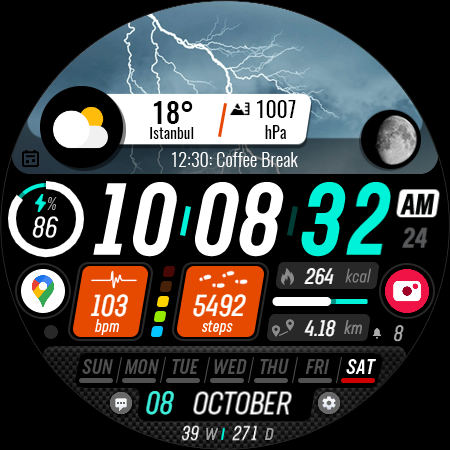
In addition to its aesthetic appeal, Sharper Clock provides practical functionality with live moon phases, automatic time format selection (12/24H), and distance measurement support in both kilometers and miles. The app also displays essential health and activity metrics including steps, calories burned, heart rate, and battery status, making it an ideal companion for fitness enthusiasts.
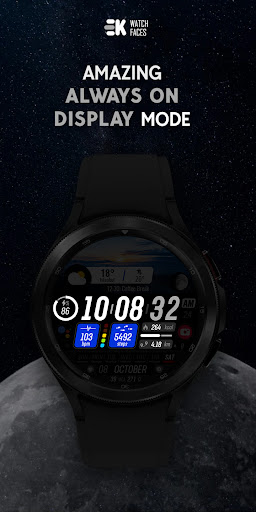
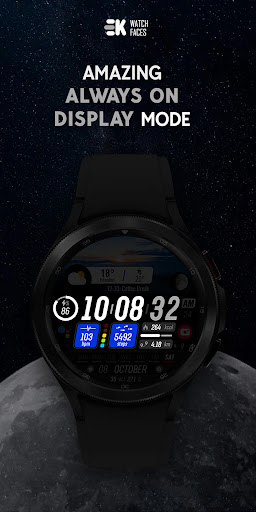
This application stands out by integrating seamlessly with your daily life through calendar events, unread notifications, and customizable complications. Its always-on display feature ensures you can check the time and important information at a glance, while maintaining optimal battery performance.
Sharper Clock distinguishes itself through its comprehensive feature set tailored specifically for Wear OS users. The app's most notable characteristic is its collection of 10 carefully curated sky photographs, each available in 25 different color variations, allowing users to personalize their watch face like never before.
The implementation of live moon phases adds an astronomical dimension to timekeeping, while automatic adaptation to 12/24-hour formats based on phone settings demonstrates attention to regional preferences. The app intelligently selects between kilometers and miles based on the user's phone language, particularly useful for users in the United States and United Kingdom.
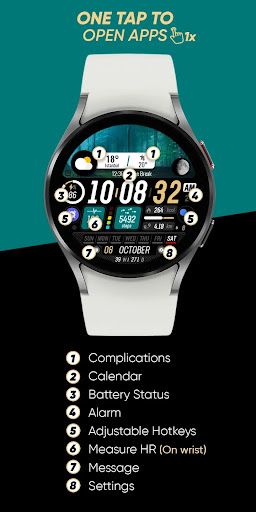
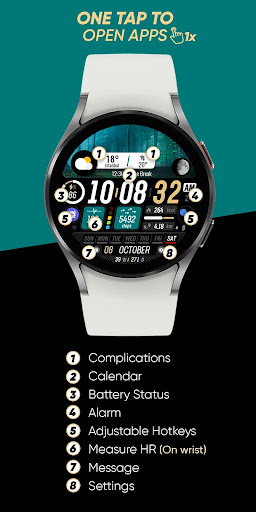
What sets Sharper Clock apart from other watch faces is its complete integration with wearable device sensors. It requires manual activation of sensor permissions to unlock full functionality, including heart rate monitoring, step tracking, and battery status display. The inclusion of two custom complications and four shortcuts makes this watch face not just a timepiece but a comprehensive smartwatch interface.
Visually stunning designs
Extensive customization options
Comprehensive health tracking
Intelligent localization features
Seamless smartwatch integration
Limited to Wear OS
Requires API 33+
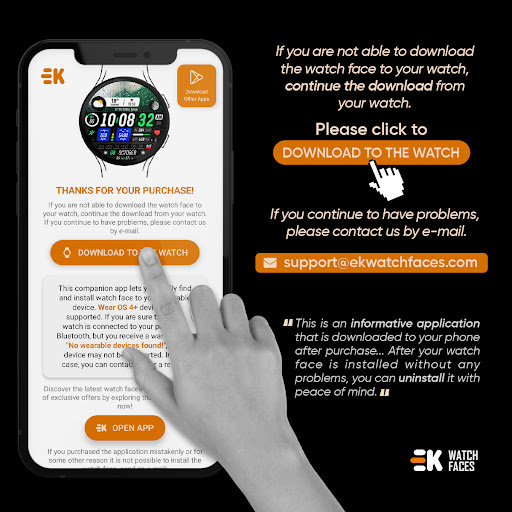
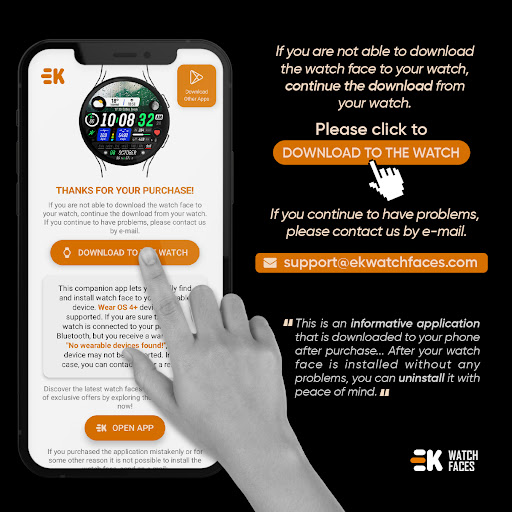
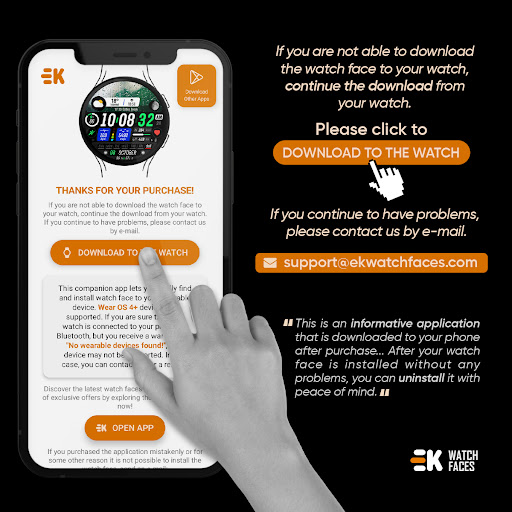
Installation complexity
Potential sync issues
Manual permission setup

Calming & relaxing sounds for sleeping and stress relief. Stay focused all day!
 4.20
4.20
Highly customizable hybrid watch face for Wear OS, perfect for everyday use.
4.60
Precision analog watch face with 7 complications and style options
4.1
Beautiful artistic animated digital watch face, with a customizable layout!
4.40
A modern hybrid informative watch face for Wear OS designed by BALLOZI
4.80
A digital watch face that celebrates Christmas.
4.00
Viewer for Wyze/Yi/Eufy/Arlo/ONVIF/RTSP/P2P IP cams w/ adv. features & DIY DVR
4.00
Animated video-game inspired “secret agent” simulation, right on your wrist!
4.20
From periods to pregnancy & perimenopause, Flo helps you track it all. Try now.
4.70
Real-time weather radar with temperatures, warnings, hurricanes, and widgets
4.80
The most customizable minimal watch face. For Wear OS 5.0, API 34+ and later
4.70
To-Do List: daily schedule planner, task organizer, to do reminder app, calendar
4.60
Your music, your playlists, and more—offline and unlimited.
4.20
Daily Weather forecast with 15 weather images for Day & Night plus Big Bold time
4.10
The #1 source of faces for your smartwatch!
4.00
Hyper-Realistic Airplane Dashboard Watch Face With 10 Skins and Custom AOD
4.00
Animated Watch Face and Customizable with 24 Backgrounds. Perfect for Christmas!
3.90
Get helpful reminders, take progress photos and find answers to your questions.
3.90
Simple Analog-Digital Watchface For Wear OS 3.0 and Up Smartwatches
4.2


User Reveiws