
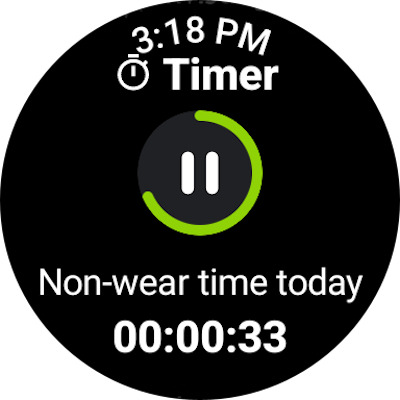
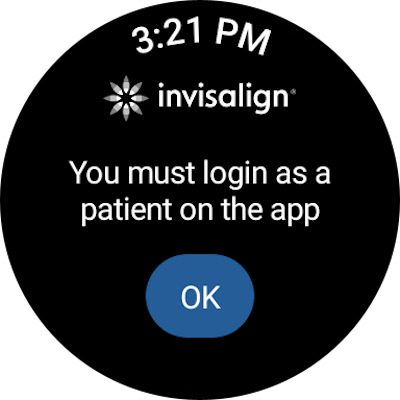
My Invisalign is a comprehensive application designed specifically for individuals undergoing orthodontic treatment with Invisalign clear aligners. This app serves as an all-in-one platform to support patients throughout their smile transformation journey.
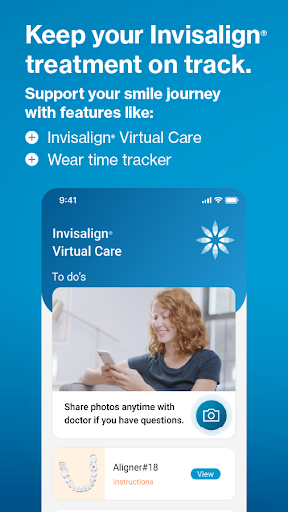
The core functionality of My Invisalign includes advanced treatment tracking features, where users can monitor their aligner wear time through detailed weekly, monthly, and yearly views. The built-in custom timer helps patients maintain proper wearing schedules while receiving timely reminders for aligner changes. Additionally, the app enables seamless communication with dental professionals through the Invisalign®Virtual Care feature, allowing for remote progress monitoring and feedback exchange.
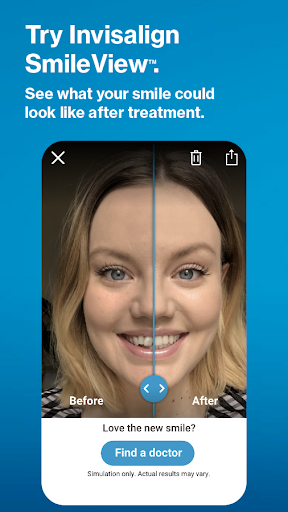
Beyond treatment management, My Invisalign offers valuable tools for prospective patients. The innovative SmileView™ simulation feature lets users visualize their potential new smile, while the doctor locator service helps them find nearby providers and schedule consultations. These features make the app particularly useful for both current patients managing their treatment and those considering Invisalign therapy.
My Invisalign distinguishes itself through its comprehensive suite of specialized features tailored for orthodontic treatment management. The app's most notable capability is its sophisticated ClinCheck® treatment plan viewer, which provides detailed visualization of the entire alignment process as prescribed by the treating doctor.
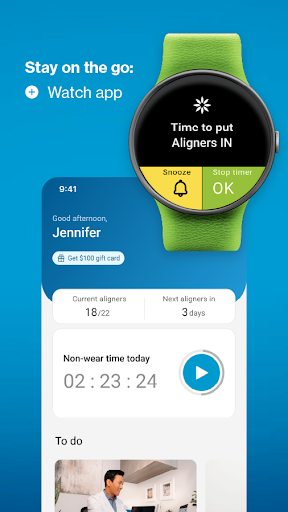
A key innovation is the integration with Wear OS devices, allowing users to track their aligner wearing time directly from their smartwatch. The app also incorporates a robust referral program that rewards patients with gift cards when they successfully refer friends who begin treatment. Furthermore, the progress tracking system goes beyond simple timers by generating detailed historical data about aligner usage patterns.
The app's social sharing capabilities are particularly noteworthy, enabling users to document and share their smile transformation journey through progress videos and before/after photos. This feature set, combined with the ability to provide direct feedback about the app experience, creates a comprehensive ecosystem that supports both clinical treatment requirements and personal documentation needs.
User-friendly interface
Comprehensive tracking tools
Remote doctor communication
Smile simulation technology
Rewarding referral program
Limited to Invisalign users
Some features require invitation
Dependent on doctor participation
Premium feature limitations
Device compatibility issues
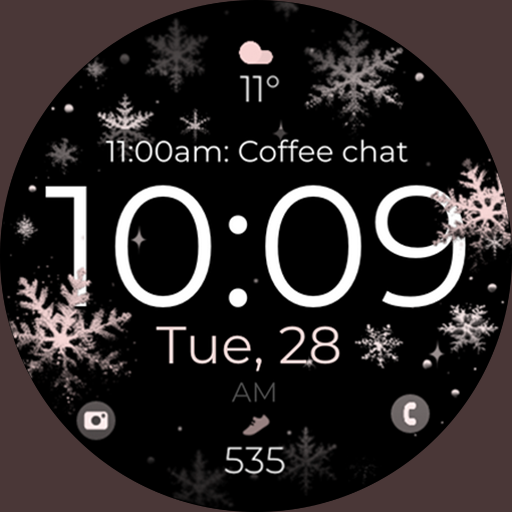
Snowflake Rose Gold Watch Face - Digital, modern, & sleek with GYRO effect.
 4.10
4.10
A full-featured Amazon Alexa voice assistant that can show you things.
3.70
Analog watch face with 8 complications and expedition styling
4.5
Elegant animated Christmas tree with multiple customization options
4.20
Easy Voice Recorder is your everyday companion to record important moments.
4.70
3 Complications. All shadow on/off. 30 Themes color palette...
4.2
Funny animated watch face for Thanksgiving
4.2
Professional weather radar and more
3.90
A modern hybrid informative watch face for Wear OS designed by BALLOZI
4.80
Nutrition, Macro tracker: Food, fitness & healthy diet tracking for weight loss
4.60
Gym & home workout plans with strength training, exercise tracking, HIIT & more.
4.60
Retro digital watch face with customizable colors and a unique lighting effect
4.60
A realistic hybrid watch face with many customization options.
4.60
Simple, helpful messaging by Google
4.60
Current temperature, weather hourly, weather radar by the weather forecast app
4.40
Find EV charging stations
4.30
Calming & relaxing sounds for sleeping and stress relief. Stay focused all day!
4.20
sleep, alarm, snoring, stress, healing, focus, sound therapy, circadian rhythm
4.10
Your local weather forecast, storm tracker, radar maps & live weather news
3.40


User Reveiws