
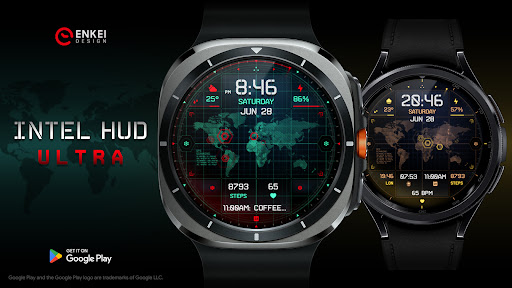
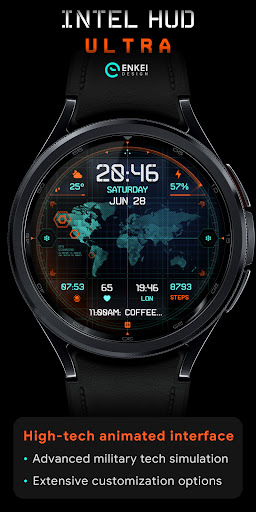
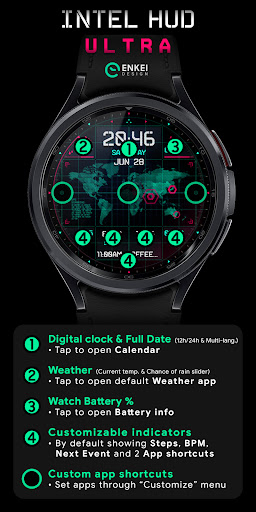
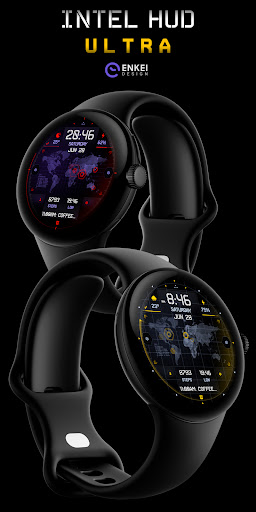
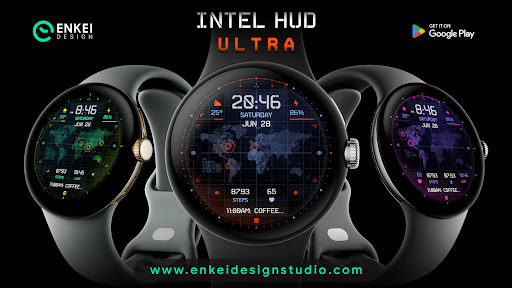
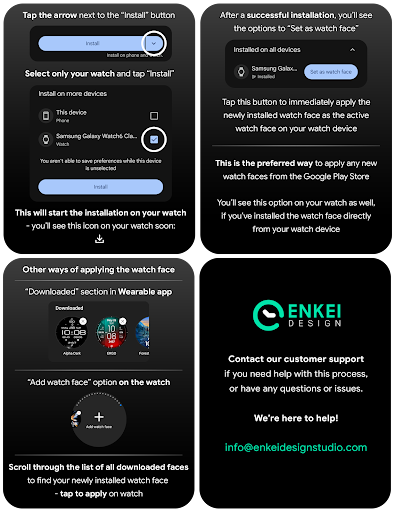
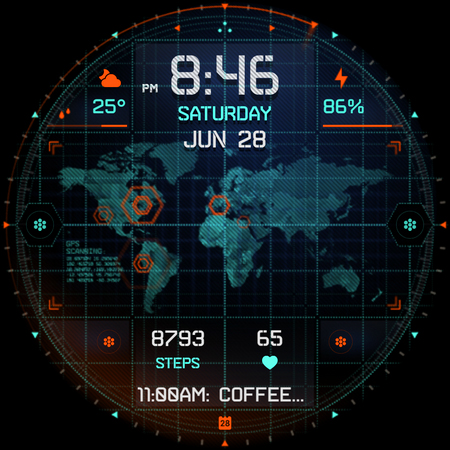
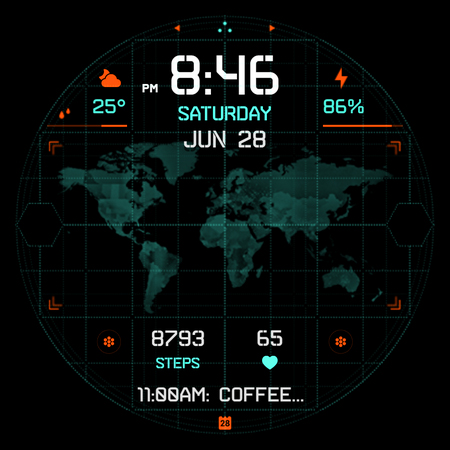

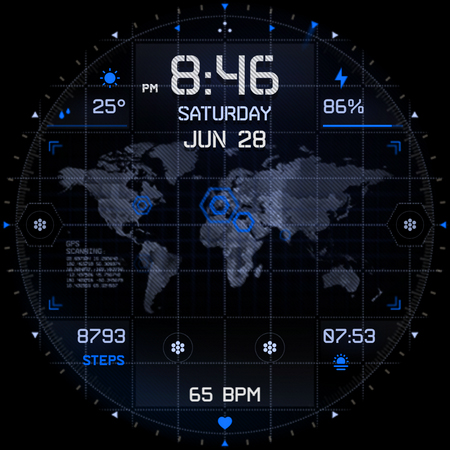
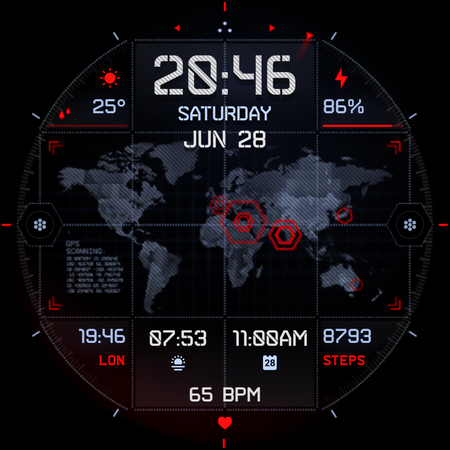
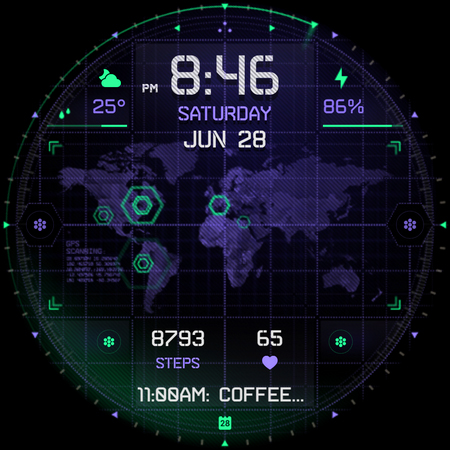
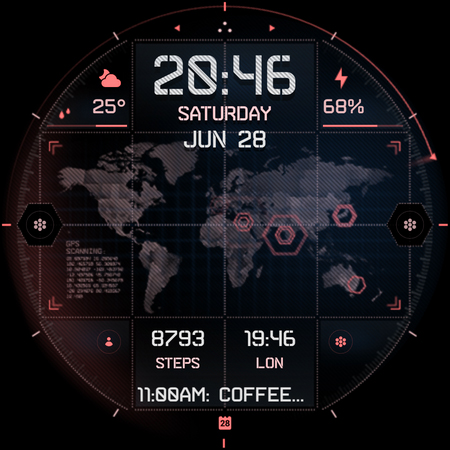
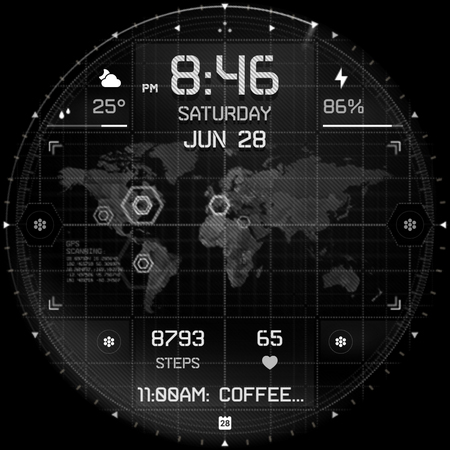
INTEL HUD Ultra is a cutting-edge digital watch face designed for tech-savvy users who appreciate advanced customization. This high-tech interface combines military-inspired design with practical functionality, offering an animated display optimized for performance and battery efficiency. The watch face supports extensive personalization options, allowing users to tailor the layout to their preferences.
The application features numerous interactive elements such as a digital clock, weather updates, and health indicators like heart rate and step count. Each element is customizable, providing users with the ability to adjust colors, borders, and even animation settings. Designed exclusively for Wear OS 5.0 and newer, this app transforms your smartwatch into a personalized gadget that balances style and utility seamlessly.
INTEL HUD Ultra stands out with its feature-rich design tailored for customization enthusiasts. The app offers a digital clock with 12h/24h format support, weather updates, and battery percentage indicators, all of which are interactive and can be tapped to open related apps. Users can also customize up to four short-text indicators and one long-text indicator, displaying information like steps, heart rate, and upcoming events.
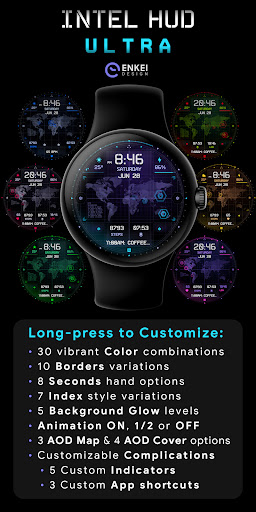
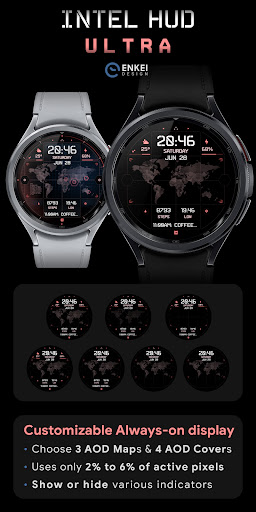
One of the key highlights is the extensive customization menu accessible via a long-press on the watch face. This menu allows users to choose from 30 color combinations, 10 border styles, and various other visual adjustments including second-hand styles and background glow levels. Additionally, the app includes battery-efficient Always-On Display (AOD) options and three customizable app shortcuts, ensuring both functionality and personal style are catered to.
Highly customizable
Battery efficient
Interactive elements
Modern design
Extensive features
Complex setup
Wear OS 5.0+
Premium cost
Limited device
Learning curve

A customizable Christmas watch face for Wear OS with a countdown.
 4.20
4.20
WTW M17 is a premium and luxurious hybrid watch face
4.70
MyNISSAN® lets you remotely control your car from your phone.*
4.50
Sleek, highly customizable watch face inspired by Galaxy Watch Circle Dashboard.
4.4
A digital watch face that celebrates Christmas.
4.00
Viewer for Wyze/Yi/Eufy/Arlo/ONVIF/RTSP/P2P IP cams w/ adv. features & DIY DVR
4.00
Hybrid Vibrant Health Watch Face for Wear OS
4.0
A white realistic classic analog watch face with many customization options.
4.40
Your music, your playlists, and more—offline and unlimited.
4.20
Easy Voice Recorder is your everyday companion to record important moments.
4.70
The most customizable minimal watch face. For Wear OS 5.0, API 34+ and later
4.70
Real-time results, stats, schedules and player profiles for all leagues
4.60
Watch face for Wear OS.
4.20
Daily Weather forecast with 15 weather images for Day & Night plus Big Bold time
4.10
Connect, create, and collaborate with Gmail, part of Google Workspace.
4.10
Professional weather radar and more
3.90
Stay in touch with your friends and family using LINE!
3.40
Wear Os Watch Face - Animated Snow - Sesonal for Christmas & Winter
4.2
Simple Analog-Digital Watchface For Wear OS 3.0 and Up Smartwatches
4.2


User Reveiws