

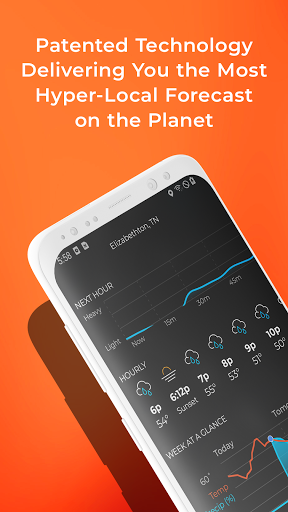


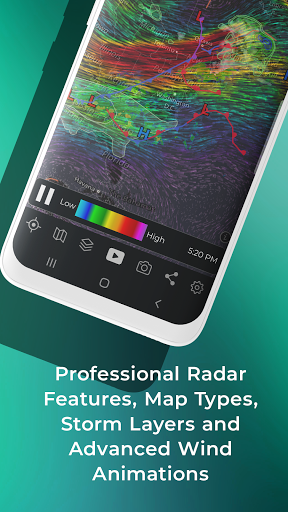
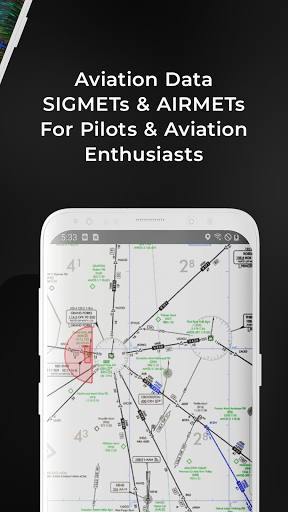
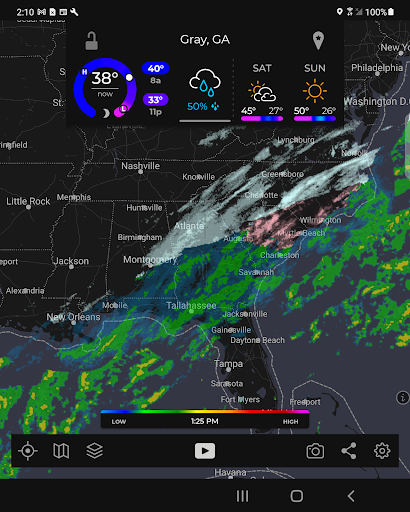
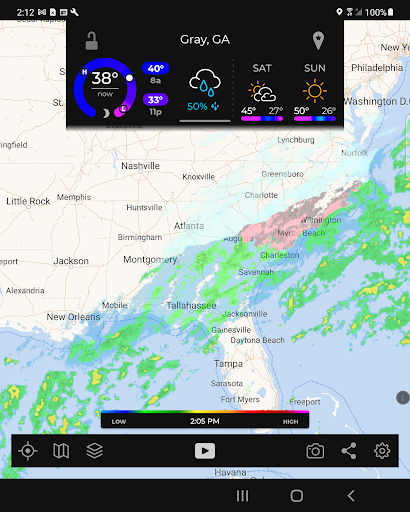
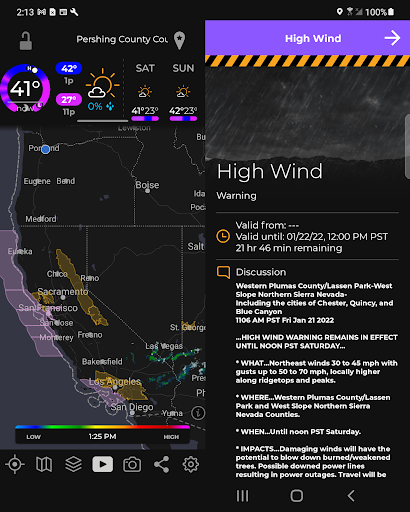
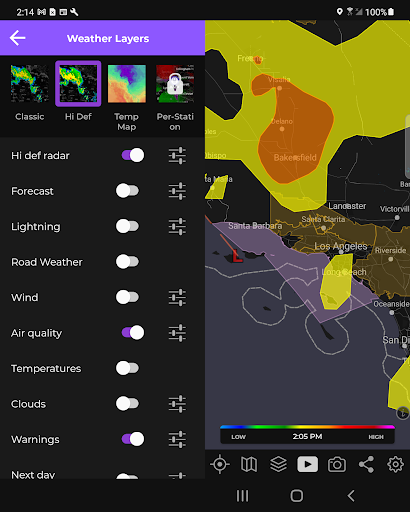
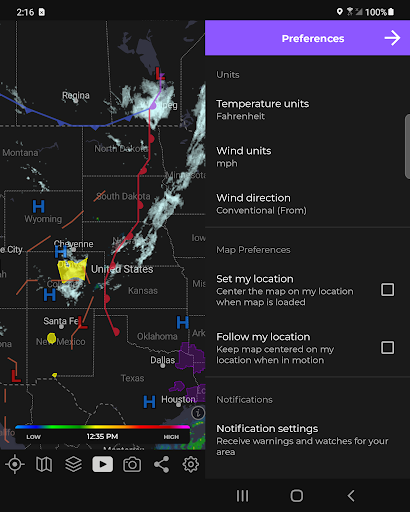
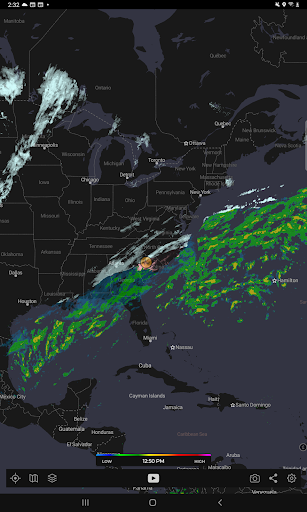
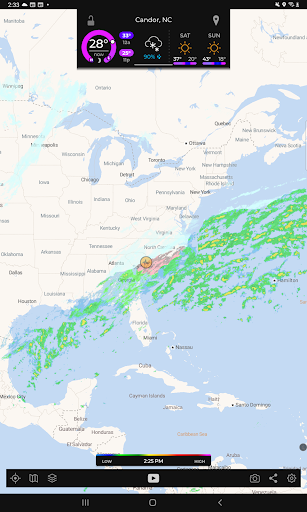
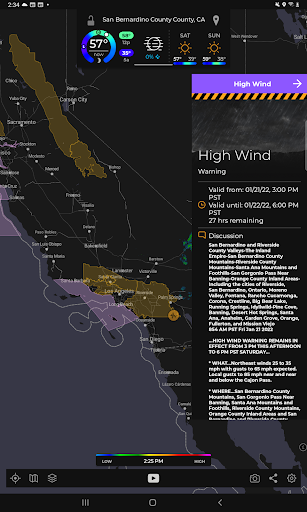
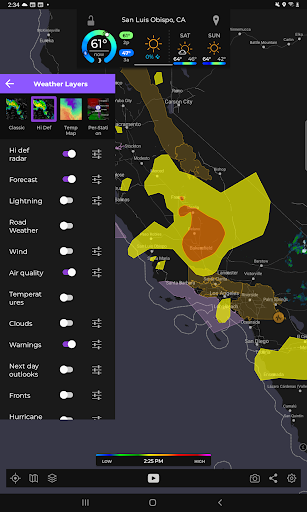
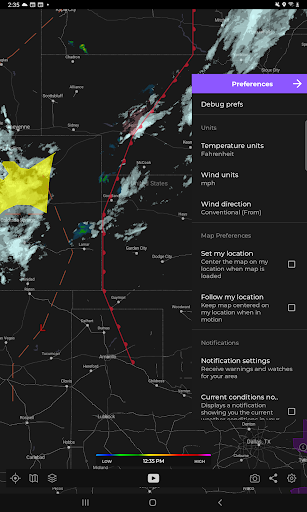
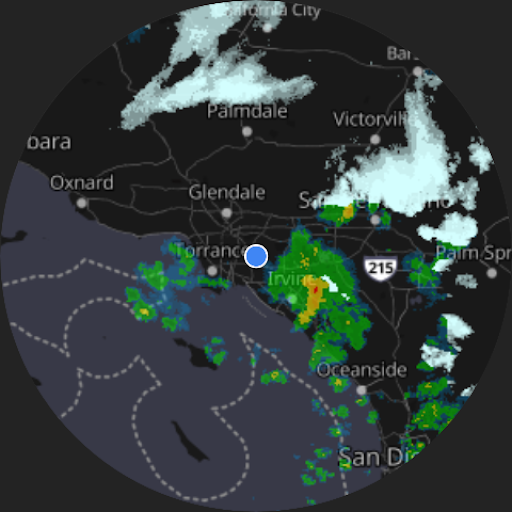

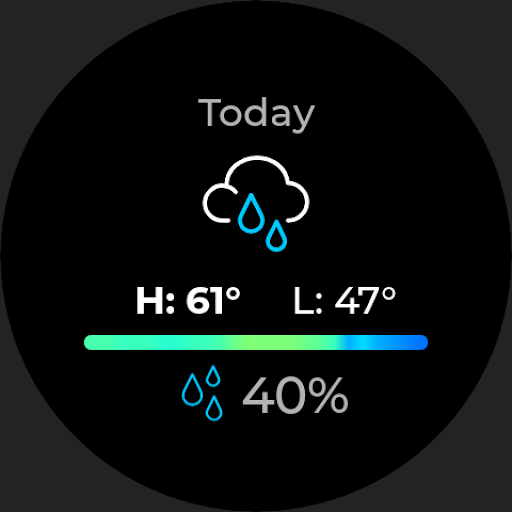
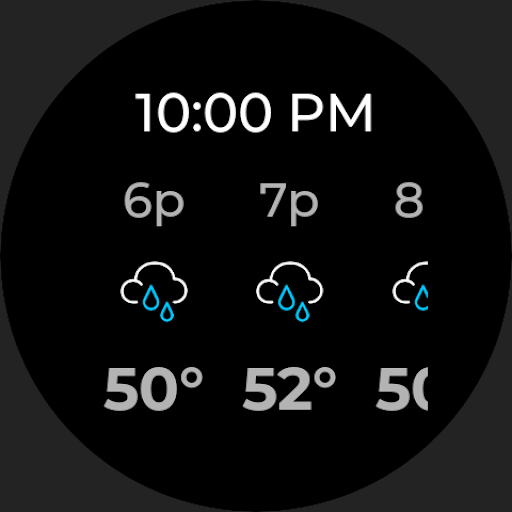
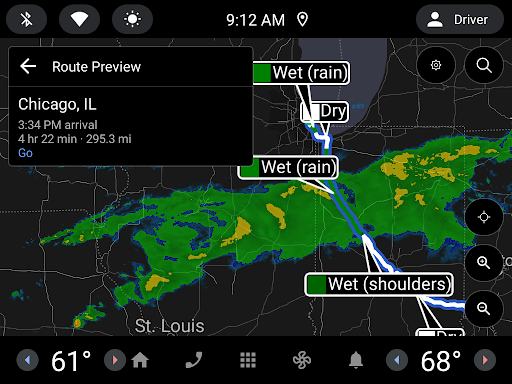
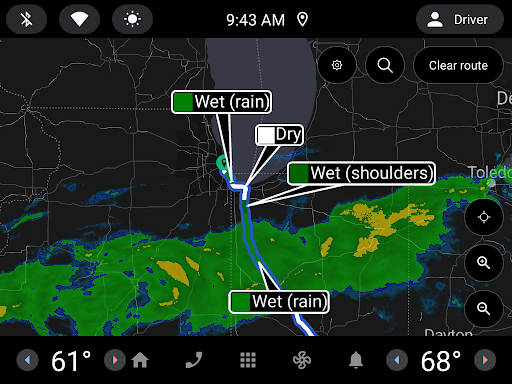
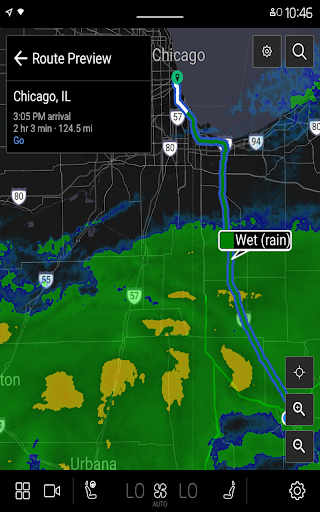
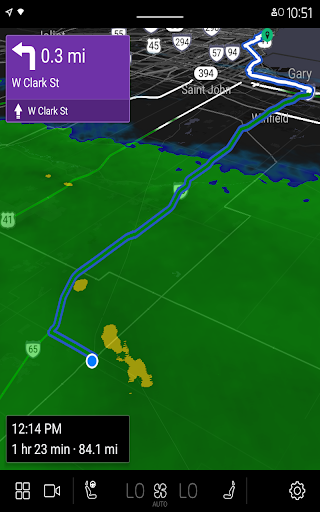
MyRadar Weather Radar Pro is a premium weather application designed specifically for Android Wear devices, offering an ad-free experience while prioritizing user privacy. The app provides fast and easy access to animated weather radar images around your current location, ensuring you're always aware of approaching weather conditions. With its intuitive interface and smooth pinch/zoom functionality, users can effortlessly explore weather patterns across the United States. Whether you're tracking everyday weather or monitoring hurricanes in real-time, MyRadar Pro delivers essential meteorological data directly to your wrist.
In addition to its core features, the app offers advanced capabilities through optional in-app purchases. These include detailed professional radar views and specialized hurricane tracking tools, making it an invaluable resource during storm seasons. Designed with both casual users and weather enthusiasts in mind, MyRadar Pro combines convenience with comprehensive weather insights, enhancing your preparedness and safety.
MyRadar Weather Radar Pro stands out with its rich feature set tailored for smartwatch users. The app's hallmark is its animated weather radar, which provides dynamic visualizations of weather systems, allowing users to discern whether rain is approaching or receding. This feature is complemented by precise location tracking that automatically centers the map on the user's whereabouts, delivering localized forecasts at a glance.
Beyond basic radar functionality, MyRadar Pro offers advanced tools such as real-time hurricane tracking and professional-grade radar packs. These enhancements provide deeper insights into severe weather events and enable more granular analysis of individual radar stations. Additionally, the app supports seamless navigation via standard pinch/zoom gestures, empowering users to explore broader geographical areas with ease. By integrating these powerful features into a streamlined interface, MyRadar Pro ensures that critical weather information is always accessible, even on smaller wearable screens.
Fast and responsive performance
Ad-free and privacy-focused design
Real-time animated weather radar
Optional hurricane tracking feature
Seamless integration with Android Wear
Premium version comes at a cost
Limited customization options
Some features require in-app purchases
No offline mode available
Occasional syncing delays

Elegant animated Christmas tree with multiple customization options
 4.20
4.20
Easy Voice Recorder is your everyday companion to record important moments.
4.70
Let's celebrate Thanksgiving - Wear Os watch face
4.20
Authentic military-tactical design with ZULU time! Realistic and functional!
3.80
Stylish digital watch face for Wear OS devices with customizable features
4.3
To-Do List: daily schedule planner, task organizer, to do reminder app, calendar
4.60
Get helpful reminders, take progress photos and find answers to your questions.
3.90
Stylish, Energizing and Modern Watch Face crafted by Dominus Mathias.
4.50
A realistic hybrid watch face with many customization options.
4.60
Hyperlocal rain alerts by MyRadar using patent-pending technology, radar & more
4.80
Diet tracker for weight loss - track calories, food and macros. Simple and easy!
4.70
Kia Access makes getting your vehicle information easier than ever
4.60
MyNISSAN® lets you remotely control your car from your phone.*
4.50
Ideal for surviving in the wasteland left after nuclear fallout
4.50
Embrace the holiday spirit with this magical animated watch face!
4.40
Digital watch face. For Wear OS devices.
4.40
Daily Weather forecast with 15 weather images for Day & Night plus Big Bold time
4.10
Animated Watch Face and Customizable with 24 Backgrounds. Perfect for Christmas!
3.90
A watch face that fuses motorsport precision with contemporary smartwatch design
4.5


User Reveiws