
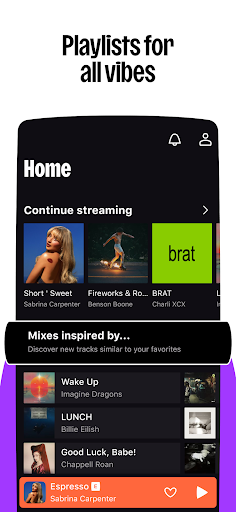

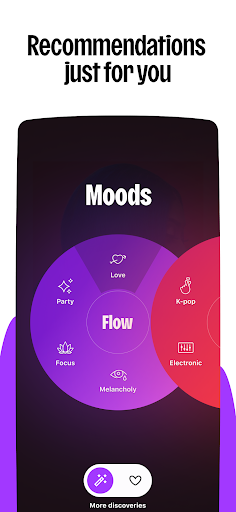
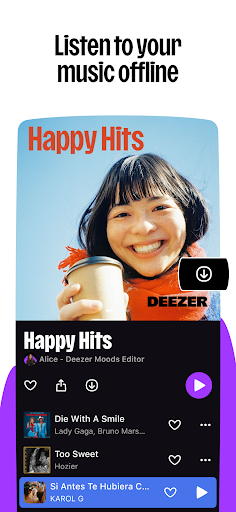
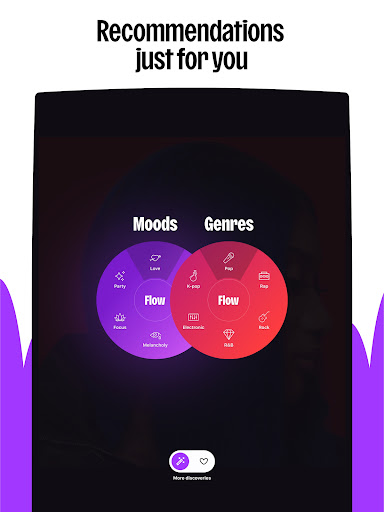
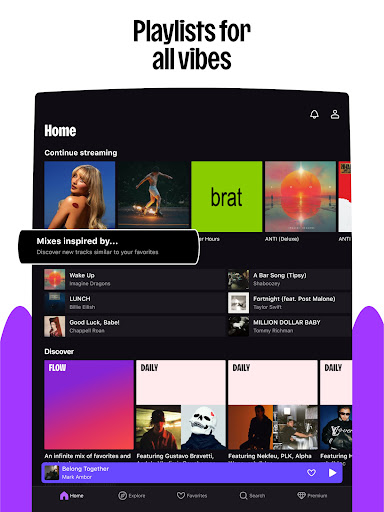
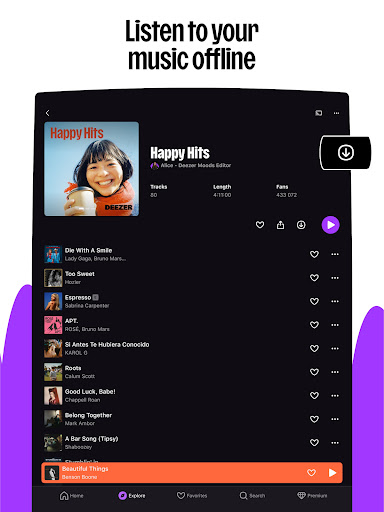

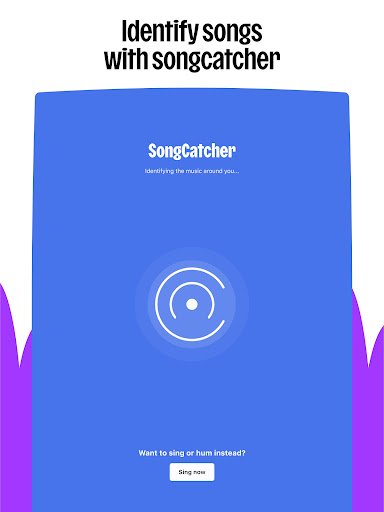
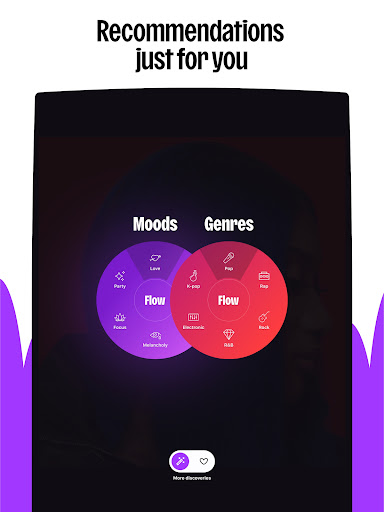
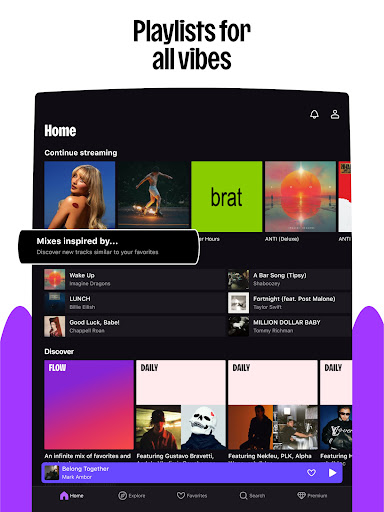


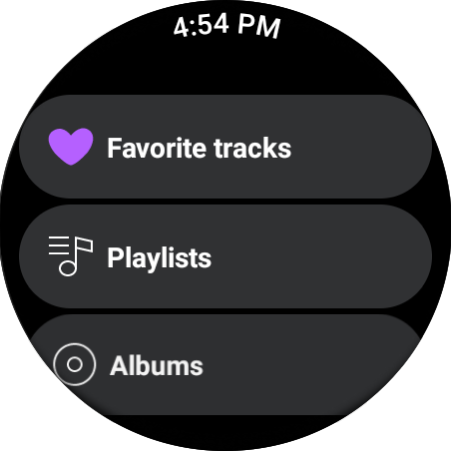
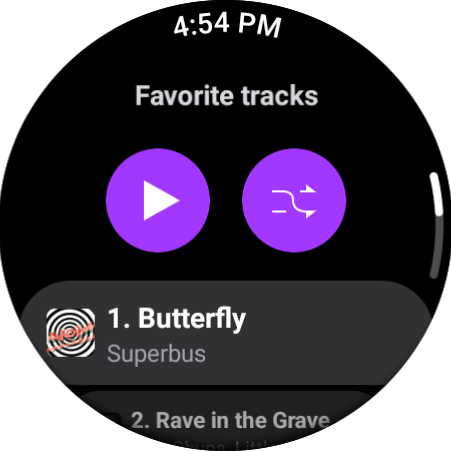
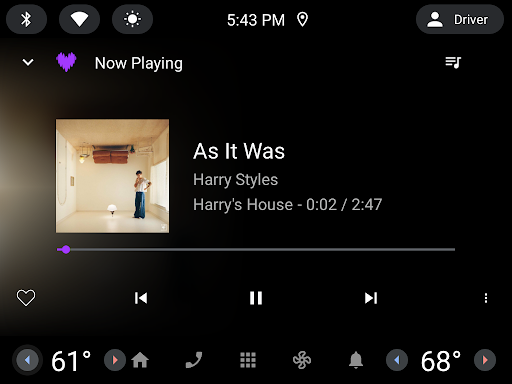
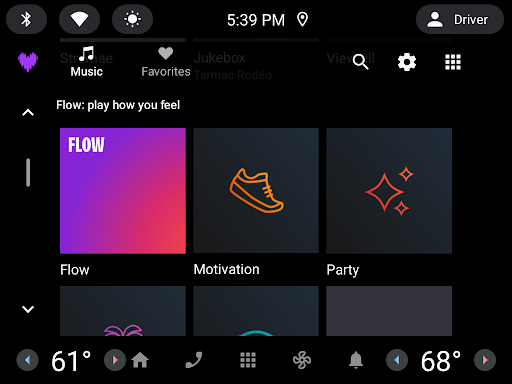
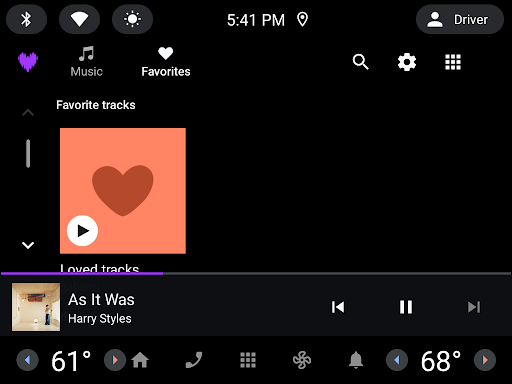

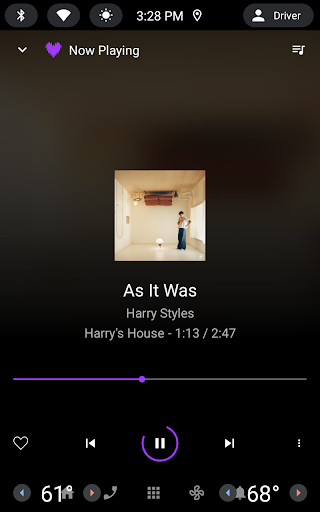
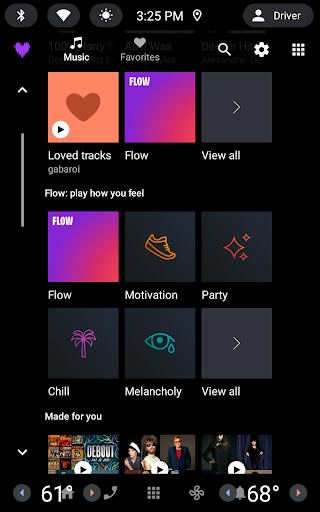

Deezer is a comprehensive music streaming platform designed for Android Wear users, offering a personalized listening experience. The app provides an extensive catalog of tracks, curated playlists, and unique features like Flow, which creates an infinite mix tailored to individual preferences.
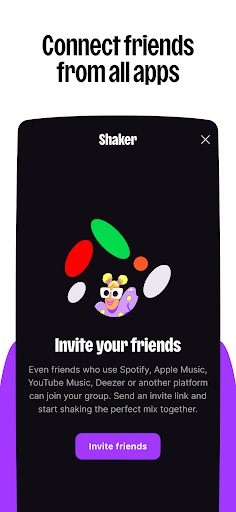
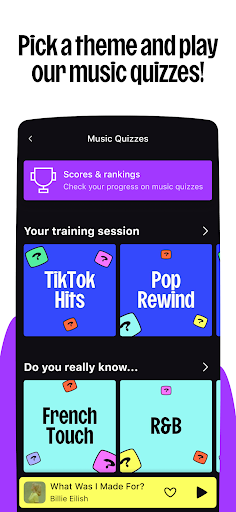
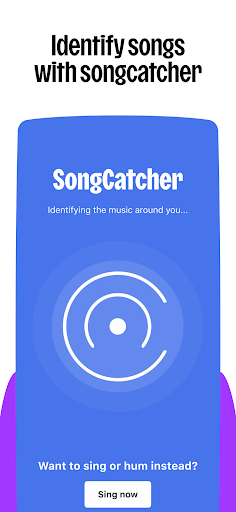
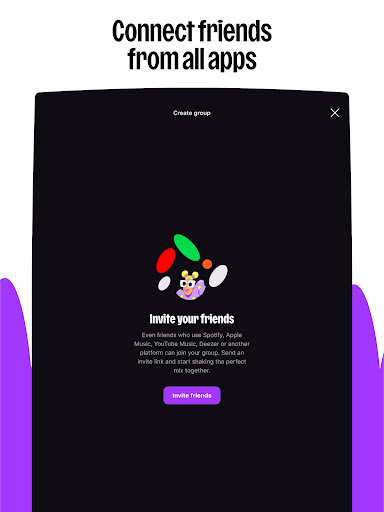
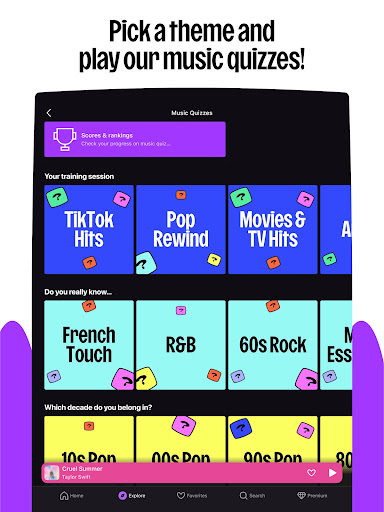
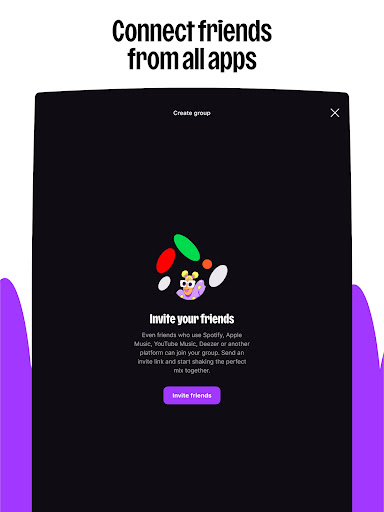
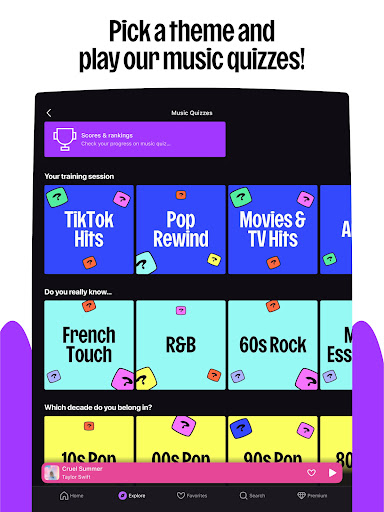
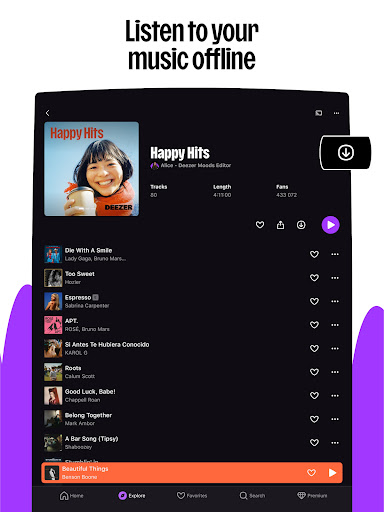
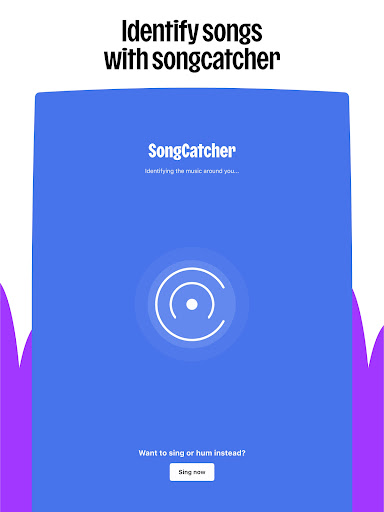
Beyond basic streaming, Deezer includes interactive elements such as Shaker for collaborative playlists, Music Quiz for entertainment, and SongCatcher for music identification. With support for HiFi audio quality, offline mode, and cross-device compatibility, it ensures premium sound across smartwatches, speakers, and automotive systems.
The application's strength lies in its customization options and multi-platform integration, making it ideal for users who want seamless access to their music library while maintaining high-quality audio standards on wearable devices.
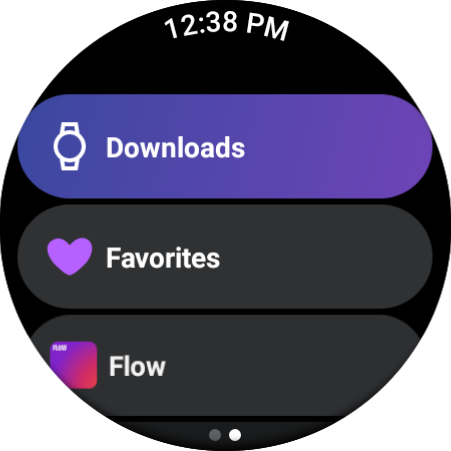
Deezer stands out with its innovative features specifically optimized for Android Wear. The app's signature Flow feature provides an intelligent, personalized mix that adapts to user preferences and listening habits, creating a unique soundtrack for each individual.
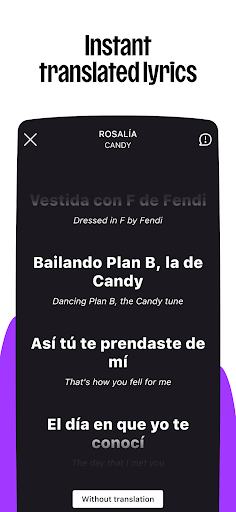
Interactive functions include Shaker for social playlist creation, Music Quiz for testing musical knowledge, and SongCatcher for identifying tracks through humming or ambient sound. Users can customize their experience by organizing homepage layouts, creating personalized playlist covers, and accessing translated lyrics.
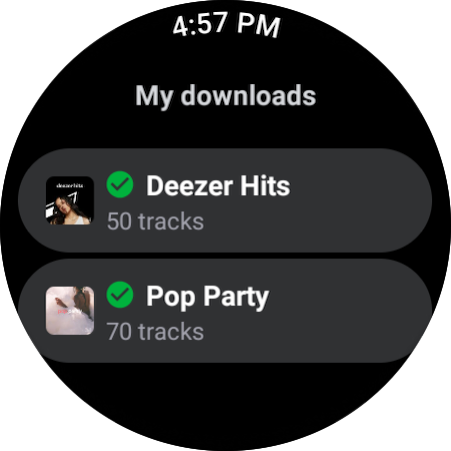
Advanced technical capabilities ensure superior audio quality through HiFi streaming, while offline mode and unlimited skips provide flexibility. The app's integration with various devices, including smart speakers, wearables, and automotive systems, demonstrates its commitment to delivering music across all touchpoints in a user's daily life.
Personalized music flow
HiFi audio quality
Cross-device support
Offline listening mode
Interactive features
Limited free version
Subscription required
Feature availability varies
Occasional ads
Regional restrictions

WTW M17 is a premium and luxurious hybrid watch face
 4.70
4.70
Animated Watch Face and Customizable with 24 Backgrounds. Perfect for Christmas!
3.90
Embrace the festive spirit with our Christmas Countdown watchface for Wear OS
4.10
Beautiful artistic animated digital watch face, with a customizable layout!
4.40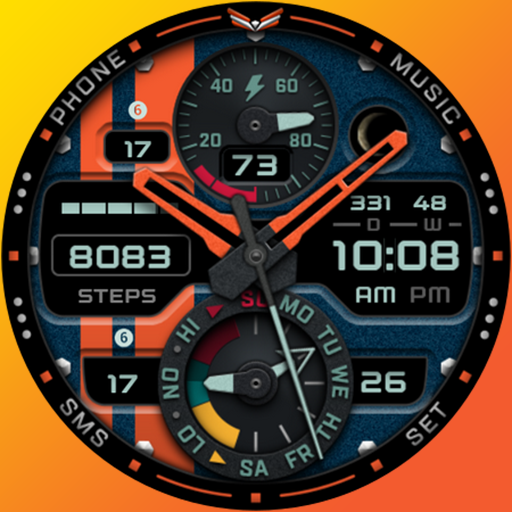
A modern premium sporty hybrid watch face for Wear OS by Ballozi
4.70
Real-time results, stats, schedules and player profiles for all leagues
4.60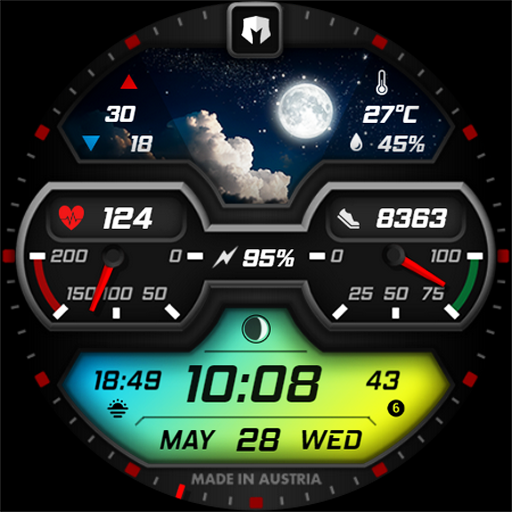
Stylish, Energizing and Modern Watch Face crafted by Dominus Mathias.
4.50
Hybrid Vibrant Health Watch Face for Wear OS
4.4
Want to take charge of your health? Let Google Fit help you reach your goals.
3.50
The Chevron App allows you to pay for fuel from the comfort of your car!
4.80
Easy Voice Recorder is your everyday companion to record important moments.
4.70
A realistic hybrid watch face with many customization options.
4.60
Fast and smart typing with Emojis, GIFs, and more
4.50
Digital watch face with big numbers and many customization for Wear OS devices
4.40
Reliable phone calls with spam protection, caller ID and more helpful features
4.40
Find EV charging stations
4.30
Hyper-Realistic Airplane Dashboard Watch Face With 10 Skins and Custom AOD
4.00
Viewer for Wyze/Yi/Eufy/Arlo/ONVIF/RTSP/P2P IP cams w/ adv. features & DIY DVR
4.00
Watch the sharpness of the sky on your wrist..
3.70


User Reveiws