
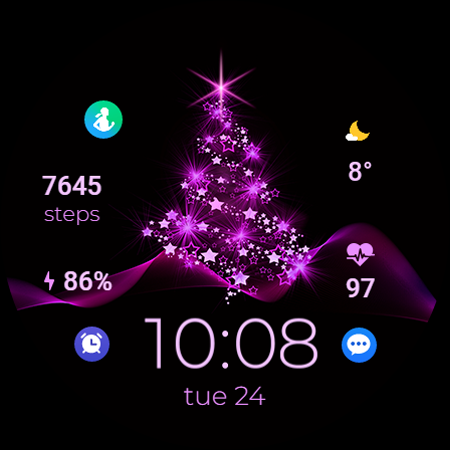
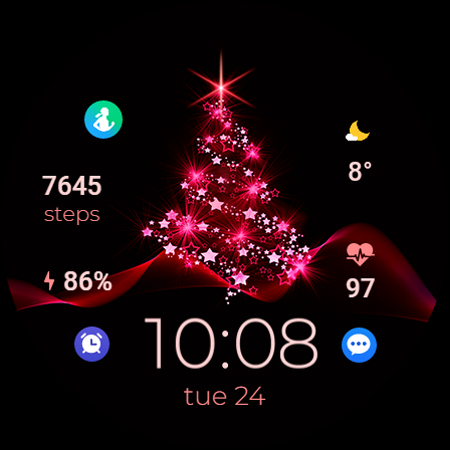
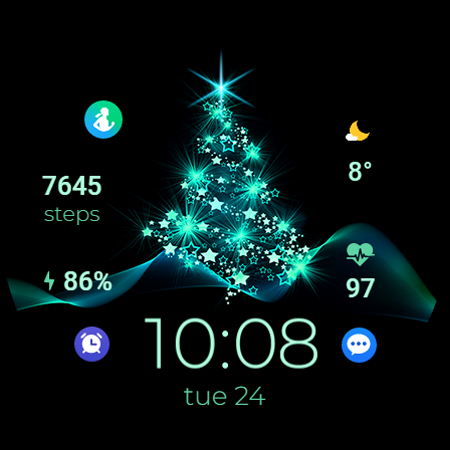
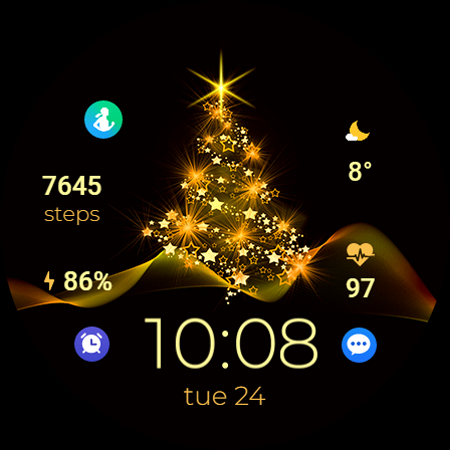
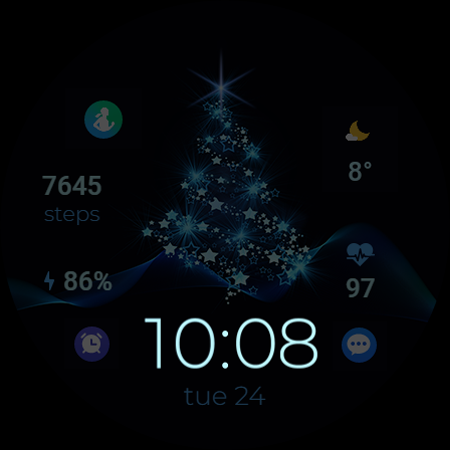
TVV Christmas 2 Watch Face

4.00

Information

Category:

Android Wear

Price:

$ 0.99

Rank:

6

Rating:

4.00

Overview

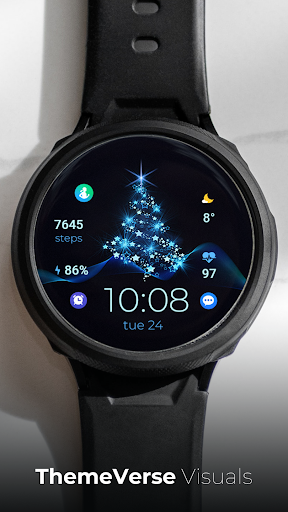
TVV Christmas 2 Watch Face is a festive-themed digital watch face designed for WEAR OS devices running API LEVEL 33 and above. This application brings the joy of Christmas to your smartwatch with its vibrant design and customizable features.

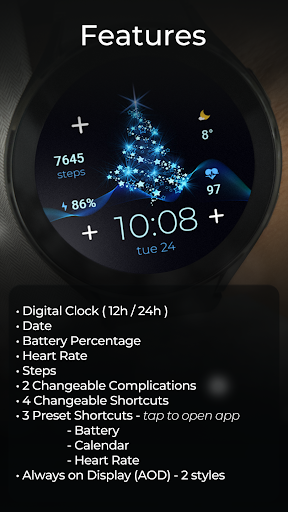
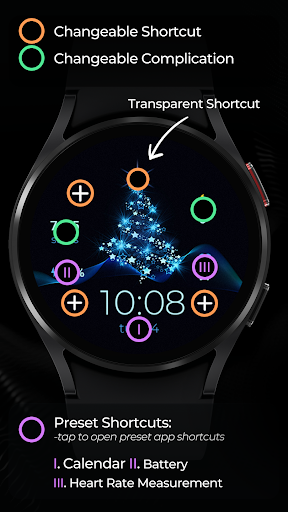
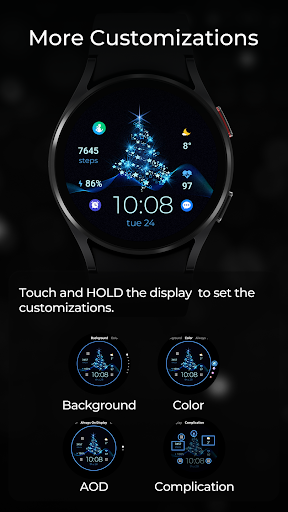
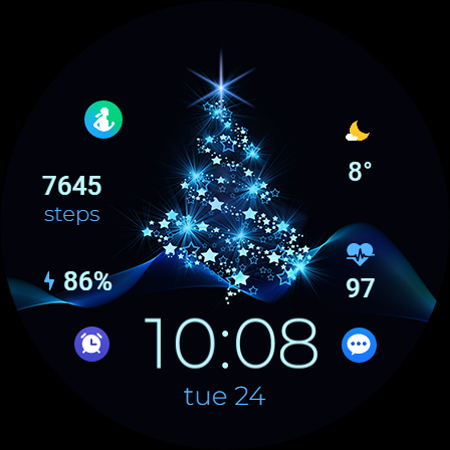
The watch face offers essential functionalities including a digital clock that supports both 12h and 24h formats based on phone settings, date display, battery percentage indicator, heart rate monitor, step counter, and two changeable complications. Additionally, users can enjoy four changeable shortcuts and three preset app-opening shortcuts for Battery, Calendar, and Heart Rate apps.

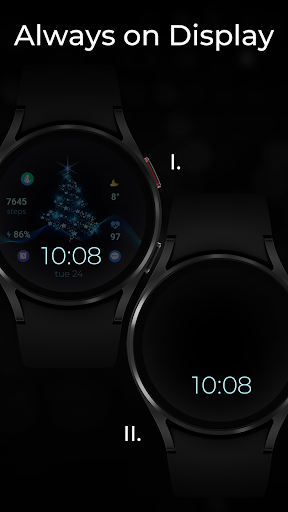
With Always on Display (AOD) available in two styles, TVV Christmas 2 ensures that users have quick access to vital information at a glance, making it an ideal choice for those who appreciate both aesthetics and functionality during the holiday season.

Features

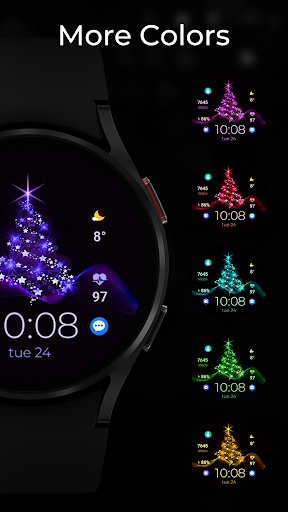
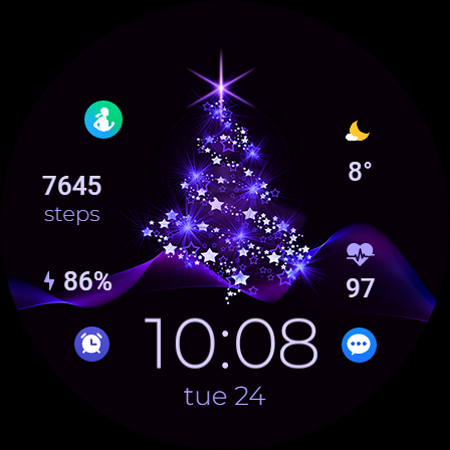
TVV Christmas 2 Watch Face stands out with its rich feature set tailored for WEAR OS users. The application provides a customizable experience through touch controls, allowing users to personalize colors and complications effortlessly.

Key features include a digital clock that adapts to the user's phone time settings, displaying either 12h or 24h format. It also presents the date, battery level, heart rate measured every 10 minutes, and step count. Users can benefit from two changeable complications and four changeable shortcuts, alongside three preset app shortcuts for Battery, Calendar, and Heart Rate monitoring.

The inclusion of Always on Display (AOD) in two distinct styles enhances usability by ensuring important details remain visible even when the watch is not active. These comprehensive features make TVV Christmas 2 a versatile and engaging watch face option.

Companion app integration

The TVV Christmas 2 Watch Face demonstrates exceptional companion app integration by ensuring that users can seamlessly synchronize and interact with their smartphone settings directly from their Wear OS device. This digital watch face celebrates the festive season while maintaining practical functionality through its various features which are all accessible via the intuitive interface. Users can customize colors and complications simply by touching and holding the display then tapping on the customize option. The customization extends to a digital clock that automatically adjusts to the 12h or 24h format based on phone settings allowing for personalized time display preferences. Additionally it provides essential information such as date battery percentage heart rate and steps taken making it not just a celebration of Christmas but also an efficient tool for daily use. With two changeable complications and four changeable shortcuts including three preset ones for opening apps like Battery Calendar and Heart Rate this watch face ensures that important functions are always within reach. The inclusion of Always on Display AOD in two styles further enhances accessibility providing users continuous access to vital information without needing to wake the device. This level of integration between the smartphone and wearable technology showcases how thoughtful design can lead to enhanced user experiences where convenience meets festivity.

Wear OS/device compatibility

Ensuring broad compatibility across WEAR OS devices with API LEVEL 33+ the TVV Christmas 2 Watch Face stands out as a versatile choice for users seeking both style and substance during the holiday season. This digital watch face is meticulously designed to work harmoniously with a range of smartwatches offering features that cater to diverse needs while celebrating Christmas. By supporting functionalities such as a digital clock that mirrors the user's phone settings for 12h or 24h formats it guarantees a personalized experience tailored to individual preferences. Moreover the inclusion of practical elements like date battery percentage heart rate and step tracking underscores its commitment to utility beyond mere aesthetics. Notably certain advanced features such as the heart rate app shortcut are reserved for compatible devices reflecting an understanding of varying hardware capabilities. Despite these variations the overall design philosophy emphasizes inclusivity ensuring that most users regardless of their specific device model can enjoy a cohesive blend of festive cheer and everyday practicality. With clear instructions provided for customizing colors complications and even changing Always on Display AOD styles following similar steps used for backgrounds and colors users are empowered to tailor their experience according to personal tastes. Such attention to detail in terms of compatibility highlights the importance of designing applications that respect the diversity within the ecosystem they serve ultimately leading to greater satisfaction among end-users who expect nothing less than seamless performance from their wearable tech accessories.

Props

Customizable design

Festive theme

Heart rate monitor

Always on Display

Changeable shortcuts

Cons

Limited device support

No automatic heart rate

Preset shortcut limitations

API level requirement

Feature compatibility issues

Features and Functions

What is this app and what can I use it for?

A festive digital watch face for WEAR OS devices with customizable features.

How do I download and install this app on my device?

Visit Google Play Store, search for TVV Christmas 2, and tap Install.

How do I get started after opening the app for the first time?

Touch and hold the display then tap Customize to adjust settings.

What are the main features and capabilities of this app?

Digital clock, date, battery, heart rate, steps, complications, and shortcuts.

How can I customize my experience and adjust preferences?

Touch and hold display, tap Customize, then adjust colors and complications.

How do I save or bookmark my favorite content for later access?

Use complications or shortcuts to save important data or functions.

How can I share content with friends or on social media?

Utilize shareable features via connected apps or social media platforms.

How do I access detailed information and explore more content?

Access detailed info through complications or open apps using shortcuts.

What permissions does this app need and how do I manage them?

Requires permissions for heart rate and other device-specific features.

How do I check for updates and keep the app running smoothly?

Check Google Play Store for updates and ensure proper app functioning.
Show more

User Reveiws

{{ comment.reviewer_name }}
{{ comment.review_date_formatted}}
{{ comment.review_content }}
{{ tab.name }}
{{ comment.reviewer_name }}
{{ comment.review_date_formatted}}
{{ comment.review_content }}
No reviews with this rating















