
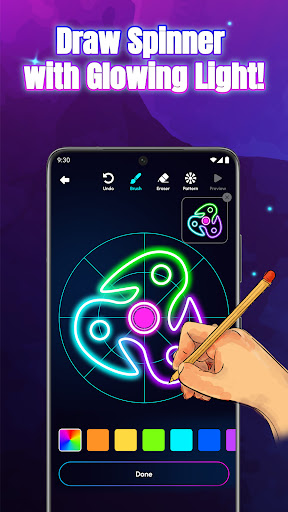

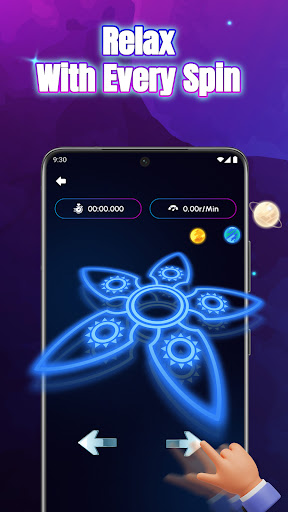
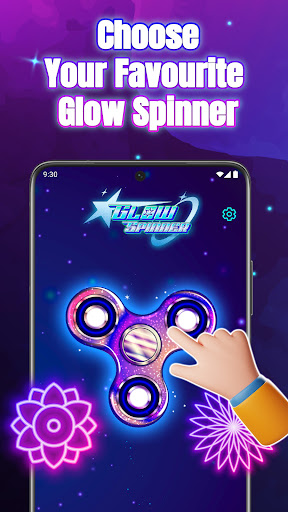
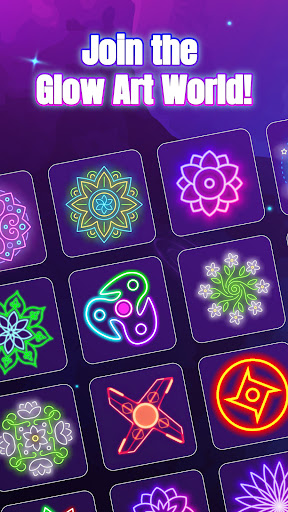
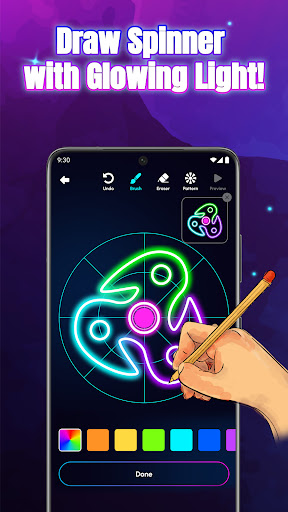

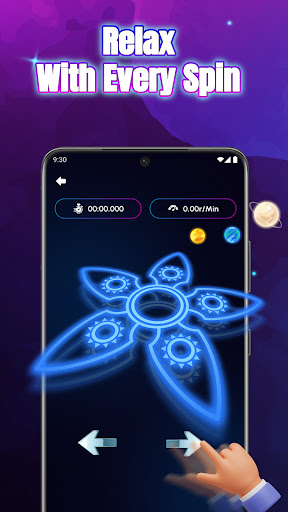
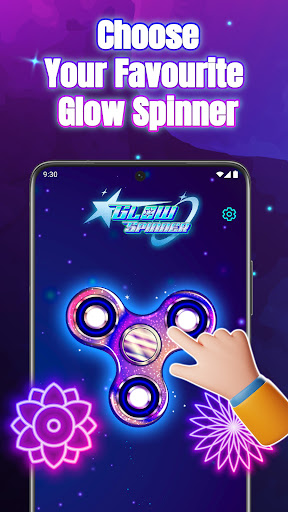
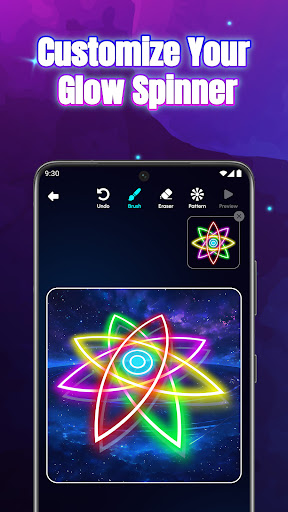
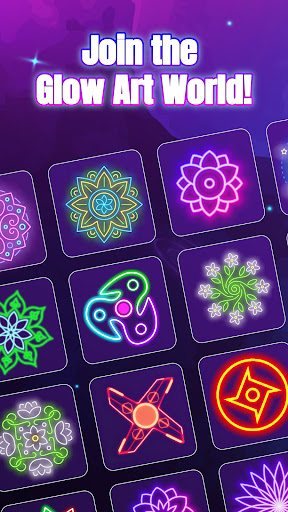
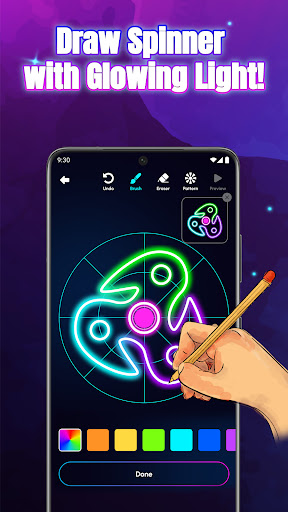
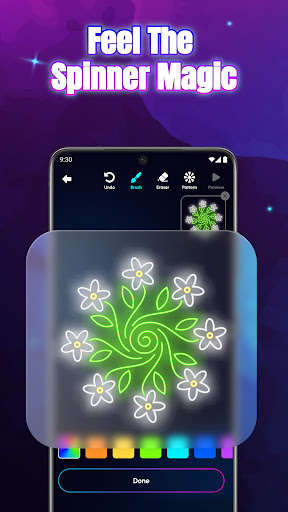
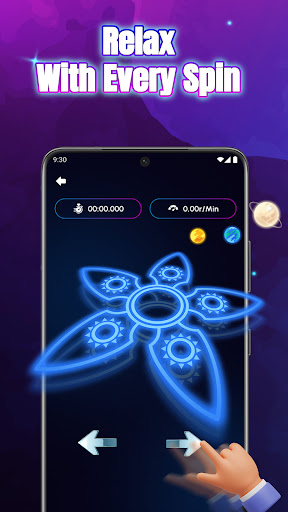
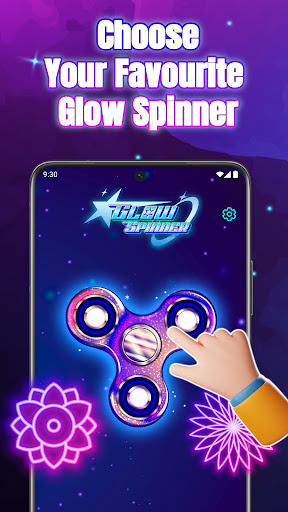

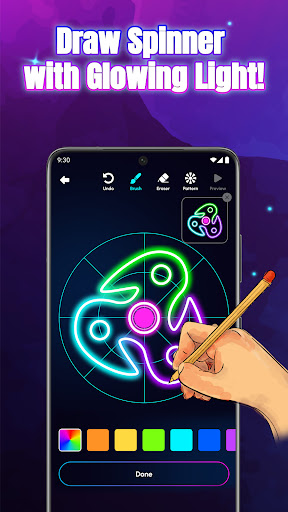
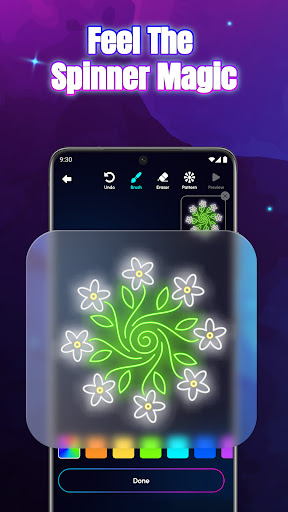
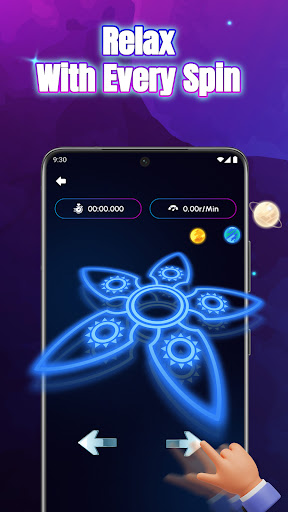
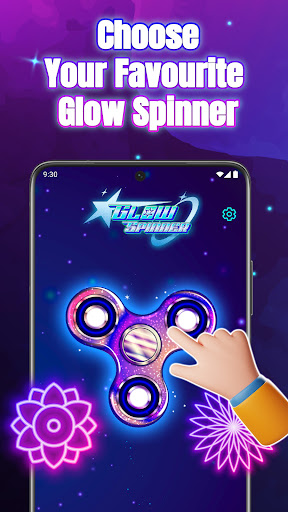
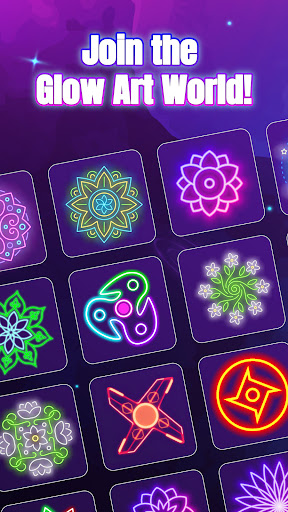
Glow Spinner: Finger Draw Art is a unique digital art application that combines creativity with relaxation. This app allows users to draw glowing spinner art using their fingers and watch it come to life through smooth motion and vibrant light effects. The core functionality revolves around intuitive finger drawing, customizable glow effects, and realistic 3D spinner design.
One of the standout features is its ability to provide stress relief through calming visual motion. Users can create luminous patterns, experiment with neon colors, and enjoy lifelike spin physics powered by an advanced physics engine. Whether you're looking to explore your artistic side or simply unwind, Glow Spinner offers a complete package of creative expression and soothing ambience.
The app is particularly useful for individuals seeking a digital detox or a calming activity after a long day. Its combination of soft soundscapes, gentle animations, and interactive art makes it ideal for mindfulness and relaxation while fostering artistic exploration.
Glow Spinner stands out with its diverse range of innovative features tailored for both casual users and digital art enthusiasts. The app's key strength lies in its intuitive finger-drawing interface, which lets anyone easily create stunning spinner designs without any prior experience. Each swipe generates glowing lines that smoothly transition into dynamic motion, offering instant satisfaction.
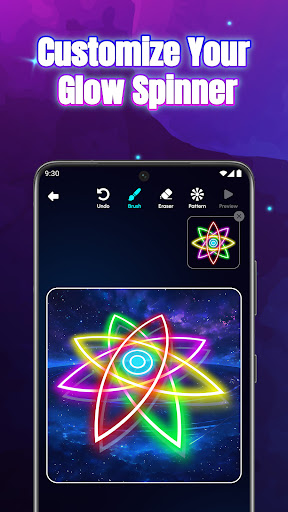
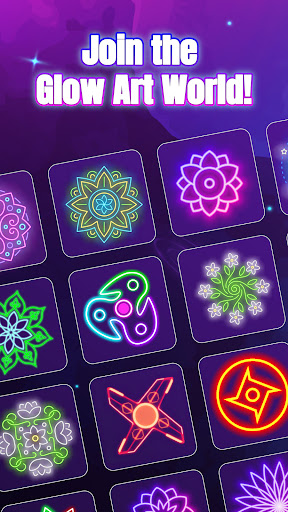
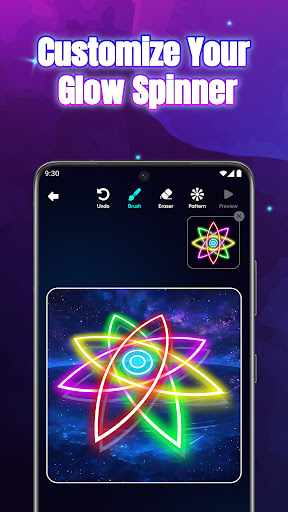
Customization is at the heart of this app, with options to adjust glow styles, patterns, and colors. From ambient tones to bright neon bursts, users can personalize every aspect of their creations. The app also incorporates realistic 3D motion and light reflection, adding depth and realism to each spinner. Additionally, the built-in physics engine ensures natural spinning motions, enhancing the overall user experience.
Other notable features include an artwork gallery where users can save, revisit, and re-spin their favorite designs, as well as relaxing background soundscapes that complement the visual elements. These thoughtful additions make Glow Spinner not just an art tool but also a platform for mindfulness and creative play.
Easy-to-use interface
Vibrant glow effects
Realistic 3D motion
Stress-relief focus
Creative customization
Limited free options
Ads between sessions
Premium feature cost
Learning curve for tools
Battery consumption

Vidu is an AI video generator made for creators and aspiring makers.
 3.30
3.30
Create trending AI photos & videos with powerful effects and 3D styles.
3.20
AI Art Generator transforms your words into AI generated art & paintings.
3.70
Create stunning video, photo & magic from text with FlixAI GPT video generator.
3.10
Nano Banana AI Image Generator, Anime Filter, AI Portrait, AI Photo Generator
4.30
Turn your drawings into flipbook-style animations with simple creative tools
4.60
2D animation studio for Android tablets - unlimited layers, infinite timeline
4.70
OneUI 8.5 icons ✨ Smooth, modern & based on the latest Play Store design ??
4.10
Sketch and paint on your device with the feel and freedom of drawing on paper
4.00
Mobile pixel art editor. Simple. Fast. Portable.
4.80
Digital illustration drawing & painting pad app to paint Anime and Manga art
4.50
Create color palette from Image, RGB & RYB Color wheel harmonies, Color Scheme
4.50
Painting, drawing, & sketching
4.50
Image/ Text to Video Generator
4.40
Remove Background, Magic Eraser, Photo Enhancer, Story Templates, Collage Maker
4.30
Custom Character Creator & PFP Maker!
4.20
Easy 3D drawing design maker & creator. Model designing, Sculpting. Create&paint
4.00
AI Assistant, powered by ChatGPT GPT-4 & GPT-4o. Your intelligent companion.
3.50
Art of Combination Wear OS Watch Faces
4.4


User Reveiws