
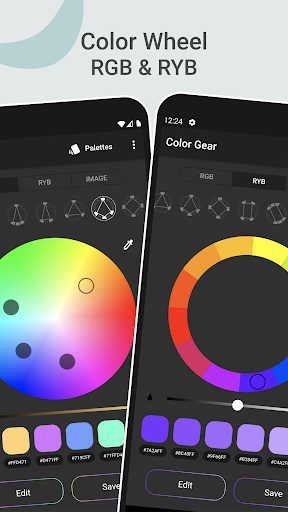
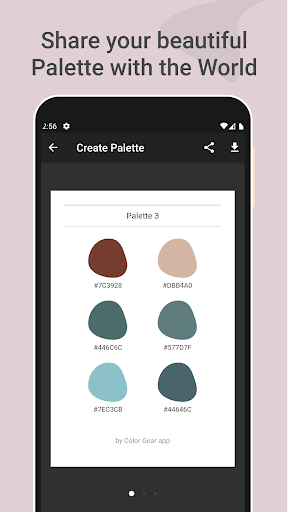
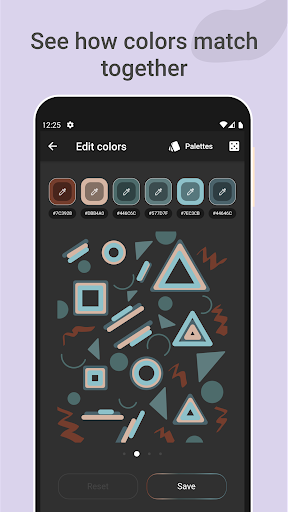
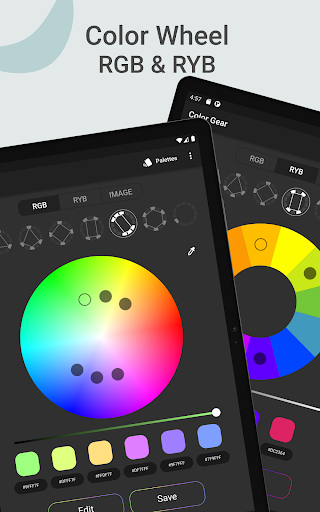


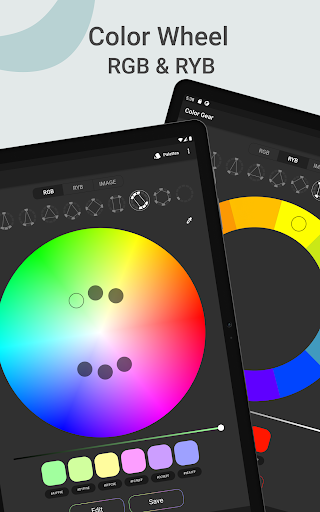

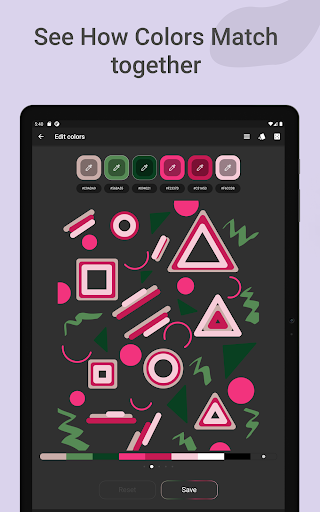
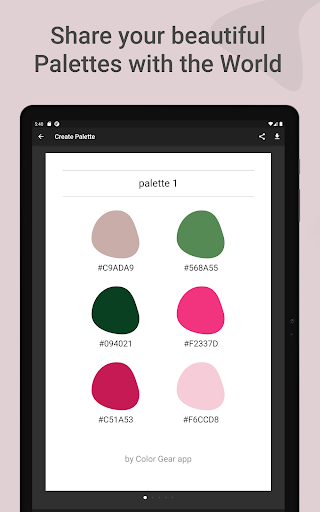
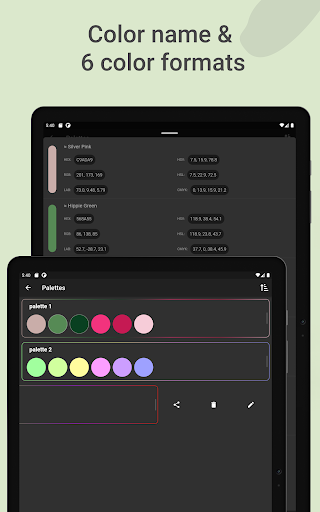
Color Gear is an essential tool for designers and artists, offering a comprehensive suite of features to create harmonious color palettes based on color theory. The app supports two color models - RGB and Itten Color Wheels, allowing users to apply over 10 color schemes. This makes it versatile for both digital media and traditional art forms.
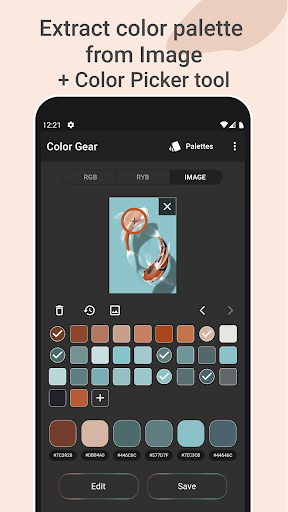
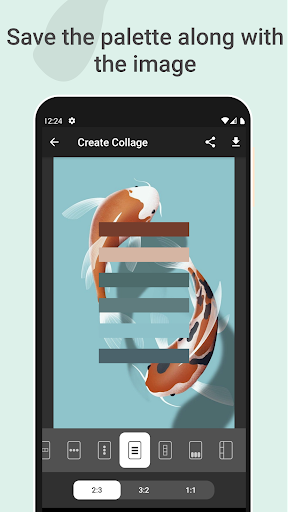
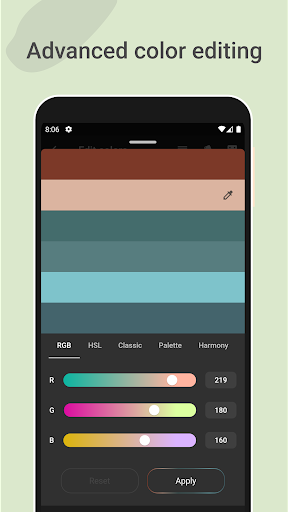
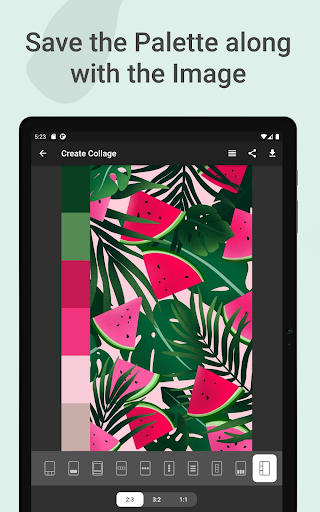
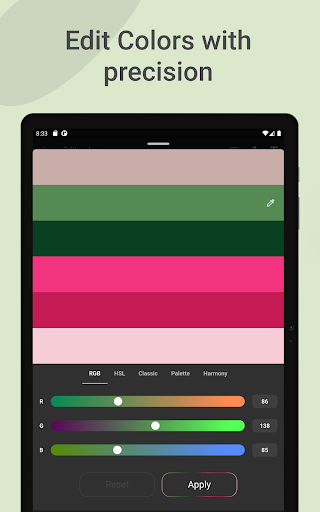
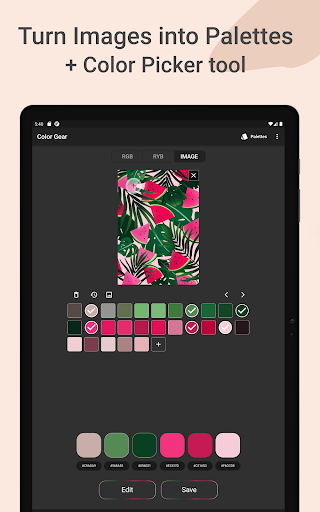
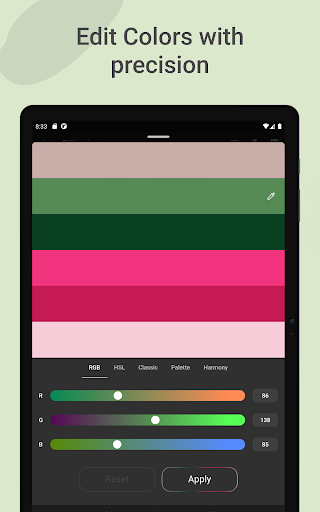
The application goes beyond basic color selection by enabling users to extract palettes from images, manually pick colors with the Hex Color Picker, and perform advanced color editing. Users can precisely adjust Hue, Saturation, and Lightness values. Additionally, the ability to save palettes along with images as collages enhances its creative potential.
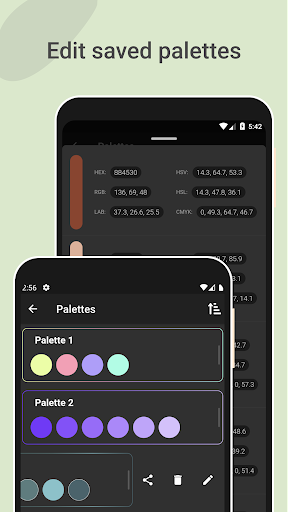
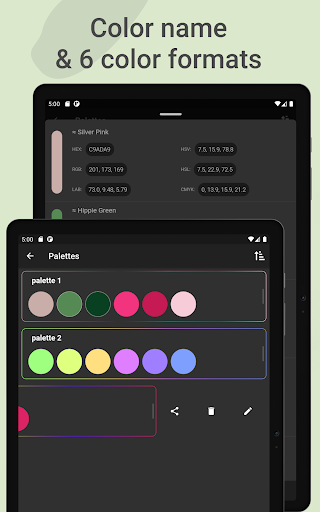
With offline functionality and support for multiple color formats (RGB, HEX, LAB, HSV, HSL, CMYK), Color Gear proves invaluable for professionals who need reliable, portable color management solutions. Its intuitive interface and robust feature set make it suitable for both learning color theory and daily professional use.
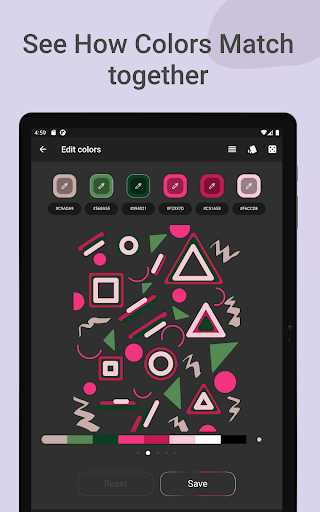
Color Gear distinguishes itself through its comprehensive feature set tailored for color professionals. The dual support for RGB and Itten Color Wheels caters to different artistic needs, while the 10+ color harmony schemes provide extensive creative options. This flexibility ensures users can work within their preferred color theory framework.
A standout feature is the ability to build palettes from HEX color codes or extract them directly from images. The advanced color editing tools allow precise adjustments of Hue, Saturation, and Lightness, while the Hex Color Picker enables accurate color sampling. These professional-grade tools are complemented by practical features like palette saving and sharing capabilities.
The app's offline functionality and support for six color formats (RGB, HEX, LAB, HSV, HSL, CMYK) make it particularly valuable for professionals working in various environments. The combination of theoretical tools and practical applications creates a powerful solution for both learning and professional color management.
Comprehensive color tools
Offline functionality
Dual color wheel support
Advanced editing features
Multiple sharing formats
Complex for beginners
Limited free features
No cloud sync
Heavy app size
Occasional bugs
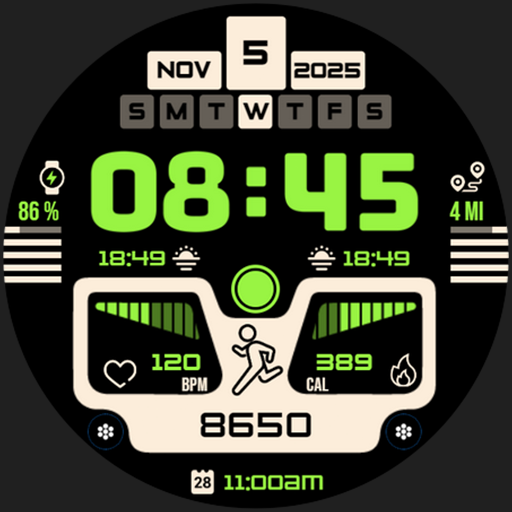
Download now for a stylish and functional timepiece
 4.5
4.5
Customizable Outlined Fonts. Watch Face Format. Battery friendly Digital Clock.
4.20
Floor Plan Creator lets you create, edit and share floor plans.
4.00
Apply cartoon, caricature, and portrait effects to make your photos stand out!
3.60
Remove Background, Magic Eraser, Photo Enhancer, Story Templates, Collage Maker
4.30
Bring One UI 8.5 Icons to life -elegant dark icons with a modern, premium touch.
4.30
Create Logos, Tattoos, AI Art & more with our AI Photo Generator & Design Editor
4.20
Explore future self face age filter & remove background image for a unique look.
3.50
Unleash your inner artist! Sketchar: AR Drawing for Limitless Creativity
4.40
Minecraft & Roblox Clothes
4.70
Digital illustration drawing & painting pad app to paint Anime and Manga art
4.50
Draw Trace image sketch by, AR art projector app, Easy to trace any image.
4.50
Just trace a projected picture on paper and color! Draw & Paint with AR drawing
4.40
Create stylish invitation cards using templates for weddings, birthdays & RSVP.
4.20
OneUI 8.5 icons ✨ Smooth, modern & based on the latest Play Store design ??
4.10
Get creative and make art with your Sesame Friends!
4.00
Sketch and paint on your device with the feel and freedom of drawing on paper
4.00
Your Essential Color Theory Guide: Red, Yellow, Blue (RYB)
4.5
Art of Combination Wear OS Watch Faces
4.5


User Reveiws