ibis Paint X

4.40

Information

Category:

Art & Design

Price:

Free

Rank:

5

Rating:

4.40

Overview

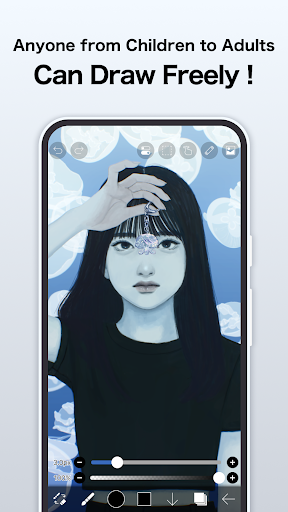
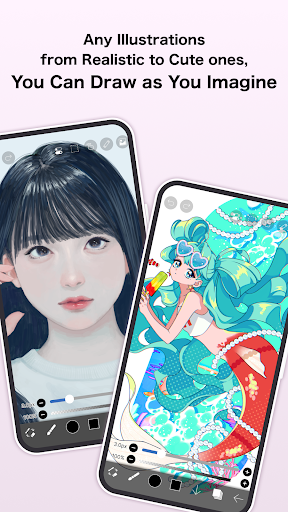
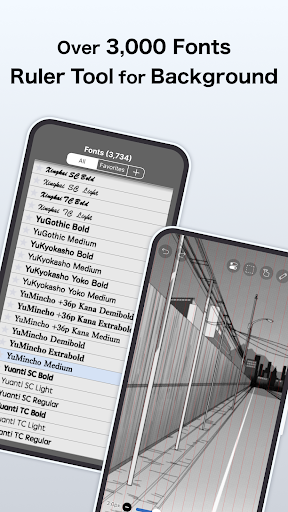
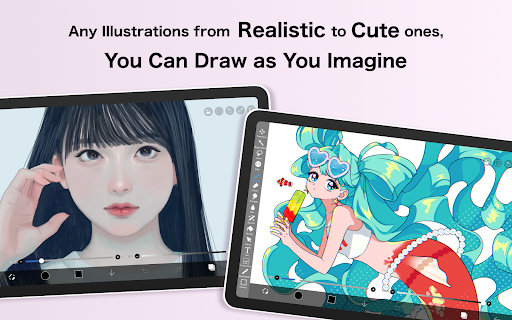
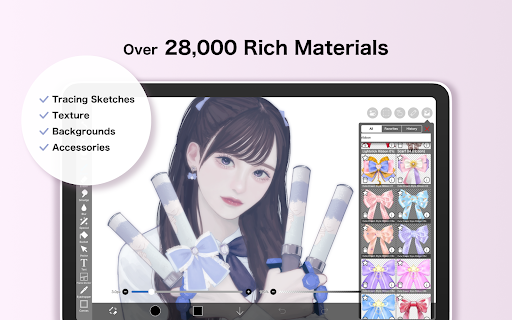
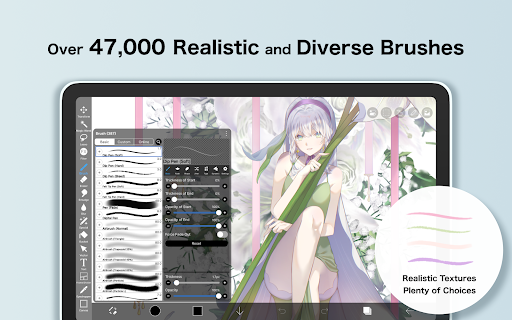
ibis Paint X stands as a premier drawing application tailored for both amateur artists and professional designers. With over 460 million downloads, this app offers an extensive suite of creative tools including more than 47,000 brushes, 2,700 materials, and 2,100 fonts. Users can enjoy advanced features such as stroke stabilization, animation support, and AI disturbance effects. The app also integrates social functionalities, allowing users to share their creative processes and learn from others.

The platform leverages OpenGL technology to ensure a smooth drawing experience at up to 60 fps. It includes professional-grade features like layer manipulation, blending modes, and specialized rulers that cater to complex artistic needs. Whether creating detailed manga or experimenting with digital art, ibis Paint X provides the tools necessary for artists to bring their visions to life.

Features

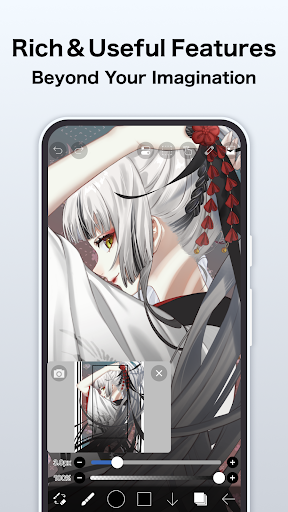
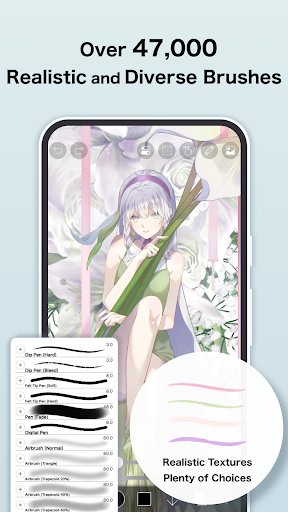
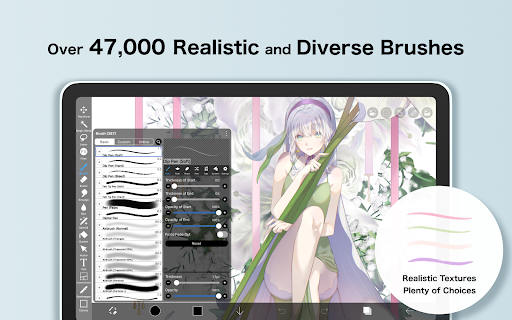
One of the standout aspects of ibis Paint X is its vast array of customization options. The brush library spans various categories such as dip pens, airbrushes, and oil brushes, each offering unique textures and effects. This diversity enables artists to replicate traditional media or explore entirely new styles. Additionally, the app supports advanced layer management, providing users with unlimited layers and individual parameter settings like opacity and blending modes.

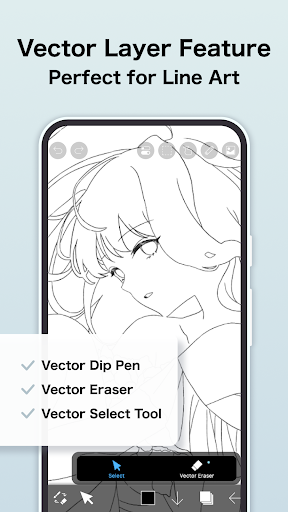
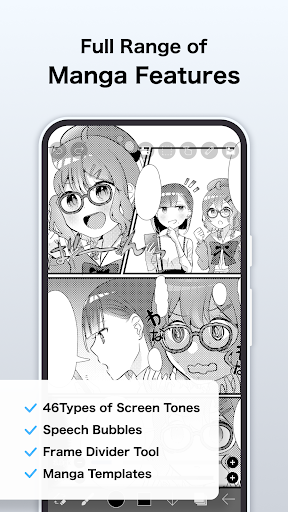
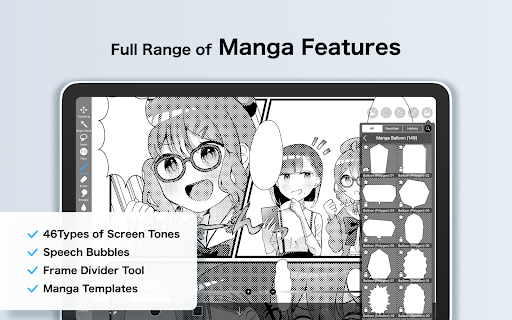
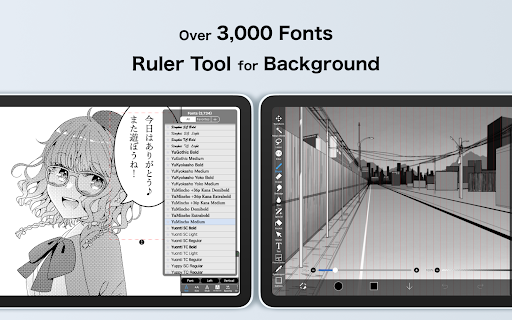
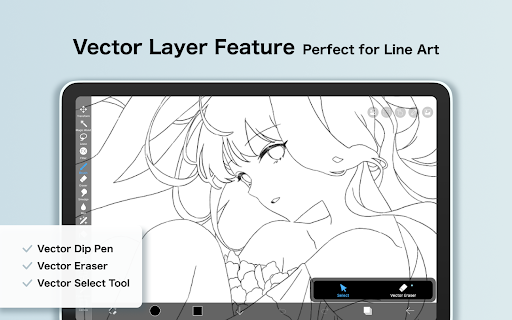
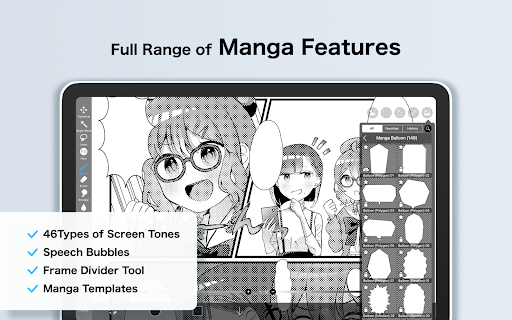
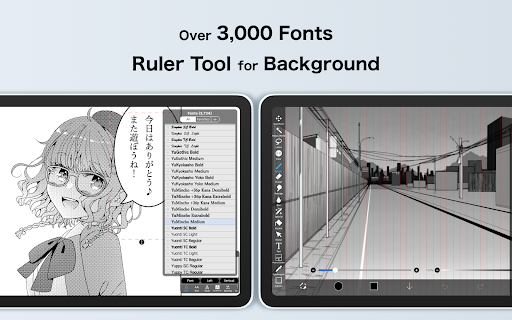
For manga creators, ibis Paint X incorporates a robust text tool with vertical and horizontal writing options, multiple font selections, and stroke adjustments. The app's proprietary features, such as Vector tools and AI Disturbance, further enhance its utility by allowing precise control over shapes and introducing intelligent pattern disruptions. These capabilities make it an indispensable tool for illustrators seeking both precision and creativity in their work.

Creative tool completeness

In the realm of digital art applications ibis Paint X stands out with its comprehensive suite of creative tools that cater to both amateur doodlers and professional artists alike. The app boasts an impressive arsenal of over 47000 brushes which include a variety of dip pens felt tip pens digital pens air brushes fan brushes flat brushes pencils oil brushes charcoal brushes crayons and stamps ensuring that users can find the perfect tool to bring their artistic visions to life. Beyond the sheer number of brushes ibis Paint X offers advanced layer features allowing for unlimited layers each with customizable parameters such as opacity alpha blending adding subtracting and multiplying. This flexibility in layer management empowers artists to experiment with complex compositions and effects without constraint. Additionally the app provides manga enthusiasts with an advanced text tool featuring vertical horizontal stroke font selection and multiple text functions making it an ideal platform for creating detailed and expressive manga artwork. For those looking to push the boundaries of their creativity further ibis Paint X includes unique features like radial line rulers symmetry rulers vector tools animation capabilities and AI Disturbance all designed to enhance the drawing experience. By integrating these professional-grade tools ibis Paint X not only facilitates a smooth and comfortable drawing process through OpenGL technology but also enables users to record their drawing processes as videos. This feature is particularly valuable for sharing techniques and insights within the app's social network where users can learn from one another by watching drawing process videos. Overall ibis Paint X commitment to providing a highly functional and professional set of features ensures that artists have everything they need at their fingertips to create stunning works of art.

Canvas/format flexibility

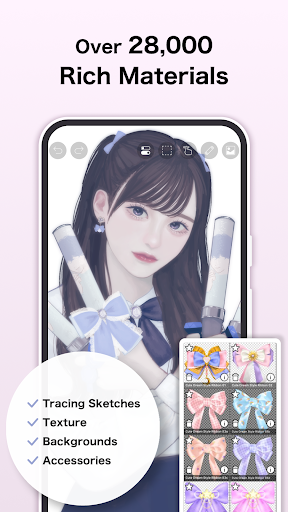
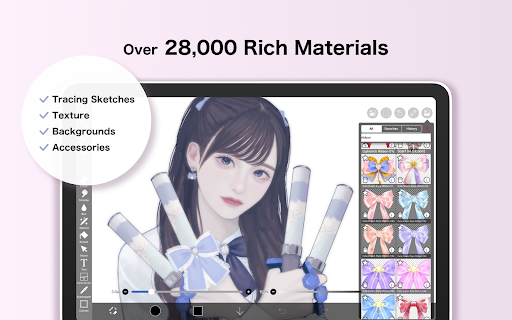
When it comes to digital art applications the flexibility of canvas and format options plays a crucial role in determining the versatility and adaptability of the creative process. ibis Paint X excels in this aspect by offering artists unparalleled freedom in customizing their workspace to suit their specific needs and preferences. One of the standout features of ibis Paint X is its ability to handle unlimited layers without any restrictions. This means that artists can add as many layers as necessary to build up their artwork whether they are working on simple sketches or intricate multi-layered compositions. Each layer can be individually adjusted with parameters such as opacity blending modes and various layer commands including duplication import from the photo library horizontal and vertical inversion rotation moving and zooming in or out. These robust layer management capabilities allow for precise control over every element of the artwork enabling seamless integration of different components and effects. In addition to its extensive layer features ibis Paint X supports a wide range of formats and materials enhancing the creative possibilities even further. Artists have access to over 27000 materials and 2100 fonts which can be utilized to add depth texture and personality to their creations. The app also includes specialized manga features such as an advanced text tool with vertical horizontal stroke font selection and multiple text functions catering specifically to manga artists who require precise control over typography and layout. Furthermore ibis Paint X offers innovative tools like radial line rulers symmetry rulers vector tools animation features and AI Disturbance all of which contribute to a more dynamic and flexible drawing experience. With these tools artists can explore new techniques and styles pushing the boundaries of traditional digital art. Whether working on small-scale illustrations or large-format designs ibis Paint X ensures that artists have the freedom and flexibility to express themselves fully. By providing such a comprehensive and adaptable set of canvas and format options ibis Paint X empowers artists to unleash their creativity without limitations.

Props

User-friendly interface

Extensive brush library

Advanced layer options

Professional text tools

Active community sharing

Cons

Prime membership required

Occasional ads in free version

Steep learning curve

Limited offline resources

High system requirements

Features and Functions

What is this app and what can I use it for?

A versatile drawing app with 47000+ brushes and advanced tools

How do I download and install this app on my device?

Download from Google Play Store, install via device settings

How do I get started after opening the app for the first time?

Follow on-screen tutorials, customize initial preferences

What are the main features and capabilities of this app?

Offers brushes, layers, text tools, animation, and AI features

How can I customize my experience and adjust preferences?

Adjust settings via menu, customize brushes and workspace

How do I save or bookmark my favorite content for later access?

Use cloud storage, save files locally for future access

How can I share content with friends or on social media?

Share directly to social media or via app links

How do I access detailed information and explore more content?

Explore detailed guides within help section or online

What permissions does this app need and how do I manage them?

Needs mic access for SonarPen, manage in permissions

How do I check for updates and keep the app running smoothly?

Check updates in settings, enable auto-update for smooth operation
Show more

User Reveiws

{{ comment.reviewer_name }}
{{ comment.review_date_formatted}}
{{ comment.review_content }}
{{ tab.name }}
{{ comment.reviewer_name }}
{{ comment.review_date_formatted}}
{{ comment.review_content }}
No reviews with this rating