
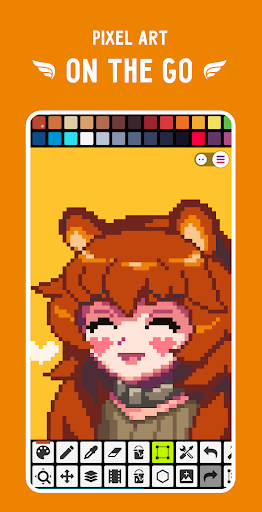
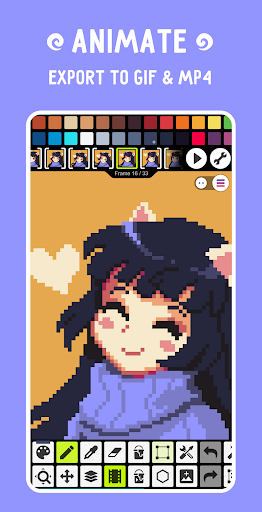
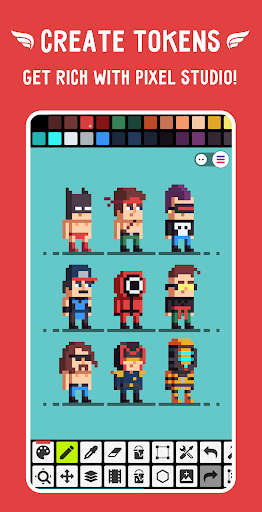
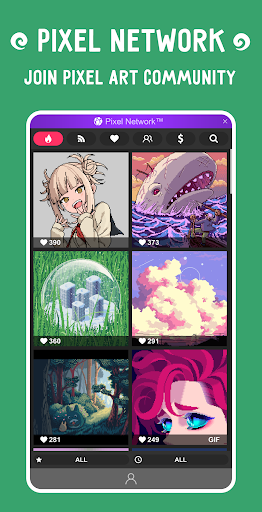
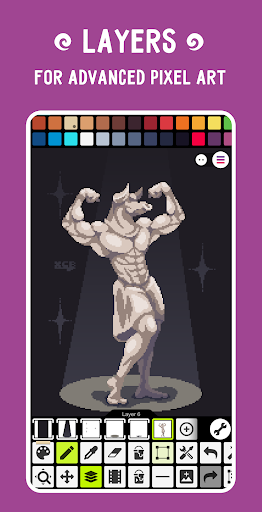
Pixel Studio PRO is a premium pixel art editor tailored for both artists and game developers. This special edition offers all PRO features unlocked without ads or in-app purchases. With support for layers, animations, and music integration, users can create professional-grade pixel art projects. The app enables exporting animations to MP4 format and provides Google Drive sync for cross-device work management. Additionally, it supports NFT creation and connects users to the Pixel Network™ community, making it an ideal tool for creative professionals.
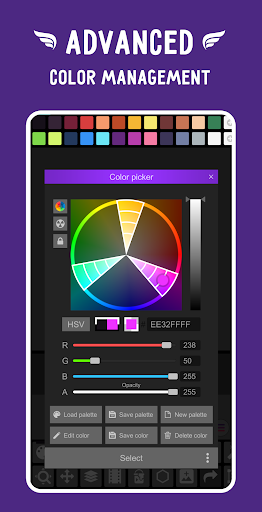
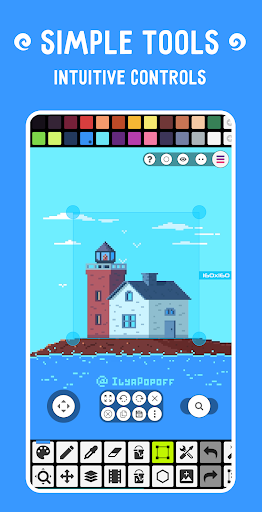
The application boasts an intuitive interface with advanced tools like custom palettes, HSV color picking, and precise zoom controls. Compatible with devices ranging from mobiles to tablets and PCs, it also supports hardware styluses such as Samsung S-Pen and HUAWEI M-pencil. With over 5 million downloads worldwide and translations in more than 25 languages, Pixel Studio PRO stands out as a versatile and powerful pixel art solution.
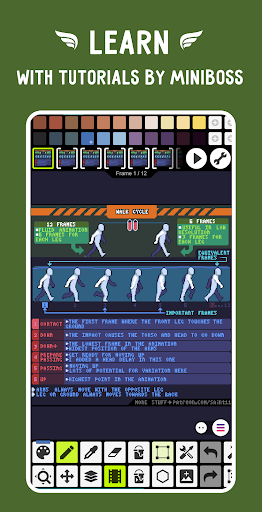
Pixel Studio PRO delivers a comprehensive suite of features designed to enhance pixel art creation. The app supports advanced layer management and frame-by-frame animation, allowing users to save their work as GIFs or sprite sheets. Unique capabilities include adding music to animations and exporting them as MP4 files. Artists can share their creations within the Pixel Network™ community and access a vast library of customizable tools.
Among its standout features are shape and gradient tools, custom brushes, and symmetry drawing modes. The app also includes specialized tools like Dot Pen for precision drawing, Text Tool with multiple fonts, and Dithering Pen for shadows. Advanced functionalities such as RotSprite algorithm-based rotation, onion skinning for animations, and unlimited canvas resizing ensure professional-quality results. With multithreaded image processing and support for various file formats including PSD and SVG, Pixel Studio PRO caters to diverse creative needs.
User-friendly interface
Extensive PRO features
Cross-device sync
Versatile export options
Active community support
High system requirements
No iOS version
Limited free features
Premium price tag
Steep learning curve

Pose and morph realistic male and female models! 3D poser app
 3.00
3.00
Image/ Text to Video Generator
4.40
Draw on screen: FP sDraw is a simple and lightweight drawing app
4.70
Paint with oils and sketch with natural tools on a realistic virtual canvas.
3.80
Draw anime easily with AR guidance, sketch templates & trace tools!
3.10
Novices can also easily complete diamond painting masters
4.70
Your AI soulmate — meaningful chats, and unique emotional moments
4.70
Turning simple sketches into captivating tales filled with life and motion
3.90
AI-powered photo & video creation—fast, fun, and effortless with Quick Actions
4.60
2D animation studio for Android tablets - unlimited layers, infinite timeline
4.70
Draw beautiful mandala's very easily
4.60
Photo editor for art, avatars, filters & fun transformations.
4.60
Bring One UI 8.5 Icons to life -elegant dark icons with a modern, premium touch.
4.30
Sketch, plan, take notes and illustrate on an infinite canvas.
4.20
Text to Image, Image to Video & AI Chat
4.20
Sketch and paint on your device with the feel and freedom of drawing on paper
4.00
Retouch photos. Create or edit images. Endless capabilities.
2.70
Transform photos into amazing monochrome dither art with professional algorithms
4.1
A luxurious gold watch face for an elegant and refined look.
4.1


User Reveiws