starryai - AI Art Generator

4.30

Information

Category:

Art & Design

Price:

Free

Rank:

48

Rating:

4.30

Overview

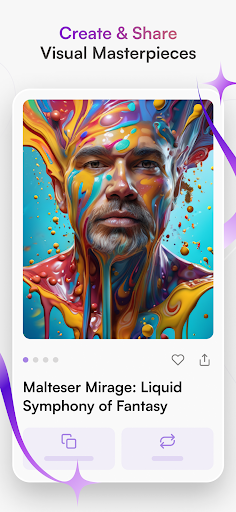
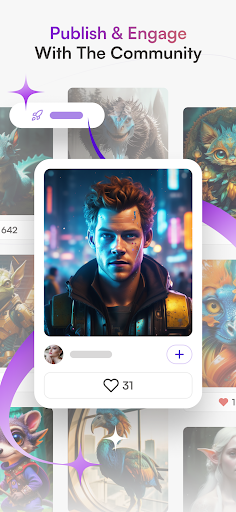
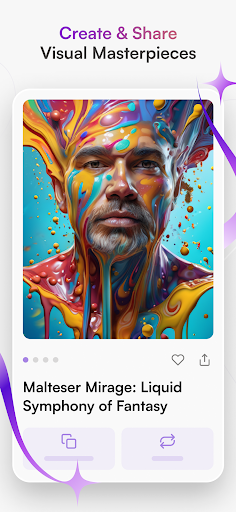
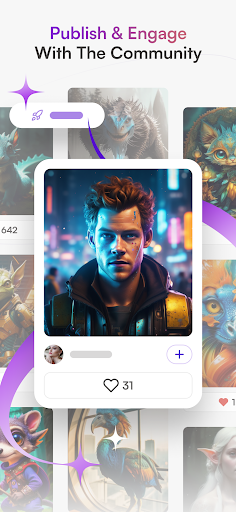
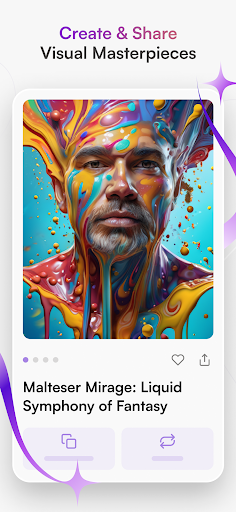
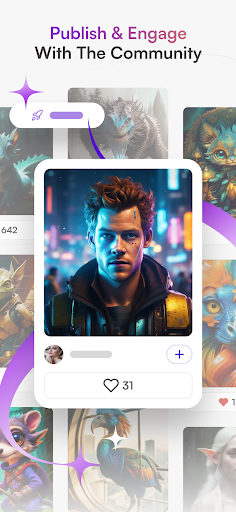
starryai is a cutting-edge AI art generator that empowers users to create stunning digital artwork effortlessly. The app transforms text prompts and simple inputs into breathtaking visuals, ranging from anime-inspired designs to hyperrealistic landscapes. With its diverse suite of creative tools, starryai caters to both experienced artists and beginners who want to explore their artistic potential.

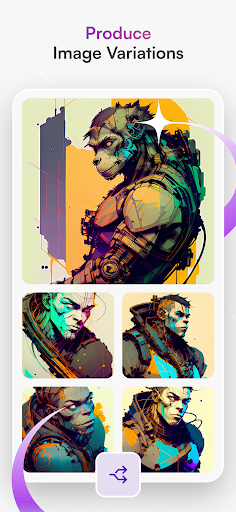
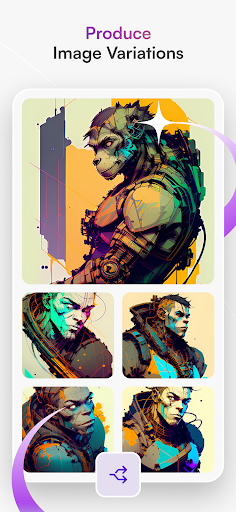
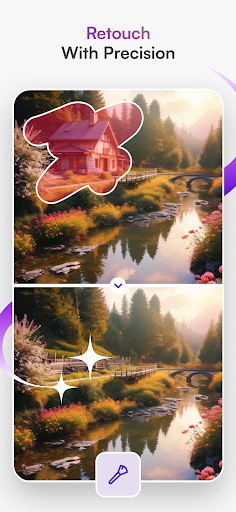
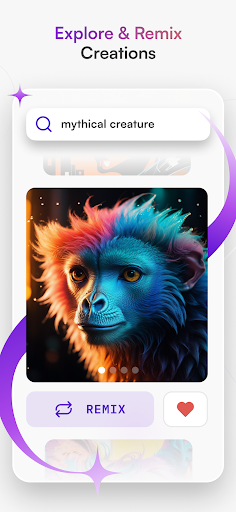
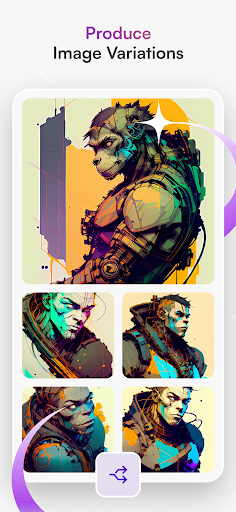
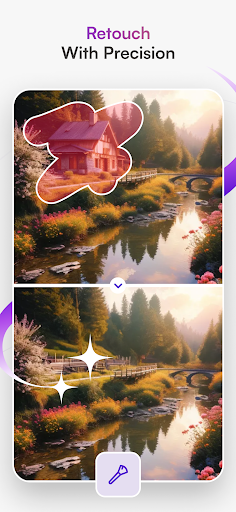
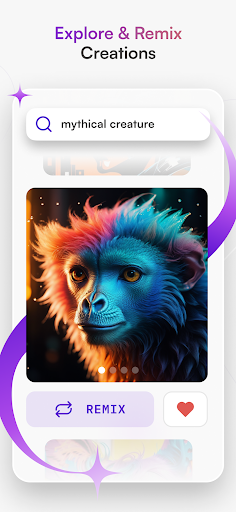
The platform offers unique features like AI Portrait Generator, Anime AI, and AI Avatar Generator, enabling users to craft personalized avatars, lifelike portraits, and anime-style artworks. Additionally, the Image Variations tool allows creators to experiment with different styles and refine their work with unparalleled detail. Whether you're looking to generate NFT art, design graphics, or simply express your creativity, starryai provides limitless possibilities for art creation.

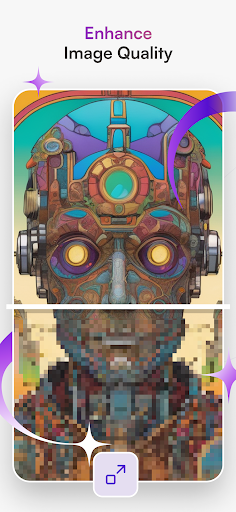
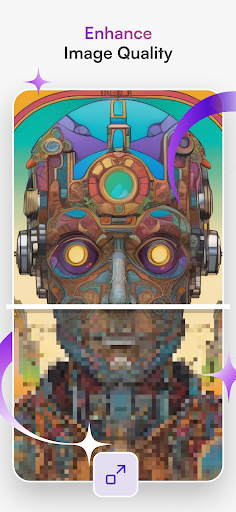
By combining advanced AI technology with an intuitive user interface, starryai makes professional-grade art accessible to everyone. Its seamless integration of tools such as AI Drawing and Enhance Image Quality ensures that users can bring their visions to life without needing extensive technical expertise. This positions starryai as a revolutionary tool in the Art & Design category, bridging creativity and innovation.

Features

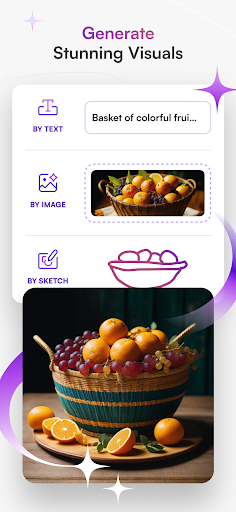
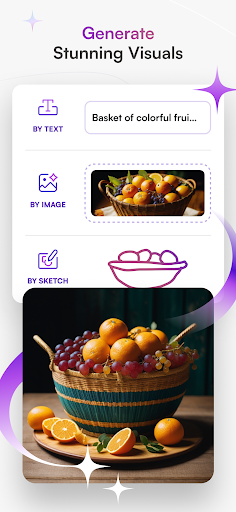
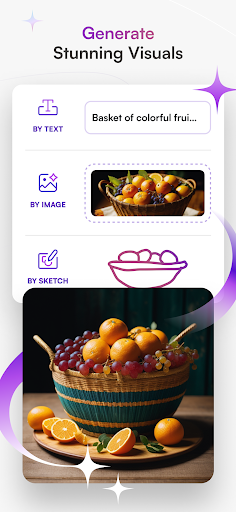
One of the standout aspects of starryai is its comprehensive set of features designed to cater to various artistic needs. The Text to Image functionality allows users to input descriptive text and watch as the AI generates intricate visuals based on their prompts. This feature supports multiple styles, including anime and hyperrealistic designs, making it versatile for different creative projects.

In addition to Text to Image, starryai includes specialized tools like AI Photo Generator and AI Portrait Generator. These features enable users to transform ordinary photos into exceptional pieces of art, capturing emotions and personalities through AI-powered enhancements. The Anime AI tool further expands creative possibilities by allowing users to produce stunning artworks inspired by popular anime styles and characters.

Another key highlight is the AI Avatar Generator, which lets users design custom avatars for digital personas or explore new identities. Alongside these, the Image Variations tool helps refine outputs by generating alternative versions with varying details. Collectively, these features make starryai not just an art generator but a complete creative suite for modern artists.

Creative tool completeness

In the realm of digital art and design applications like starryai the completeness of creative tools is paramount to providing users with a comprehensive and versatile platform for their artistic endeavors The term creative tool completeness refers to the range and depth of features available within an application that enable users to execute their artistic visions with precision and flexibility starryai excels in this area by offering a wide array of functionalities that cater to various artistic needs and preferences From transforming textual descriptions into vivid images through its Text to Image feature to generating unique AI avatars and enhancing image quality the app ensures that artists have all they need at their fingertips Each tool such as the AI Drawing capability or the Anime AI feature is designed not only to mimic traditional art forms but also to push the boundaries of what can be achieved digitally This means users can experiment with different styles techniques and mediums without the constraints often found in physical art supplies Moreover the availability of advanced options like creating image variations and producing hyperrealistic portraits demonstrates starryai's commitment to providing a robust set of tools By integrating cuttingedge AI technologies starryai allows users to explore new dimensions of creativity whether they are crafting digital personas designing graphics or conceptualizing tattoos The significance of having a complete suite of creative tools lies in empowering artists to bring their ideas to life without limitations This fosters innovation encourages experimentation and ultimately leads to the creation of unique and captivating artworks As a result users of starryai can expect not just to replicate existing art styles but to pioneer new ones leveraging the full potential of AIassisted design In summary starryai stands out in the Art & Design category by delivering a rich and diverse toolkit that supports both novice and professional artists in realizing their creative ambitions

Canvas/format flexibility

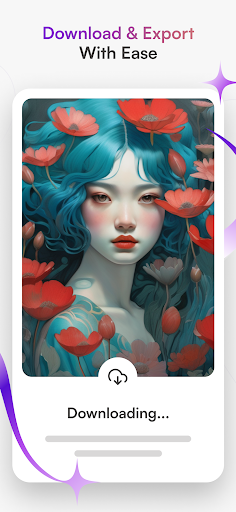
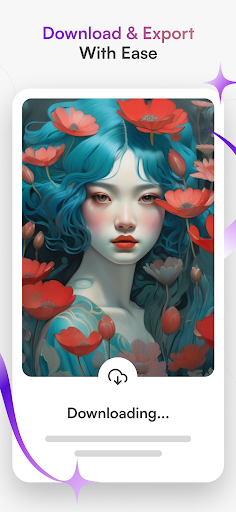
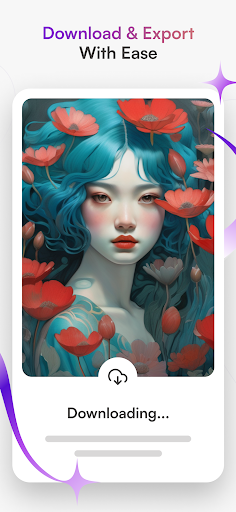
Canvas and format flexibility is a critical aspect of any art and design application particularly when it comes to accommodating the varied requirements of digital artists Graphic designers and illustrators often need to work within specific dimensions resolutions and file formats to meet project specifications or client demands starryai addresses this need by providing users with adaptable canvas settings and a variety of output formats ensuring that their creations can be seamlessly integrated into different platforms and mediums Whether you're designing for social media print or web starryai's flexible canvas options allow you to customize your workspace according to your project's unique parameters This includes adjusting canvas size orientation and resolution to match industry standards or personal preferences Additionally the ability to export artworks in multiple formats such as PNG JPEG or SVG enhances workflow efficiency and compatibility across various devices and software ecosystems The importance of canvas and format flexibility cannot be overstated as it directly impacts an artist's productivity and the final presentation of their work With starryai users can switch between different canvas presets or create custom ones tailored to their specific needs This adaptability is especially beneficial for professionals who require precise control over their artwork's dimensions and resolution to ensure highquality outputs Furthermore the support for vectorbased formats enables scalability without loss of quality which is essential for logo design illustrations and other applications where resizing is common By prioritizing canvas and format flexibility starryai empowers artists to focus on their creative process rather than being constrained by technical limitations This freedom to experiment and iterate without worrying about format restrictions fosters a more intuitive and enjoyable creative experience Ultimately starryai's commitment to providing a flexible and customizable working environment underscores its dedication to supporting artists in achieving their best work regardless of the intended use case or distribution channel

Props

User-friendly interface

Wide range of styles

High-quality outputs

Versatile art tools

Accessible to beginners

Cons

Limited free usage

Premium feature costs

Occasional glitches

Steep learning curve

Subscription required

Features and Functions

What is this app and what can I use it for?

An AI art generator app for creating digital artwork from text or photos

How do I download and install this app on my device?

Visit Google Play Store, search for starryai, tap Install, and open after download

How do I get started after opening the app for the first time?

Follow the tutorial, select a tool, input text/photo, and start generating art

What are the main features and capabilities of this app?

Text-to-image, AI portraits, anime art, avatars, image variations, and more

How can I customize my experience and adjust preferences?

Adjust style settings, choose themes, and personalize output preferences

How do I save or bookmark my favorite content for later access?

Save creations locally or bookmark them within the app's gallery section

How can I share content with friends or on social media?

Use built-in sharing options to post art directly on social media platforms

How do I access detailed information and explore more content?

Explore detailed guides and FAQs available in the app's resource center

What permissions does this app need and how do I manage them?

Permissions include storage access; manage via device settings if needed

How do I check for updates and keep the app running smoothly?

Enable auto-updates in Google Play Store or manually check for updates
Show more

User Reveiws

{{ comment.reviewer_name }}
{{ comment.review_date_formatted}}
{{ comment.review_content }}
{{ tab.name }}
{{ comment.reviewer_name }}
{{ comment.review_date_formatted}}
{{ comment.review_content }}
No reviews with this rating