Stop Motion Studio Pro

4.30

Information

Category:

Photography

Price:

$ 5.99

Rank:

11

Rating:

4.30

Overview

Stop Motion Studio Pro is the ultimate app for stop motion enthusiasts, offering a complete suite of tools to create professional-quality animations. The app features an intuitive interface that makes it easy to produce stunning stop-motion films, whether you're a beginner or an experienced animator.

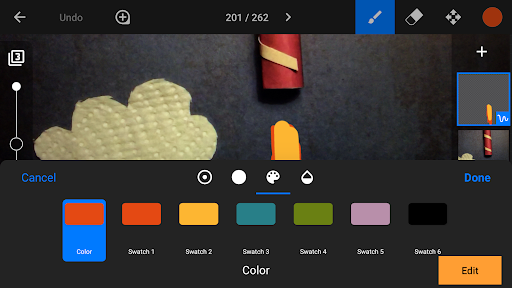
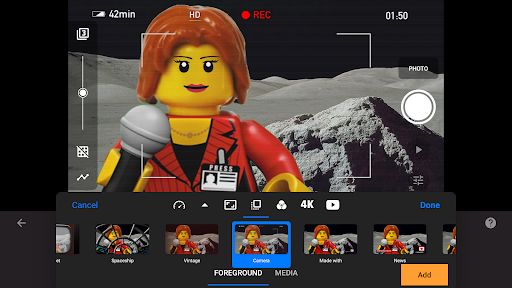
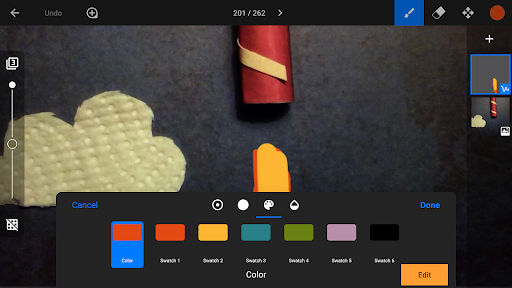
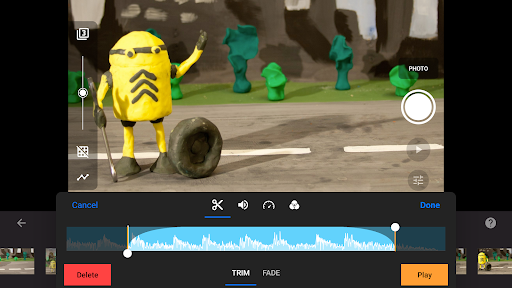
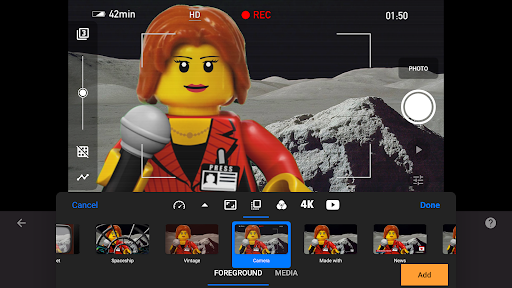
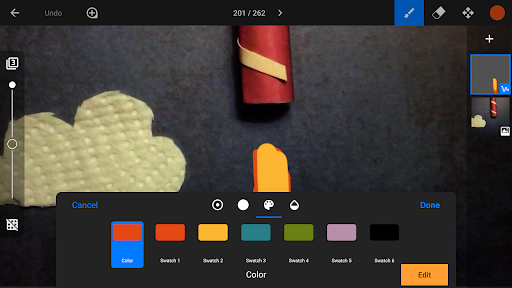
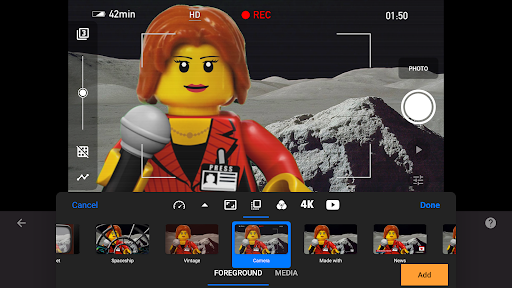
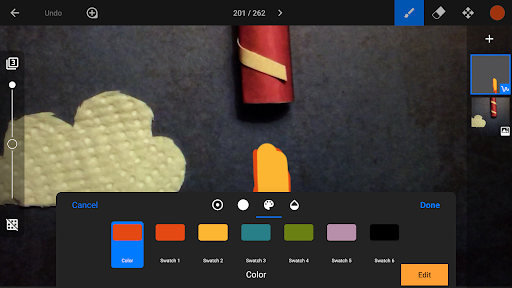
With advanced features like rotoscoping, green screen capabilities, and a powerful layer-based image editor, users can create sophisticated animations with ease. The app also includes comprehensive capture tools, allowing precise control over camera settings and frame intervals.

Ideal for both hobbyists and professionals, Stop Motion Studio Pro enables creators to produce high-quality content for YouTube, social media, or personal projects. Its extensive feature set and user-friendly design make it the perfect choice for bringing creative visions to life.

Features

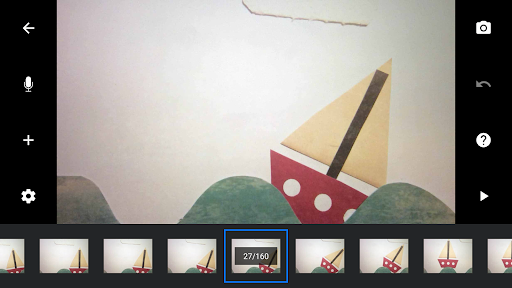
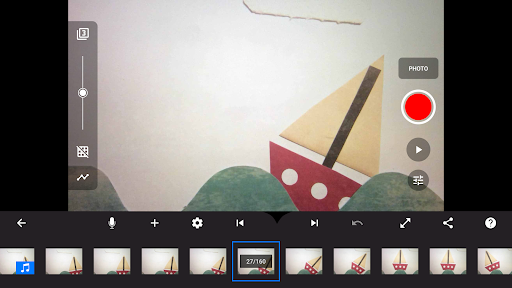
Stop Motion Studio Pro stands out with its comprehensive feature set designed for stop motion animation. The app's overlay mode and animation guides help perfect object positioning between frames, while the interactive timeline keeps projects organized even with hundreds of frames.

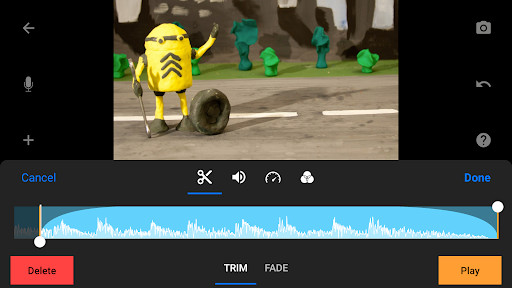
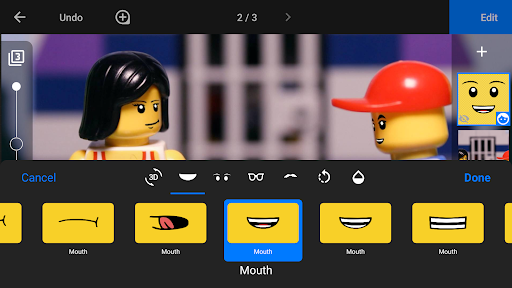
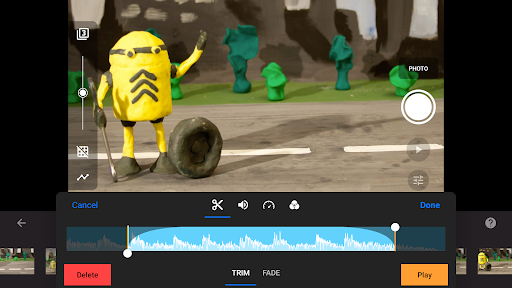
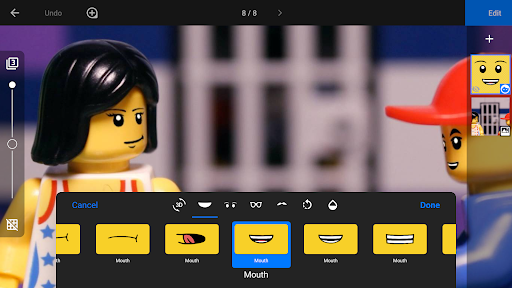
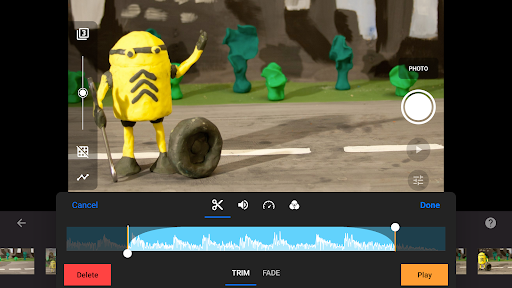
The built-in image editor offers advanced capabilities including text addition, facial expression modification, and object removal. Users can import media from their library, create custom soundtracks, and apply various video filters and effects to enhance their movies.

Professional-grade capture features include adjustable time intervals, full manual camera controls, and remote device operation. Sharing options are equally impressive, supporting 4K YouTube uploads, animated GIF creation, and cross-device project transfer through cloud services.

Real-Time Capture & Preview

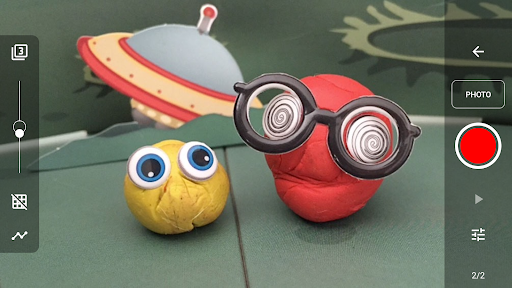
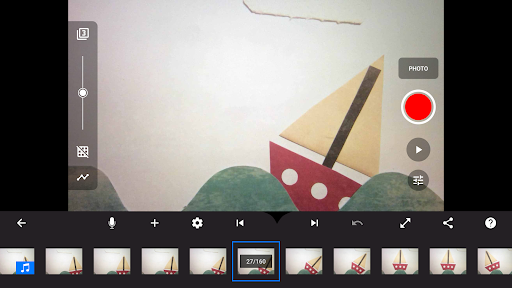
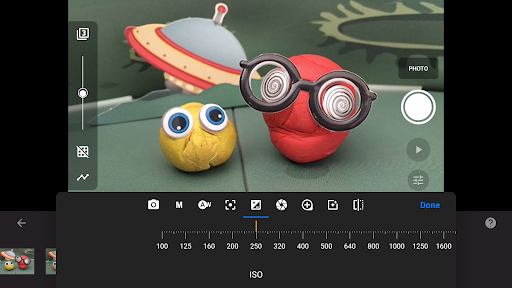
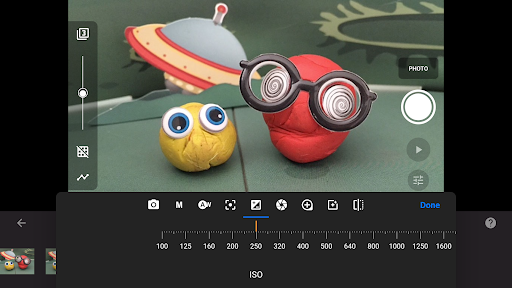
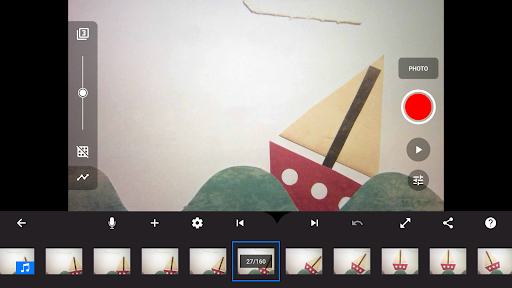
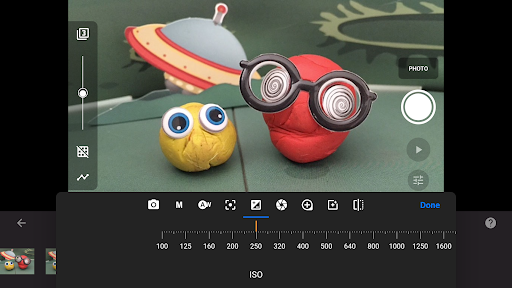
Real-time capture and preview functionality in stop motion animation refers to the ability to see the changes between consecutive frames as they are being captured allowing animators to maintain consistency and fluidity in their work This feature is crucial for creating high-quality stop motion videos as it helps in avoiding jumps or inconsistencies in the animation Stop Motion Studio Pro offers an advanced real-time capture and preview system that ensures every frame is aligned perfectly with the previous one The app provides an overlay mode which shows the differences between frames enabling users to position animated objects more accurately This feature combined with adjustable time interval settings allows creators to capture smooth transitions and subtle movements in their animations Additionally the app supports full camera control including automatic or manual white balance focus exposure ISO and shutter speed ensuring optimal image quality for each frame Users can also utilize a second device as a remote camera providing greater flexibility during shoots These features collectively enhance the creative process by giving animators precise control over their projects resulting in professional-grade stop motion films that captivate audiences Furthermore the ability to use a second device as a remote camera adds another layer of convenience especially when working on complex setups or when shooting from difficult angles Overall Stop Motion Studio Pro's real-time capture and preview capabilities empower both amateur and professional animators to produce visually stunning and technically sound stop motion animations with ease and confidence

AI Beauty & Enhancement Naturalness

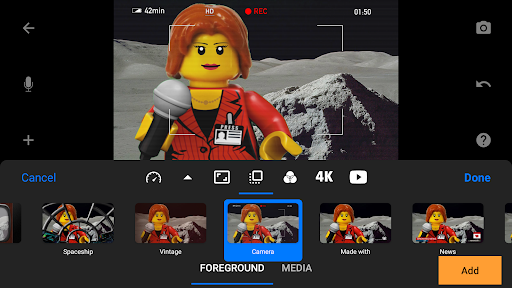
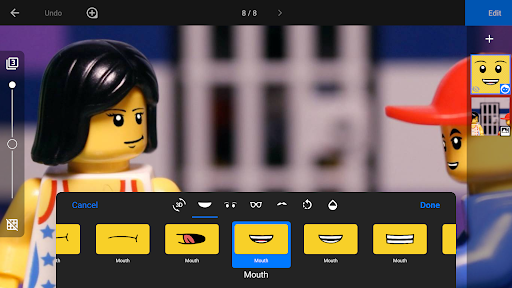
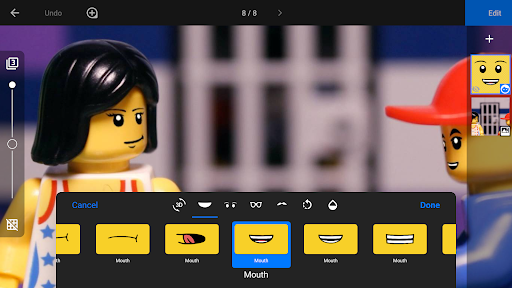
AI beauty and enhancement naturalness in photography applications pertains to the software's ability to apply aesthetic improvements to images while maintaining a realistic appearance In the context of stop motion animation this means enhancing visual elements without making them appear artificial or overly processed Stop Motion Studio Pro incorporates sophisticated AI-powered tools that allow users to refine their animations seamlessly One notable feature is the green screen functionality which enables creators to change the background of their scenes This not only expands creative possibilities but also maintains the authenticity of the animated figures by ensuring they blend naturally with the new backdrop Additionally the app includes a powerful layer-based image editor where users can add text speech bubbles titles and even facial expressions to figures These enhancements are applied with precision ensuring that the final output looks polished yet genuine The rotoscoping feature further exemplifies this by letting users import video clips and create animations by drawing over them This technique preserves the original motion's integrity while adding artistic flair Moreover the app offers various video filters foregrounds backgrounds aspect ratios and fade effects which help give movies a professional look without compromising the natural flow of the animation By integrating these advanced AI capabilities Stop Motion Studio Pro ensures that every element added to the animation serves a purpose and enhances the storytelling without detracting from the realism Whether itu2019s through subtle touch-ups or comprehensive scene alterations the app's AI beauty and enhancement tools provide animators with the means to elevate their projects while keeping the end result believable and engaging

Props

User-friendly interface

Comprehensive editing tools

Advanced camera controls

Extensive sharing options

Educational resources included

Cons

Steep learning curve

High storage requirements

Limited free version

Occasional performance issues

Subscription fees apply

Features and Functions

What is this app and what can I use it for?

Create professional stop-motion animations with advanced editing tools

How do I download and install this app on my device?

Download from Google Play Store or Apple App Store directly

How do I get started after opening the app for the first time?

Follow the built-in tutorial videos for quick onboarding

What are the main features and capabilities of this app?

Offers frame-by-frame editing, rotoscoping, and green screen effects

How can I customize my experience and adjust preferences?

Adjust preferences through detailed settings menu options

How do I save or bookmark my favorite content for later access?

Save projects locally or backup via cloud storage services

How can I share content with friends or on social media?

Export videos directly to social media platforms or messaging apps

How do I access detailed information and explore more content?

Access detailed information through comprehensive help section

What permissions does this app need and how do I manage them?

Requires camera and storage permissions for full functionality

How do I check for updates and keep the app running smoothly?

Check for updates in the app store or settings menu regularly
Show more

User Reveiws

{{ comment.reviewer_name }}
{{ comment.review_date_formatted}}
{{ comment.review_content }}
{{ tab.name }}
{{ comment.reviewer_name }}
{{ comment.review_date_formatted}}
{{ comment.review_content }}
No reviews with this rating