
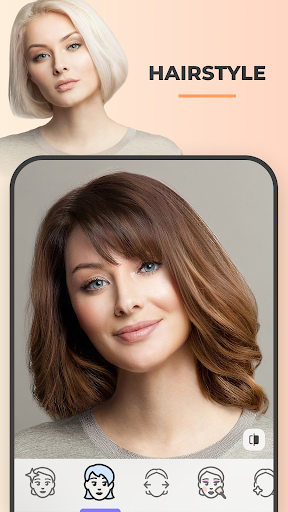
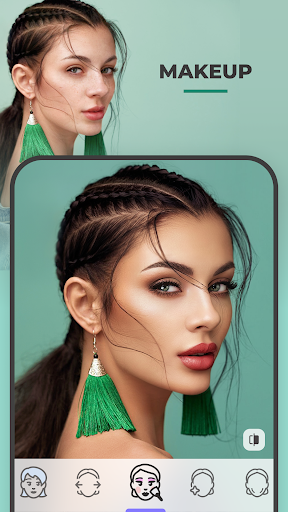
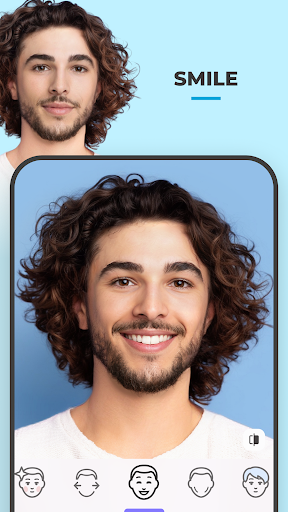

FaceApp is a leading photography application that specializes in photorealistic editing, enabling users to transform their selfies into professional-grade portraits with minimal effort. With over a billion downloads, this app has become one of the most popular choices for photo enthusiasts worldwide.
The app offers an extensive suite of features including more than 60 realistic filters, tools for facial adjustments, and creative effects such as gender swap and aging. Whether you're looking to perfect your selfies or experiment with fun transformations, FaceApp provides all the necessary tools in a user-friendly interface.
Ideal for social media users, the app allows seamless sharing of edited photos directly to various platforms. Its intuitive design and powerful editing capabilities make it an essential tool for anyone seeking to enhance their digital presence and stay on top of beauty trends.
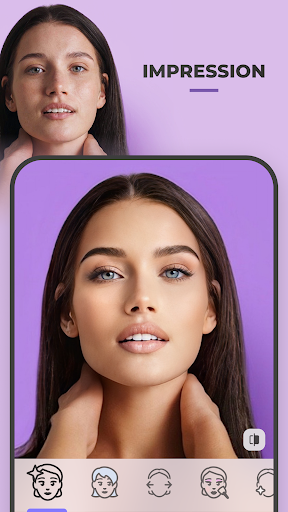
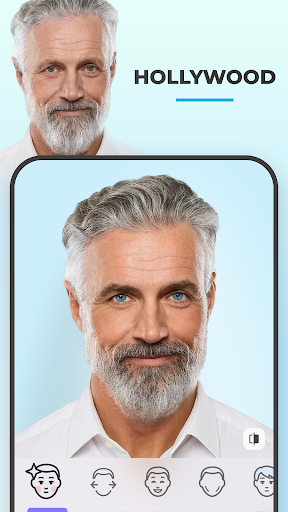
FaceApp distinguishes itself through its comprehensive set of photo editing tools designed for both aesthetic enhancement and entertainment. The app includes advanced features like the Impression filters which help perfect selfies by adjusting facial features, adding beards, changing hairstyles, and applying makeup with impressive realism.
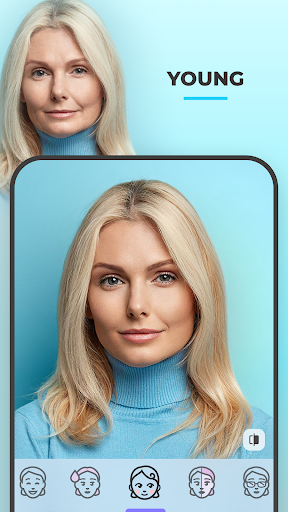
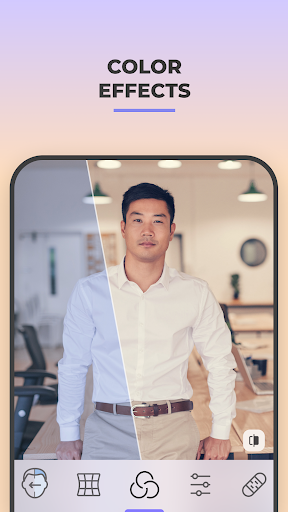
Beyond basic editing, FaceApp offers unique functionalities such as Gender Swap, Aging filters, and body modification options. These innovative features allow users to explore creative possibilities while maintaining photorealistic quality. Additionally, the app provides practical tools like acne removal, wrinkle smoothing, and precise control over image parameters such as temperature and saturation.
All these features are accessible through an intuitive one-tap interface, eliminating the need for complex photo editing skills. The app's ability to deliver professional-quality results quickly makes it stand out among photography applications, appealing to both casual users and photography enthusiasts.
User-friendly interface
Extensive filter options
Realistic photo effects
One-tap editing
Social media integration
Some features require subscription
Privacy concerns
Occasional processing delays
Limited free content
Watermark on free version

Remote control of the phone camera from your Wear OS smartwatch
 3.70
3.70
Create funny photos and videos with the popular Time Warp Scan filter.
4.90
A reflected light meter with spot metering and incident light metering.
4.40
GCamera allows all GCam features on all phone models! Better photos with GCamera
3.30
live datamoshing
4.00
Discover & download millions of art for The Frame TV or Hisense CanvasTV
4.60
Unlock the full potential of your DJI drone with Litchi
4.50
Discover How to Plan any Sun, Moon and Milky Way Photo You Imagine in Seconds
4.70
Your Family Calendar + Photos. Manage your Skylight Calendar and Skylight Frame.
4.40
A collection of tools and reference tables for DPs, ACs, DITs and Operators.
4.70
Easily view, share, delete photos with Gallery.
4.70
Automatically backup your photos and videos to computer, NAS and Cloud services
4.60
Unblur, enhance & restore photos with powerful AI photo enhancer tools.
4.60
Cut and paste photo editor & eraser to customize photos easy and swap faces fun
4.50
Use AI Video Generator to turn your words to ai generated videos.
4.50
Edit like a pro with Hypic. Apply filters, AI effects, & magic touch.
4.40
Turn your phone into a professional camera - full DSLR manual photography
4.30
Create & Edit with AI: AI Remove, Enhance, Retouch, Filter
4.10
How would you look like with a differently shaped nose, chin or lips?
3.90


User Reveiws