
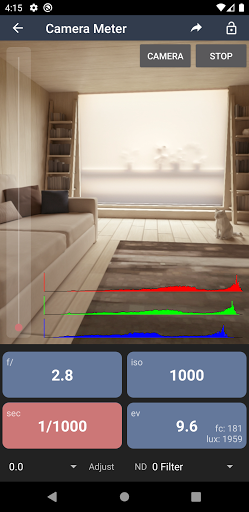
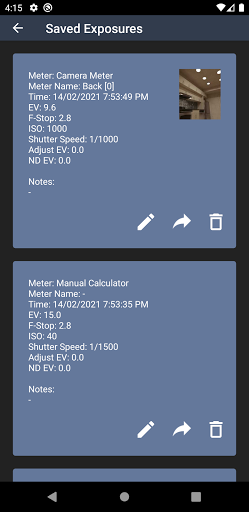
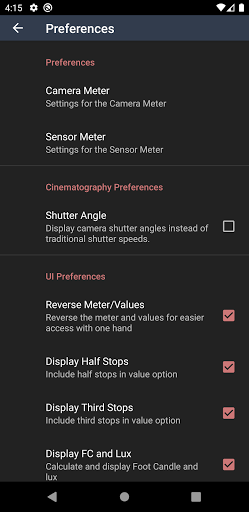
Light Meter is a comprehensive photography tool that combines both spot and incident light metering capabilities in one app. Designed for photographers of all levels, the application utilizes the device's camera for reflected light measurements and its light sensor for incident readings. Tested rigorously against industry-standard Gossen and Sekonic meters, it ensures accuracy across various devices.
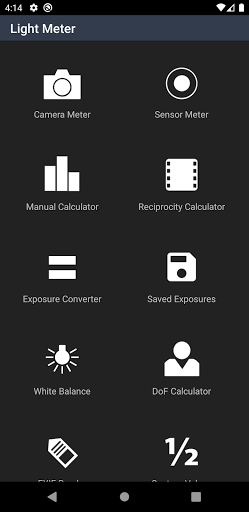
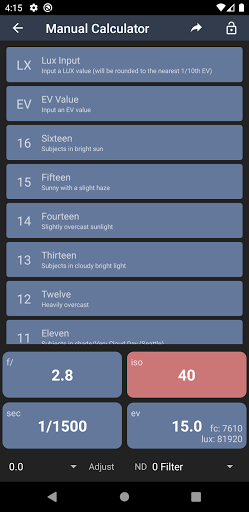
In addition to its primary function as a light meter, the app offers several advanced features including a Color Temperature meter for white balance adjustments, Reciprocity Failure compensation, Exposure Conversion tools, a Manual 'Sunny Sixteen' calculator, Depth of Field calculations, and an EXIF Reader. These features make it suitable for use with any type of camera, from film SLRs to pinhole cameras and even cinematographic equipment.
The app's versatility makes it an essential companion for both amateur and professional photographers who need reliable exposure measurements in diverse shooting conditions. Whether you're capturing landscapes, portraits, or cinematic scenes, Light Meter provides the necessary tools to achieve perfect exposure every time.
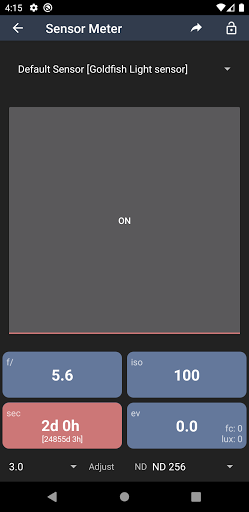
Light Meter stands out with its dual functionality, offering both spot and incident light metering options. The spot metering feature uses the device's camera to measure reflected light, while the incident metering relies on the built-in light sensor to measure the light falling on the subject. This dual approach allows users to select the most appropriate method for their specific photographic needs.
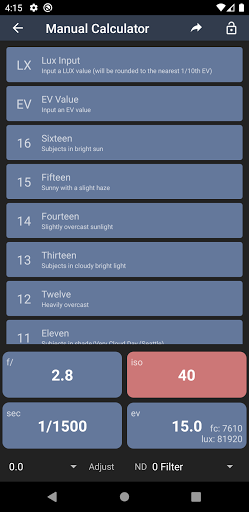
Beyond basic light metering, the app includes several specialized tools. The Color Temperature meter helps photographers adjust white balance settings accurately. The Reciprocity Failure calculator compensates for long exposures, ensuring correct exposure times. Additionally, the app features an Exposure Converter, a Manual 'Sunny Sixteen' calculator for estimating exposure without a light meter, a Depth of Field calculator for precise focusing, and an EXIF Reader for analyzing image metadata.
These features are designed to work seamlessly together, providing photographers with a complete toolkit for achieving optimal exposure and image quality. The app's intuitive interface and accurate measurements make it an invaluable asset for anyone serious about photography.
Accurate light readings
Comprehensive toolset
User-friendly interface
Wide device compatibility
Regular updates
Premium price point
Requires manual input
Limited low-light performance
No automatic syncing
Occasional bugs

Effortlessly organize, view and share your photos & videos with Gallery app!
 4.40
4.40
Perfect photos with body shaping, BG changer and object remover.
3.70
An interval timer to automate photo taking process for timelapse
2.90
Virtual makeup, hair filters & body tuner—edit from face to full body!
4.20
Edit like a pro with Hypic. Apply filters, AI effects, & magic touch.
4.40
Light-weight Media Gallery app for Android made with Jetpack Compose
4.60
AI photo enhancer with Sora 2! Enhance, descratch, and colorize your old photos.
4.50
A light meter for true photographers.
4.20
Your Family Calendar + Photos. Manage your Skylight Calendar and Skylight Frame.
4.40
AI Photo Editor with 100+ Filters, Effects! Remove BG, Retouch & Photo Enhancer.
4.80
Cut and paste photo editor & eraser to customize photos easy and swap faces fun
4.50
Photo Exif Editor allows to view, add and modify EXIF data of multiple photos
4.50
HD Camera Pro with HD Video shooting, Panorama, Photo editor , Beauty Camera.
4.50
Easily stitch panoramas from multiple photos or video.
4.40
Turn your phone into a professional camera - full DSLR manual photography
4.30
Professional photography on your mobile phone
4.20
All-in-One Editor & AI Photo Enhancer, Collage, Cartoonify, Funny Stickers & BGS
4.10
Gallery Slideshow is slideshow maker app for slideshow from your gallery photos.
3.90
HD Photo gallery and photo manager to edit, hide private photos, videos & albums
4.4


User Reveiws