




Gallery - photo gallery, album

4.40

Information

Category:

Photography

Price:

Free

Rank:

62

Rating:

4.40

Overview

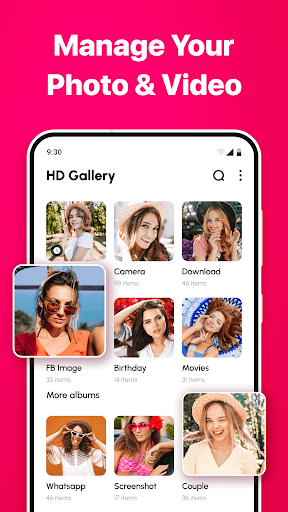
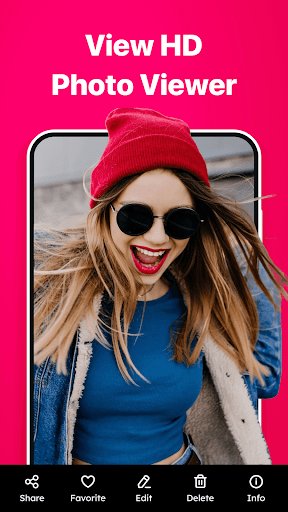
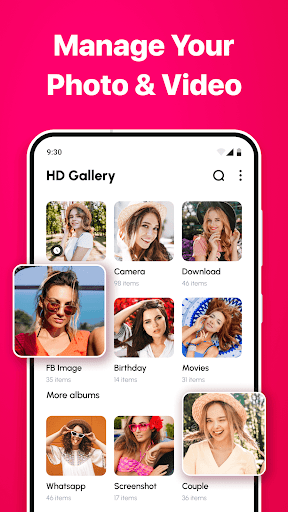
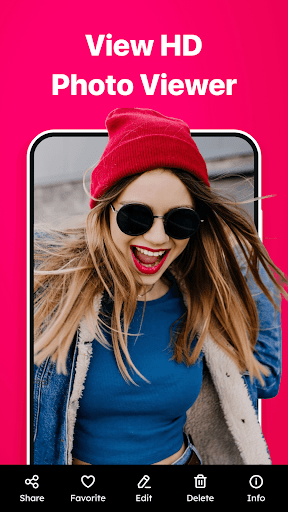
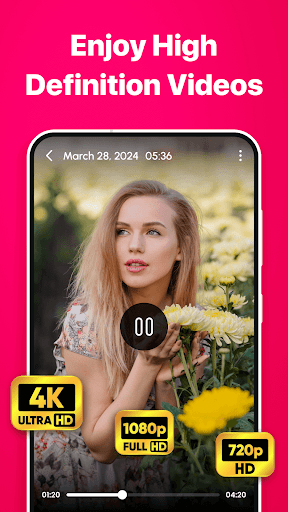
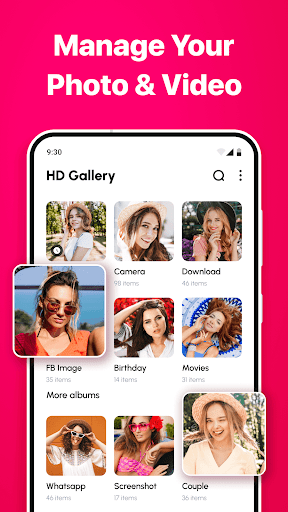
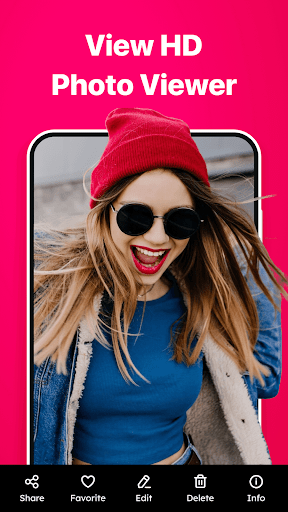
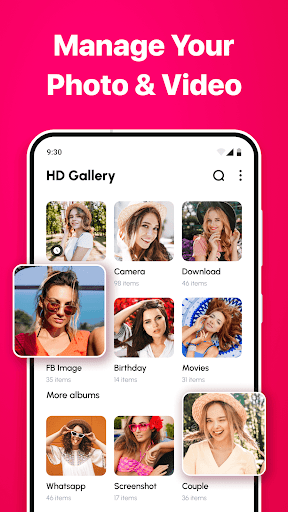
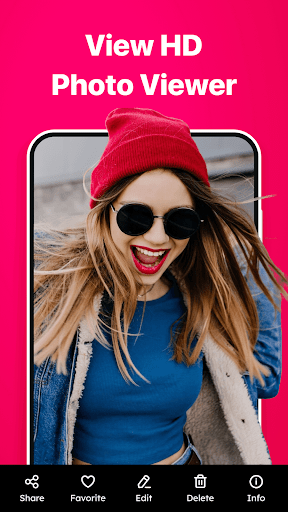
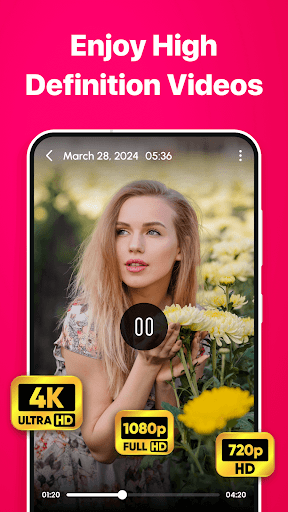
Gallery - photo gallery, album is a comprehensive photo and video management app designed to help users organize, view, and share their cherished moments with ease. The app offers an intuitive interface that supports fluid gestures for seamless navigation through photos and videos.

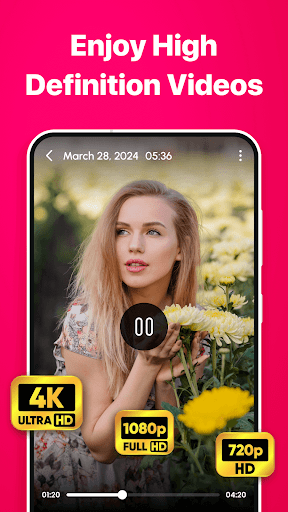
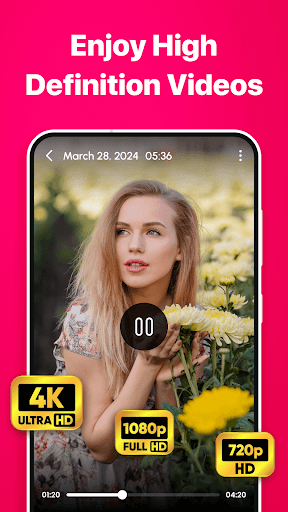
With support for various file formats including JPEG, PNG, GIF, and RAW, Gallery provides a centralized platform for managing all media files. Its customizable layouts and advanced search options ensure users can personalize their experience while quickly finding specific content. The inclusion of editing tools and easy sharing features makes it a complete solution for both casual and professional photographers.

This app is particularly useful for individuals who need an efficient way to manage large collections of media files across different categories. By offering light and dark mode themes, multi-language support, and privacy-focused design, Gallery ensures accessibility and user comfort in any situation.

Features

Gallery - photo gallery, album stands out with its rich feature set tailored for optimal media management. The app's intuitive photo and video management system allows users to swipe, edit, and zoom through their galleries effortlessly using simple gestures.

One of the key highlights is its wide file format support, accommodating everything from standard JPEGs to professional-grade RAW files. This versatility is complemented by beautiful themes that include both light and dark modes, catering to user preference and ambient lighting conditions. The advanced search and filter capabilities enable quick location of specific media, while customizable grid layouts let users adjust their viewing experience.

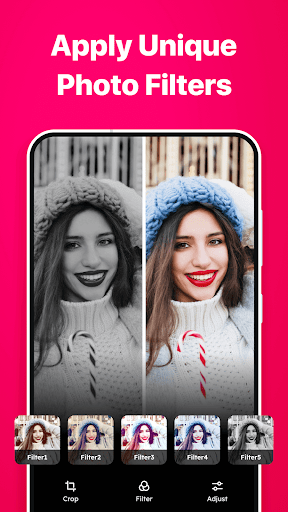
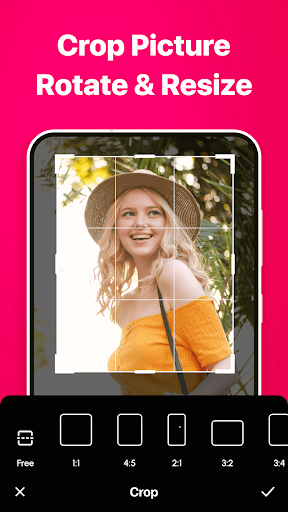
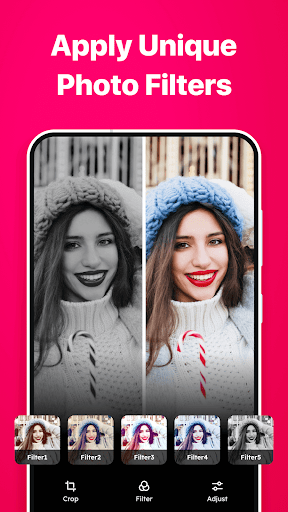
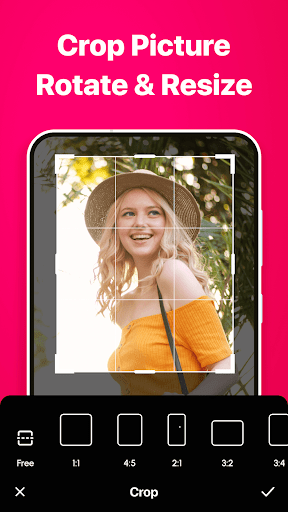
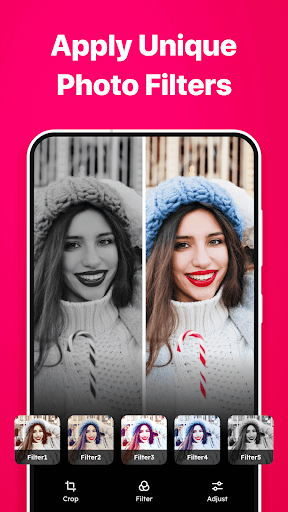
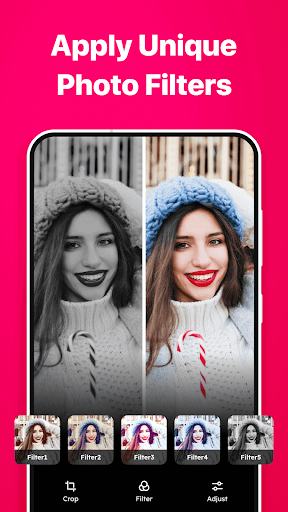
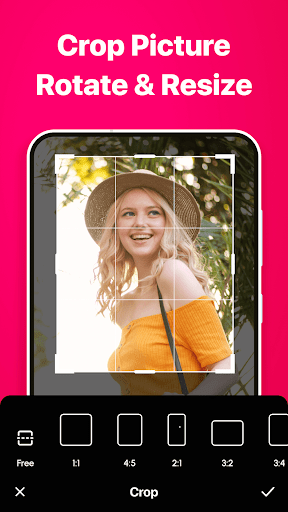
The built-in photo editing tools provide essential functions like cropping, rotating, and adjusting brightness/contrast, allowing users to enhance their photos without needing separate editing software. With easy sharing options across social media platforms and messaging apps, Gallery makes it simple to distribute media while maintaining control over personal data through robust privacy settings.

Real-Time Capture & Preview

Real-time capture and preview functionality is essential for any photography application as it allows users to see exactly what the camera is capturing before taking a photo. This feature ensures that users can make necessary adjustments to their shot composition, lighting, and focus in real time, leading to higher-quality images. In the Gallery - photo gallery, album app, this feature is seamlessly integrated into the user experience, providing photographers with an intuitive way to capture moments precisely as they envision them. The app supports various file formats including JPEG, PNG, GIF, and RAW, ensuring that users have the flexibility to choose the format that best suits their needs. By offering real-time previews, the app empowers users to take full control of their photography process, from initial capture to final edit. The benefits of real-time capture extend beyond just improved image quality. It also enhances the overall user experience by making photography more interactive and engaging. Users can experiment with different angles and settings, seeing immediate results on their screen. This instant feedback loop encourages creativity and learning, allowing users to quickly adapt and refine their techniques. Furthermore, the Gallery - photo gallery, album app's support for multiple languages ensures that users from diverse backgrounds can fully utilize the real-time capture feature. Whether you're a casual photographer looking to document everyday moments or a professional seeking precise control over your shots, the real-time capture and preview capabilities of this app provide significant value. By bridging the gap between what users see through the viewfinder and the final captured image, the app delivers a seamless and satisfying photography experience.

AI Beauty & Enhancement Naturalness

AI beauty and enhancement features have become increasingly popular in photography applications due to their ability to automatically improve the appearance of photos without requiring advanced editing skills. In the Gallery - photo gallery, album app, AI-powered enhancements are designed to bring out the best in every photo while maintaining a natural look. This balance between enhancement and authenticity is crucial, as overly processed images can appear artificial and lose their emotional impact. The app achieves this by employing sophisticated algorithms that analyze each photo's unique characteristics and apply enhancements accordingly. These enhancements may include skin smoothing, blemish removal, color correction, and dynamic range adjustments, all tailored to preserve the original essence of the image. One of the standout aspects of the Gallery - photo gallery, album app's AI beauty features is its customizable options. Users can fine-tune the level of enhancement applied to their photos, ensuring that the final result aligns with their personal preferences. This flexibility is particularly valuable for users who want to maintain a realistic appearance while still benefiting from subtle improvements. Additionally, the app's built-in editing tools complement the AI enhancements by allowing users to make manual adjustments such as cropping, rotating, and applying filters. Together, these features create a comprehensive editing suite that caters to both novice and experienced photographers. Beyond individual photo edits, the AI beauty and enhancement capabilities contribute to a cohesive gallery experience. By consistently improving the visual quality of photos, the app helps users create stunning albums that tell compelling stories. Whether sharing memories with friends and family or showcasing work professionally, users can trust that their photos will look their best. The combination of natural-looking enhancements and powerful editing tools makes the Gallery - photo gallery, album app a valuable asset for anyone looking to elevate their photography without compromising authenticity.

Props

User-friendly interface

Wide file format support

Customizable layouts

Powerful search options

Built-in editing tools

Cons

Limited iOS compatibility

Occasional performance lag

Premium feature costs

Complex settings for beginners

Ads in free version

Features and Functions

What is this app and what can I use it for?

A photo management app for organizing and sharing memories

How do I download and install this app on my device?

Search Gallery on Google Play, tap Install, and open after download

How do I get started after opening the app for the first time?

Grant necessary permissions and follow setup wizard instructions

What are the main features and capabilities of this app?

Photo editing, organization, and sharing with customizable layouts

How can I customize my experience and adjust preferences?

Adjust layout columns, themes, and language in Settings menu

How do I save or bookmark my favorite content for later access?

Tap star icon to mark favorites for quick access later

How can I share content with friends or on social media?

Use share button to post content on social media platforms

How do I access detailed information and explore more content?

Utilize search bar and filters to find specific media files

What permissions does this app need and how do I manage them?

App needs storage and media permissions, managed in settings

How do I check for updates and keep the app running smoothly?

Enable auto-updates in Google Play Store for latest version
Show more

User Reveiws

{{ comment.reviewer_name }}
{{ comment.review_date_formatted}}
{{ comment.review_content }}
{{ tab.name }}
{{ comment.reviewer_name }}
{{ comment.review_date_formatted}}
{{ comment.review_content }}
No reviews with this rating