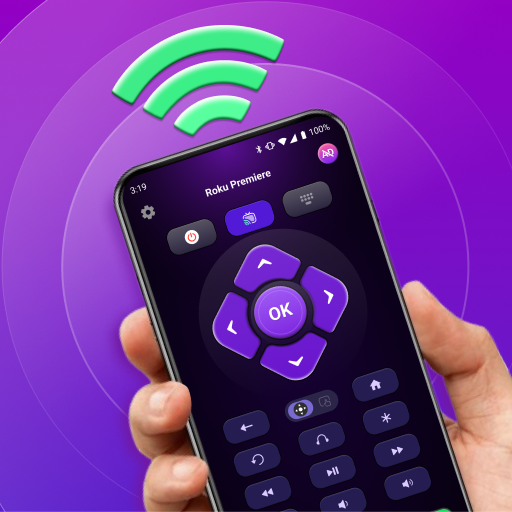
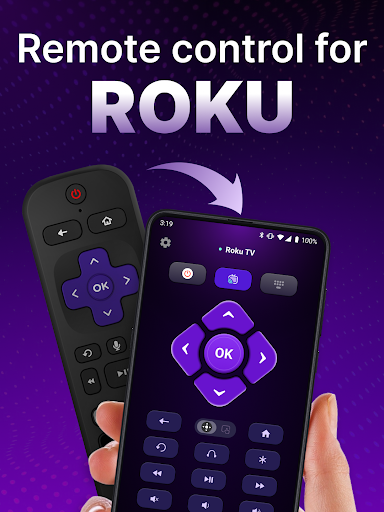
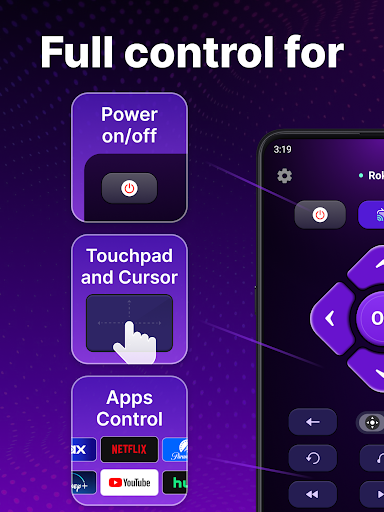
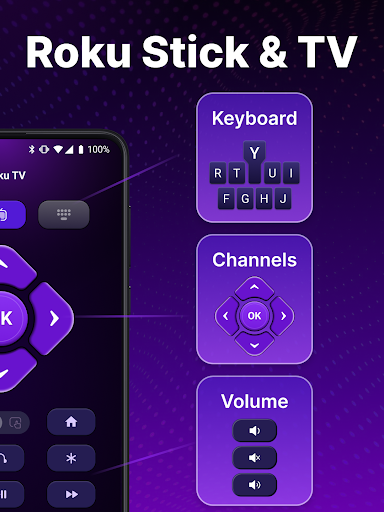
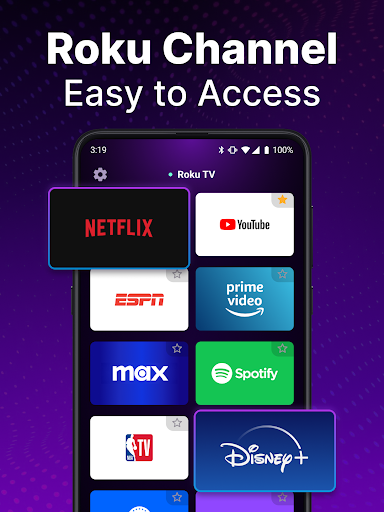
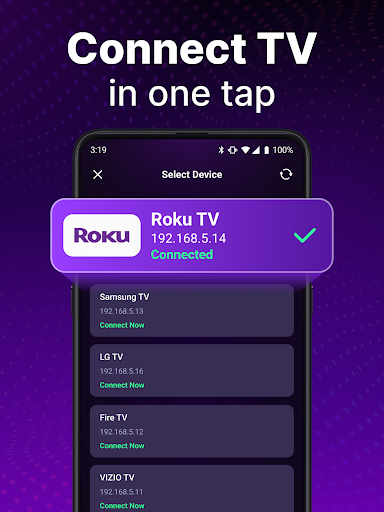
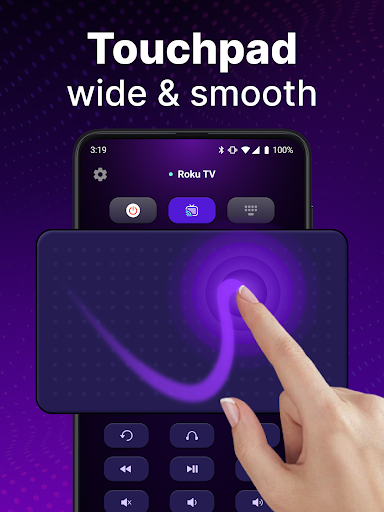
TV Remote control for Roku TV is a universal remote application that allows users to conveniently manage their Roku TV devices directly from their smartphones. The app connects to the same Wi-Fi network as your Roku TV, enabling you to perform essential functions such as turning the TV on and off, adjusting volume levels, browsing content, streaming channels, and launching applications.
This universal remote app offers advanced features like automatic device detection, voice control capabilities, and smooth navigation through a touchpad interface. Users can also benefit from the keyboard input functionality for quick text entry and search operations. With this app, you no longer need to rely on traditional physical remotes, providing a more portable and versatile solution for controlling your Roku TV experience.
Whether you're at home or within Wi-Fi range, this app enhances convenience by allowing you to control your entertainment setup effortlessly. It's particularly useful for those who frequently misplace their physical remotes or prefer a modern, digital approach to managing their smart TVs.
The TV Remote control for Roku TV app boasts several notable features that enhance its usability and functionality. One of its standout characteristics is the automatic detection system, which identifies Roku TV devices connected to the same Wi-Fi network, simplifying the initial setup process significantly.
In addition to basic controls like power on/off and volume adjustment, the app provides rapid access to Roku TV functionalities through intuitive touchpad navigation. This feature supports smooth scrolling and swiping actions, mimicking the natural feel of a physical remote while offering greater precision and ease of use.
Voice control is another key aspect, allowing users to perform hands-free operations such as searching for shows and launching channels without needing to type manually. The inclusion of keyboard input further accelerates the search process, making it easier than ever to find and enjoy your favorite content directly from your smartphone.
User-friendly interface
Voice command support
Automatic device detection
Touchpad navigation
Quick text input
Requires Wi-Fi connection
Not an official Roku app
Limited to Roku devices
Potential connectivity issues
No physical buttons

Easily install aab(Android App Bundle) files on your Android device with our app
 4.80
4.80
An open-source APK explorer for Android!
4.10
MS-DOS in your pocket. Play old DOS games anywhere you are ;)
4.10
Detect hidden spy camera with advanced scanning {{ Premium version }}
4.00
Excellent scientific calculator with symbolic algebra, integrals, derivatives
4.80
Play your X-Box games remotely in 1080p with any controller and zero latency
4.60
Fun lie-detection pranks for friends and parties.
3.80
Your personal health butler
3.60
fast and easy mp3 music downloader
4.80
Extremely fast, secure, and protects your privacy
4.80
HD Camera captures every special moment.
4.60 4.50
4.50 4.50
4.50
The Ultimate Bluetooth Keyboard & Mouse. Securely control your PC, Mac, and more
4.50
Use your phone as a webcam on your computer over WiFi or USB.
4.40
An easy-to-use calculator designed to save time calculating and bending conduit
4.30 4.10
4.10
A simple app to back up and restore SMS & MMS messages and call logs.
4.10
A convenient photo, video, and file recovery tool.
4.00


User Reveiws