
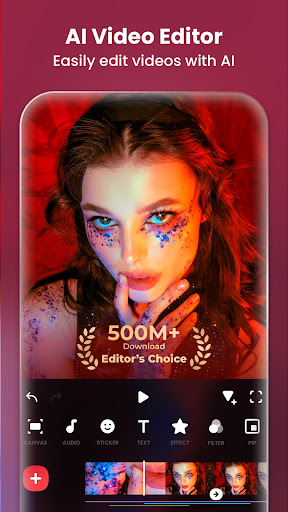
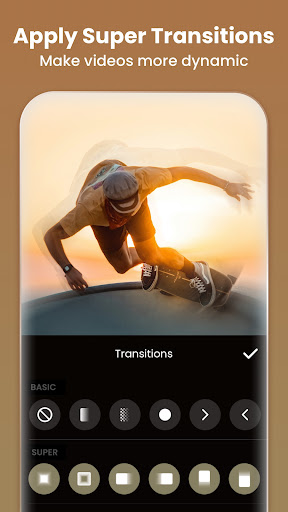
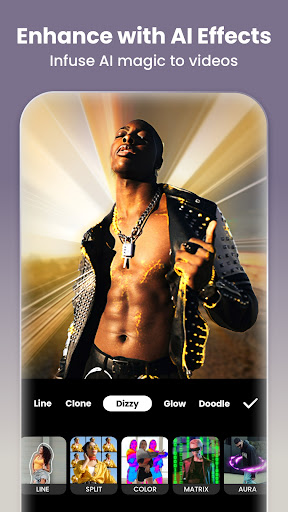
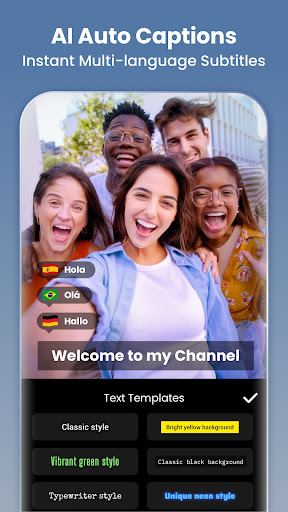
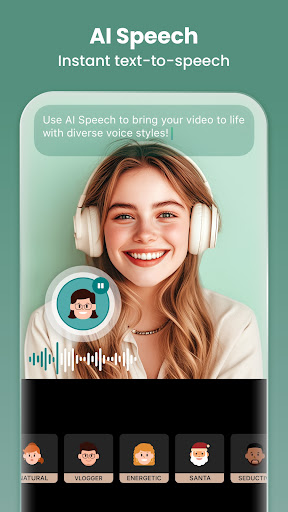
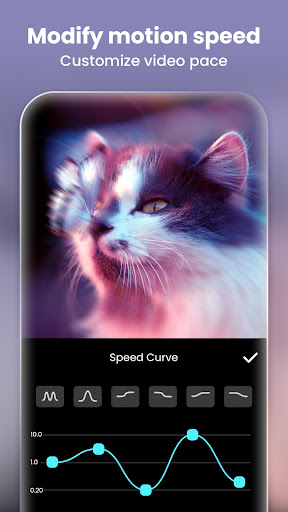
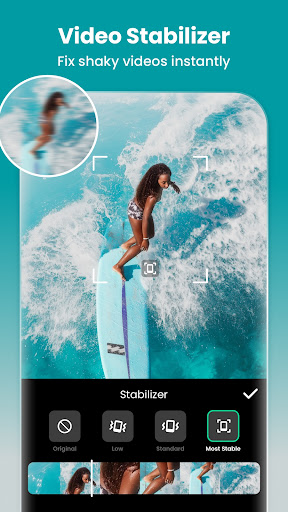

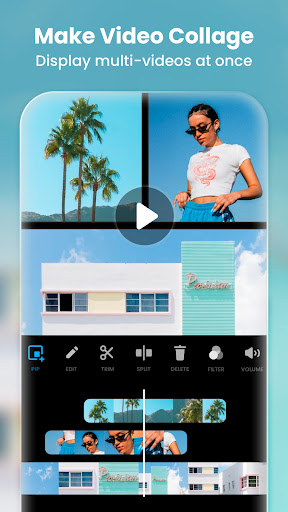

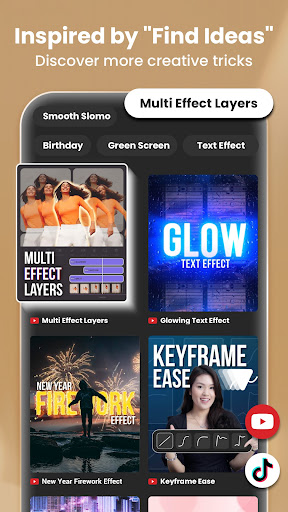
Video Editor & Maker is a comprehensive mobile application designed for both amateur and professional content creators. This app provides an all-in-one solution for video editing, offering features such as trimming, merging clips, adding music, text, and transition effects. With capabilities to create smooth slow motion, video collages, and blur backgrounds, it caters to a wide range of creative needs.
The app stands out with its AI-powered tools that simplify complex tasks like auto captions, background removal, and smart tracking. These innovative features ensure that even users with minimal editing experience can produce high-quality content. Whether you're looking to enhance your social media presence on platforms like YouTube, Instagram, or TikTok, Video Editor & Maker equips you with the necessary tools to stand out.
Additionally, the app serves as a photo editor and collage maker, allowing users to adjust HSL, apply filters, and remove unwanted objects. Its versatility makes it suitable for creating stylish Instagram story covers and posts, making it an indispensable tool for modern digital storytellers.
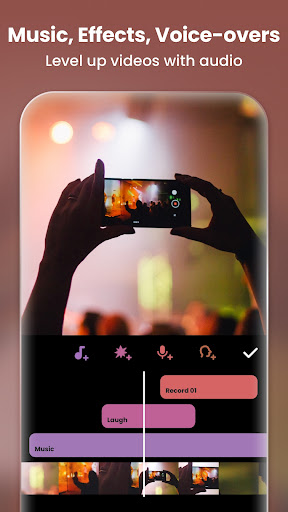
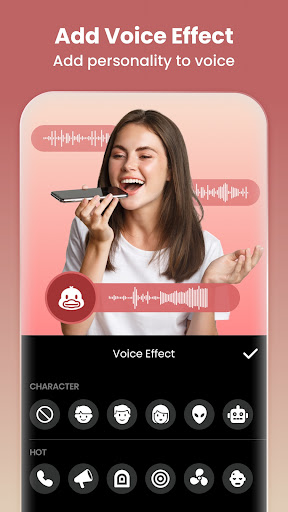
Video Editor & Maker boasts a rich set of features tailored to meet diverse editing requirements. One of its core strengths lies in the full-featured video editing suite, which includes functionalities like trimming, merging, reversing videos, and adjusting speed. Users can add various styles of voice effects, customize keyframe animations, and utilize chromakey for green screen edits, providing a professional touch to their projects.
The app also excels in offering cinematic filters and unique effects such as Glitch, Fade, Noise, and Retro DV. The inclusion of AI effects like cloning, stroking, and auto-blurring adds a futuristic dimension to video creation. Moreover, the picture-in-picture feature enables multi-layered video production, while blend modes allow for creative combinations of visual elements.
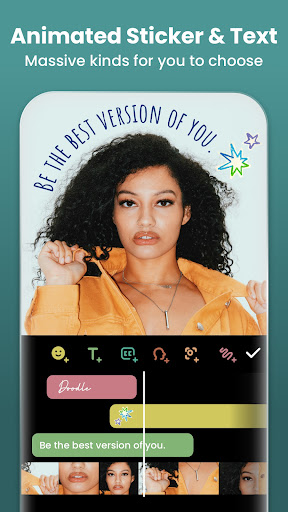
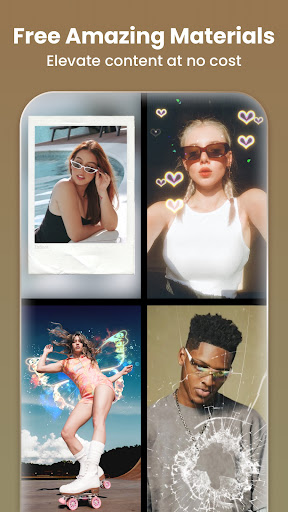
As a photo editor and collage maker, the app supports blurring backgrounds, removing unwanted objects, and enhancing photos with AI technology. With over 1000 stickers, memes, texts, and backgrounds, users have ample resources to craft engaging visuals. The easy-to-use interface ensures that even beginners can navigate and utilize these advanced features effectively.
User-friendly interface
Extensive AI tools
Versatile editing options
High-quality export capabilities
Regular updates and support
Some features require purchase
Occasional performance lags
Limited free export resolution
Ads in the free version
Complexity for new users

Photo editor: face & body editor, beauty cam, filters and quality enhancer.
 4.00
4.00
Find time and duration of different sunlight phases at any location
4.90
What celebrity do you look like? Celebs will find your celebrity match!
4.10
AI photo editor with hair editor, retouch tools, hair color changer & filters!
4.50
Take videos and pictures with the popular TikTok TIME WARP SCAN filter.
4.60
Luminar: Photo Editor - easy picture editing with AI
4.20
Use AI Video Generator to turn your words to ai generated videos.
4.50
AI-powered video creator by MiniMax - Where ideas meet cinema
4.20
A unique animation app. Powerful, easy to use, and lots of fun.
4.30
Photo prints, cards, & gifts at Walgreens. Easy ordering & fast local pickup !
4.80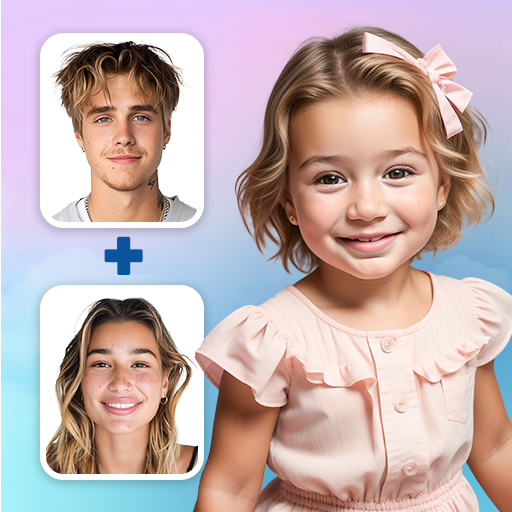
See your baby AI baby face generator AI baby maker Face generator babymaker fun!
4.70
Your personal guide to the sun and moon. Plan ahead, visualize and predict!
4.70
Enhance, upscale, and transform your images — on your device, without limits
4.70
Enhance, retouch & create your story - Share the moment with Photoshop Express.
4.60
Unblur, enhance & restore photos with powerful AI photo enhancer tools.
4.60
Movie camera, supports pro recording settings for filming. Try it and be amazed!
4.50
live datamoshing
4.00
Pet Camera
3.70
Over 800 film simulation recipes for Fujifilm. Black Friday Offer!
4.4


User Reveiws