



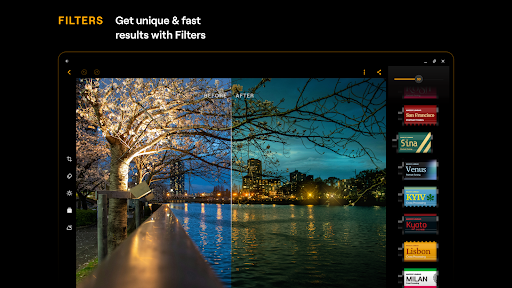
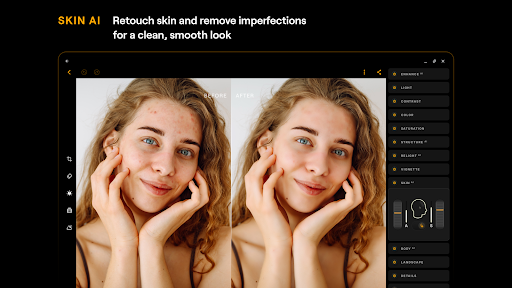
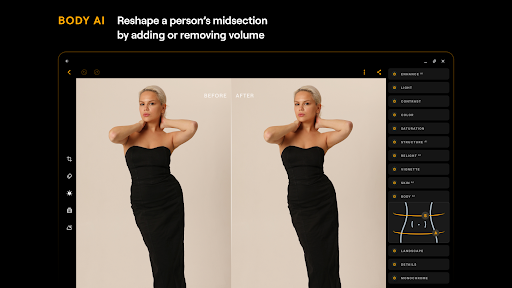
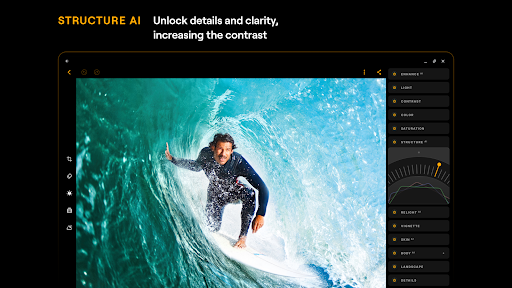
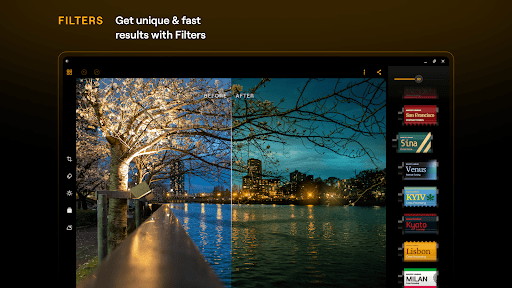
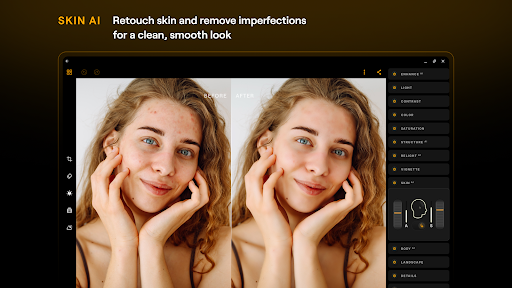


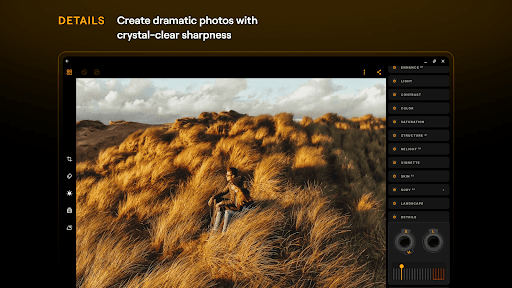
Luminar: Photo Editor is a comprehensive mobile photo editing application designed for both Android and ChromeOS users. This app combines powerful AI-driven tools with an intuitive, interactive interface that responds to touch gestures, making photo editing more engaging and efficient. The streamlined design offers unparalleled control through smoothly gliding sliders and spinning dials, eliminating complicated processes while maximizing creative potential.
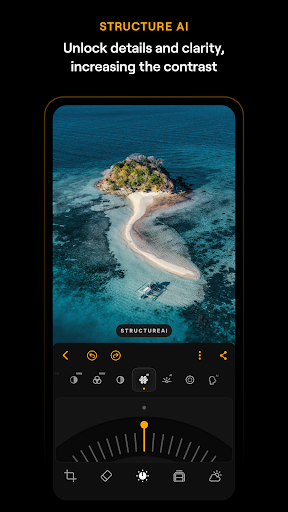
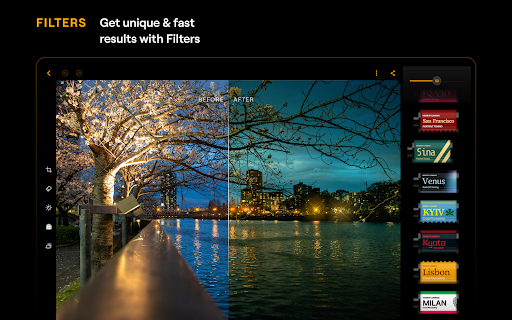
Key features include various smart AI enhancements such as SkyAI for sky replacement, EnhanceAI for quick photo quality adjustments, StructureAI for detail enhancement, RelightAI for dynamic lighting control, and SkinAI for automatic skin retouching. Additionally, the app supports RAW file editing, provides diverse photo filters, and includes essential tools like Curves, Details, Crop, Landscape, Monochrome, and Erase functions. Luminar ensures seamless integration across Android devices, particularly those running Android 11 or later, and ChromeOS systems.
Whether you're a beginner or a professional photographer, Luminar: Photo Editor caters to all skill levels by offering advanced yet accessible photo editing capabilities. From color adjustments to detail enhancement and photo retouching, this app empowers users to elevate their photography with minimal effort, delivering professional results on the go.
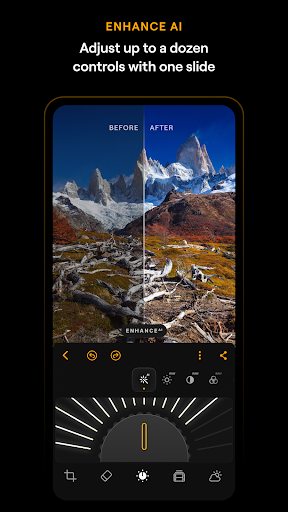
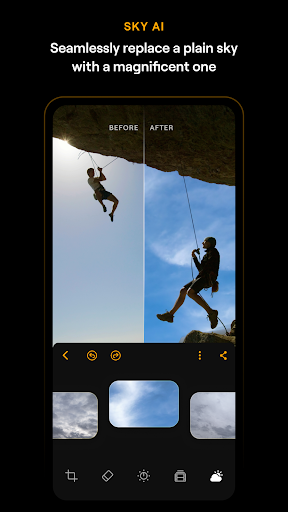
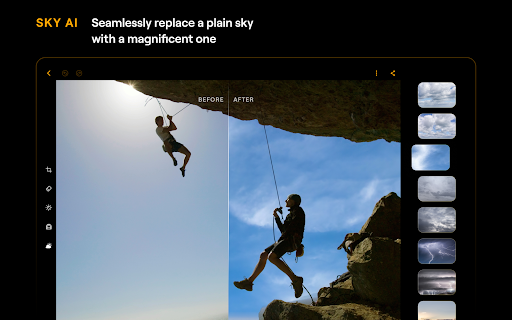
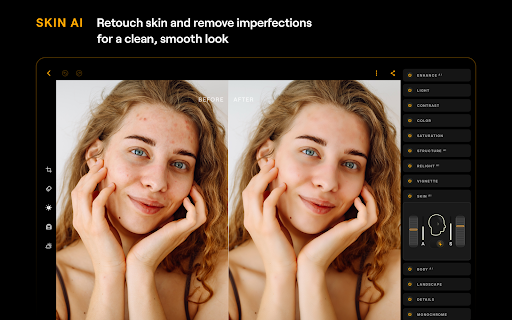
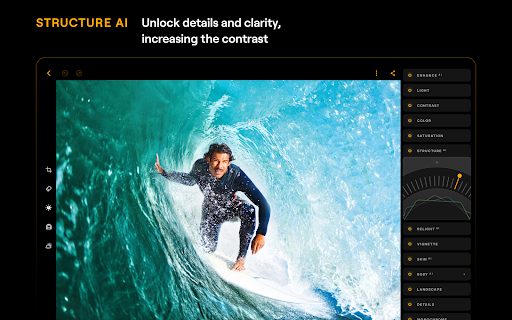
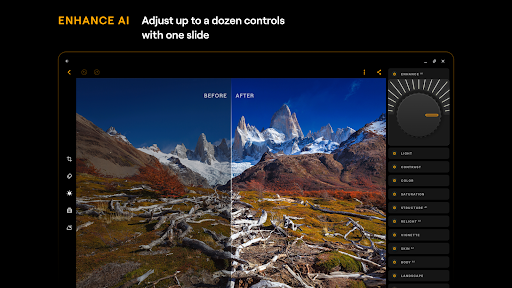
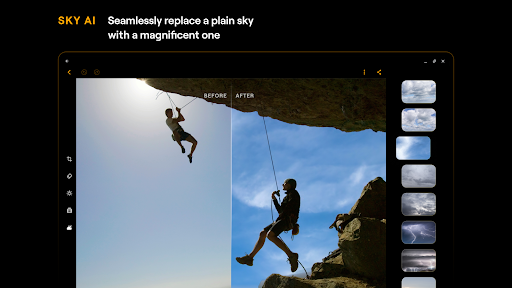
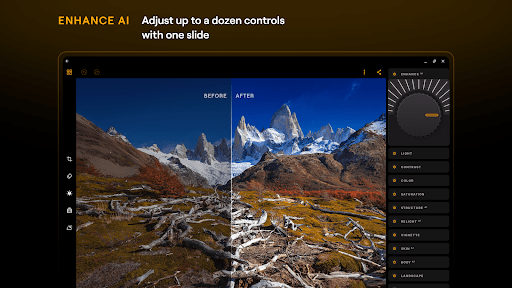
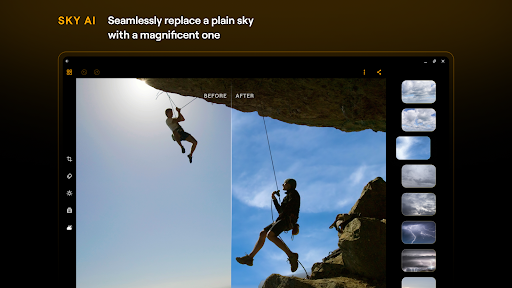
Luminar: Photo Editor stands out with its array of sophisticated features tailored to enhance user experience and deliver professional-grade edits effortlessly. One of the standout aspects is its suite of AI-powered tools, including SkyAI, which allows users to replace dull skies with vibrant alternatives, creating stunning backdrops instantly. EnhanceAI simplifies the enhancement process by adjusting color, tone, and clarity with a single slide, producing polished images within seconds. StructureAI brings out hidden details and textures, adding striking visual impact to photos.
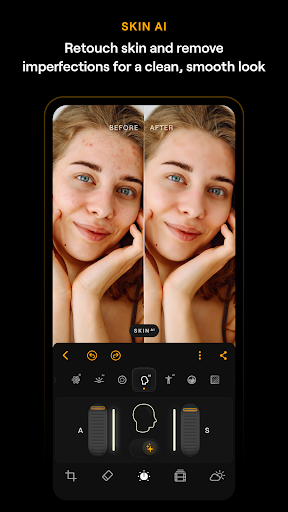
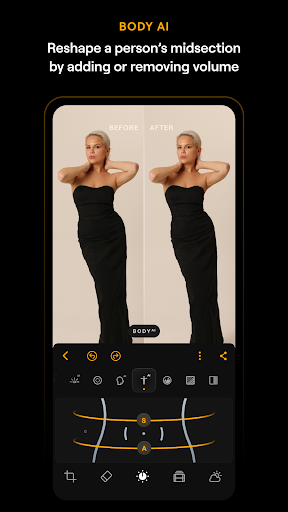
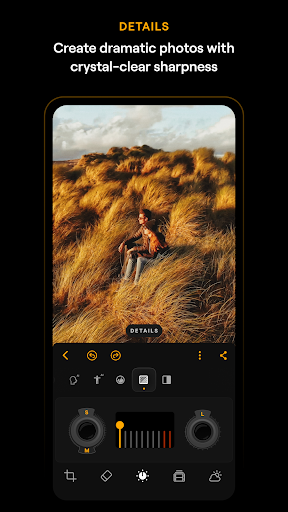
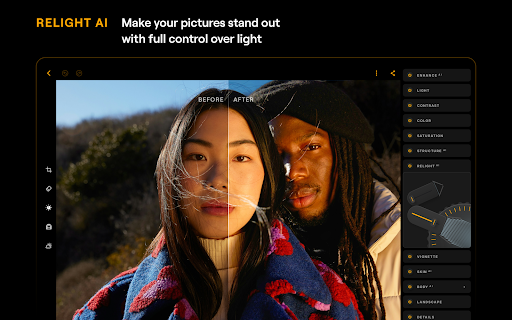
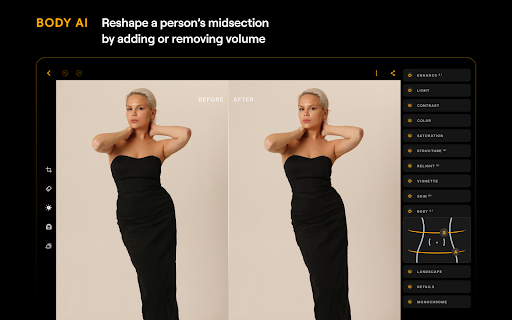
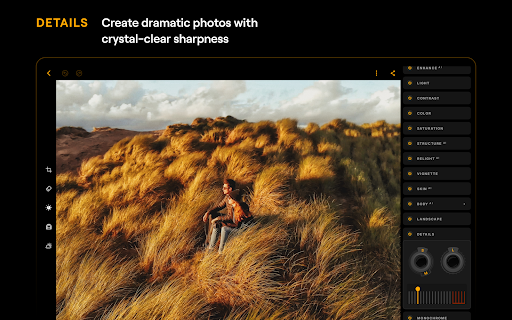
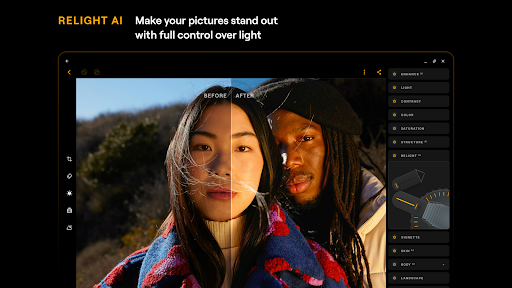
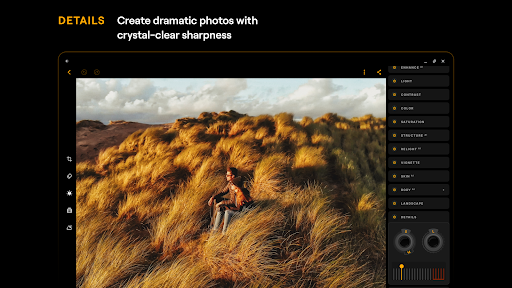
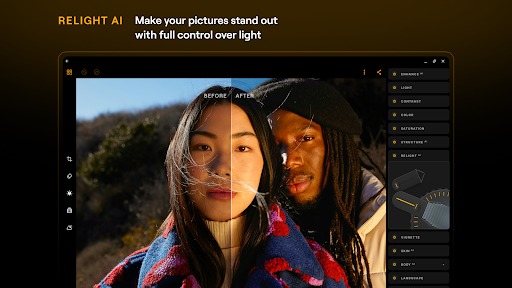
The app also includes RelightAI for dynamic lighting adjustments, enabling users to take full control over exposure and light sources. SkinAI automatically retouches skin, removing imperfections for a flawless finish, while BodyAI realistically adjusts a subject's midsection volume. Beyond AI features, Luminar offers precise editing tools like Curves for color and tone adjustments, Details for enhancing clarity, and Crop for perfect compositions. Additional functionalities include Landscape enhancements, Monochrome conversions, and an Erase tool for removing unwanted elements.
Designed for both Android and ChromeOS, Luminar ensures compatibility with devices running Android 11 or newer and ChromeOS with Android Runtime support. Its responsive interface and motion-sensitive controls provide a smooth, intuitive editing experience, whether on a phone or Chromebook. With RAW file support and diverse photo filters, Luminar: Photo Editor is a versatile powerhouse for all your photo editing needs.
Intuitive interface
Advanced AI tools
RAW file support
Versatile editing options
Cross-platform compatibility
Paid subscription required
Auto-renewal by default
Limited free features
High system requirements
Occasional performance lags

Shooting photos and records video easily and efficient with professional Camera
 4.30
4.30
HD Photo gallery and photo manager to edit, hide private photos, videos & albums
4.3
Photo prints, cards, & gifts at Walgreens. Easy ordering & fast local pickup !
4.80
USB Storage Access for Photos, Videos, Music and Documents
3.80
AI Photo Editor with 100+ Filters, Effects! Remove BG, Retouch & Photo Enhancer.
4.80
Transform Photos: Edit, Beautify and Craft Memories & Make Collages!
4.10
AI-powered video creator by MiniMax - Where ideas meet cinema
4.20
Unlock the full potential of your DJI drone with Litchi
4.50
Welcome to ProShot, the most powerful camera app on Android.
4.20
Gallery show photo, video, slideshow, is perfect 3D effect private photo albums.
4.80
Easily view, share, delete photos with Gallery.
4.70
A must-have app for landscape photographers
4.60
Transform photos into videos! Create realistic or anime-style images easily!
4.50
Professional camera app that brings DSLR manual photography controls to Android.
4.20
What celebrity do you look like? Celebs will find your celebrity match!
4.10
Create & Edit with AI: AI Remove, Enhance, Retouch, Filter
4.10
Photobooth mini FULL app will allow you to add more fun to your parties
4.00
How would you look like with a differently shaped nose, chin or lips?
3.90
Photo Album Watch Face shows your favorite pictures as a Watchface.
1.90


User Reveiws