
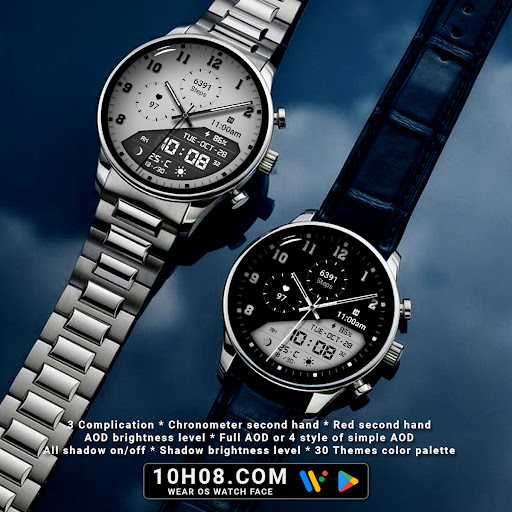

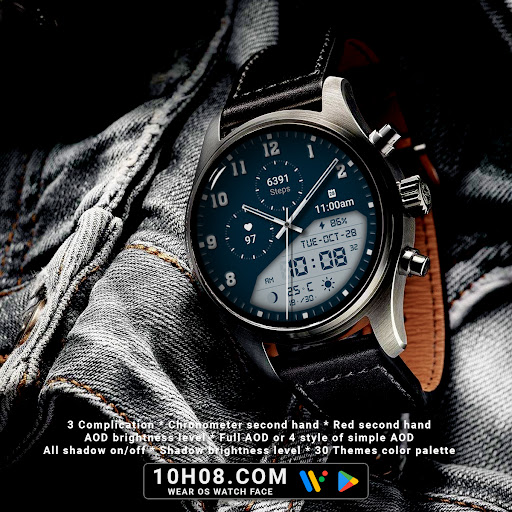
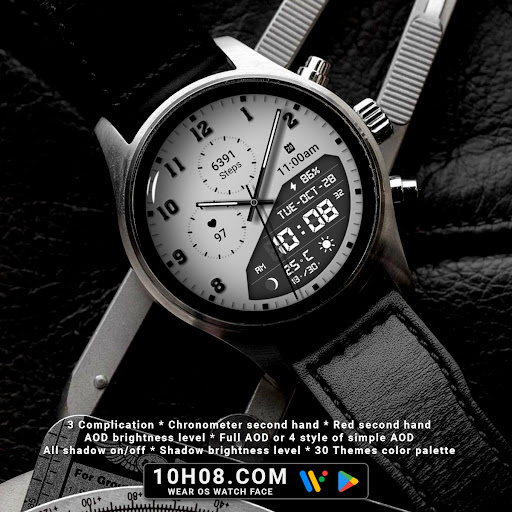
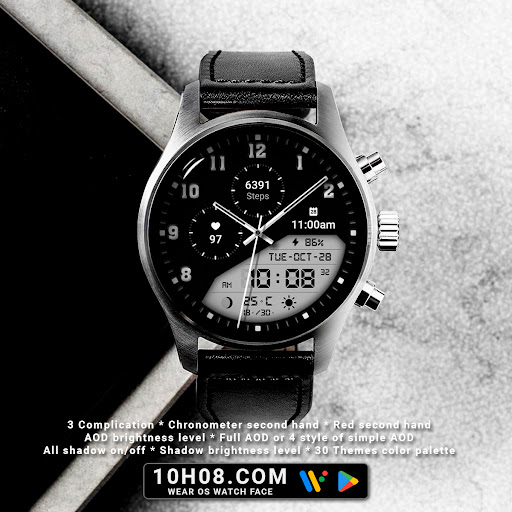
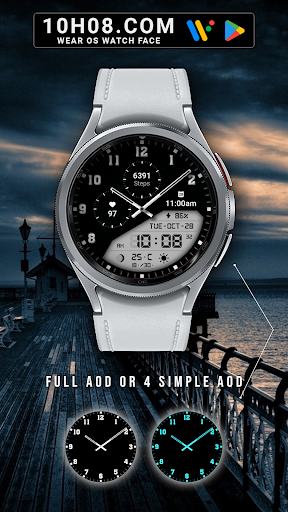

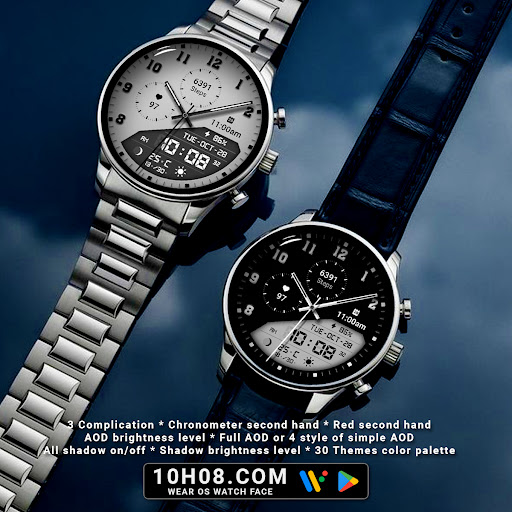
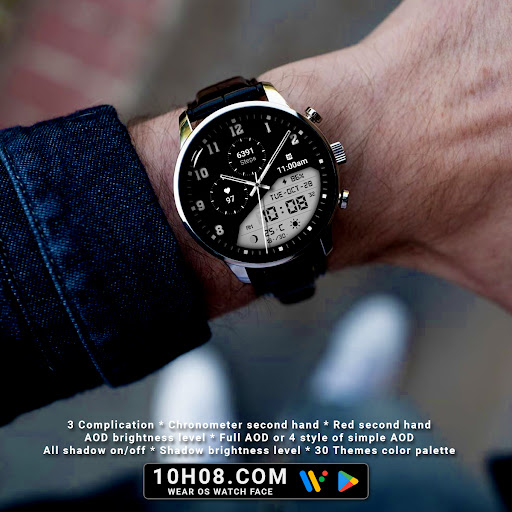
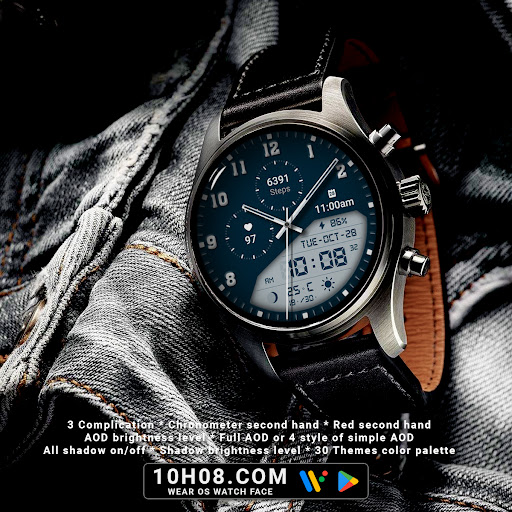
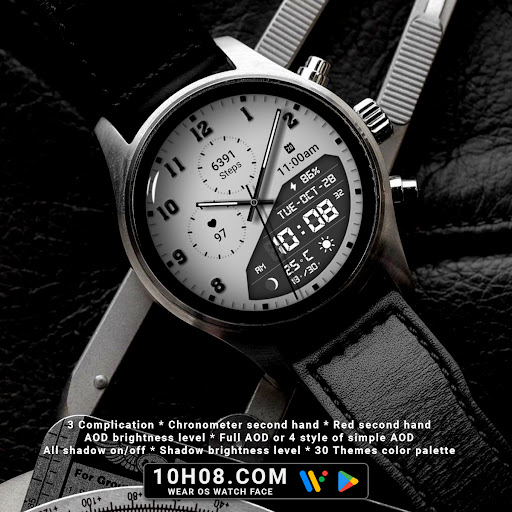
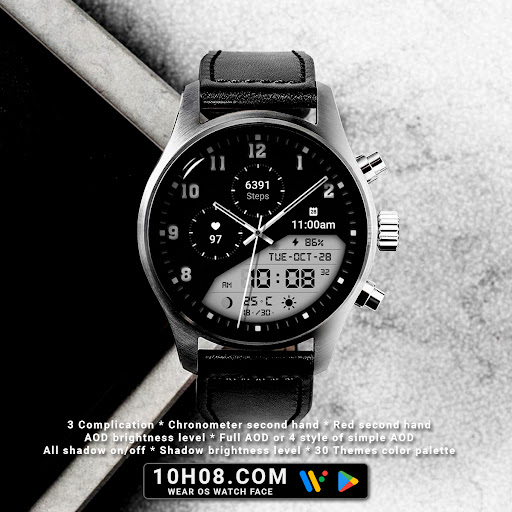
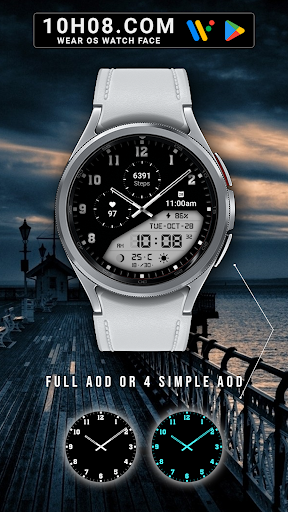
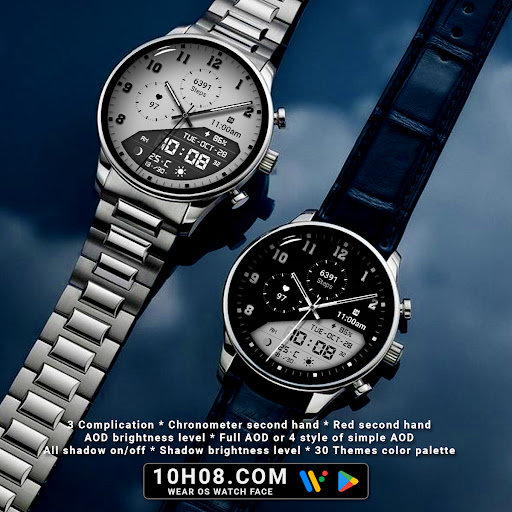
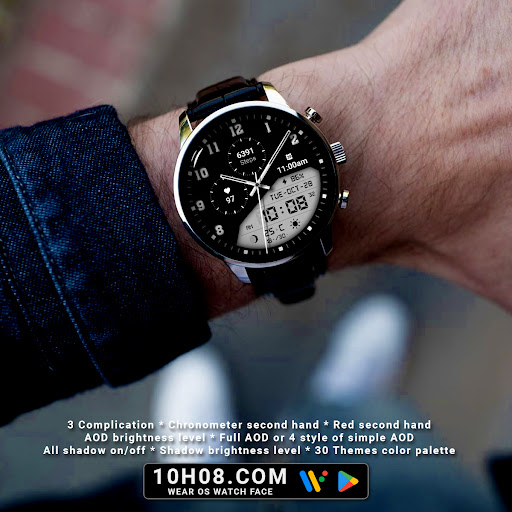
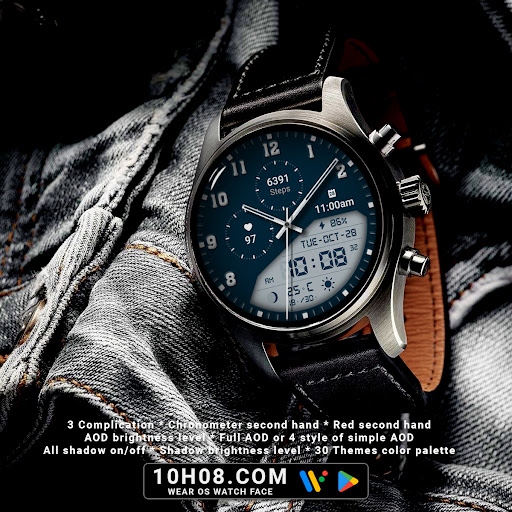
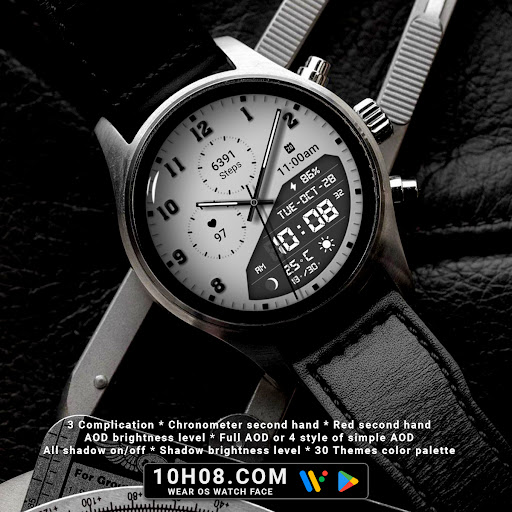
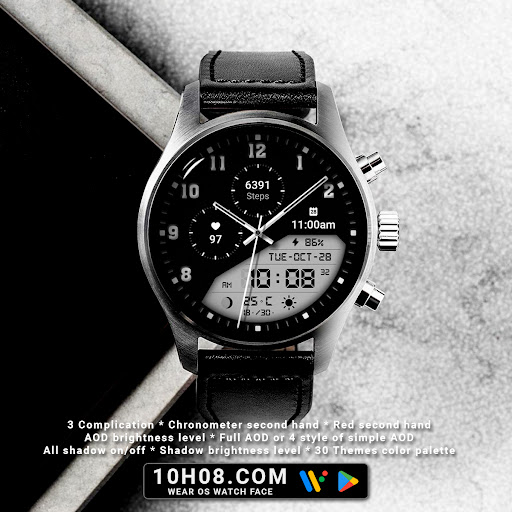
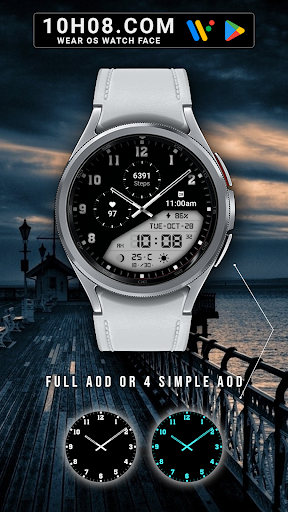
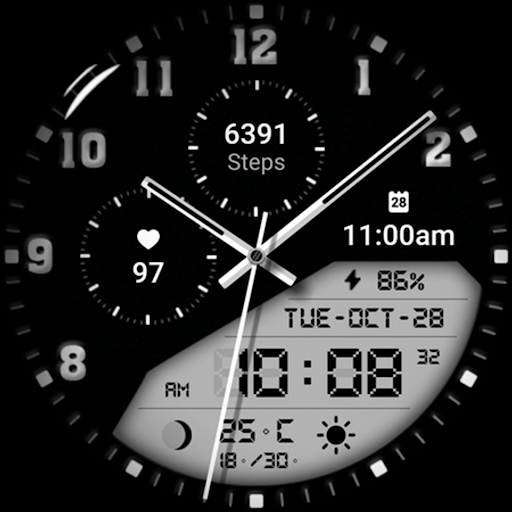
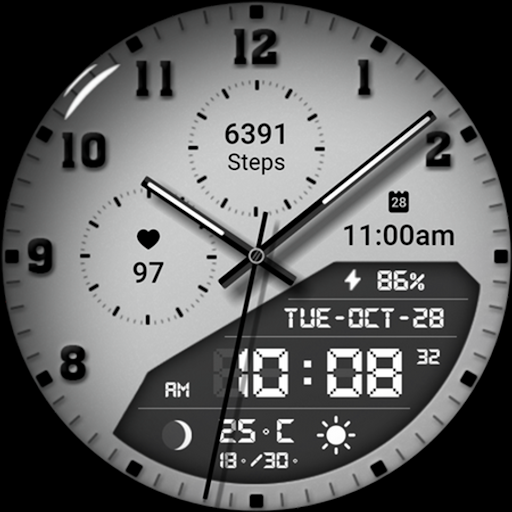
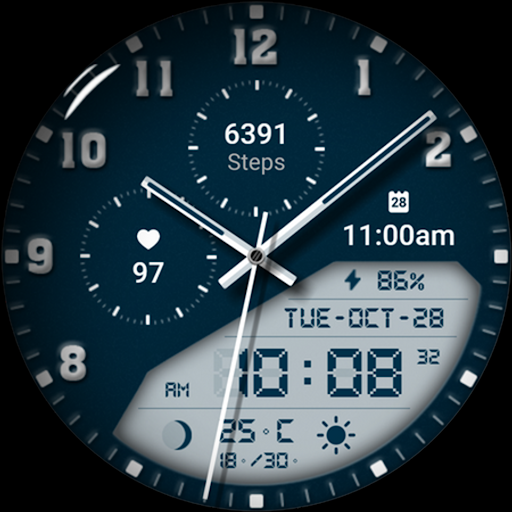
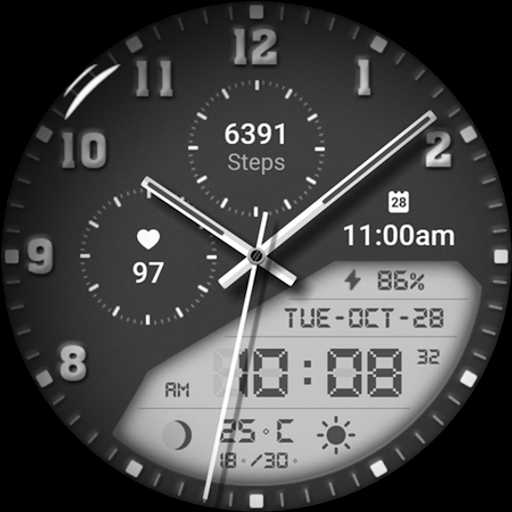
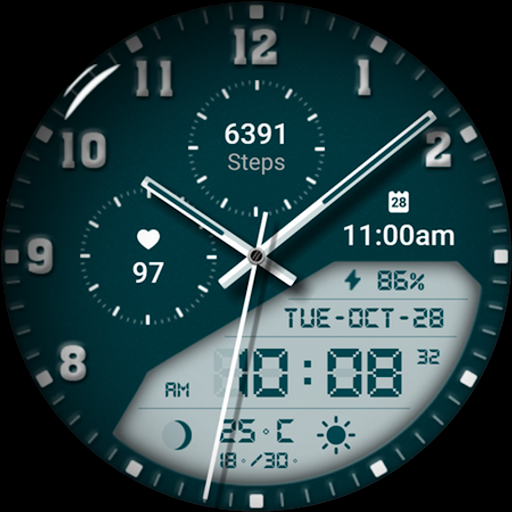
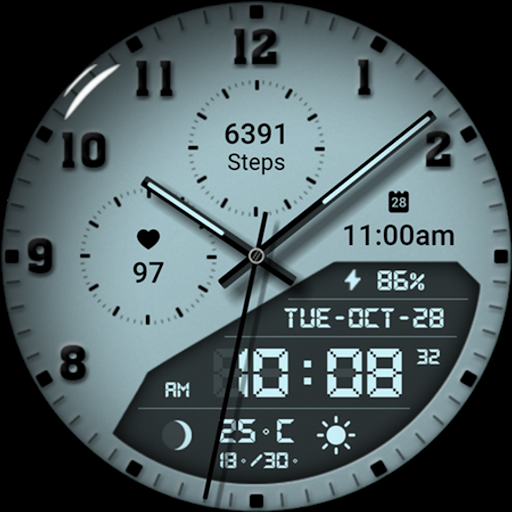

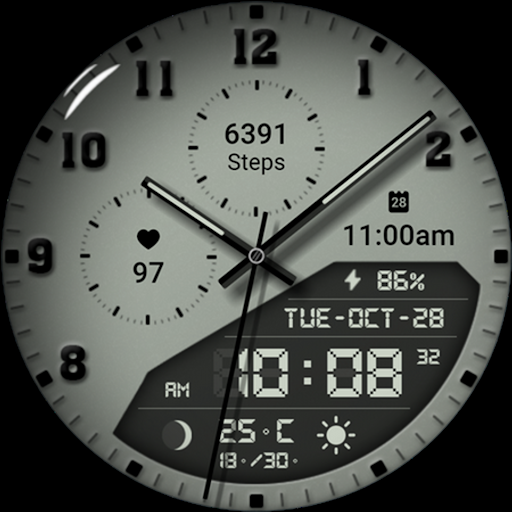
Watch face 10h08.com #85 is a feature-rich, customizable watch face designed for Wear OS smartwatches. This digital timepiece combines classic analog aesthetics with modern digital functionality, presenting users with an elegant yet highly informative display.
The watch face offers essential features like time (both analog and digital formats), day, date, weather updates, fitness tracking (steps count and heart rate), next event notification, moon phase, battery level indicator, and more. With support for 3 complications, a chronometer second hand, and red second hand options, it provides users with precise timekeeping and personalized data visualization.
Designed for smartwatches running Wear OS 5+ SDK 34+, including models like Galaxy Watch 6, Galaxy Watch 7 Ultra, Ticwatch Pro 5, and others, this watch face ensures compatibility across popular devices. Its high-resolution display, sharp image quality, and 30 color palette themes make it suitable for various personal styles and preferences.
Watch face 10h08.com #85 stands out with its extensive customization capabilities. Users can personalize their watch face experience by adjusting elements such as shadow effects (on/off), shadow brightness levels, AOD (Always-On Display) brightness levels, and choosing from full AOD or four styles of simple AOD modes.
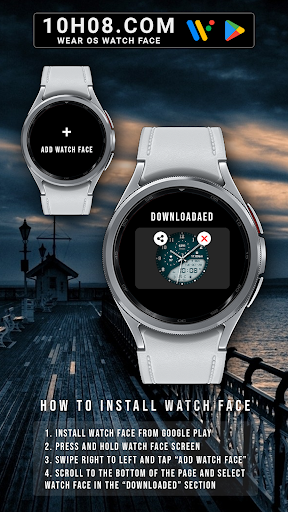
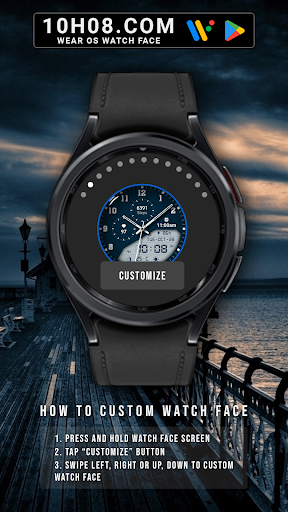
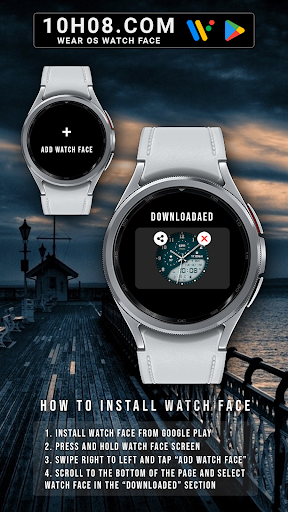
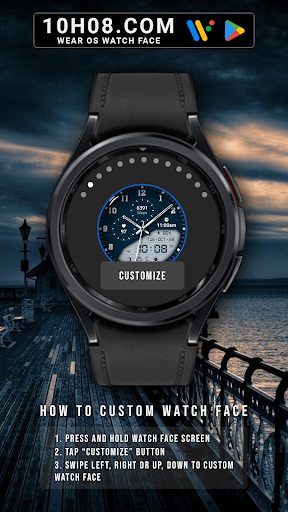
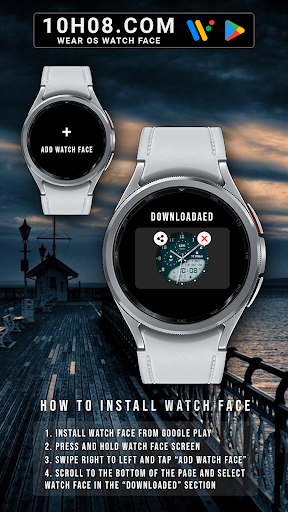
This application supports comprehensive user interaction through intuitive controls. To customize the watch face, users simply need to press and hold the watch face screen, tap the 'Customize' button, and swipe in any direction to access different customization options. The app also allows easy installation via Google Play Store, where users can download the watch face, add it to their device, and select it from the 'downloaded' section.
With compatibility across multiple Wear OS devices and versions (Wear OS 5+ SDK 34+), this watch face ensures broad accessibility. It caters to tech-savvy individuals who value both form and function in their wearable technology, offering a blend of traditional watch design with cutting-edge smartwatch features.
Highly customizable
Wide device compatibility
Rich feature set
Intuitive user interface
Vibrant color options
Requires Wear OS
Premium features may cost extra
Limited to listed devices
Complex for beginners
Battery consumption may increase

Christmas Theme Watch Face for Wear Os
 5.00
5.00
Snowflake Rose Gold Watch Face - Digital, modern, & sleek with GYRO effect.
4.10
Current temperature, weather hourly, weather radar by the weather forecast app
4.40
Contemporary digital watch face with five complications
4.3
Watch face for Wear OS.
4.20
Premium hybrid watch face with many customizations for Wear OS devices.
4.40
A white realistic classic analog watch face with many customization options.
4.40
Fitbit is dedicated to helping people lead healthier, more active lives.
4.10
Control your Samsung Smart TVs, appliances, and SmartThings-compatible devices
4.60
Digital, flexibly customizable watch face. For Wear OS 5.0, API 34+ and later.
5.00
Diet tracker for weight loss - track calories, food and macros. Simple and easy!
4.70
Easy Voice Recorder is your everyday companion to record important moments.
4.70
Real-time results, stats, schedules and player profiles for all leagues
4.60
Fast and smart typing with Emojis, GIFs, and more
4.50
Embrace the holiday spirit with this magical animated watch face!
4.40
Digital watch face. For Wear OS devices.
4.40
Stay in touch with your friends and family using LINE!
3.40
Precision analog watch face with 7 complications and style options
4.2
Hybrid Vibrant Health Watch Face for Wear OS
4.0


User Reveiws