
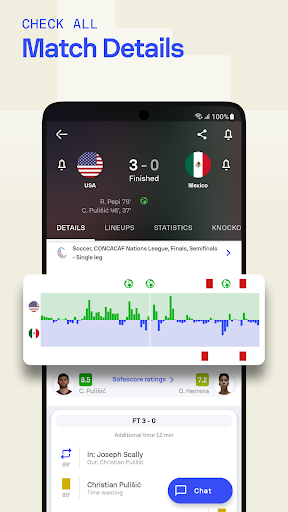
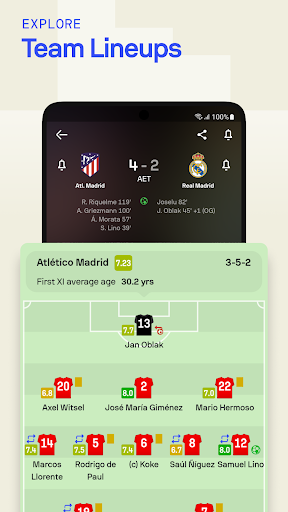
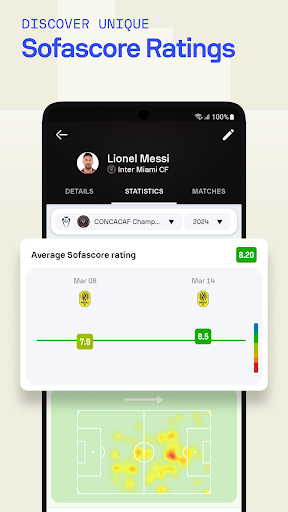

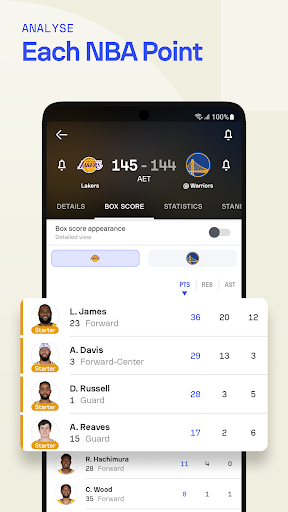

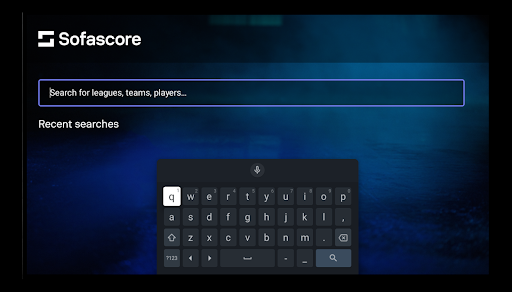
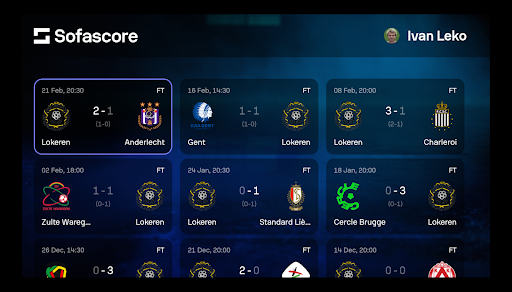
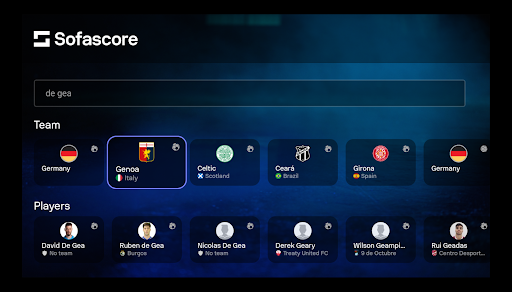
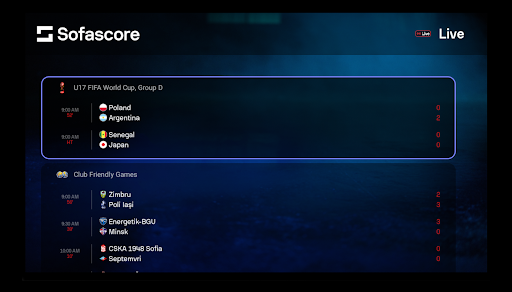
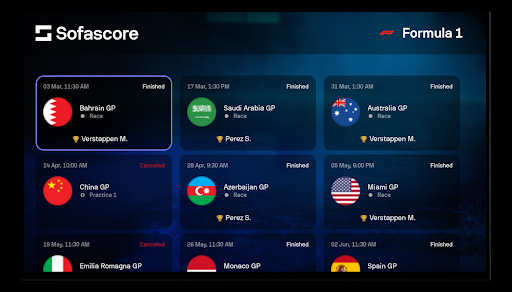
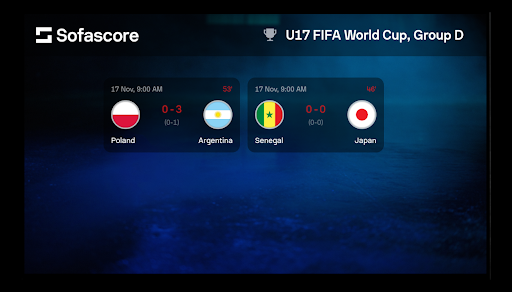
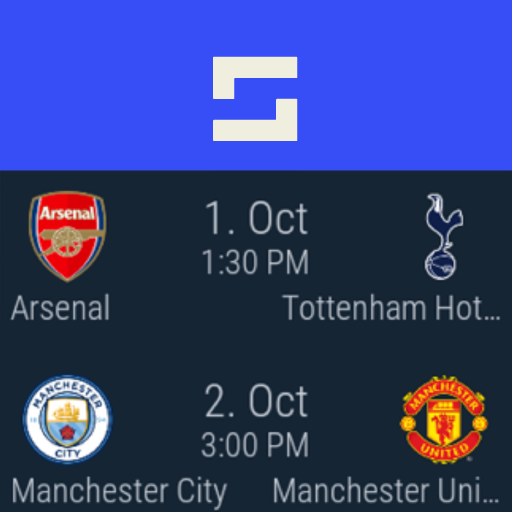
Sofascore is the ultimate sports companion app for Android Wear, providing real-time scores, detailed statistics, and comprehensive sports coverage. Whether you're tracking NBA games, Premier League matches, or NCAA tournaments, this app delivers live updates and advanced analytics right to your smartwatch.
With customizable notifications, heatmaps, and performance charts, Sofascore ensures you stay connected to your favorite teams and players no matter where you are. Its intuitive interface and extensive sports database make it an indispensable tool for any sports enthusiast looking to enhance their game-day experience.
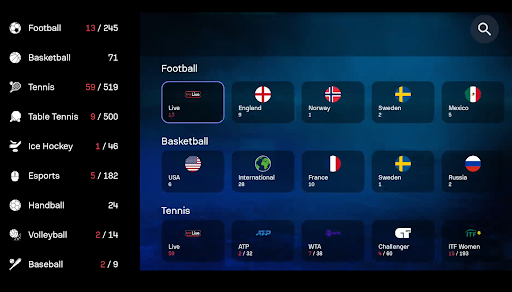
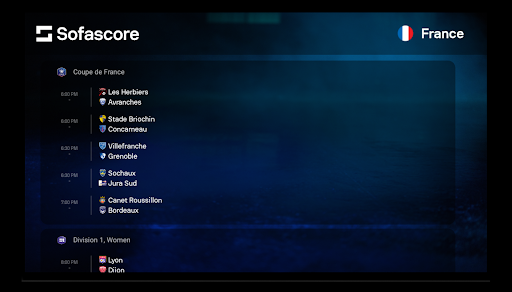
Sofascore stands out with its robust feature set tailored for sports fans. The app provides live score updates across 25+ sports, including football, basketball, tennis, and eSports. With real-time alerts for match events like goals, red cards, and game starts, users can follow the action even when they're away from a screen.
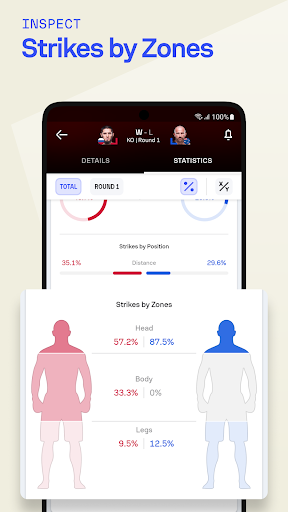
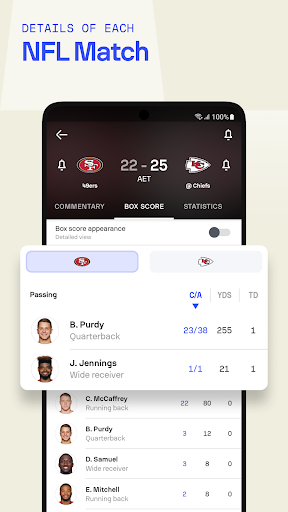
One of the key highlights is the advanced statistics module. Users can access player performance analytics, team comparison charts, and seasonal trends. The data visualization tools, such as heatmaps and shot maps, offer deeper insights into gameplay strategies. Additionally, the app's compatibility with Android Wear ensures that all these features are accessible on the go, making it perfect for fans who need instant updates wherever they are.
Real-time score updates
Advanced analytics
Customizable alerts
Wide sports coverage
User-friendly design
Limited offline functionality
High battery usage
Premium features locked
Notifications can be overwhelming
Interface not beginner-friendly

Calming & relaxing sounds for sleeping and stress relief. Stay focused all day!
 4.20
4.20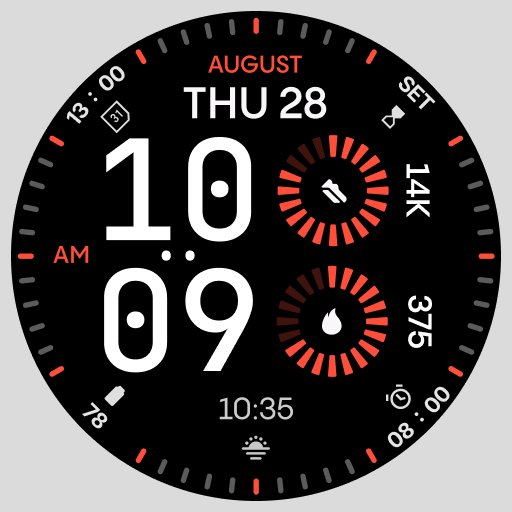
Stunning modern digital watch face with 7 complications and strong contrast
4.4
Easy Voice Recorder is your everyday companion to record important moments.
4.70
Watch face for Wear OS.
4.20
Stylish digital watch face for Wear OS devices with customizable features
4.3
Kia Access makes getting your vehicle information easier than ever
4.60
Period, ovulation & pregnancy tracker. Fertility insights & menstrual calendar.
4.90
A digital watch face that celebrates Christmas.
4.00
Hybrid watch face for Wear OS with customizable complications by Matteo Dini MD
4.70
Hyperlocal rain alerts by MyRadar using patent-pending technology, radar & more
4.80
Your second brain for organizing your life: to-do, calendar, reminder.
4.70
Rose gold watch face with festive lights & customizable features.
4.60
Deck out your Wear OS Watch face with a beautifully decorated pine wreath!
4.50
Premium hybrid watch face with many customizations for Wear OS devices.
4.40
Locate your family members by GPS phone location tracker everywhere and anytime
4.30
Wear Os Watch Face - Animated Snow Effect & Magic Spark - 6 Scenes
4.10
Analog watch face with 8 complications and expedition styling
4.1
A watch face that fuses motorsport precision with contemporary smartwatch design
4.5
Sleek, highly customizable watch face inspired by Galaxy Watch Circle Dashboard.
4.3


User Reveiws