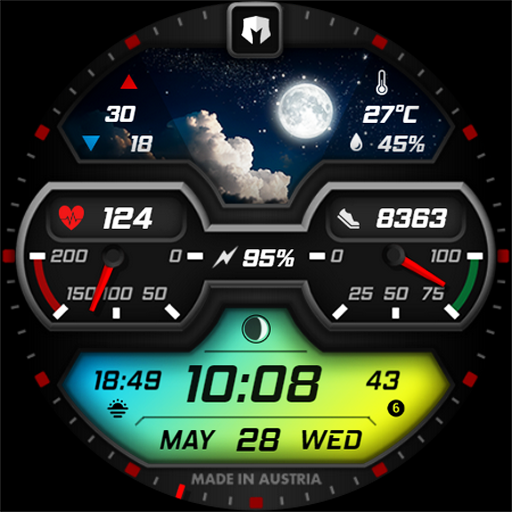

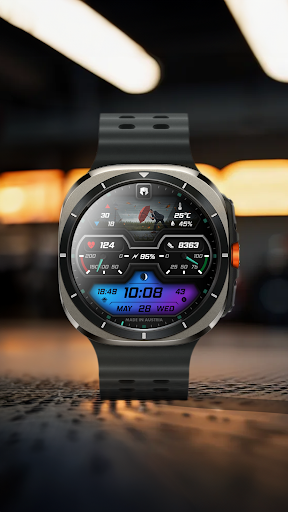
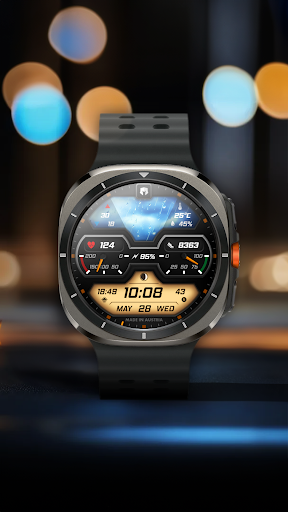
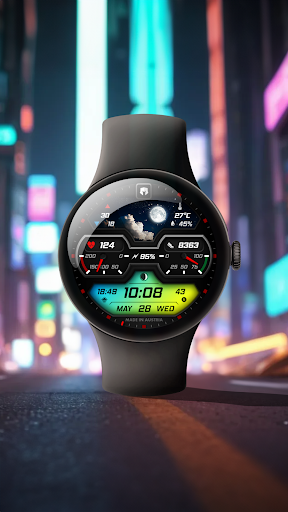
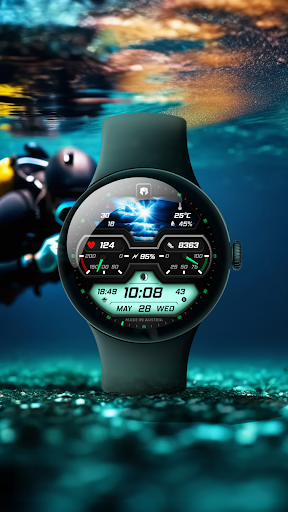
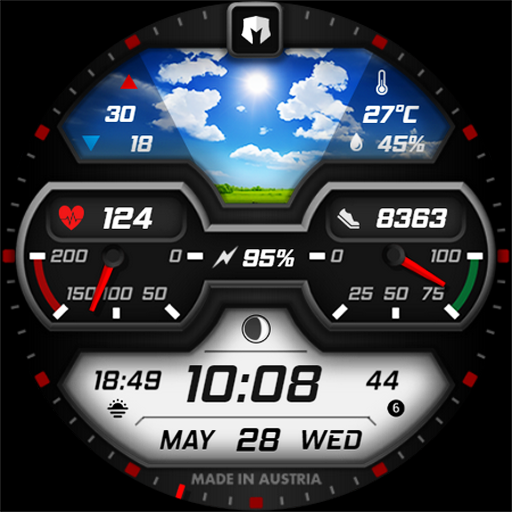
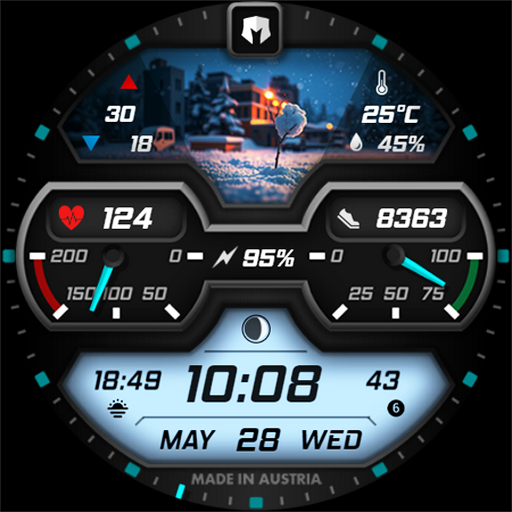
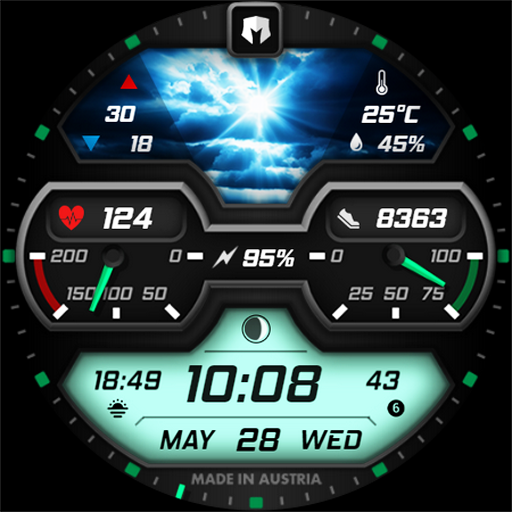
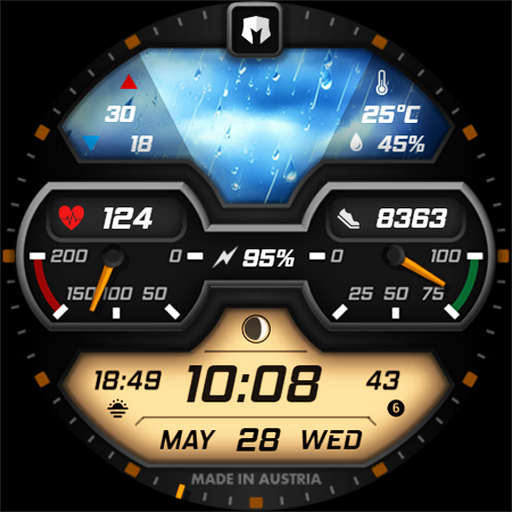
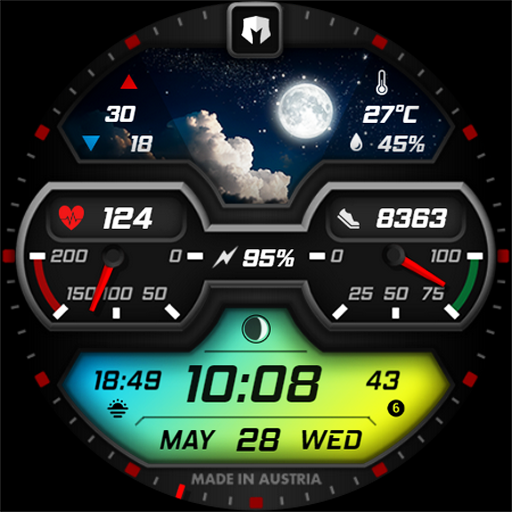
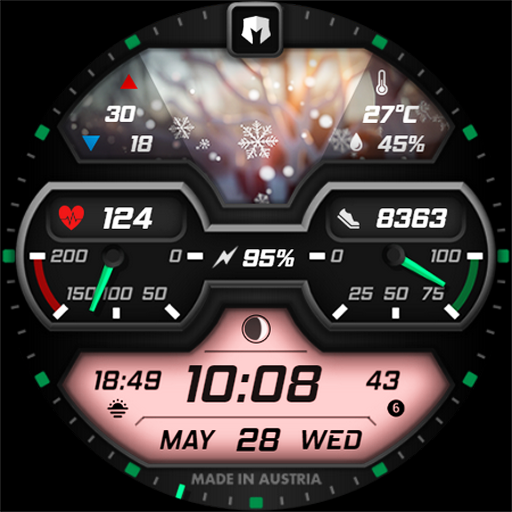
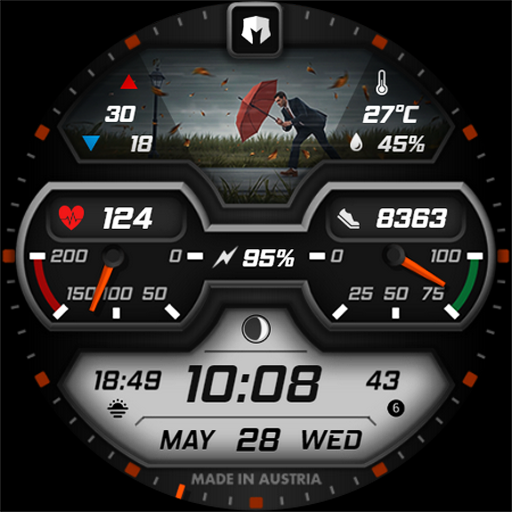
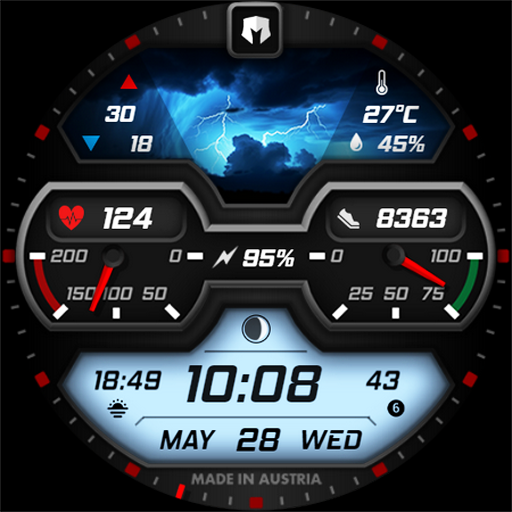
DM148 Vibrant Futuristic Face is a feature-rich WEATHER watch face designed for Wear OS 5+ devices. Developed by Dominus Mathias, this application transforms your smartwatch into a vibrant personal assistant with comprehensive weather tracking and customizable features.
The watch face displays essential complications including digital time, date details (day, month, weekday), health parameters (heart rate, steps), battery percentage, moon phase indicator, and two customizable complications. It also presents nearly 30 dynamic weather images that change based on current weather conditions, day/night status, actual temperature, daily temperature extremes, and precipitation chances.
This app is ideal for users who want both functionality and aesthetics on their smartwatches. With various color combinations available, it offers a personalized experience while keeping you informed about the weather and your health metrics.
DM148 Vibrant Futuristic Face stands out with its rich design and multifunctional capabilities. The app includes all necessary complications such as digital time, detailed date information, health parameters like heart rate and step count, battery percentage, and a moon phase indicator.
One of the key highlights is its dynamic weather display. The watch face showcases almost 30 different weather pictures that adapt to real-time weather conditions, day and night changes, actual temperature, maximum and minimum daily temperatures, and chance of precipitation. This ensures users are always aware of their environmental context.
Customization is another strong suit of this app. Users can choose from an array of color combinations and have two customizable complication slots. These features allow for a personalized and visually appealing watch face that caters to individual preferences while maintaining practical utility.
Rich design
Comprehensive weather tracking
Customizable complications
Health parameter monitoring
Vibrant visual appeal
Limited to Wear OS
Requires Wear OS 5+
Complex customization
Battery consumption
Premium features may cost extra

Walking app for weight loss: walk & step tracker, pedometer, indoor treadmill
 4.60
4.60
Watch the sharpness of the sky on your wrist..
3.70
an Analog Watch Face for winter season with freeze winter background for Wear OS
4.0
Artistic Digital Watchface
4.4
Authentic military-tactical design with ZULU time! Realistic and functional!
3.80
Monitor health with the stress test and pulse checker in the heart rate app.
4.60
To-Do List: daily schedule planner, task organizer, to do reminder app, calendar
4.60
Real-time results, stats, schedules and player profiles for all leagues
4.60
Funny animated watch face for Thanksgiving
4.2
Hyperlocal rain alerts by MyRadar using patent-pending technology, radar & more
4.80
A modern hybrid informative watch face for Wear OS designed by BALLOZI
4.80
The most customizable minimal watch face. For Wear OS 5.0, API 34+ and later
4.70
Connect to your Bluelink equipped Hyundai vehicle from your smartphone.
4.50
Watch face for Wear OS.
4.20
Embrace the festive spirit with our Christmas Countdown watchface for Wear OS
4.10
Structured watch face with seven complications and modular UI elements
3.90
A full-featured Amazon Alexa voice assistant that can show you things.
3.70
Precision analog watch face with 7 complications and style options
4.2
Simple Analog-Digital Watchface For Wear OS 3.0 and Up Smartwatches
4.1


User Reveiws