

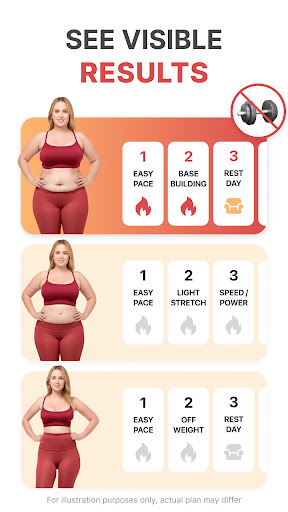


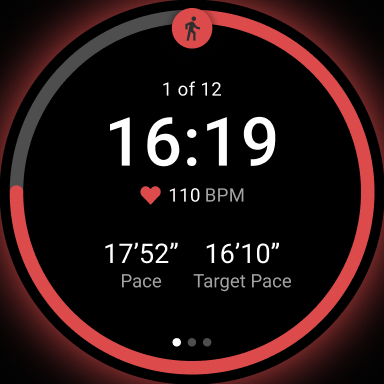

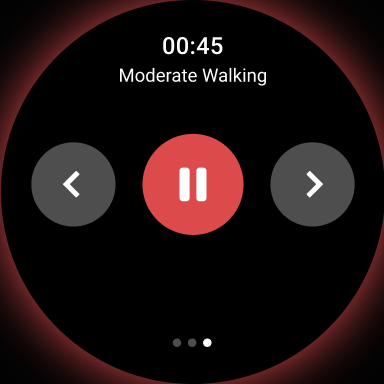
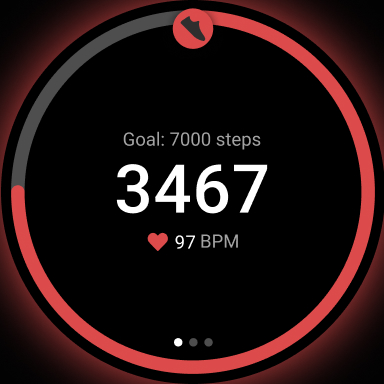
WalkFit is a comprehensive walking app designed specifically for weight loss, combining the functionality of a step counter, pedometer, and personal walk tracker. The app offers customized daily walking plans and indoor treadmill workouts to help users burn calories and achieve their fitness goals. With features like progress tracking, goal setting, and integration with wearable devices, WalkFit provides a complete solution for individuals looking to lose weight through walking.
The app's unique selling point is its personalized approach to fitness. By tailoring walking plans to the user's BMI and activity level, WalkFit ensures that each user can slim down at their own pace while building healthy habits. Whether you're walking outdoors or using a treadmill indoors, the app supports your journey with guided workouts and motivational challenges, making it an essential tool for anyone focused on health and wellness.
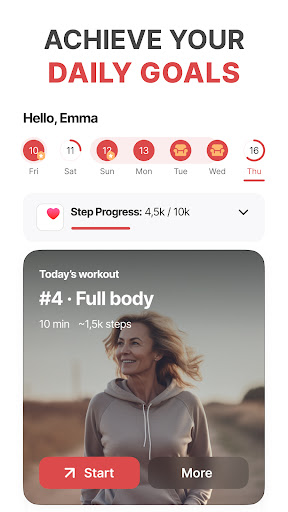
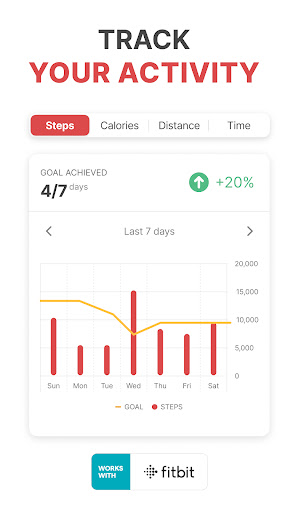
WalkFit stands out with its robust feature set tailored for effective weight management. The app includes a walking tracker that monitors steps, calories burned, and distance traveled, helping users stay committed to their fitness goals. It also offers walking challenges that boost motivation by allowing users to earn achievements as they hit daily and weekly targets.
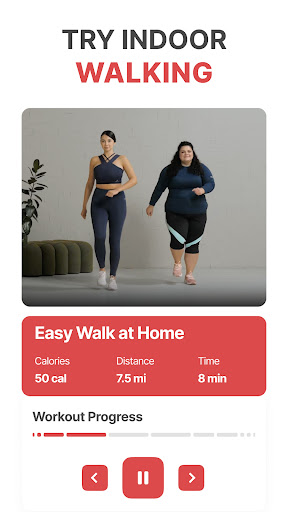
In addition to outdoor walking plans, WalkFit provides indoor walking workouts with video support, including cardio walks and low-impact options. Users can switch to treadmill mode for expert-recommended routines that alternate between steady walking and high-intensity bursts. The app's compatibility with Wear OS devices, Fitbit, Google Fit, and Health Connect ensures accurate tracking and synchronization of key fitness metrics, making it a versatile tool for both casual and serious walkers.
User-friendly interface
Customizable walking plans
Integration with multiple devices
Motivational walking challenges
Comprehensive progress tracking
Premium features require subscription
Limited free content available
Indoor workouts need equipment
Occasional syncing issues reported
Additional add-ons may incur extra costs

WTW M17 is a premium and luxurious hybrid watch face
 4.70
4.70
Wear Os Watch Face - Animated Snow - Sesonal for Christmas & Winter
4.4
Christmas is near, let's count together the days left until Santa comes
4.4
Contemporary digital watch face with five complications
4.0
Simple Analog-Digital Watchface For Wear OS 3.0 and Up Smartwatches
4.2
Bold, Modern Hybrid Watch Face for Wear OS. 10 Colors, Rich Info Display.
4.30
Kia Access makes getting your vehicle information easier than ever
4.60
Find EV charging stations
4.30
Toyota app currently supports 2010 or newer vehicles (2018 or newer for Hawaii).
4.50
Period, ovulation & pregnancy tracker. Fertility insights & menstrual calendar.
4.90
Premium hybrid watch face with many customizations for Wear OS devices.
4.40
"PER27 Galaxy Digital" is a digital Wear OS watch face designed by PERSONA
4.10
Embrace the festive spirit with our Christmas Countdown watchface for Wear OS
4.10
Wear Os Watch Face - Animated Snow Effect & Magic Spark - 6 Scenes
4.10
Connect, create, and collaborate with Gmail, part of Google Workspace.
4.10
Viewer for Wyze/Yi/Eufy/Arlo/ONVIF/RTSP/P2P IP cams w/ adv. features & DIY DVR
4.00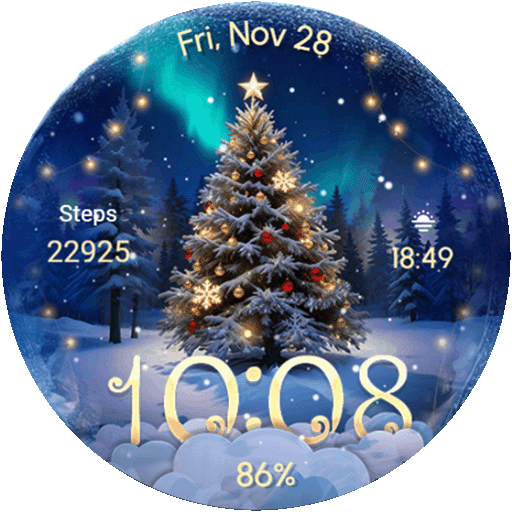
Wear Os Watch Face - Animated Snow Effect & Christmas Lights
4.3
3 Complications. All shadow on/off. 30 Themes color palette...
4.5
Fitness interactive virtual pet super fighter boy watch face
4.5


User Reveiws